


HALLOWEEN SALE — 30% off all plugins
Arams: AI photo analysis, smart culling and retouching
All-in-one AI editor
Download AramsTry AI Retouching now
All you need to edit and organize your photos — in one place.
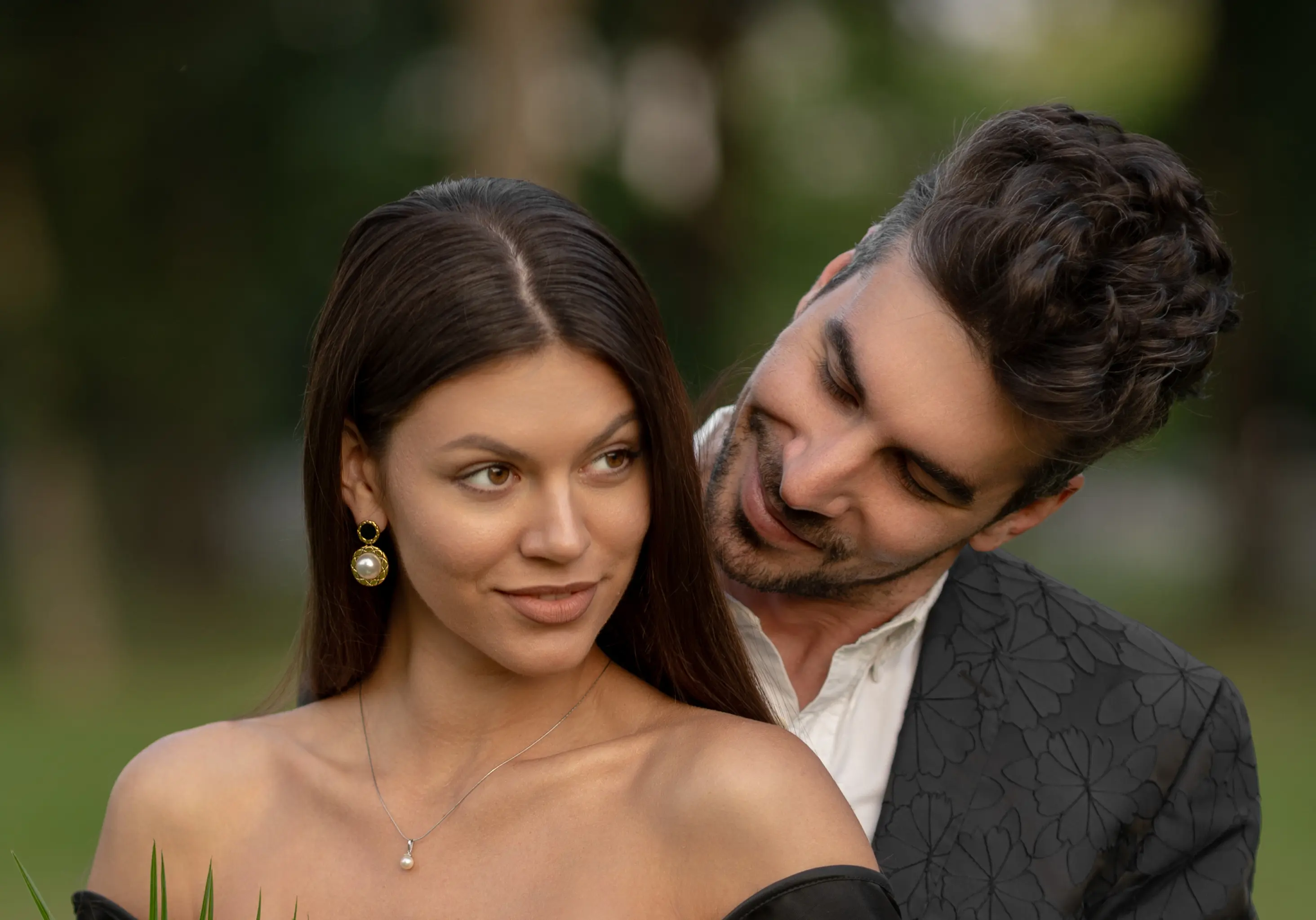
Portrait & Beauty
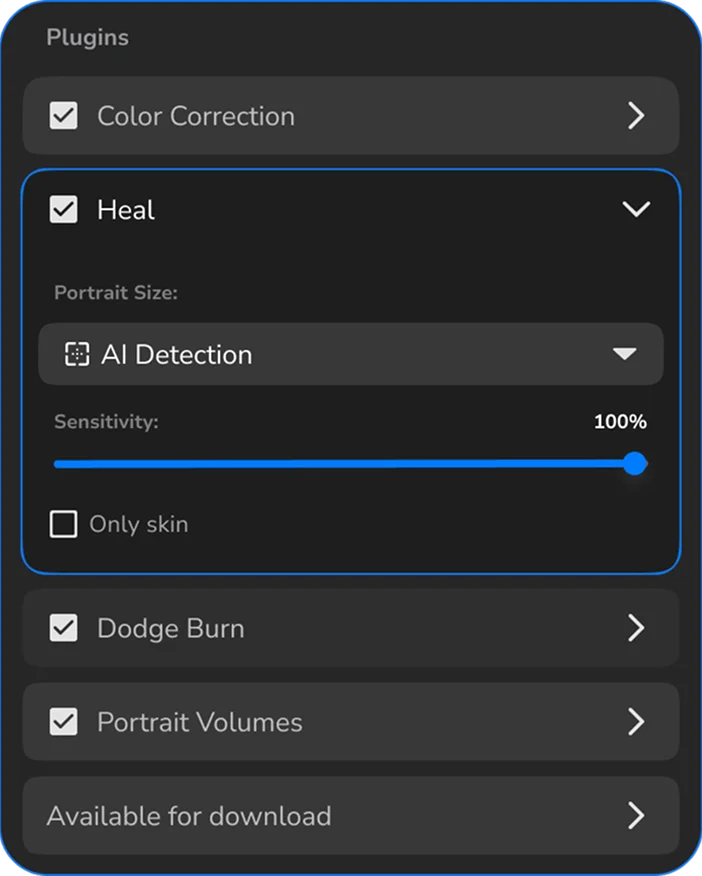
- Heal
Fixes skin defects
- Mattifier
Fixes shiny skin areas
- Dodge & Burn
Smooth trouble skin
- Portrait Volumes
Adds extra depth

Portrait & Beauty
- Heal
Fixes skin defects
- Mattifier
Fixes shiny skin areas
- Dodge & Burn
Smooth trouble skin
- Portrait Volumes
Adds extra depth
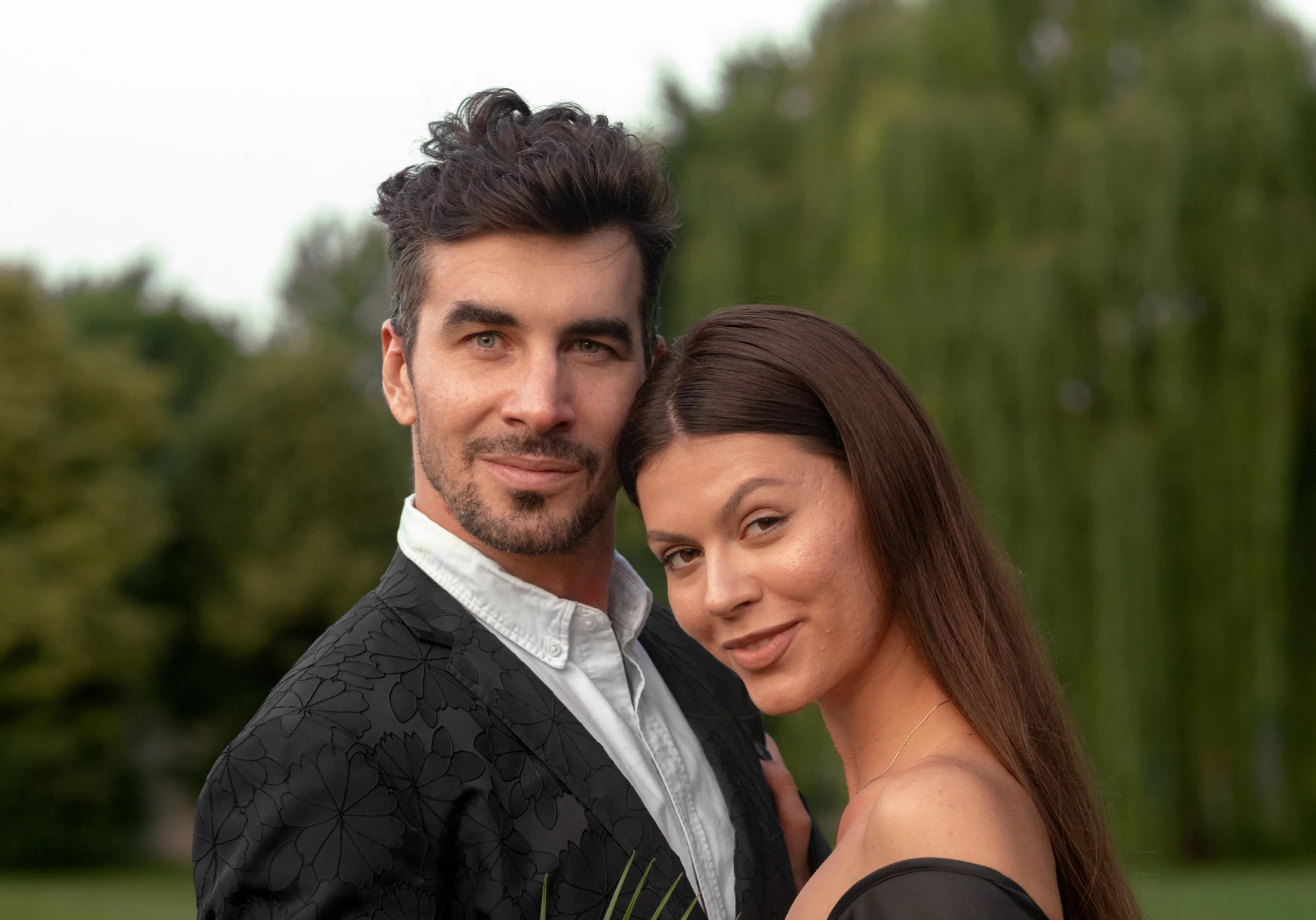
Portrait & Beauty
- Heal
Fixes skin defects
- Mattifier
Fixes shiny skin areas
- Dodge & Burn
Smooth trouble skin
- Portrait Volumes
Adds extra depth
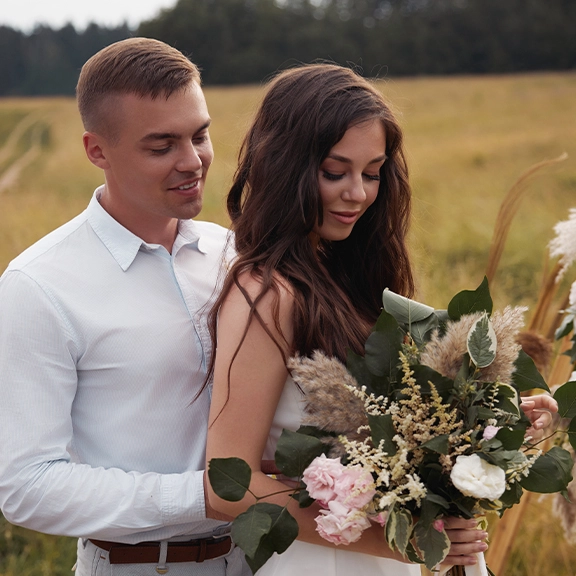
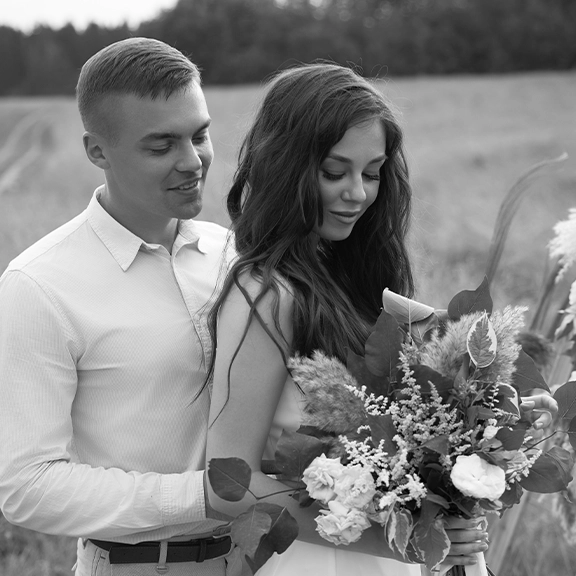
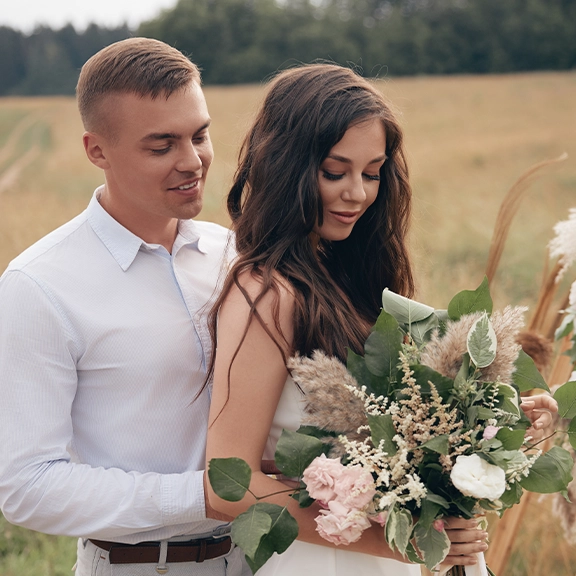
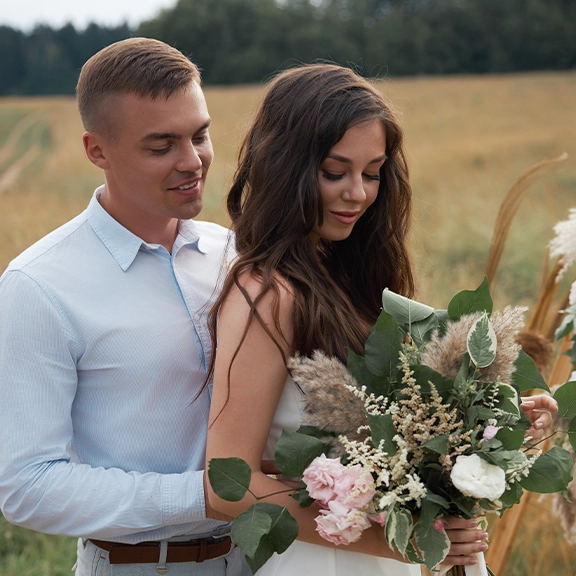
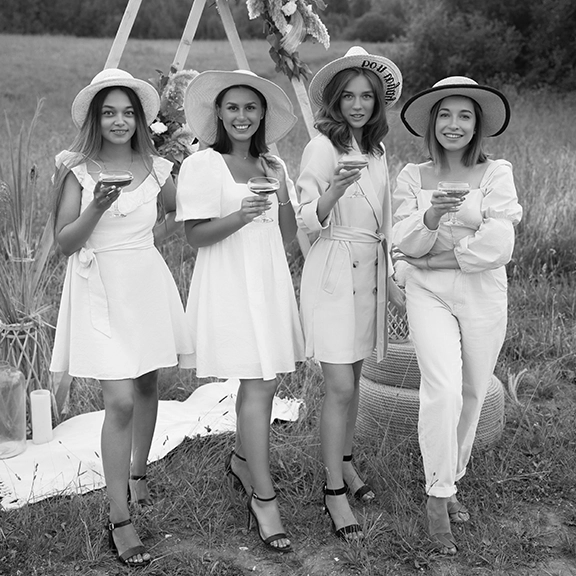
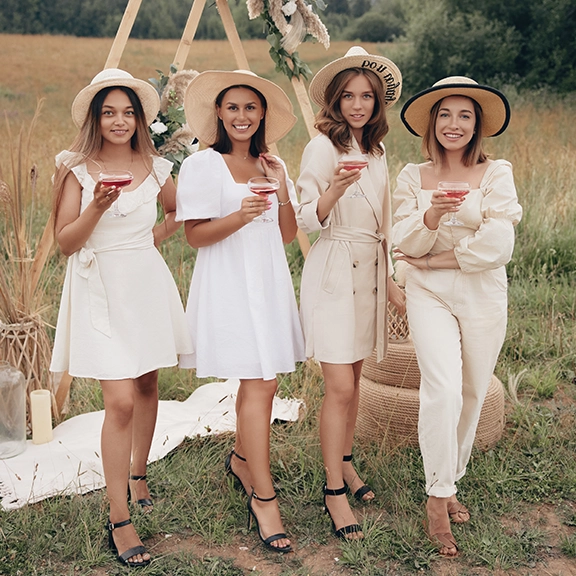
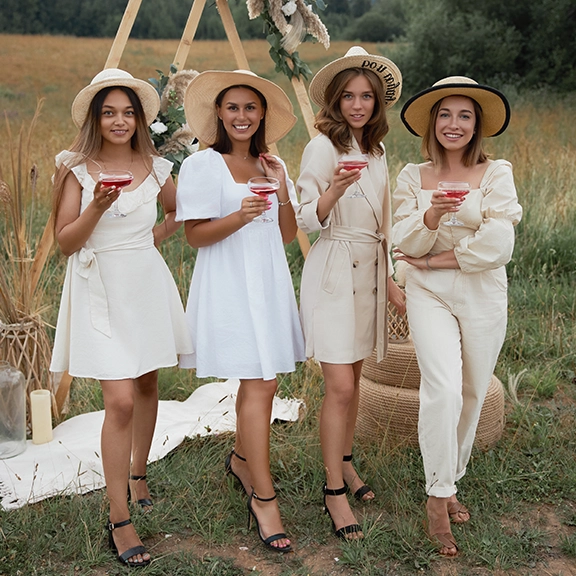
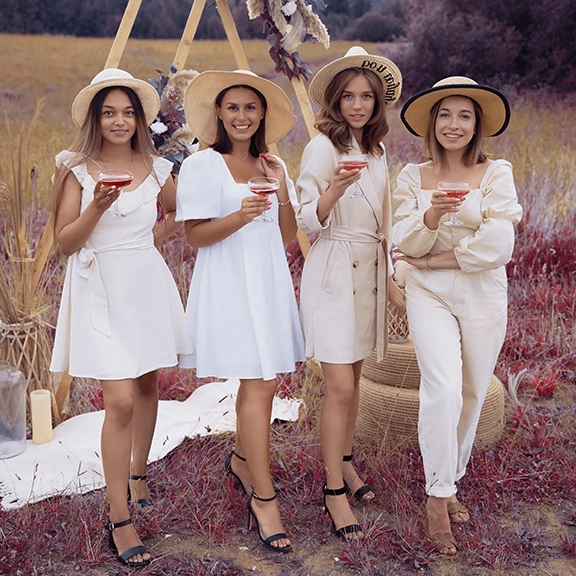
Batch processing in one click
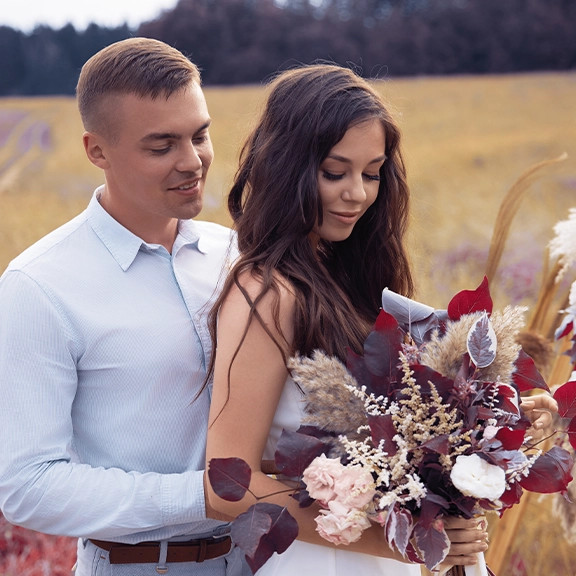
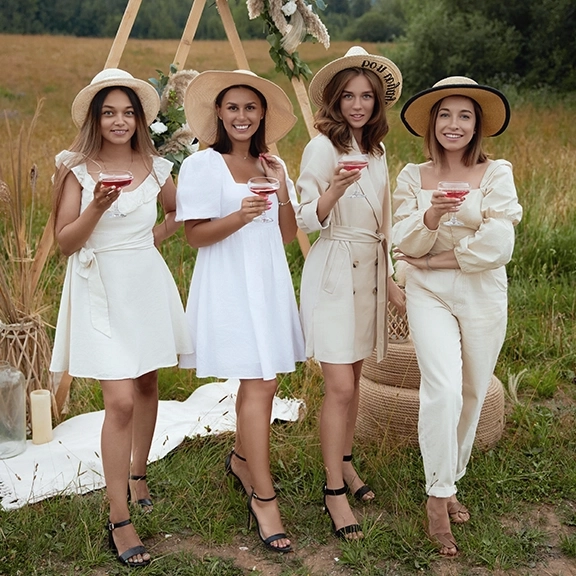
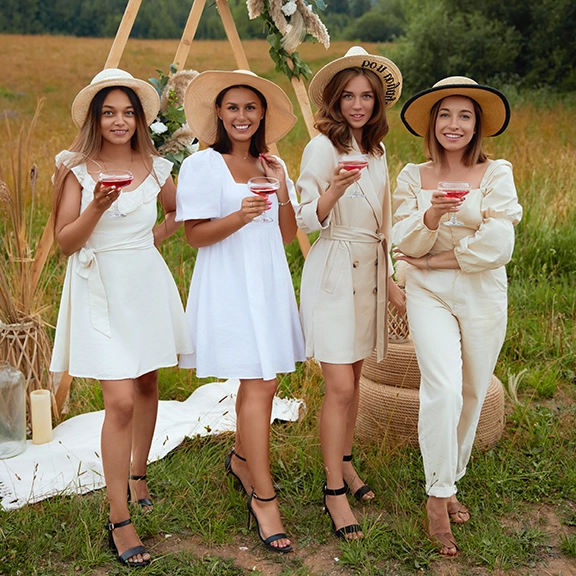
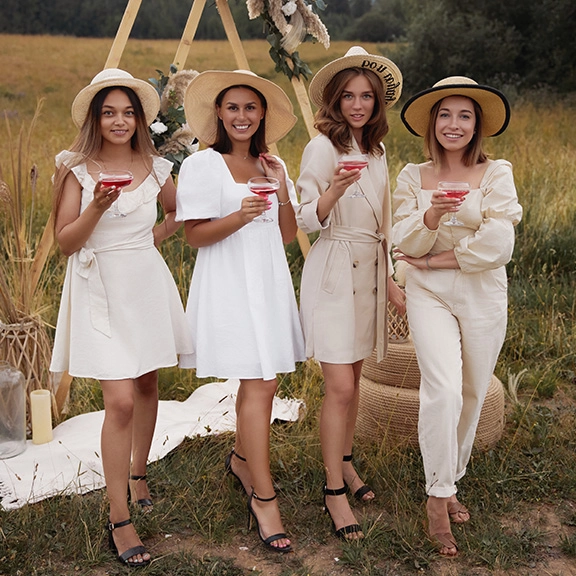
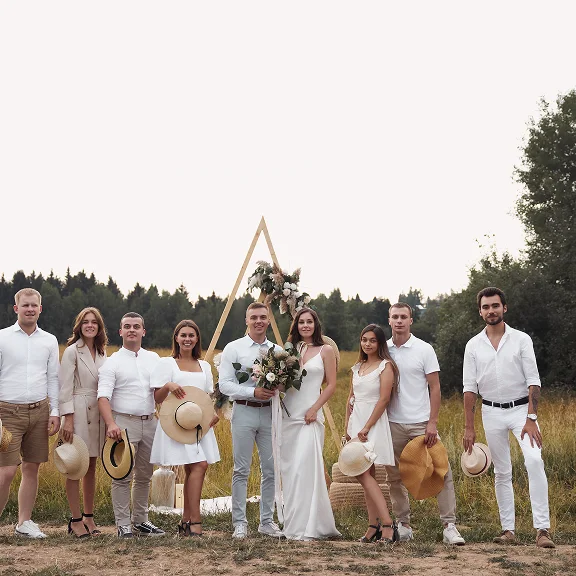
Arams applies the selected settings to the entire series — precisely and conveniently. It works equally well for individual and group shoots, allowing you to use different retouching settings for men and women within the same processing.


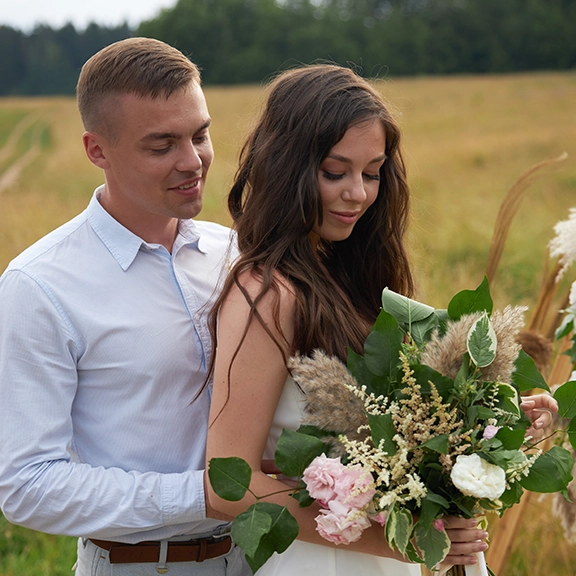
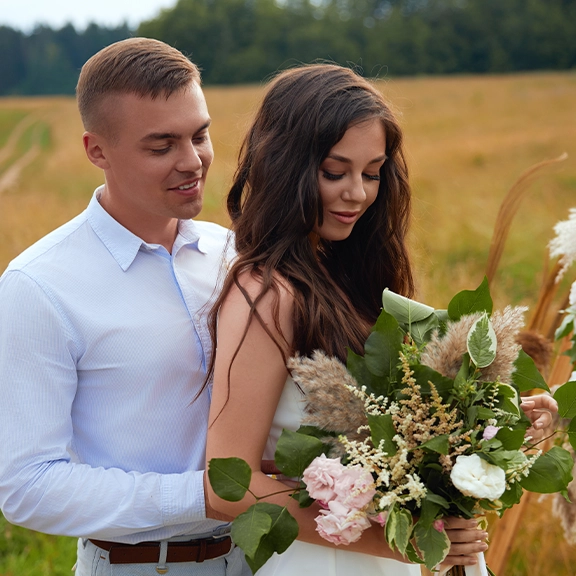
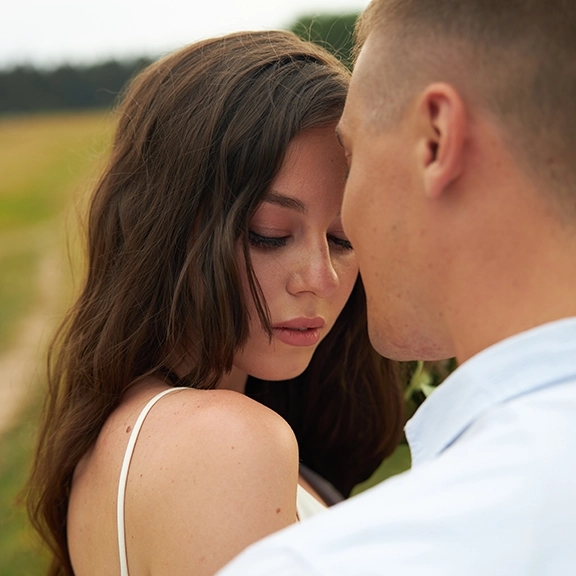

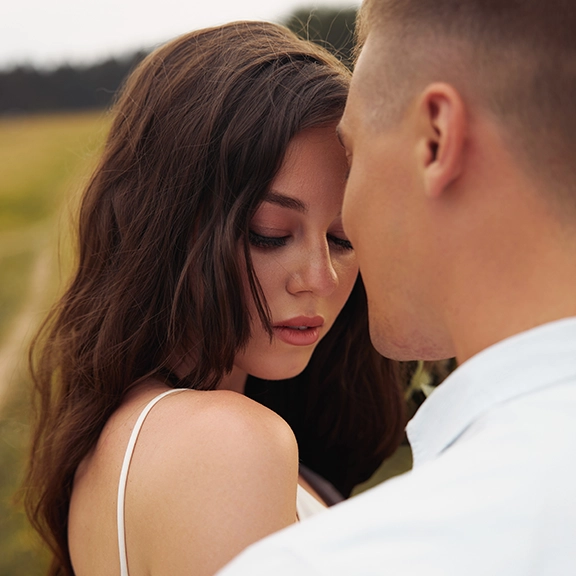
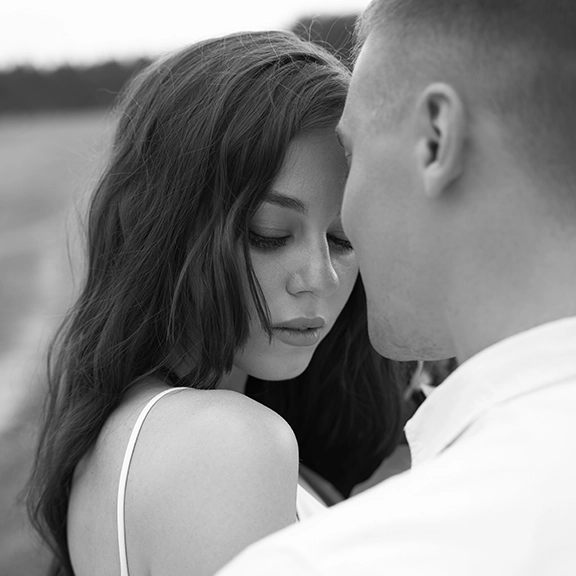
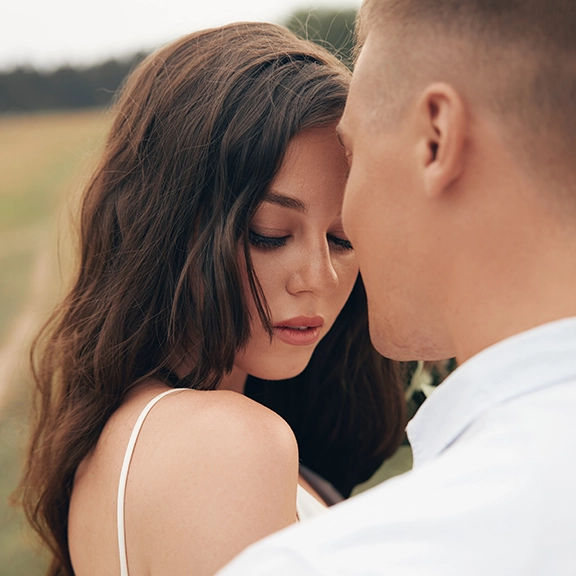
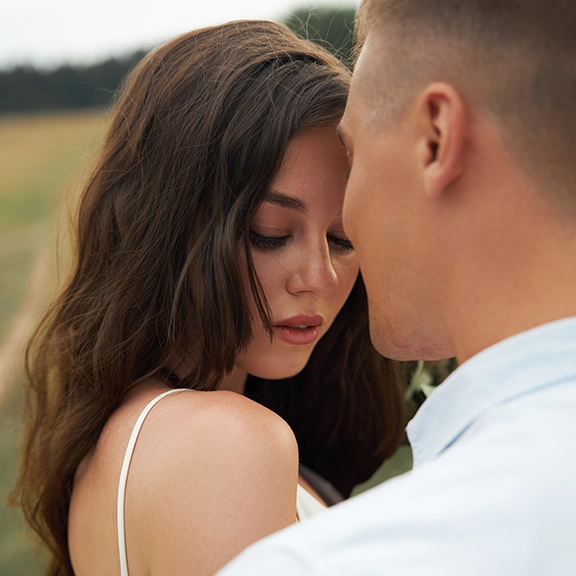
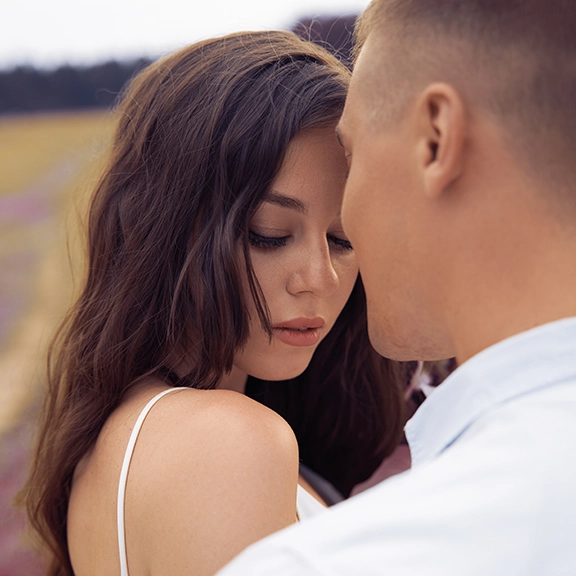
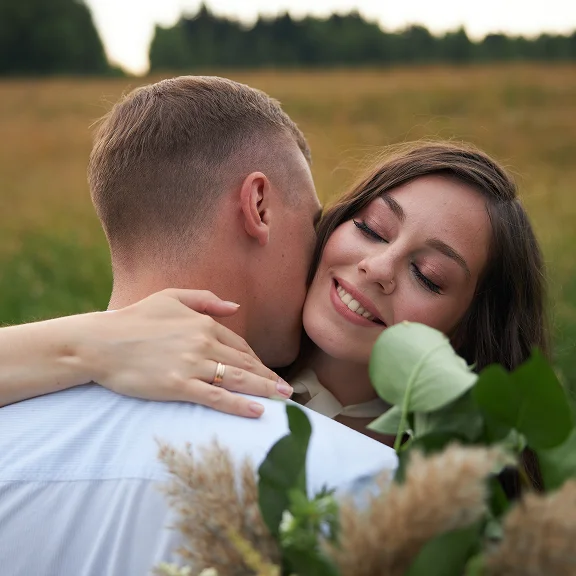
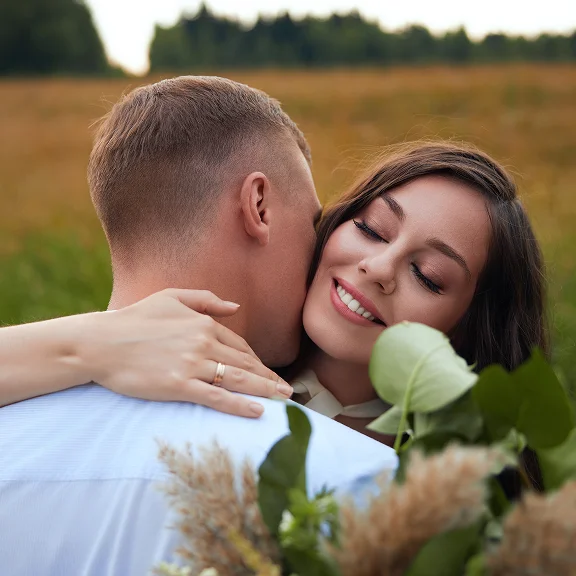
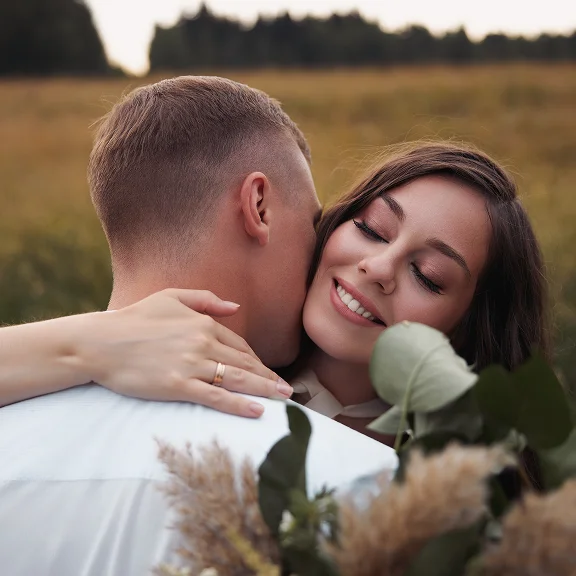
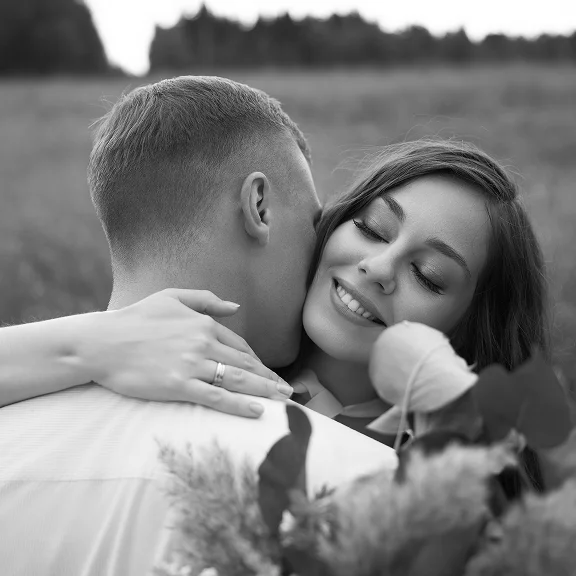

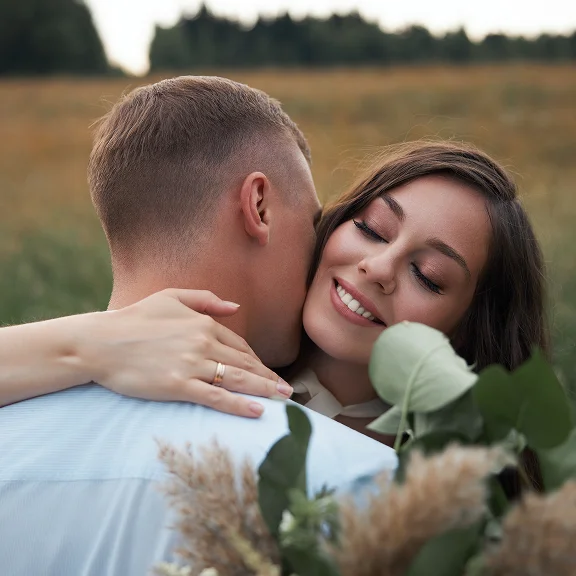
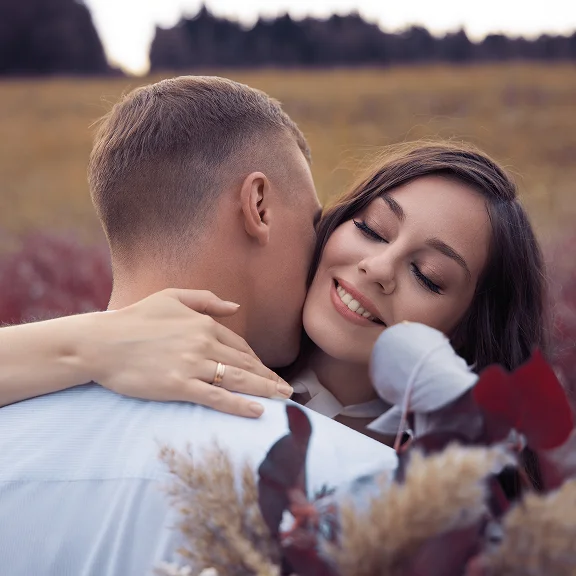
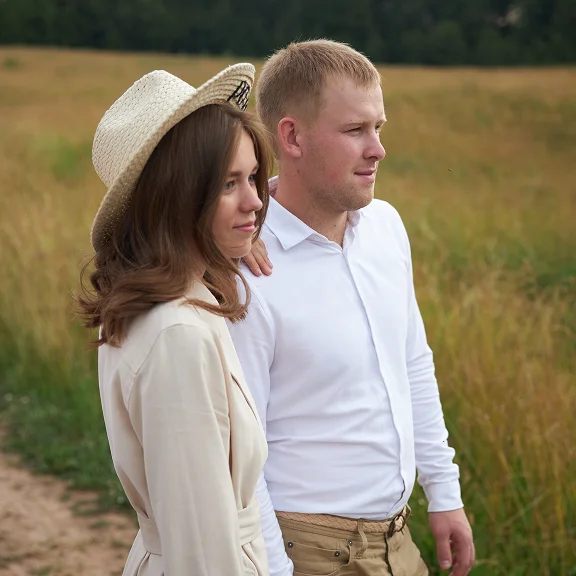
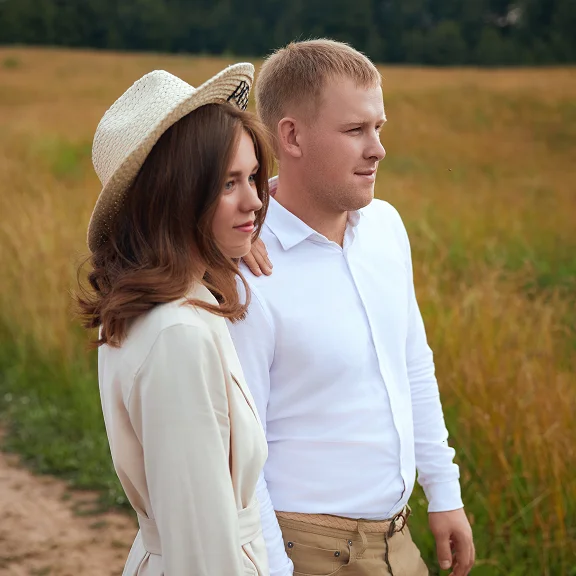
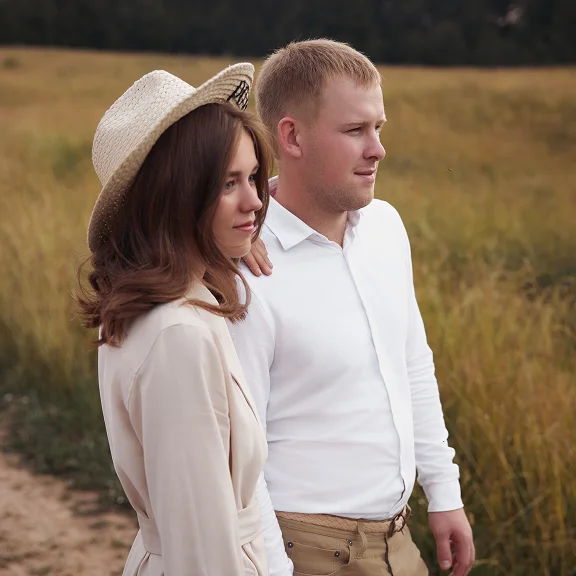
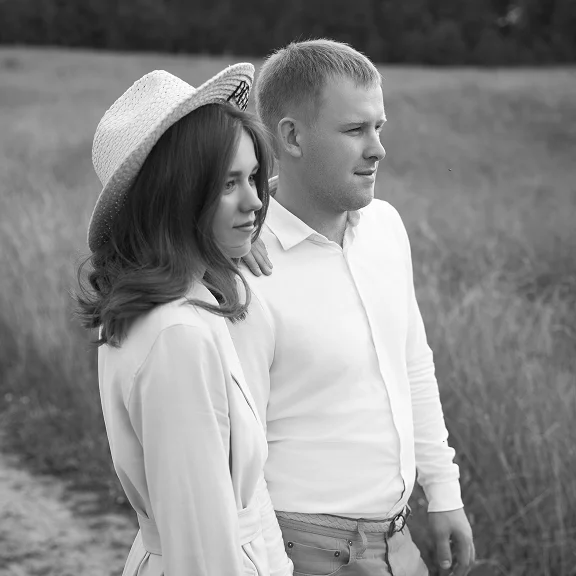
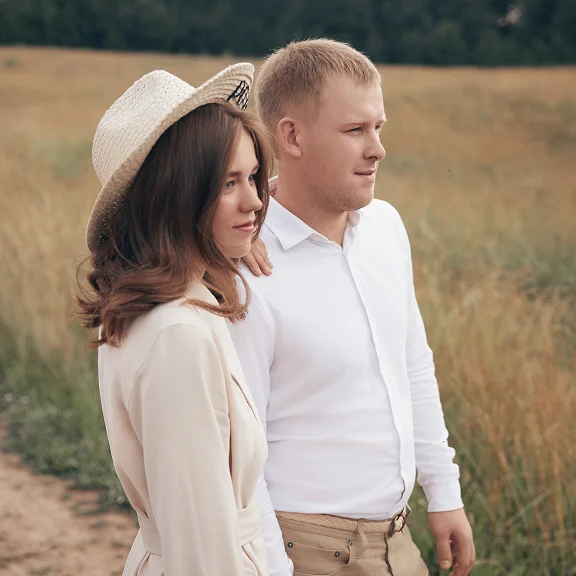
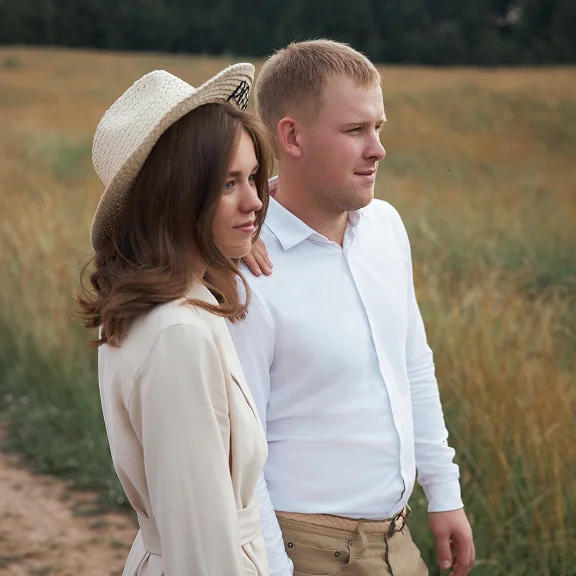
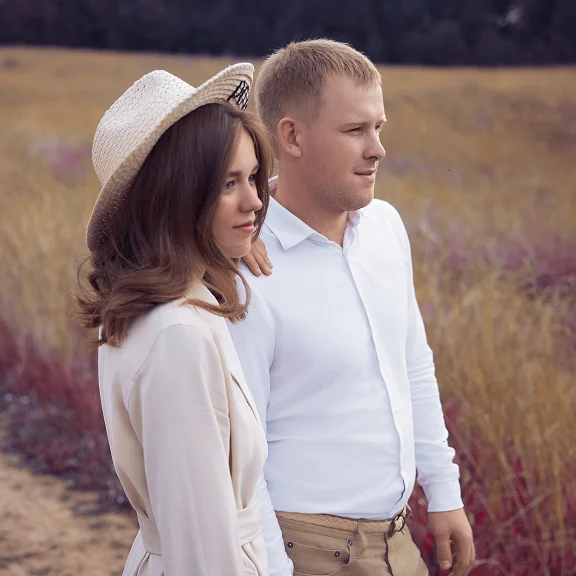


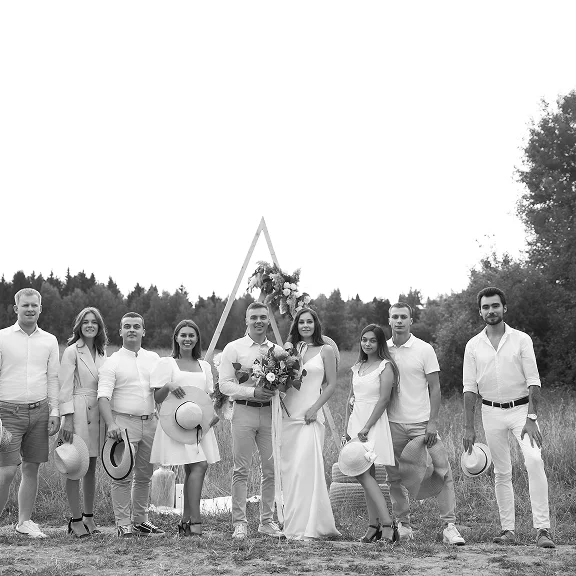
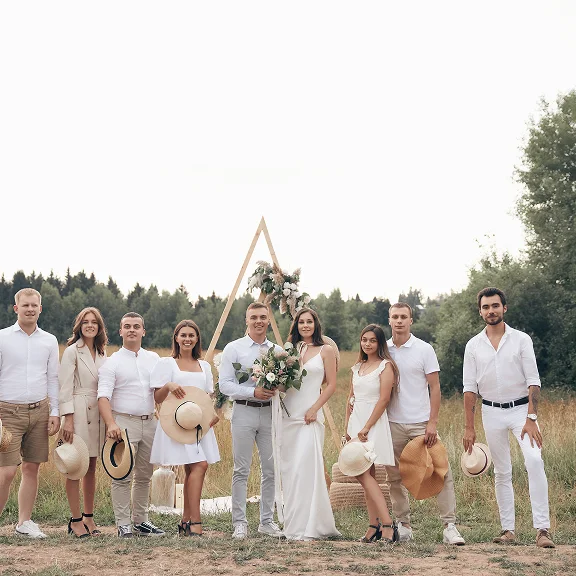

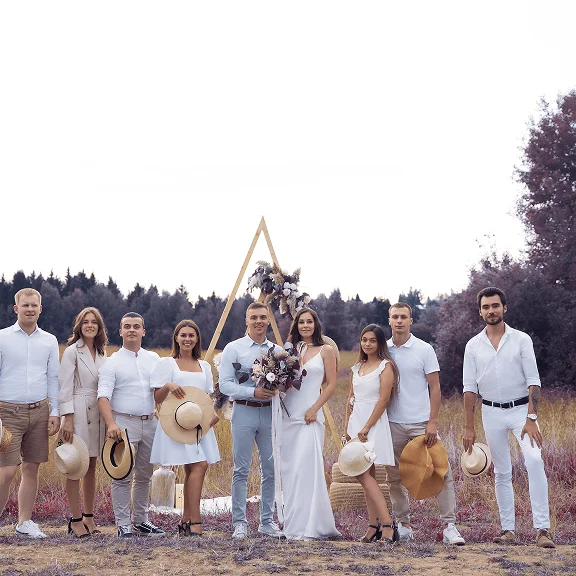
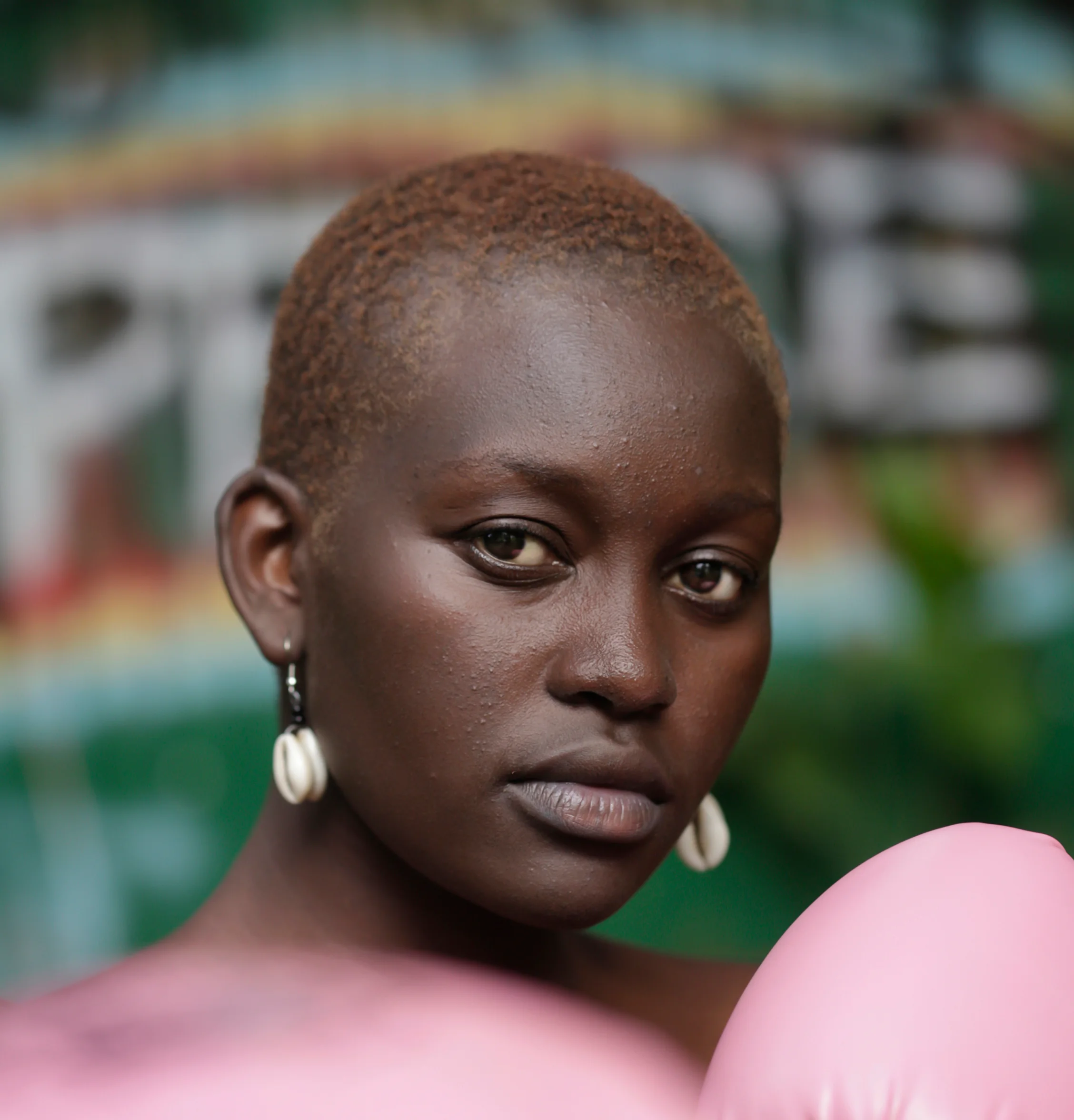
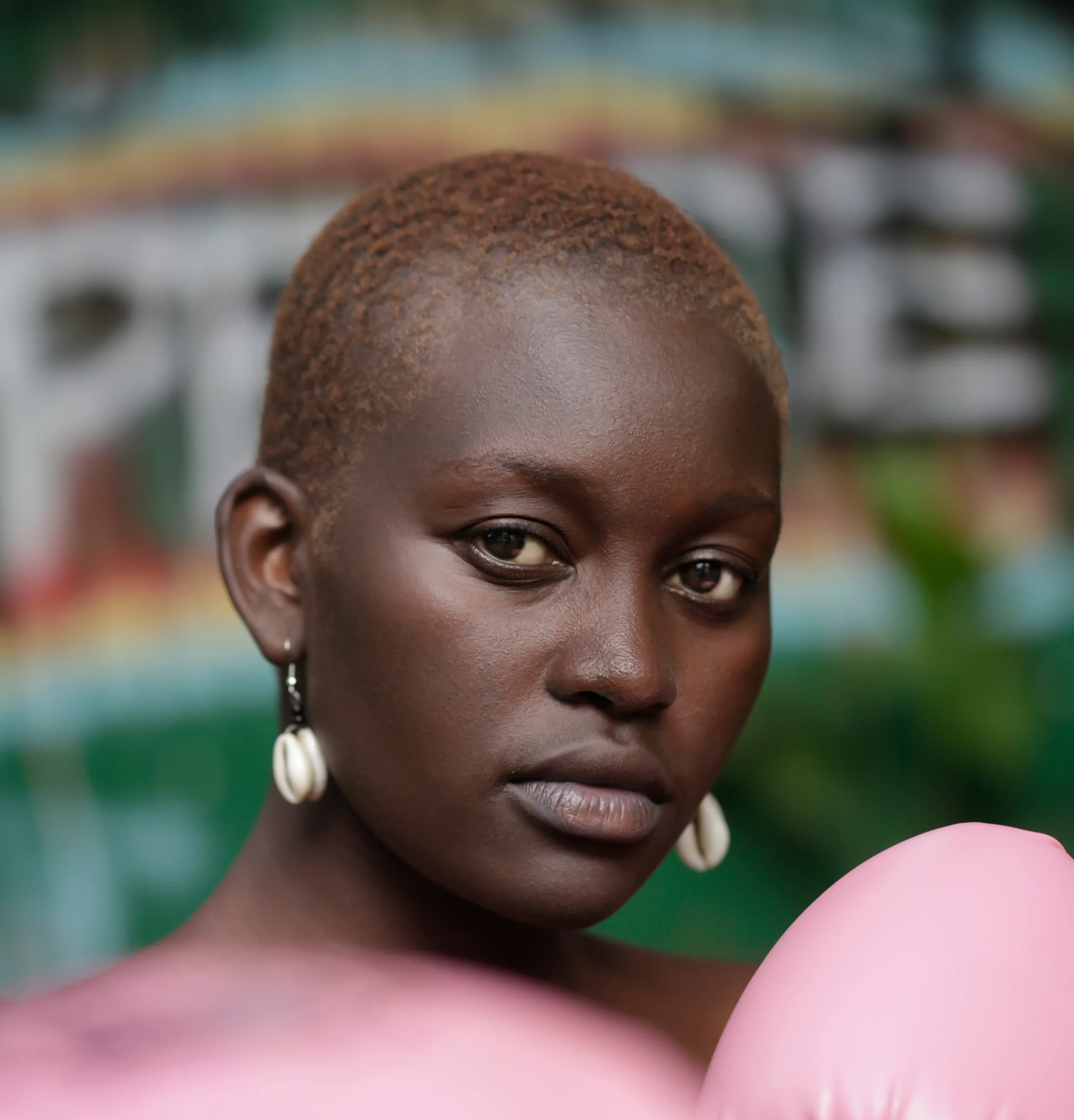
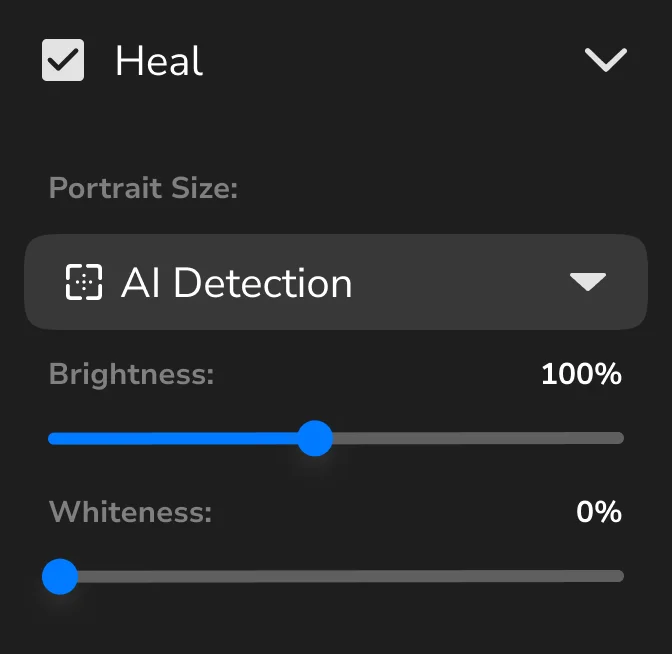
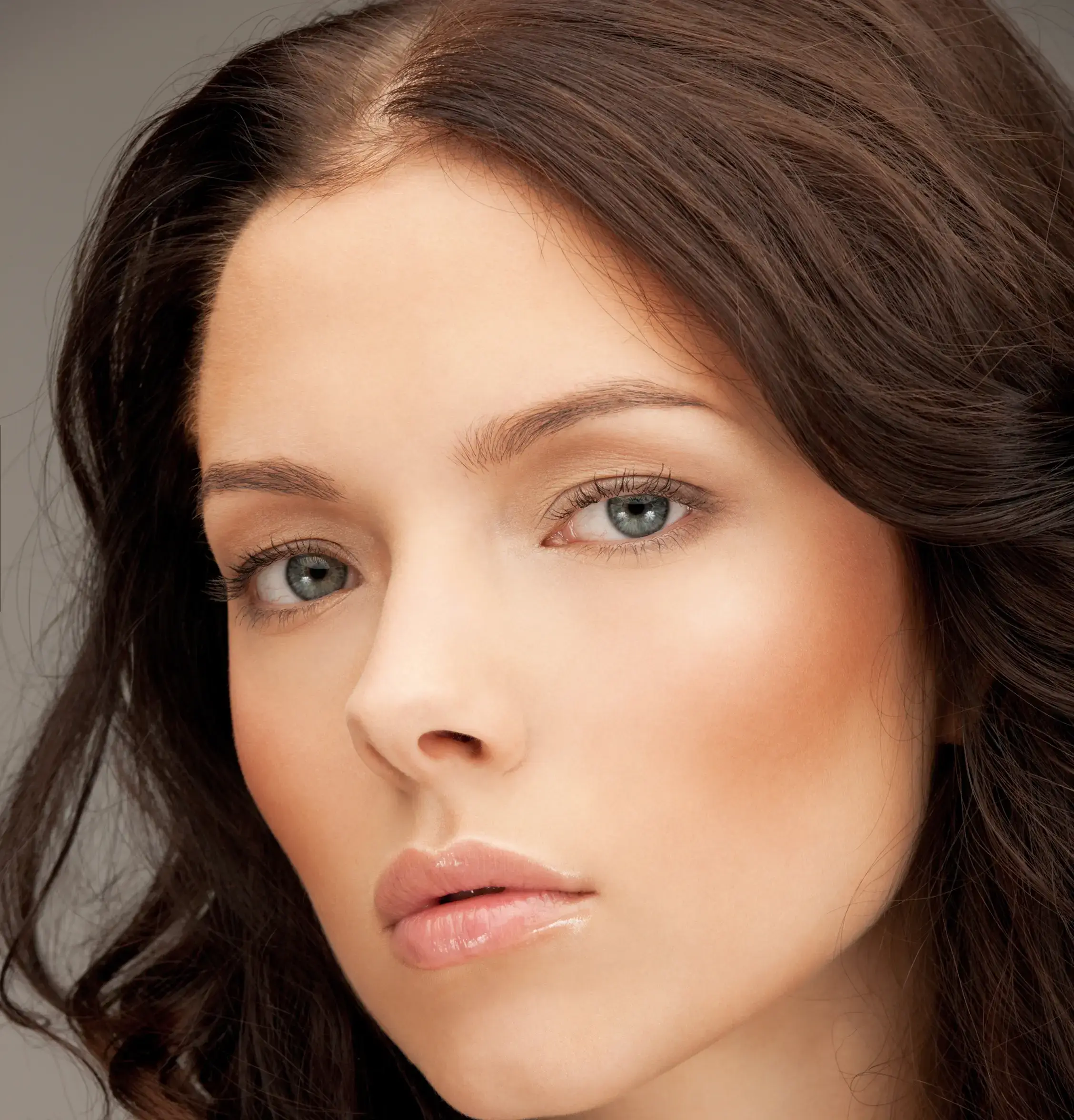
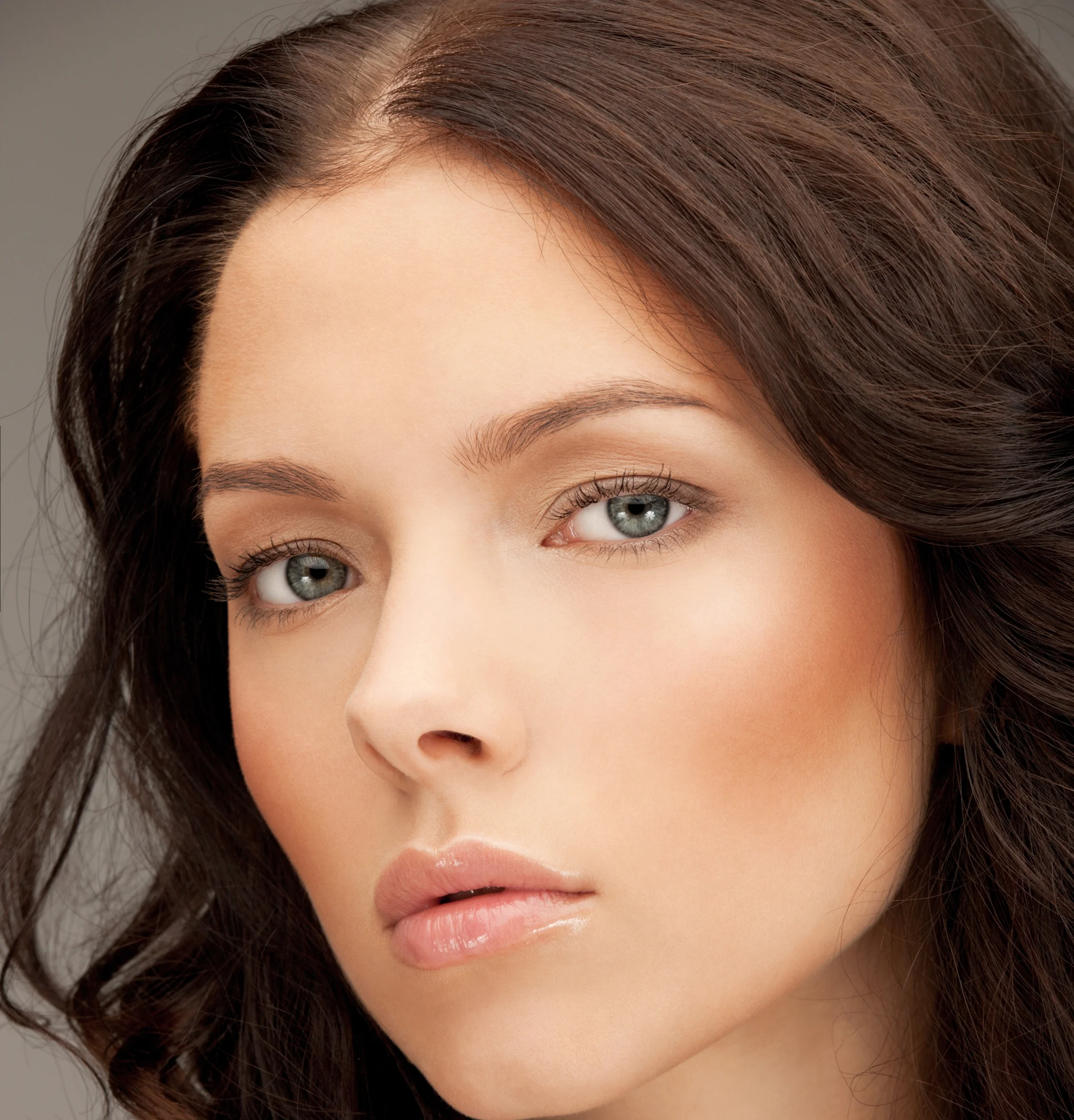
Heal
Removes skin imperfections
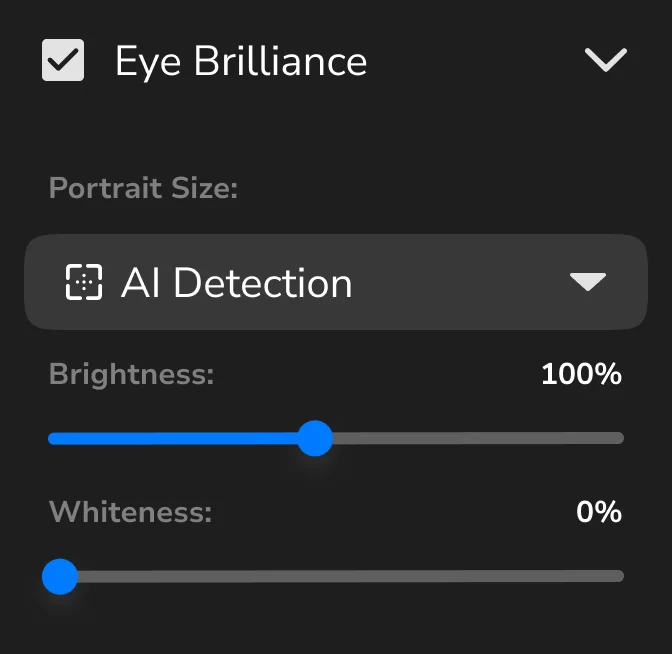
Eye Brilliance
Brightens the eyes
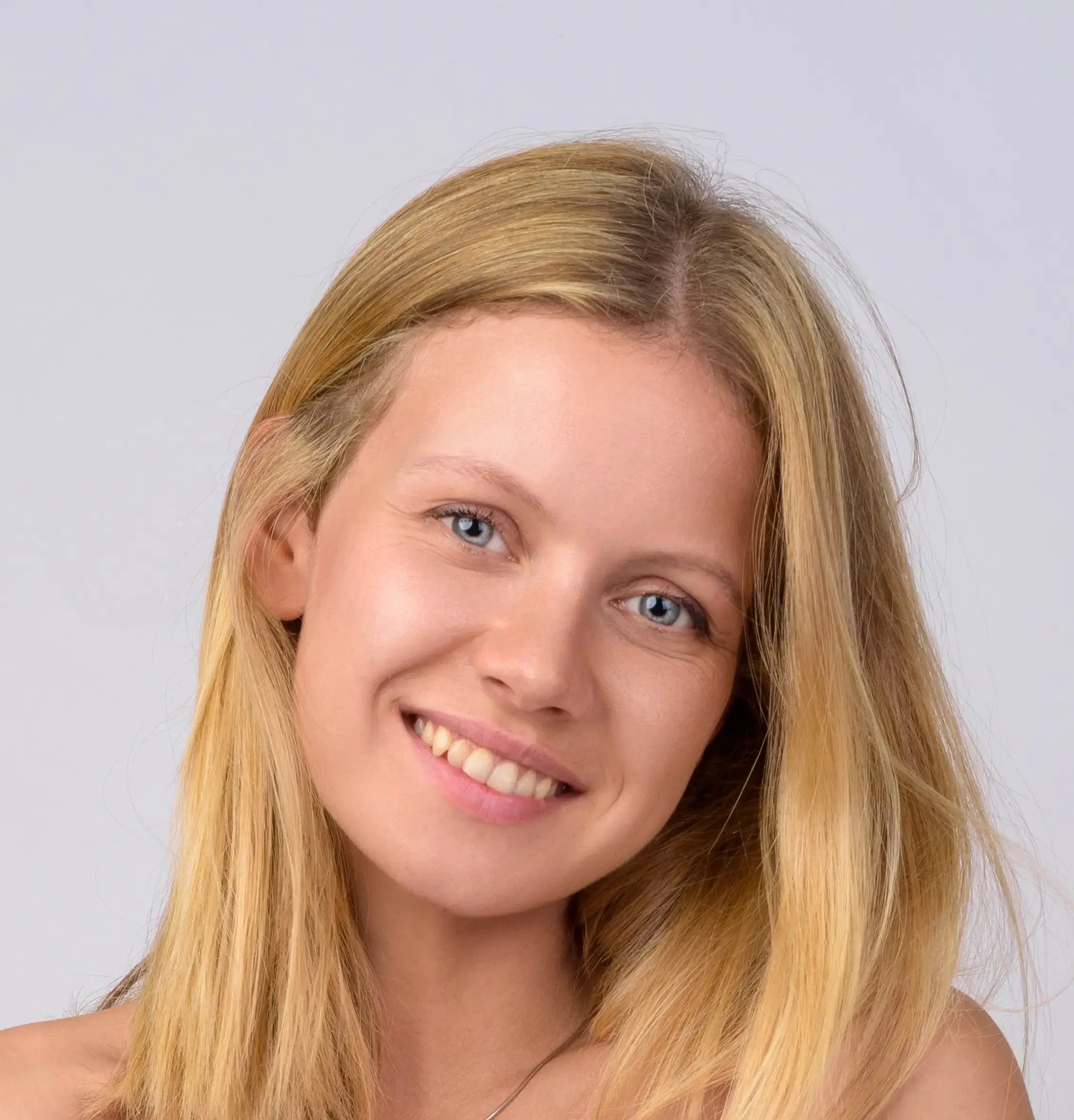
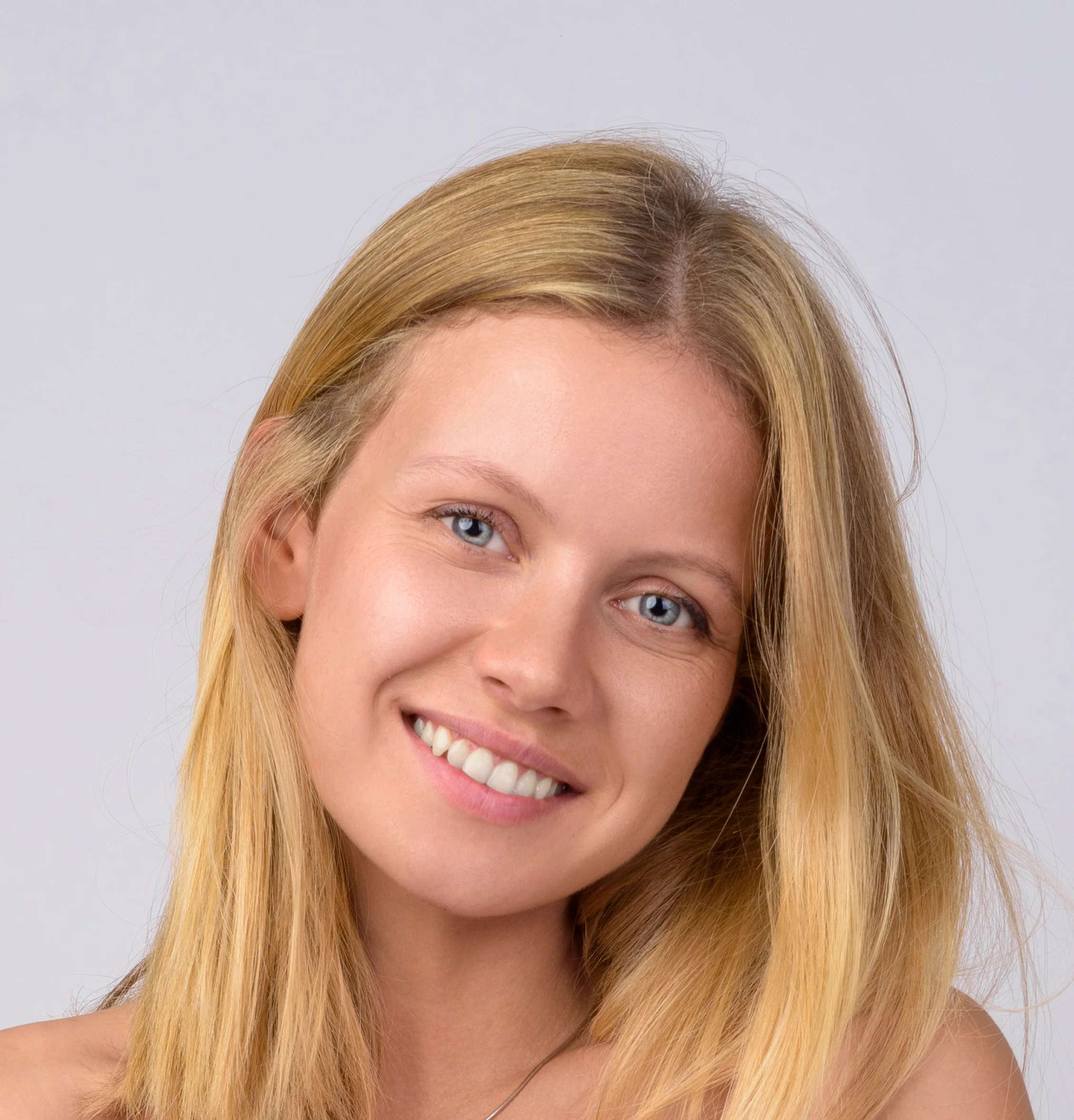
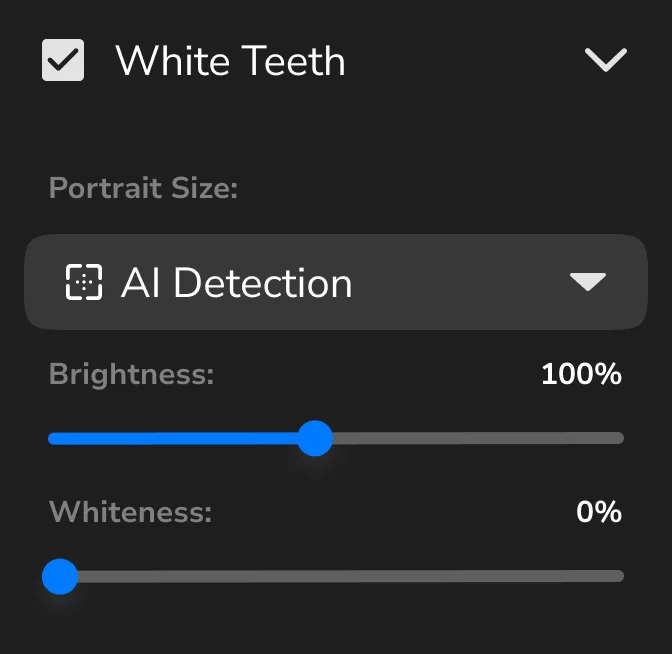
White Teeth
Brightens and whitens teeth
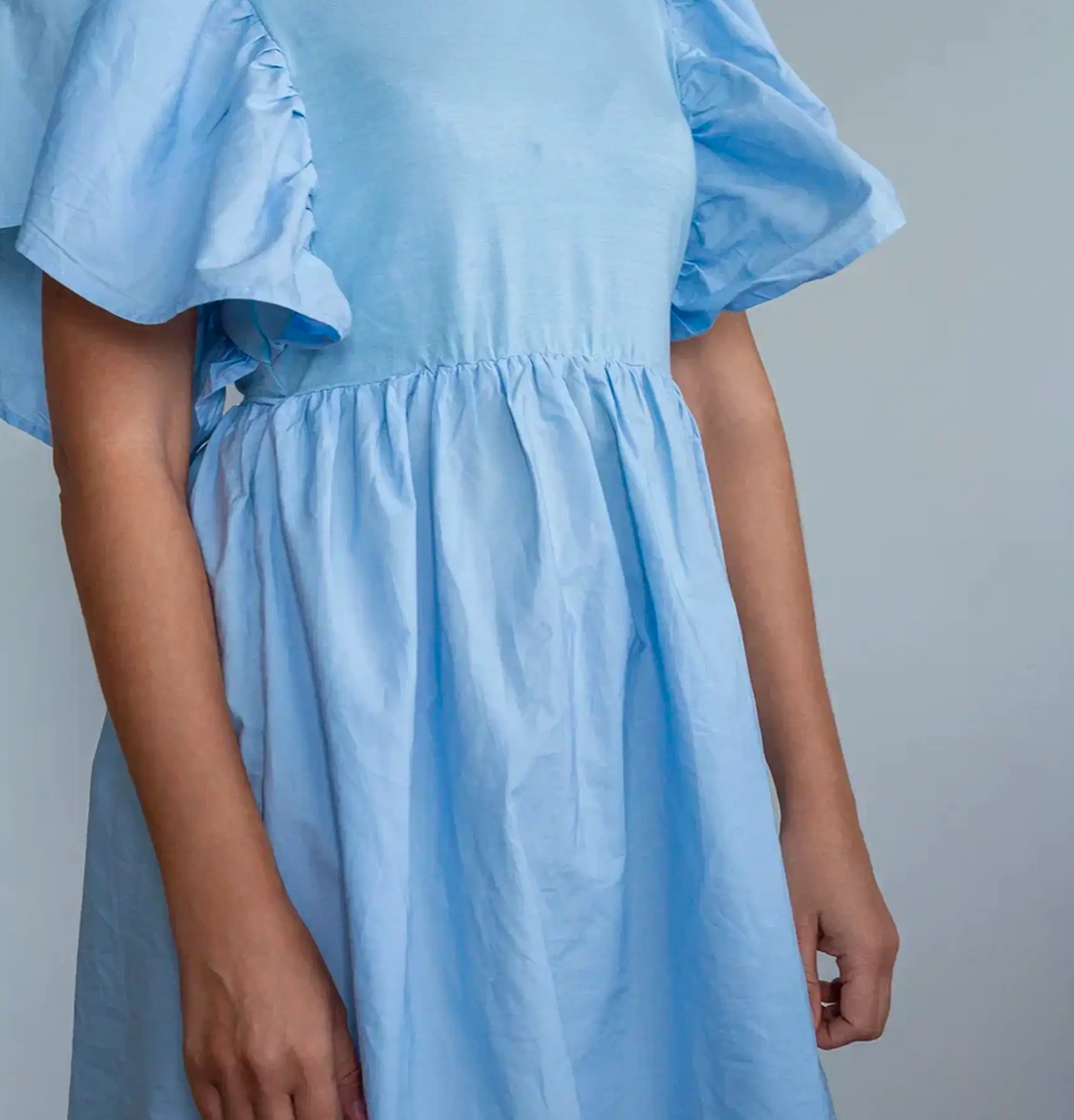
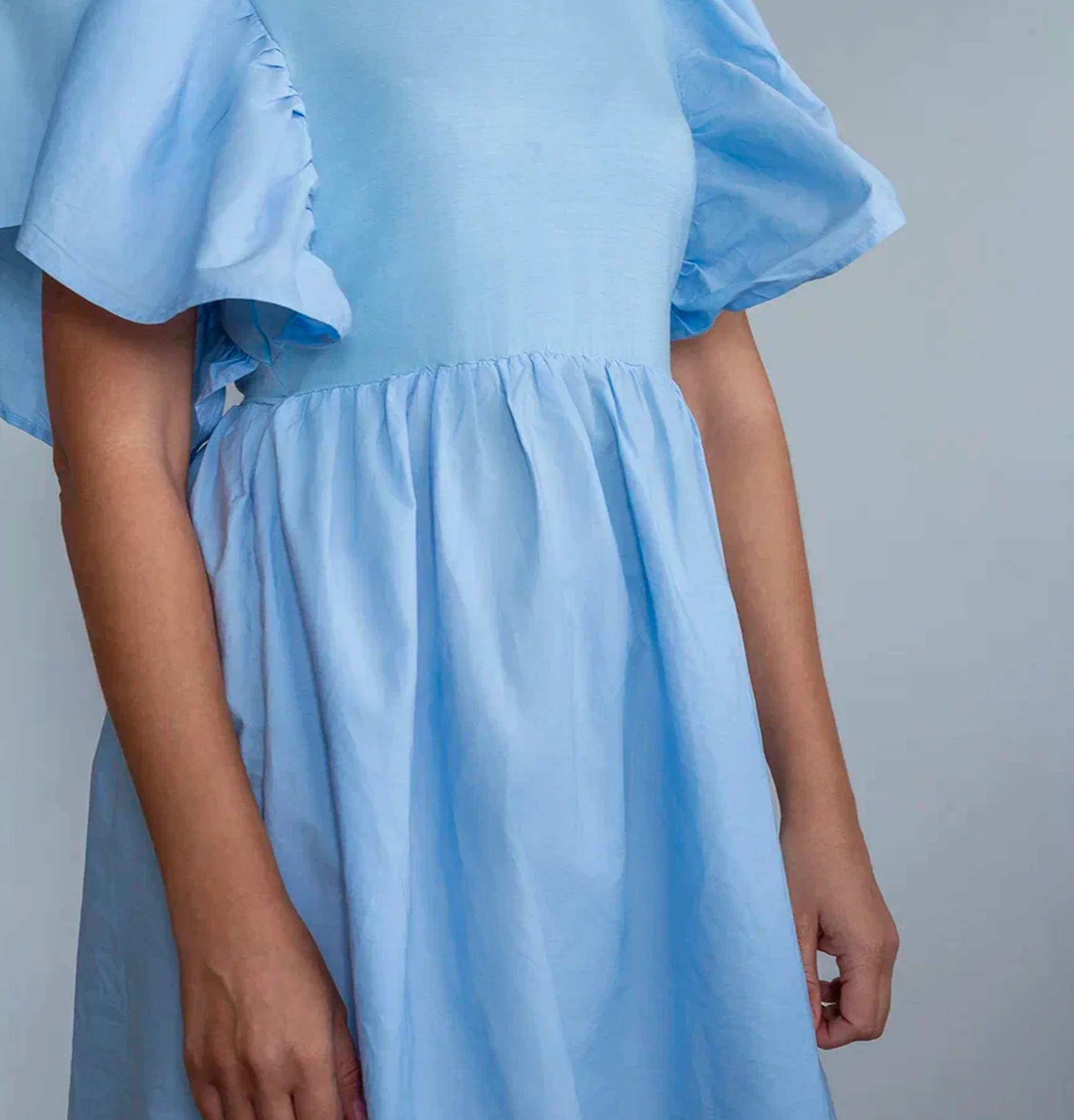
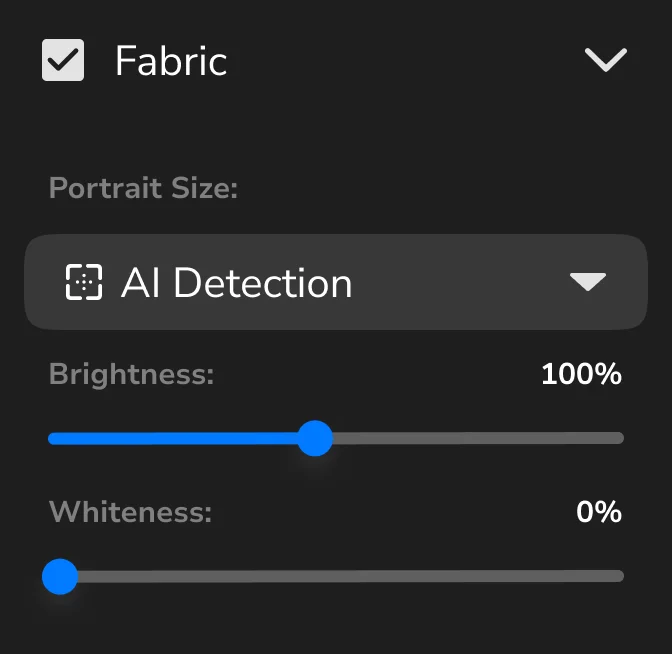
Fabric
Smooths clothing and removes wrinkles
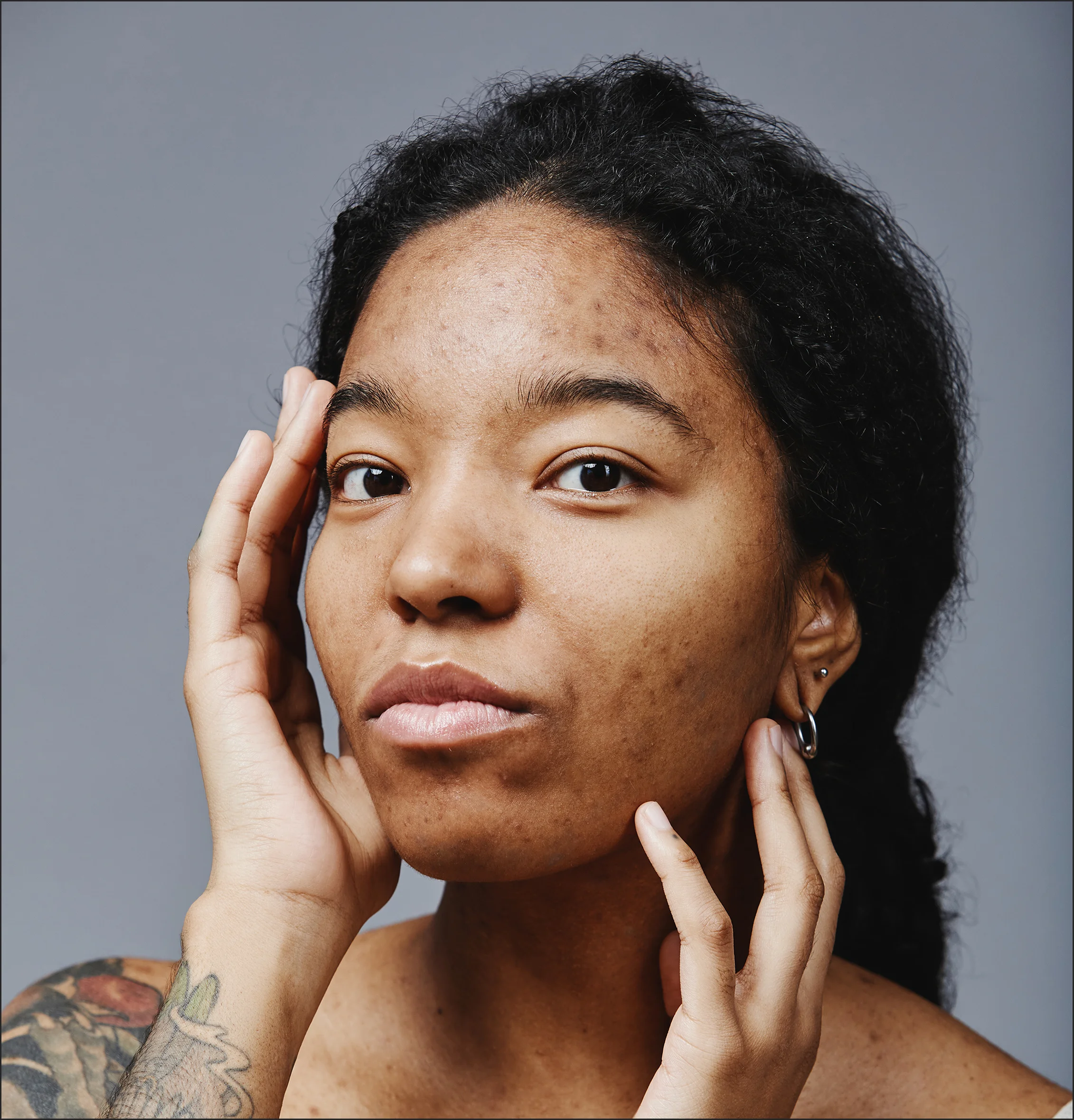
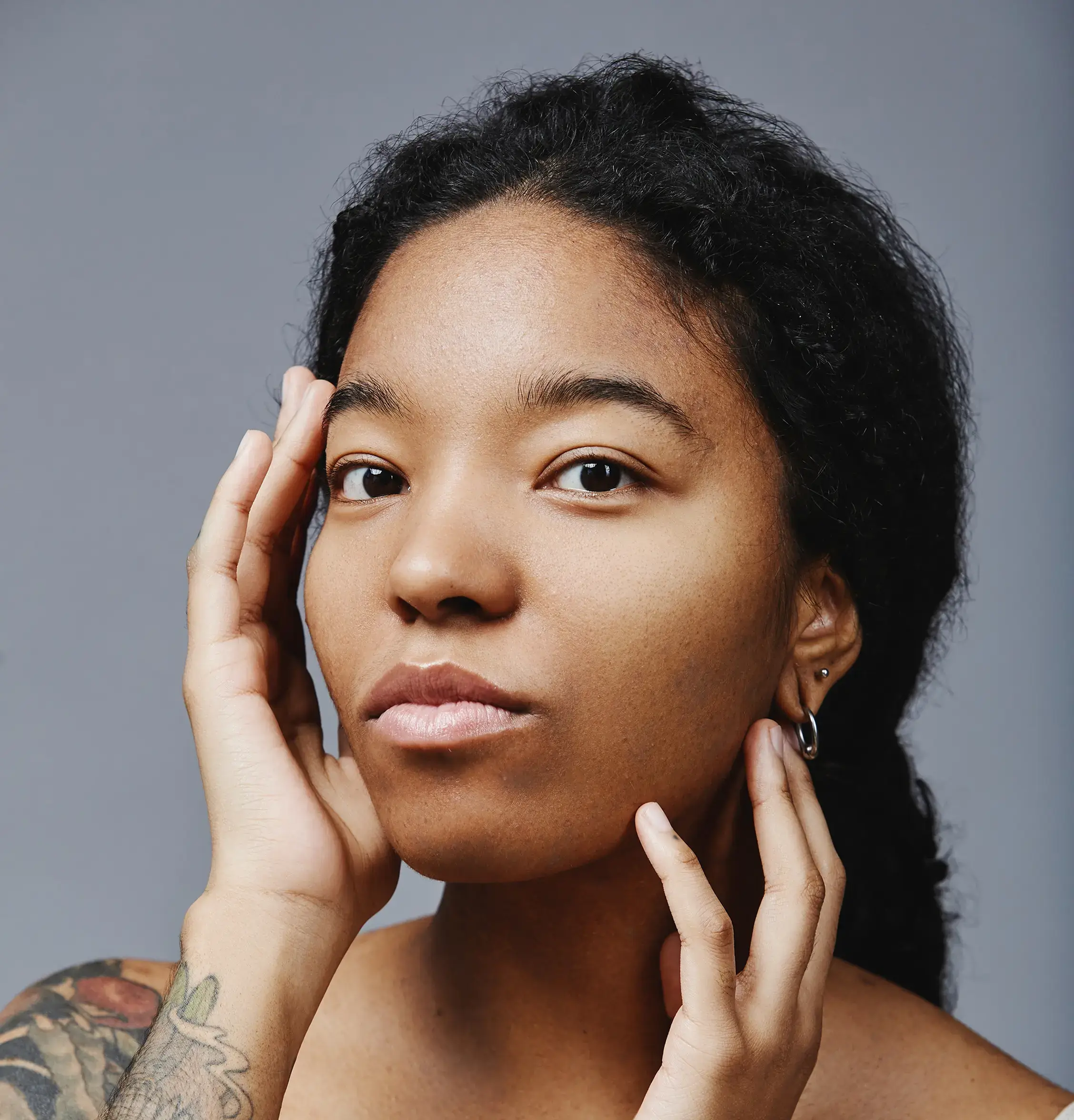
Dodge Burn
Enhances volume and lighting
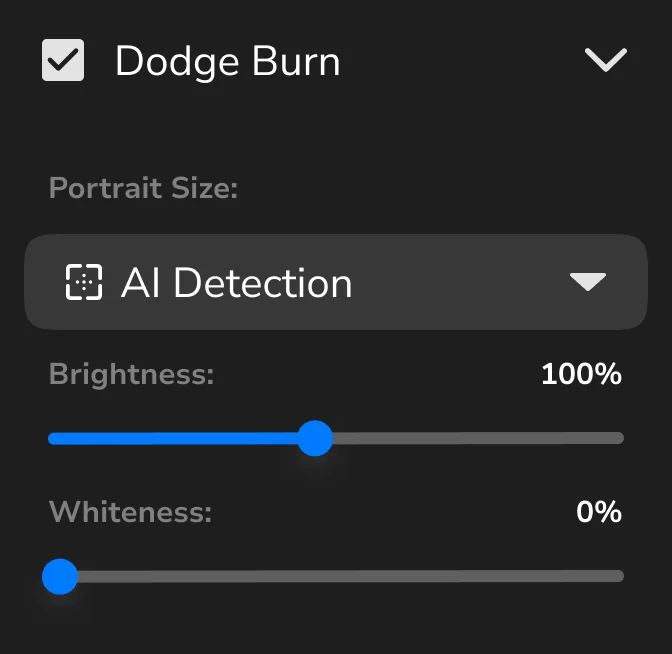
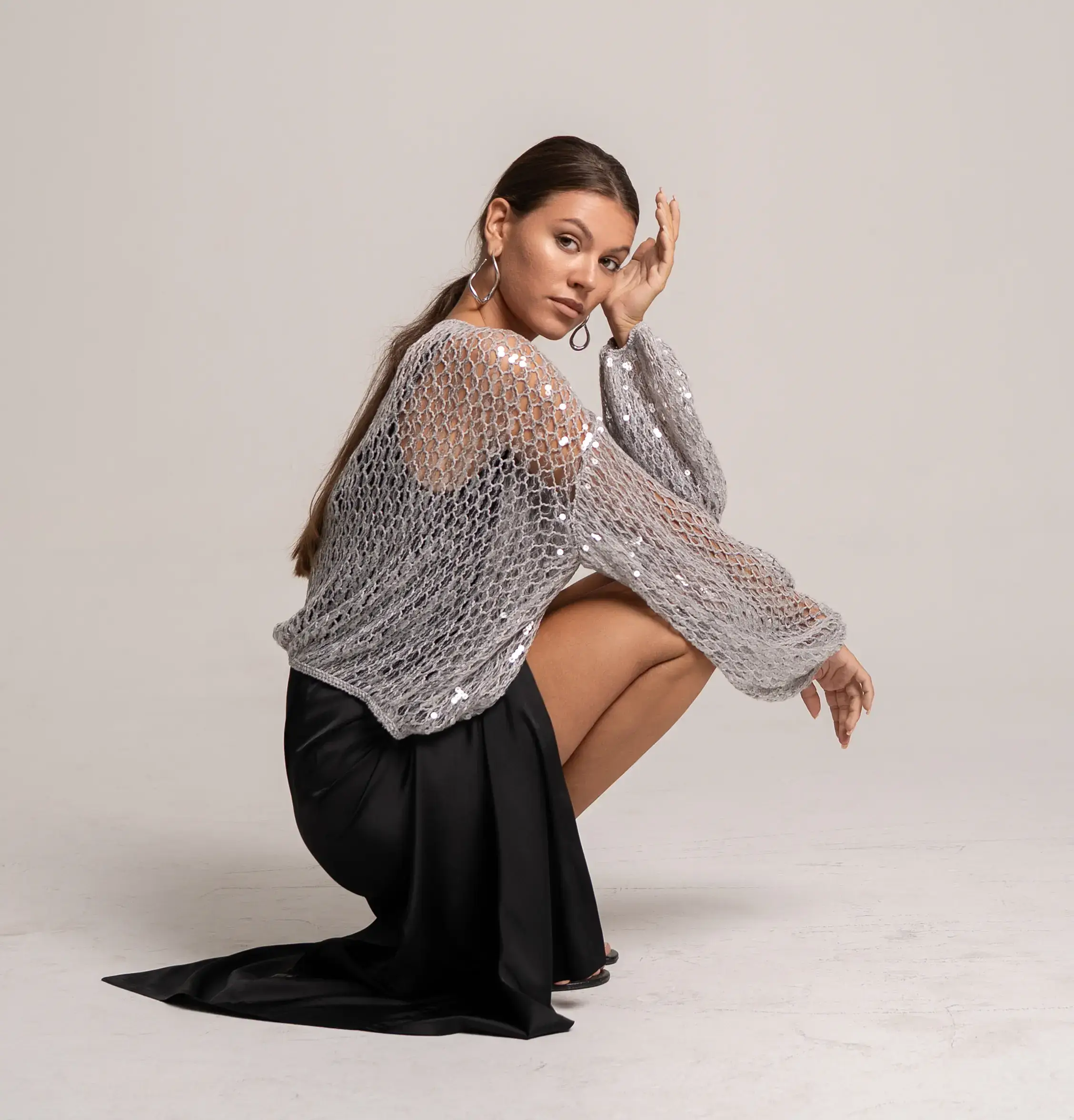
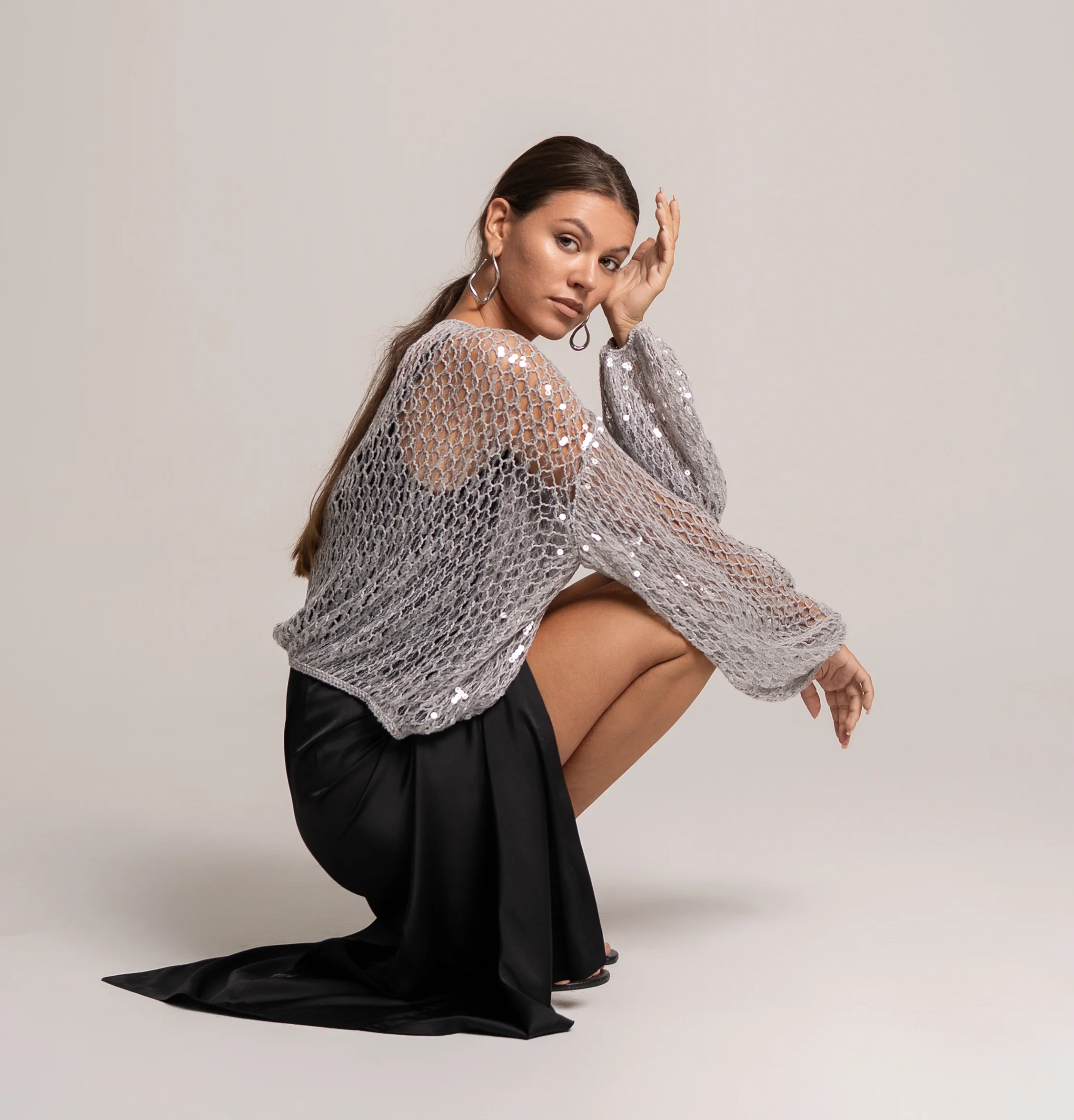
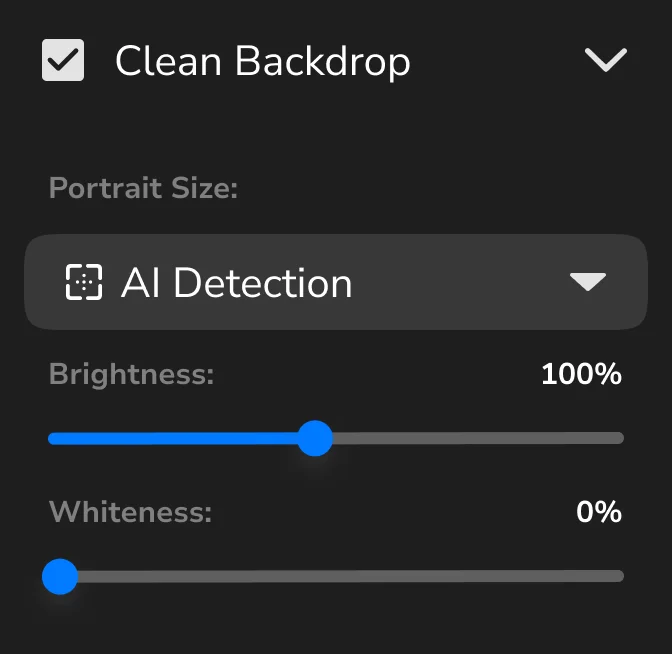
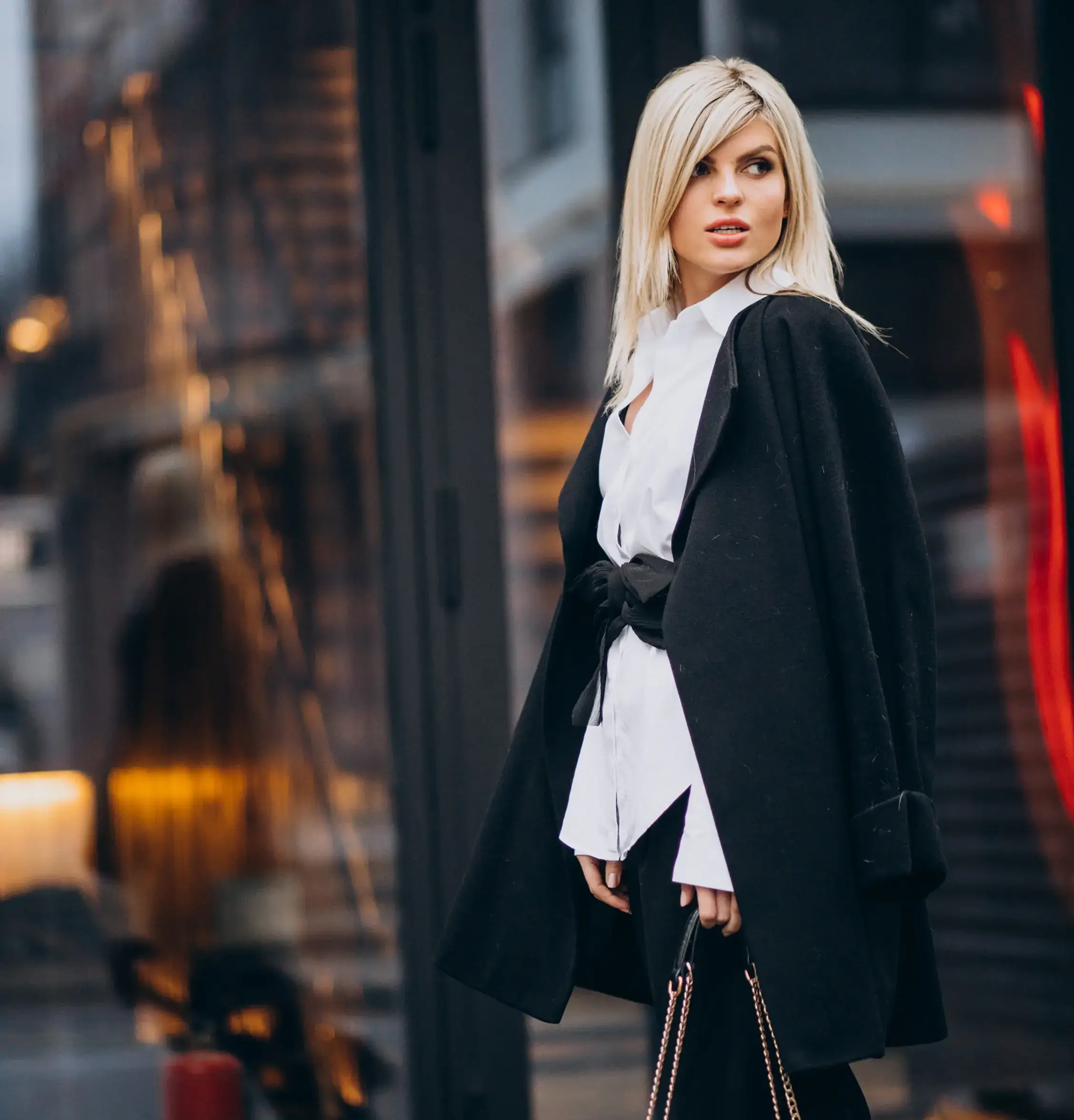
Clean Backdrop
Removes dust, spots, and background imperfections
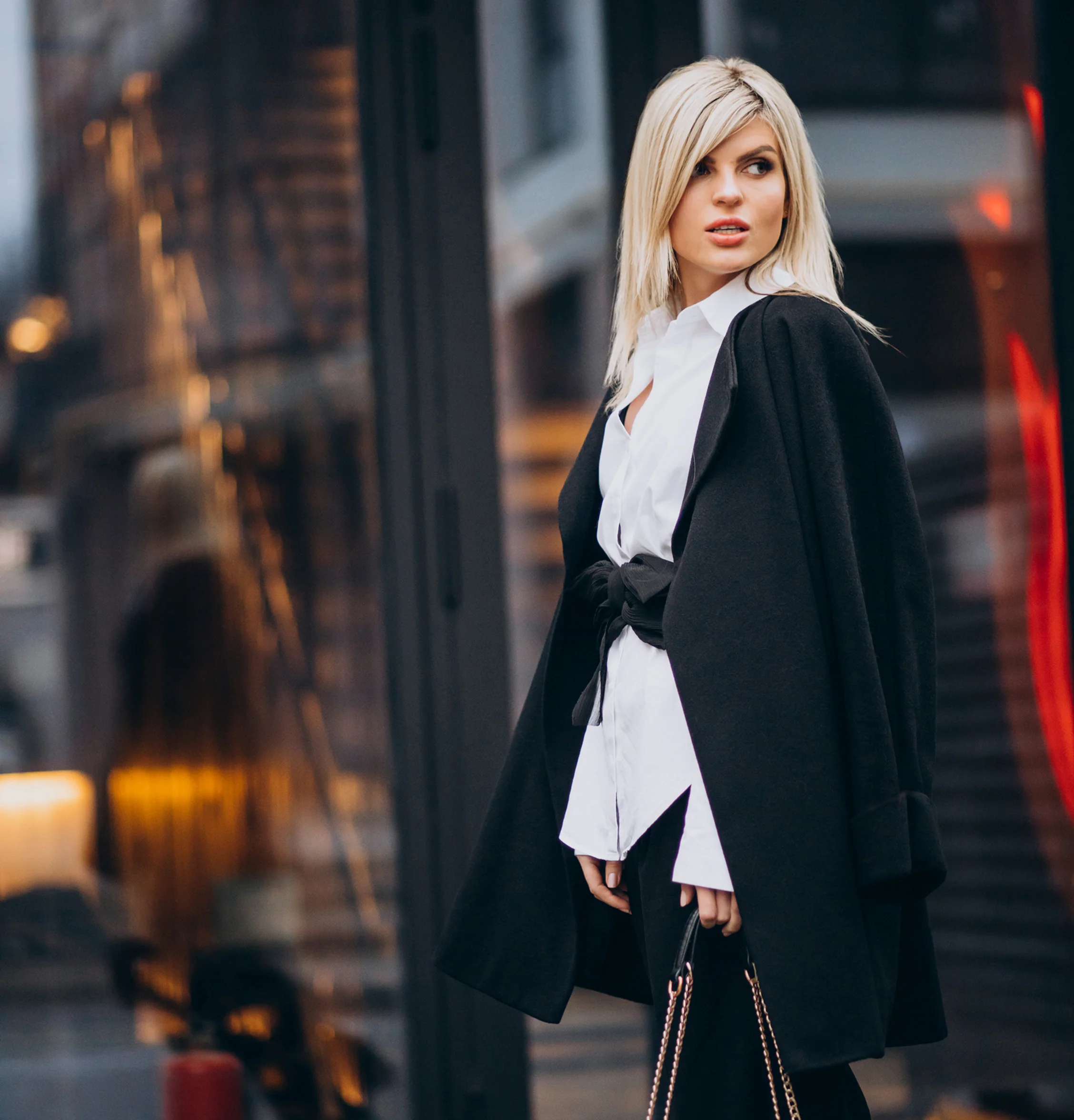
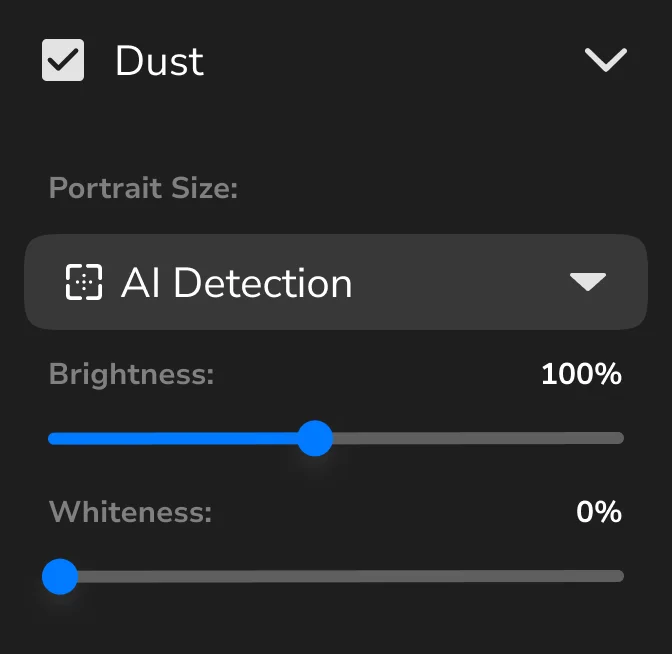
Dust
Removes dust and small artifacts
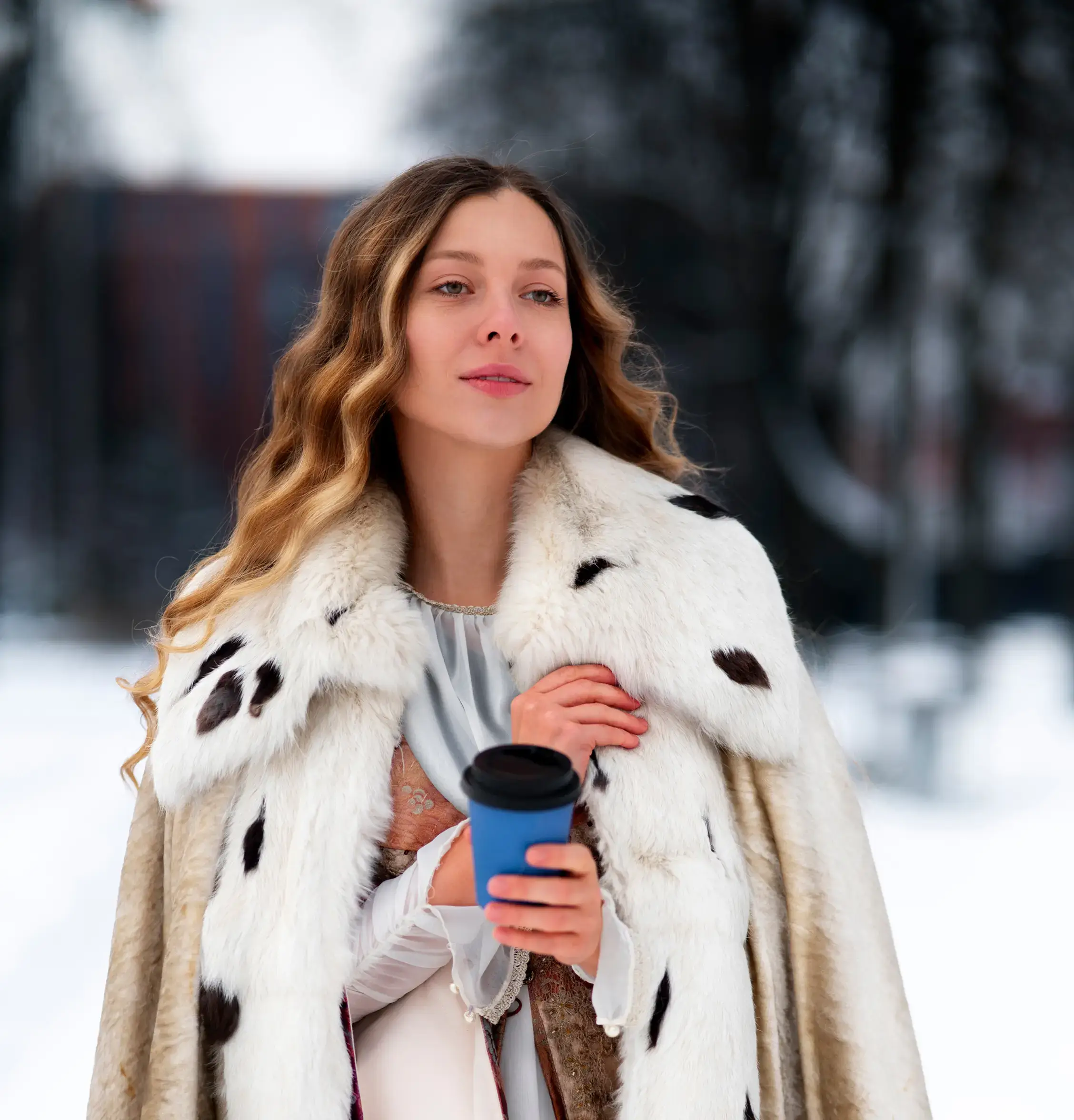

Skin Tone
Evens out skin tone
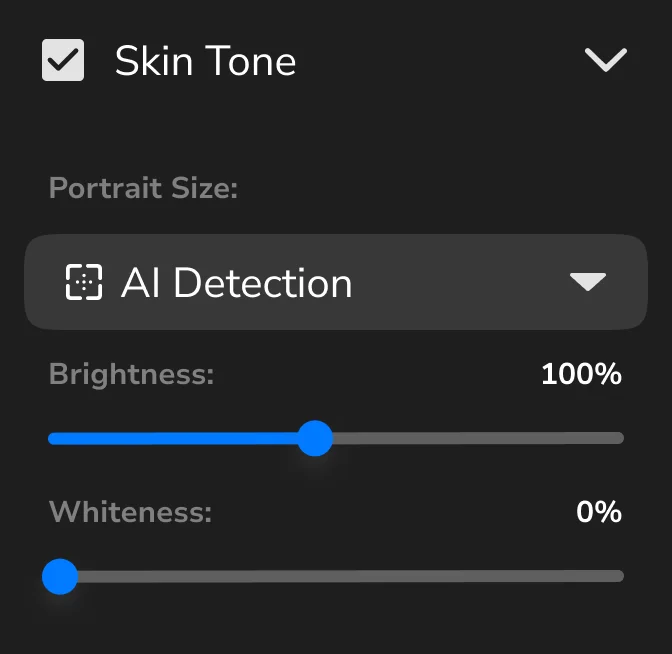
Heal
Removes skin imperfections
Eye Brilliance
Brightens the eyes
White Teeth
Brightens and whitens teeth
Fabric
Smooths clothing and removes wrinkles
Dodge Burn
Enhances volume and lighting
Clean Backdrop
Removes dust, spots, and background imperfections
Dust
Removes dust and small artifacts
Skin Tone
Evens out skin tone
Heal
Removes skin imperfections
Eye Brilliance
Brightens the eyes
White Teeth
Brightens and whitens teeth
Fabric
Smooths clothing and removes wrinkles
Dodge Burn
Enhances volume and lighting
Clean Backdrop
Removes dust, spots, and background imperfections
Dust
Removes dust and small artifacts
Skin Tone
Evens out skin tone
Smart culling
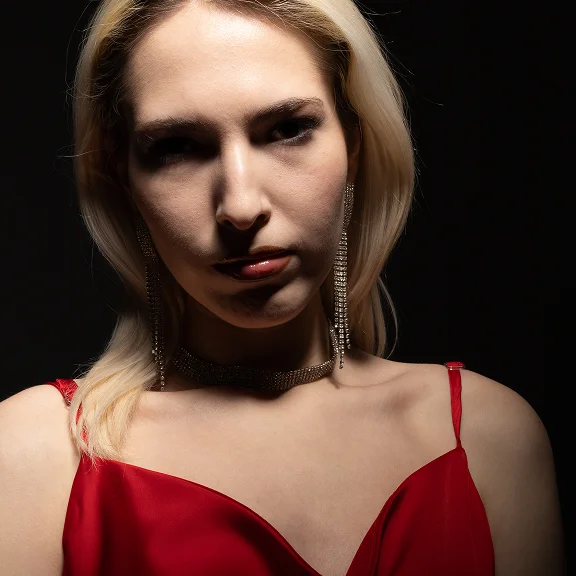
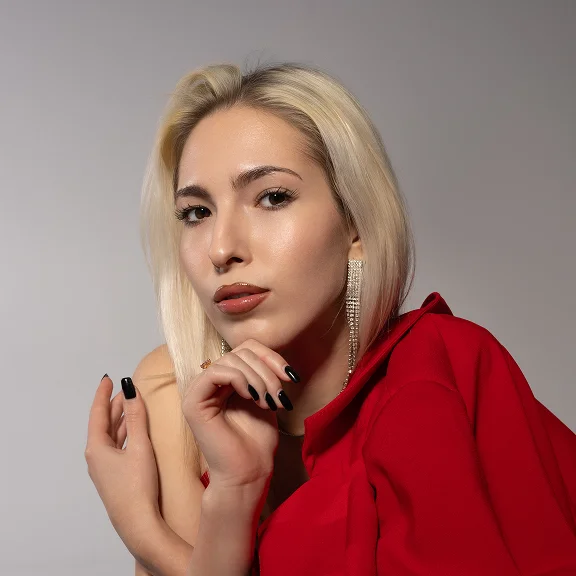
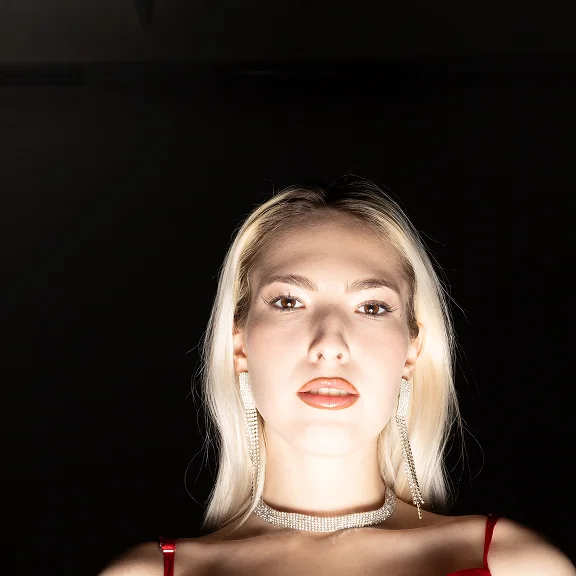
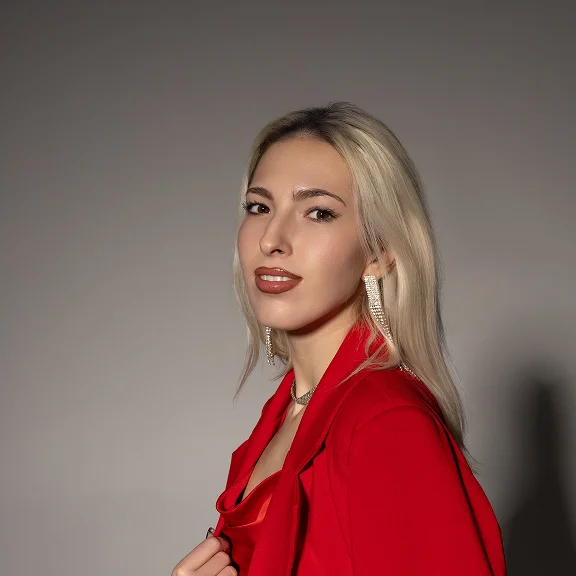
Just upload your photos — the AI immediately reviews them and marks the unusable shots.

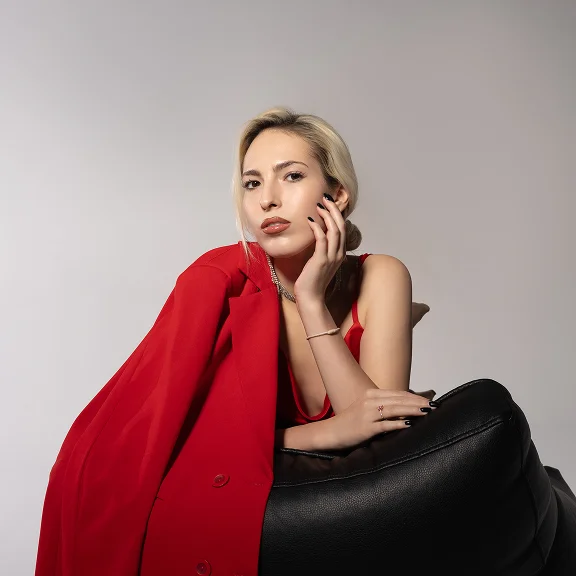


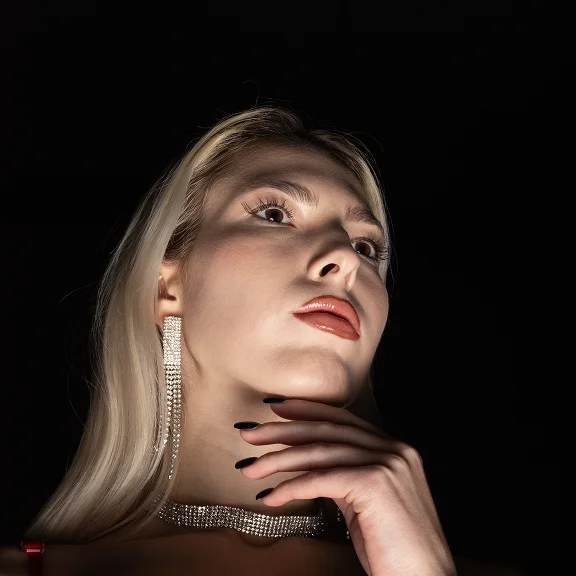

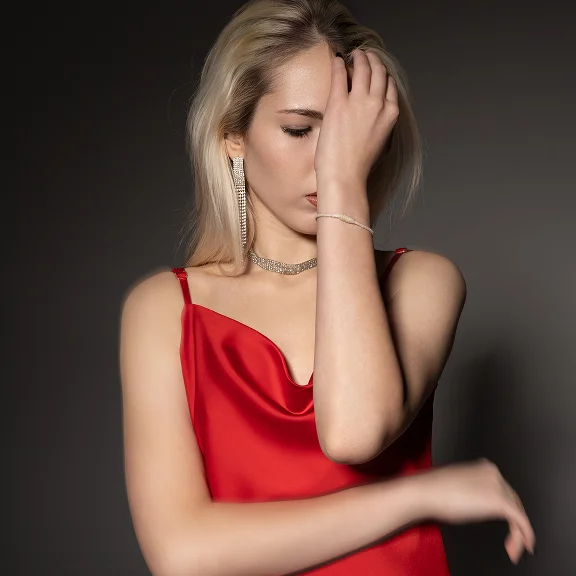

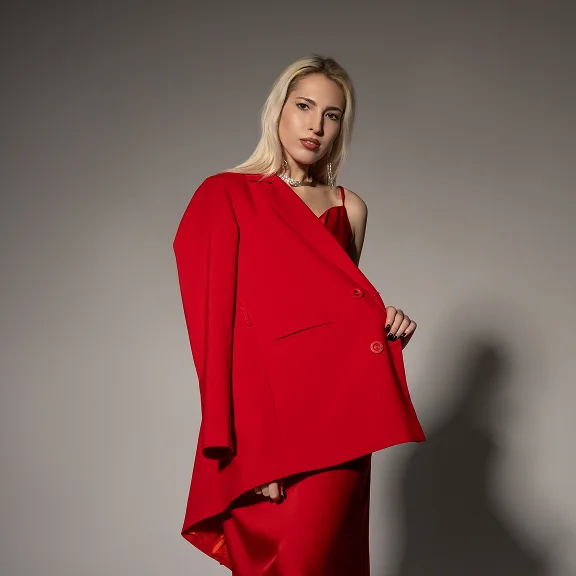
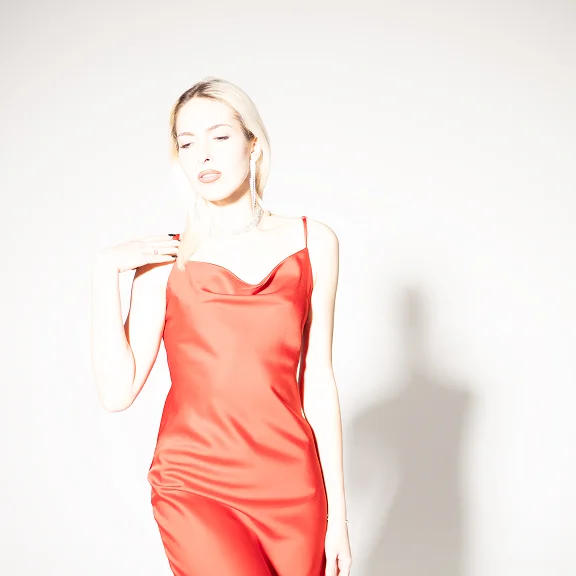


Smart culling
Auto-selects the best shots
Keeps only the best, high-quality shots.
Compare photos side by side
Analyzes a series and detects similar or duplicate images.
Comprehensive evaluation
Evaluates sharpness, lighting, and emotions, and adapts to your style
Flawless results
Removes shots with closed eyes, blur, and unflattering angles.
Tailored to your preferences
Selects the required number of photos based on your preferences.
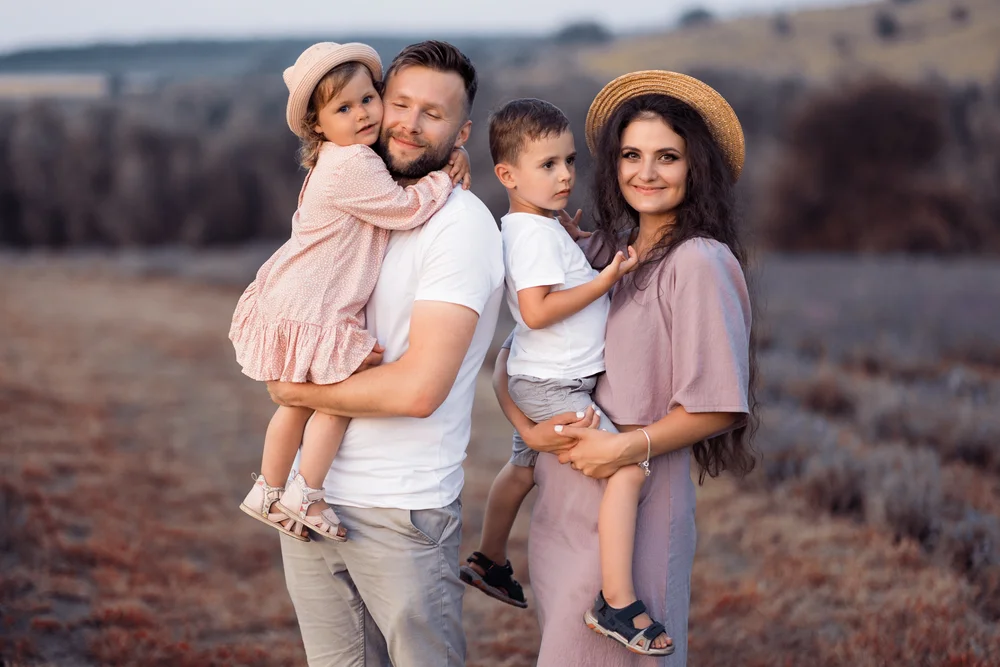
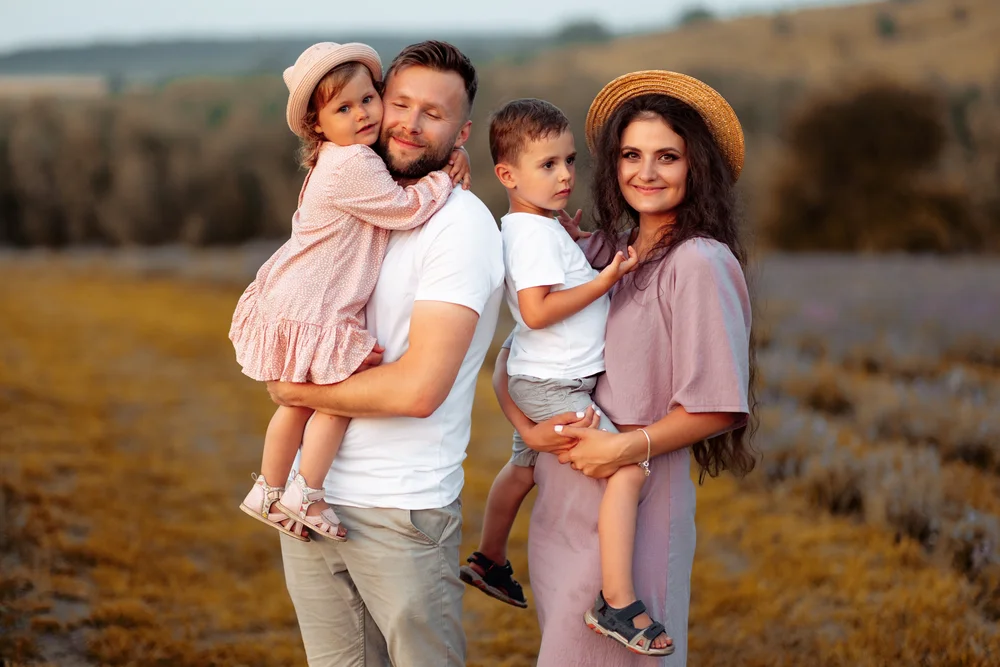
Color, presets, and references for inspiration
Manual color and light adjustments or ready-to-use presets for quick results.
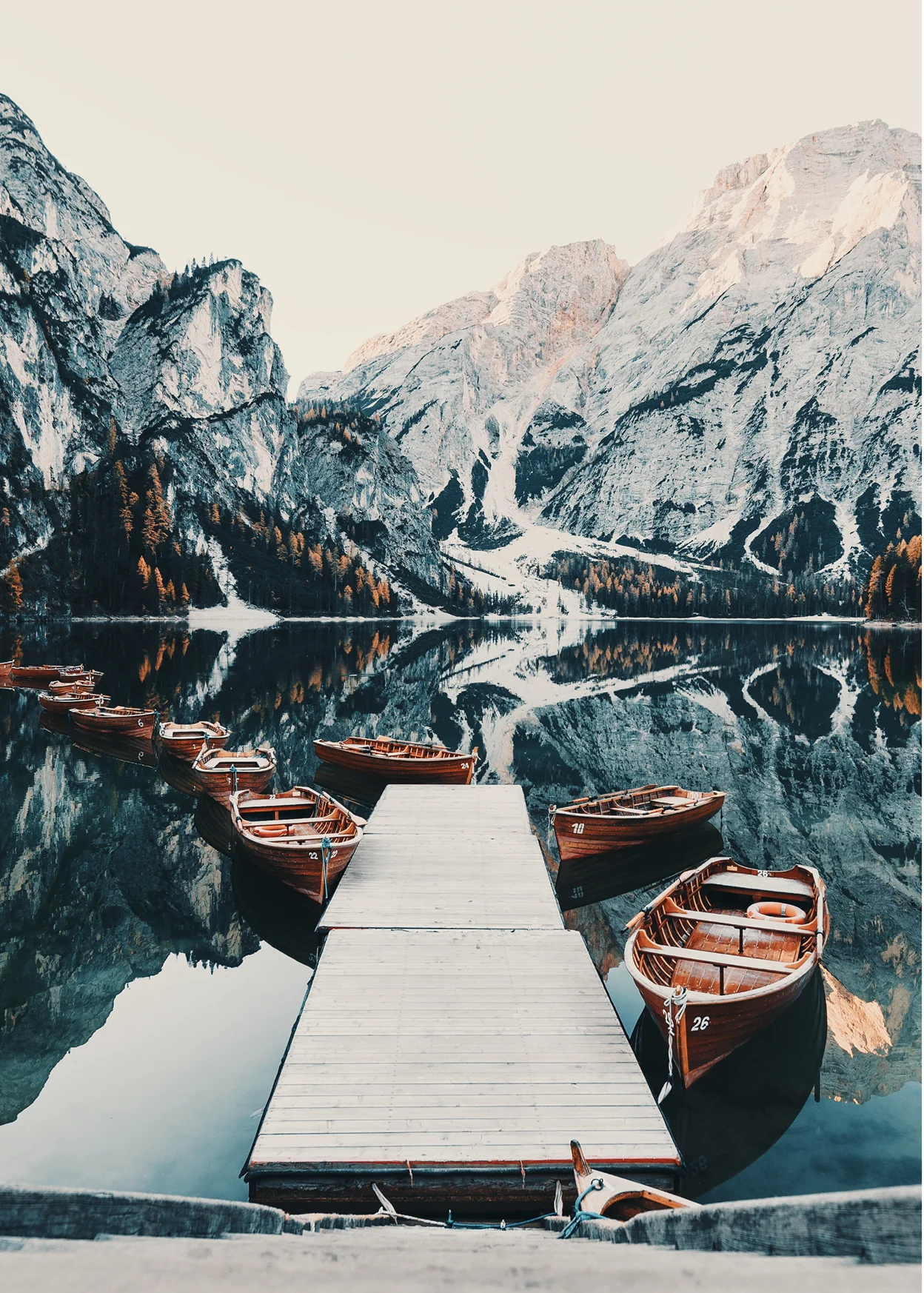
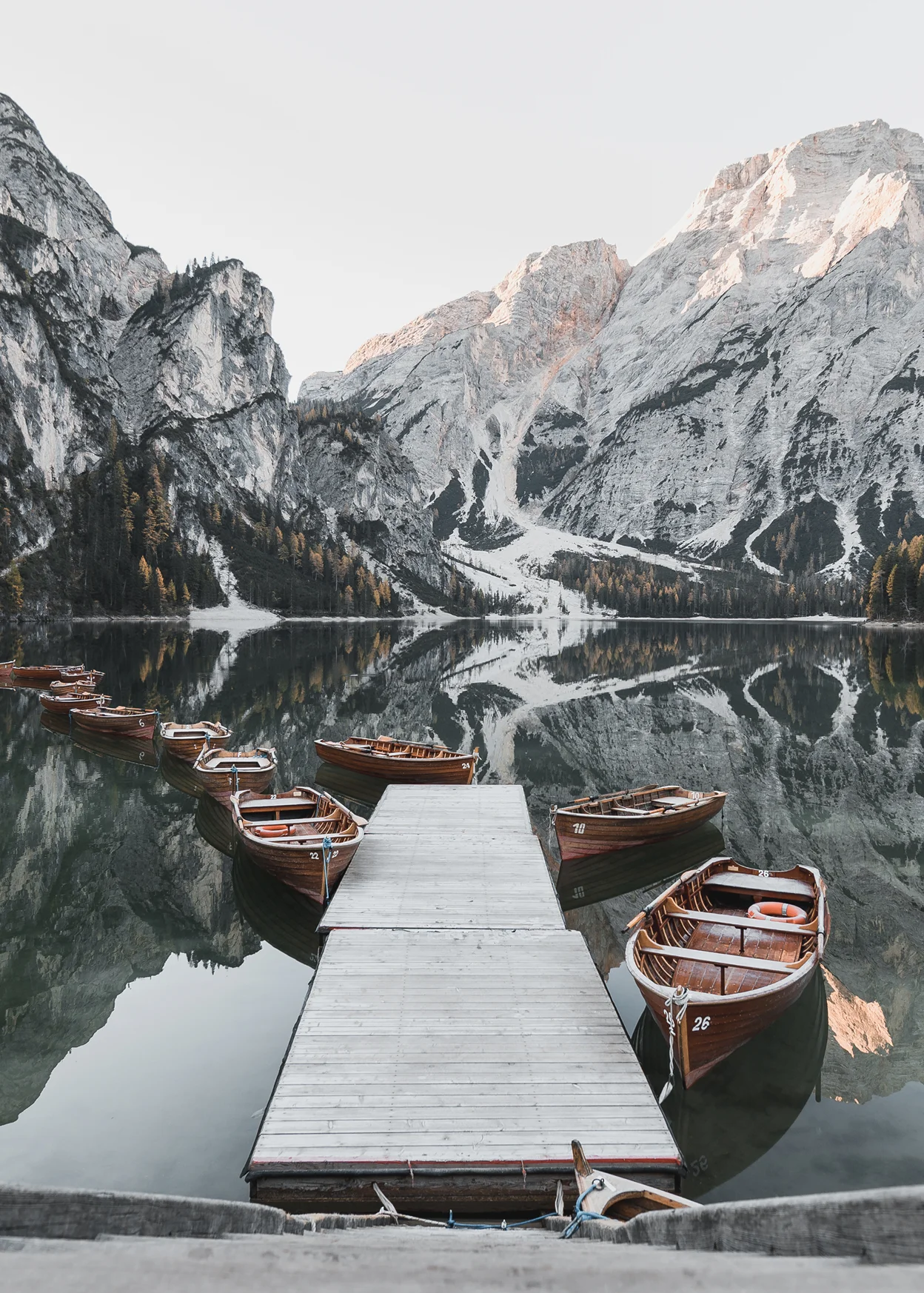
AI color grading
- Automatic white balance, brightness and contrast
- Full manual adjustments for those who love the details
- One-click before/after comparison
LUTs and Presets for Photographers
- Apply professional presets for different shooting needs.
- Create photo series with a consistent look and mood.
- Save hours of editing time. One click – a complete, client-ready set.
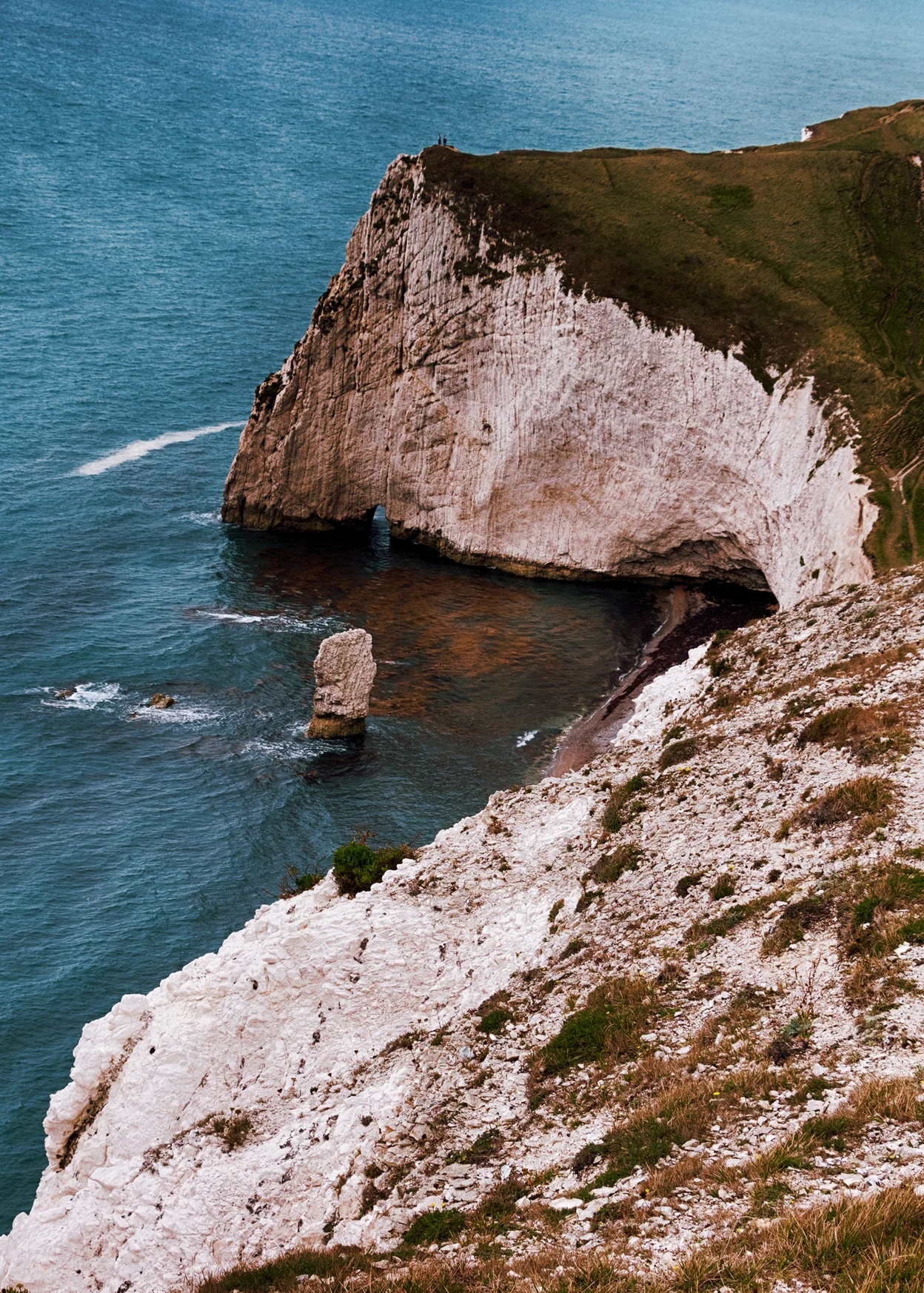
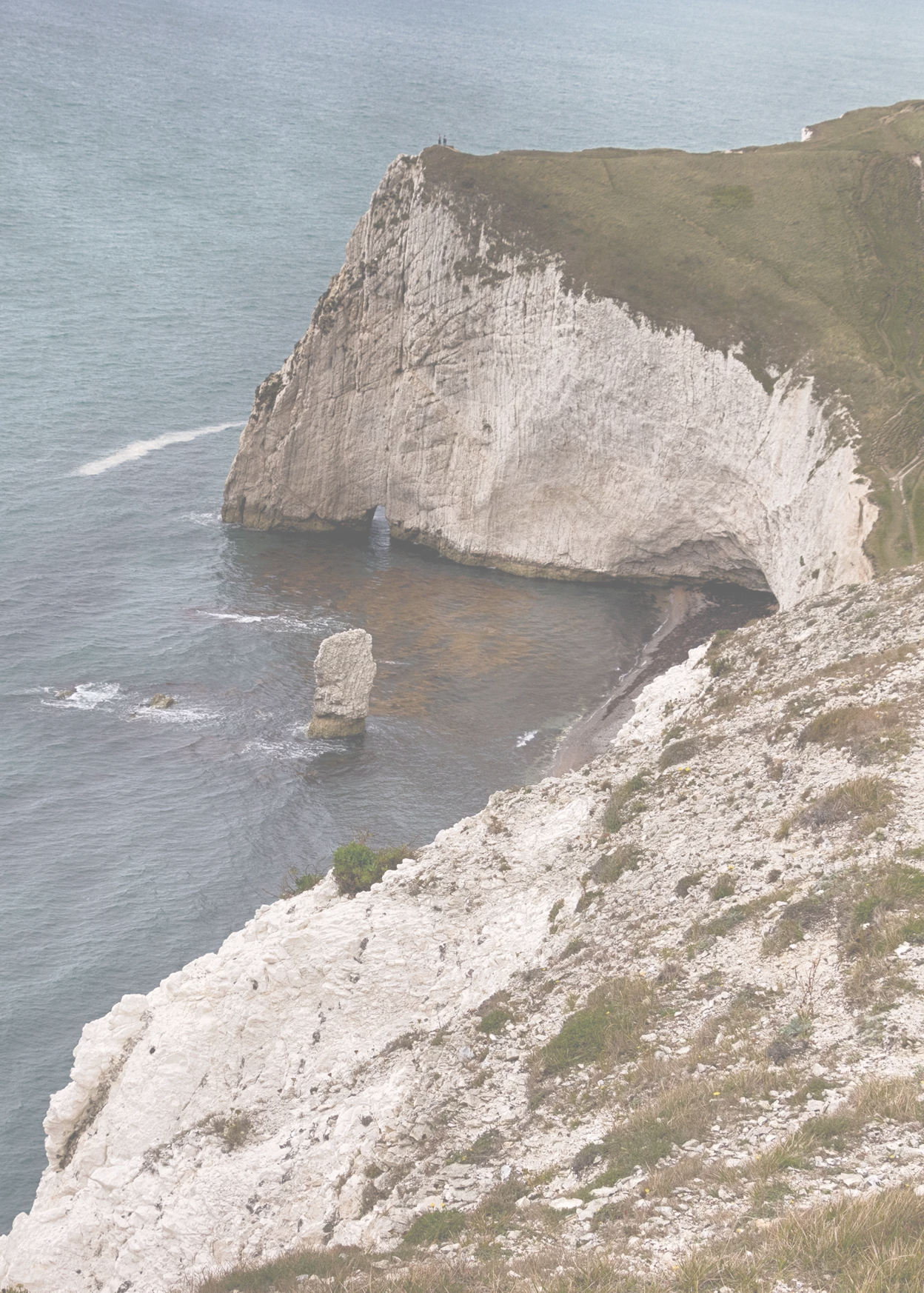
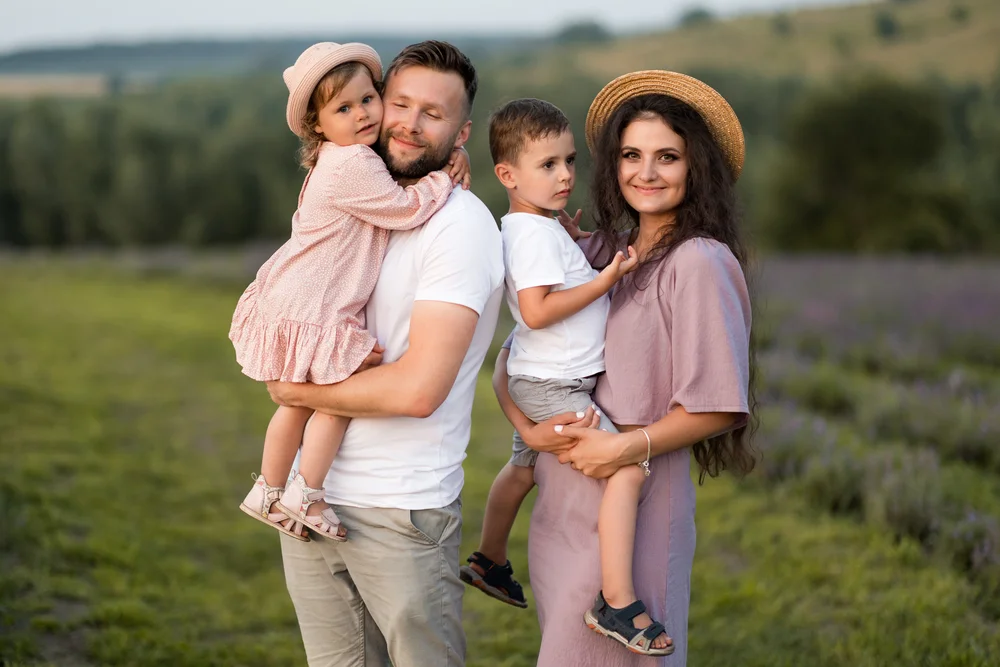
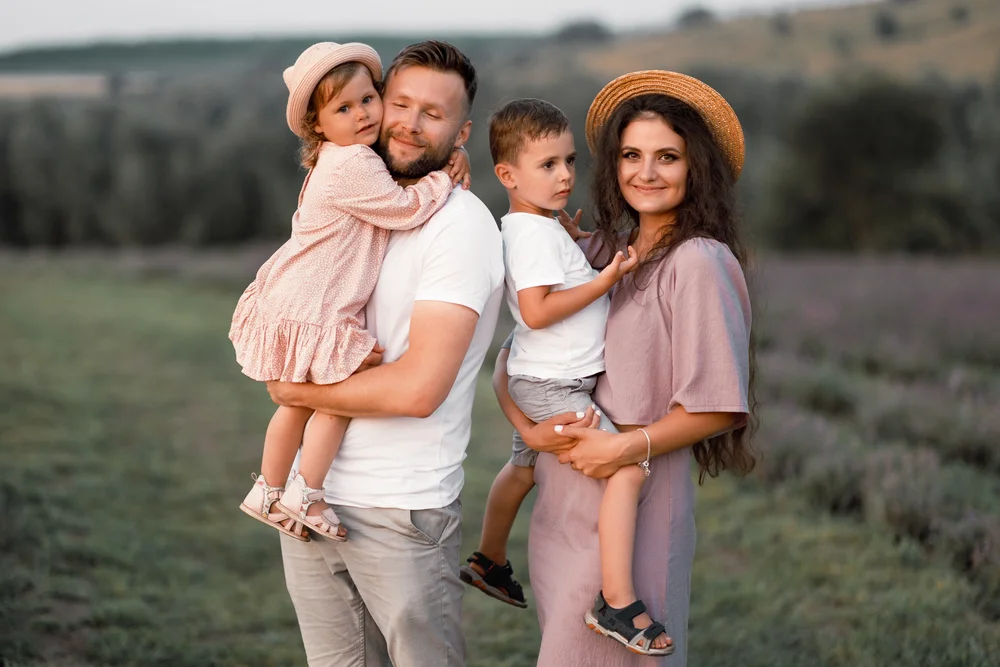
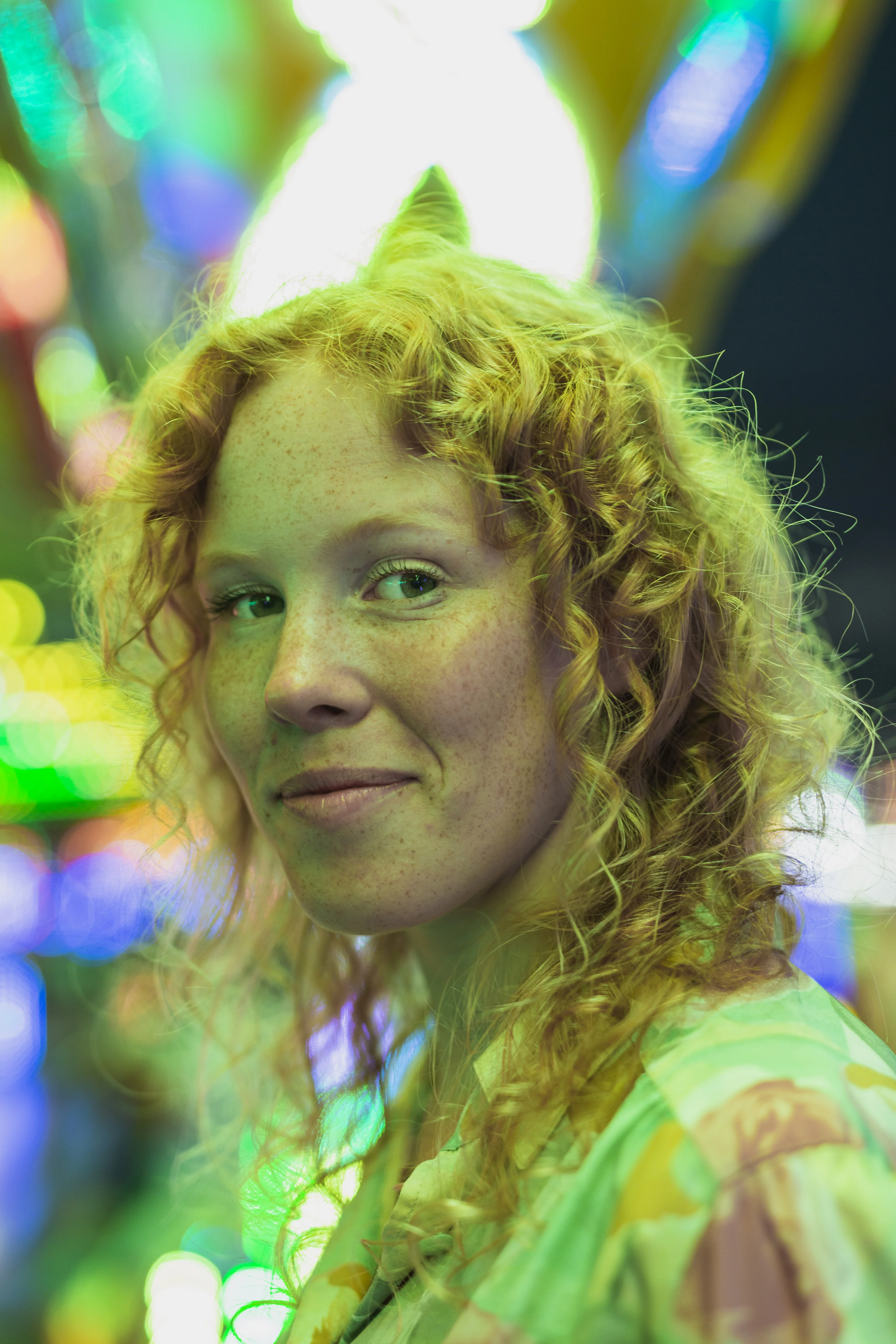
AI transfers the style from a reference
- Choose a photo reference and apply its color scheme to your image.
- One reference, a consistent look across the entire shoot.
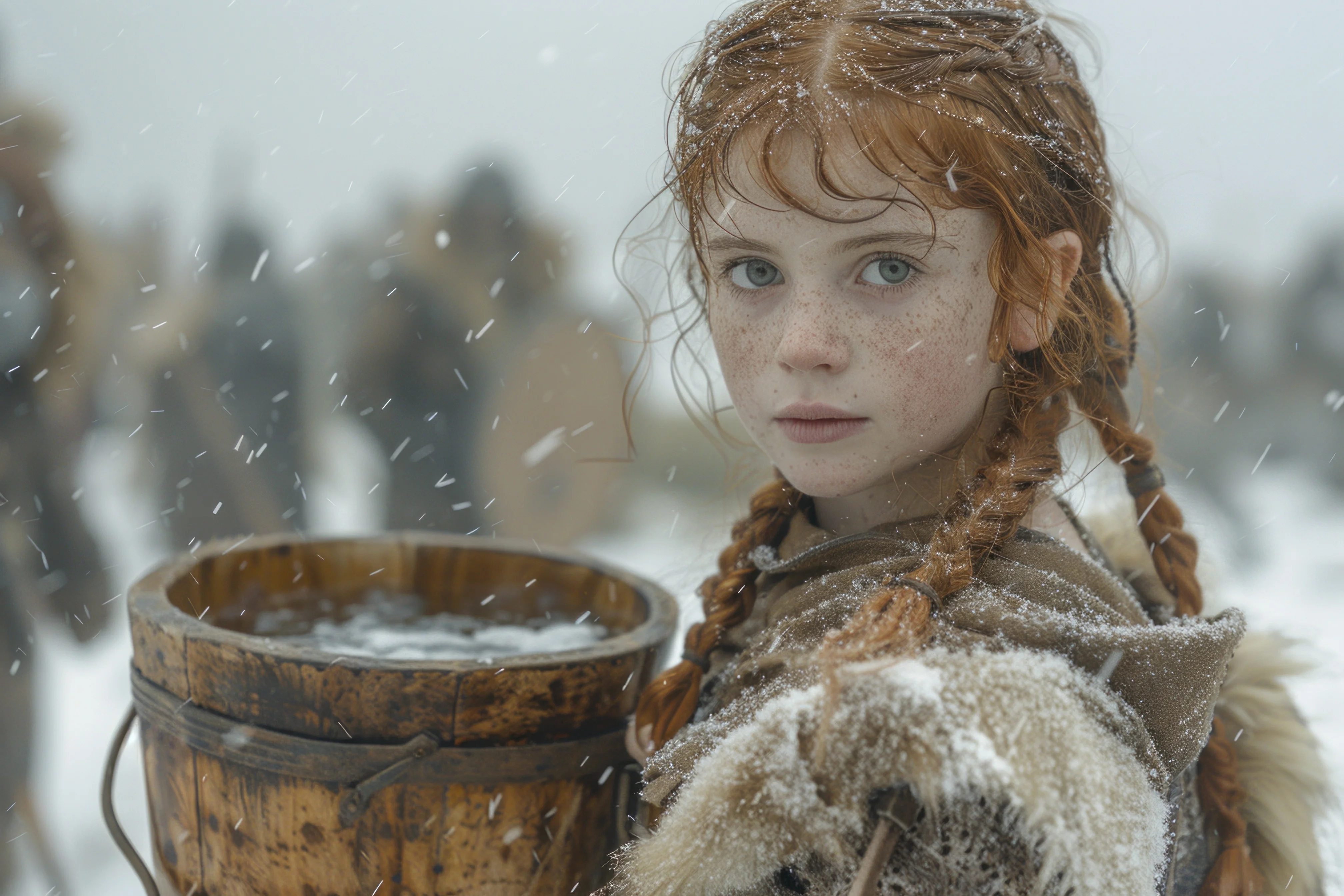
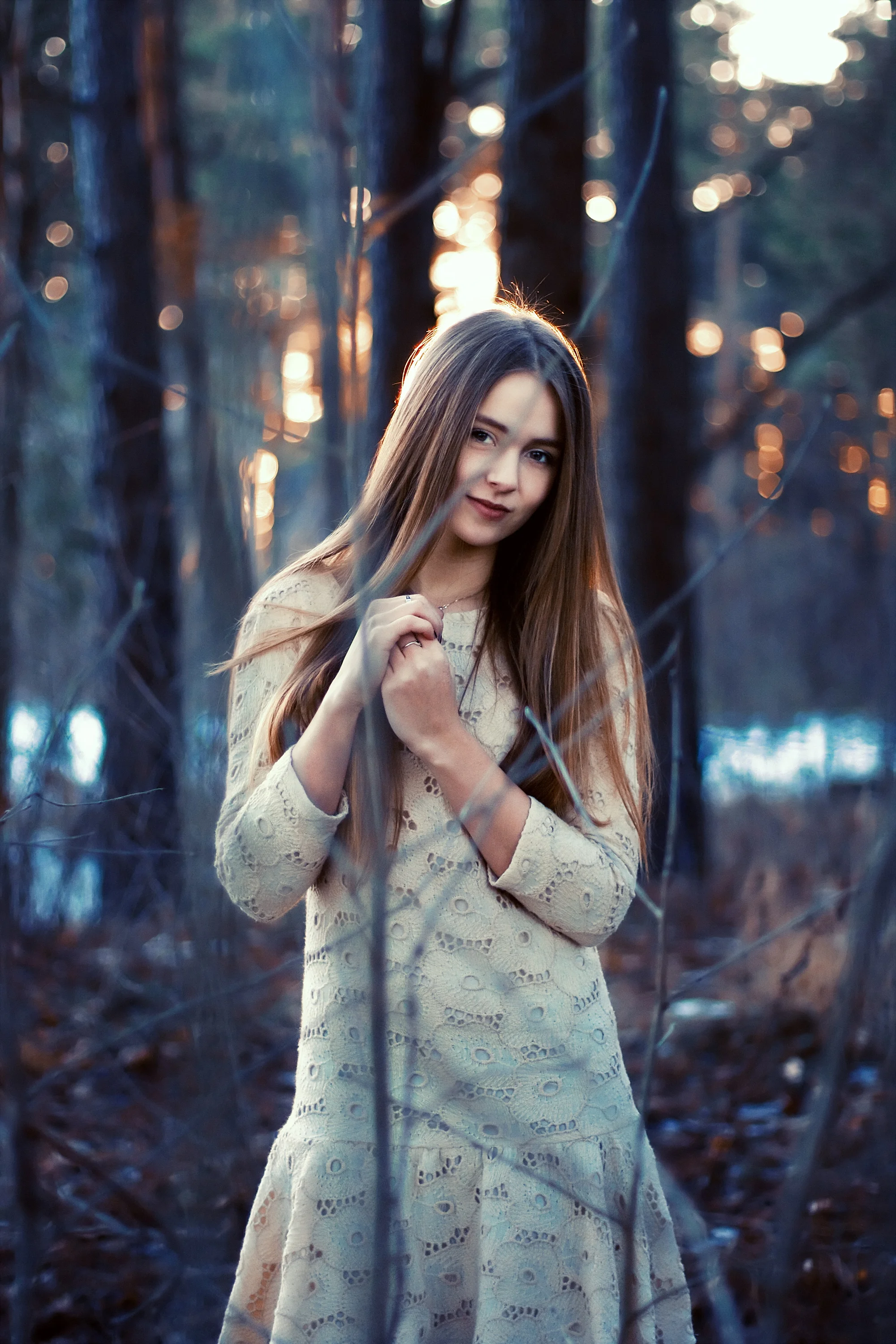
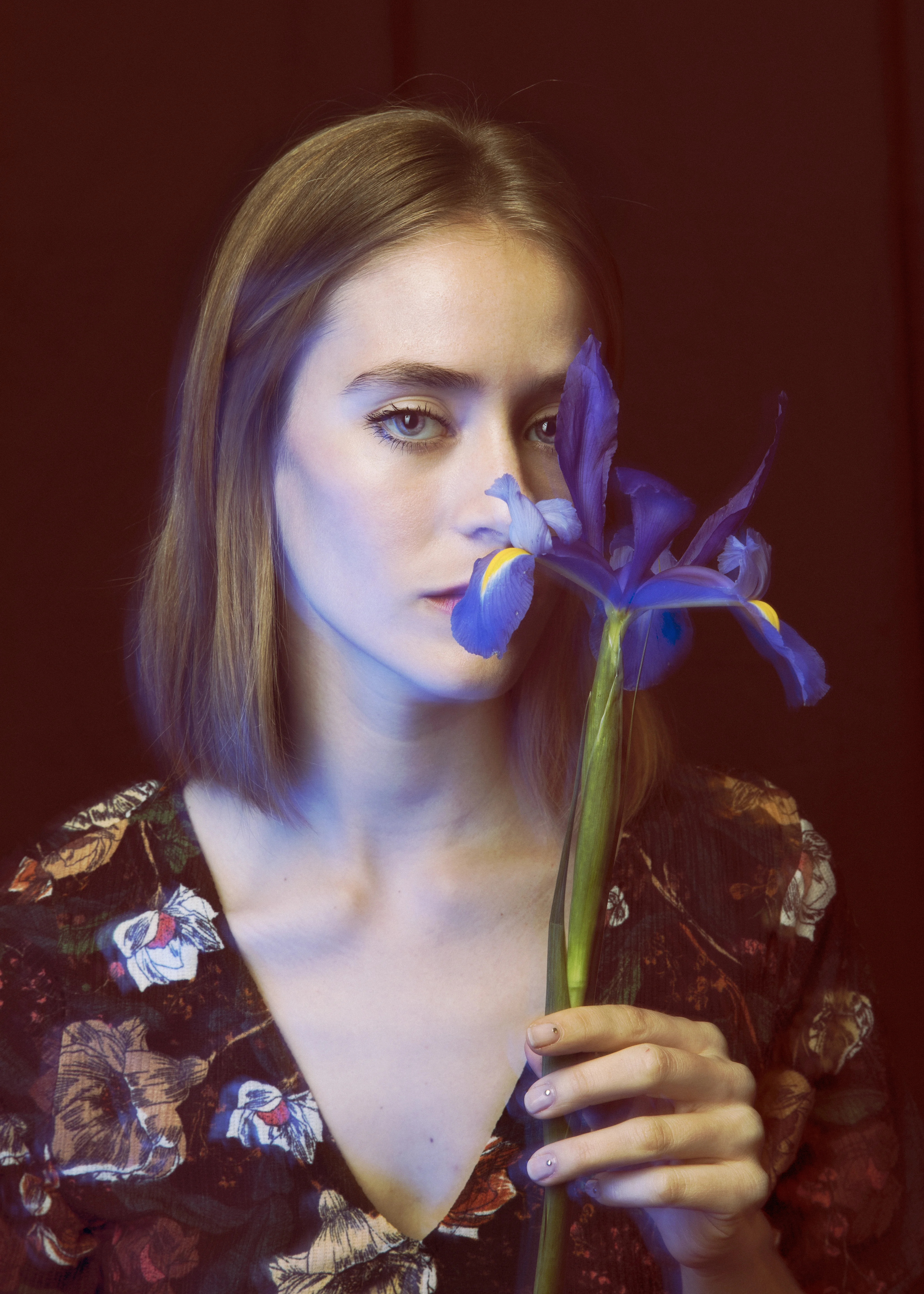
Reference
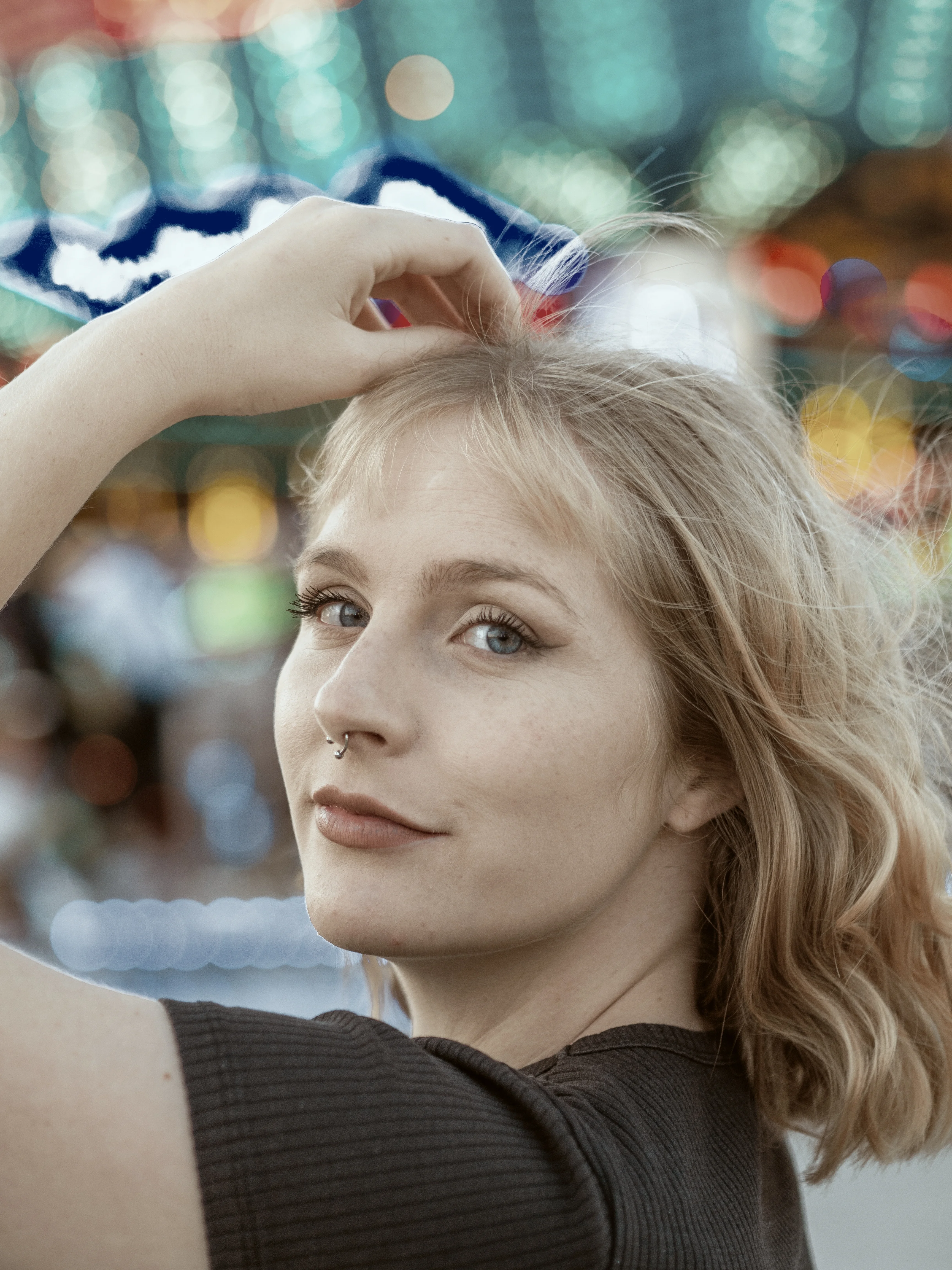
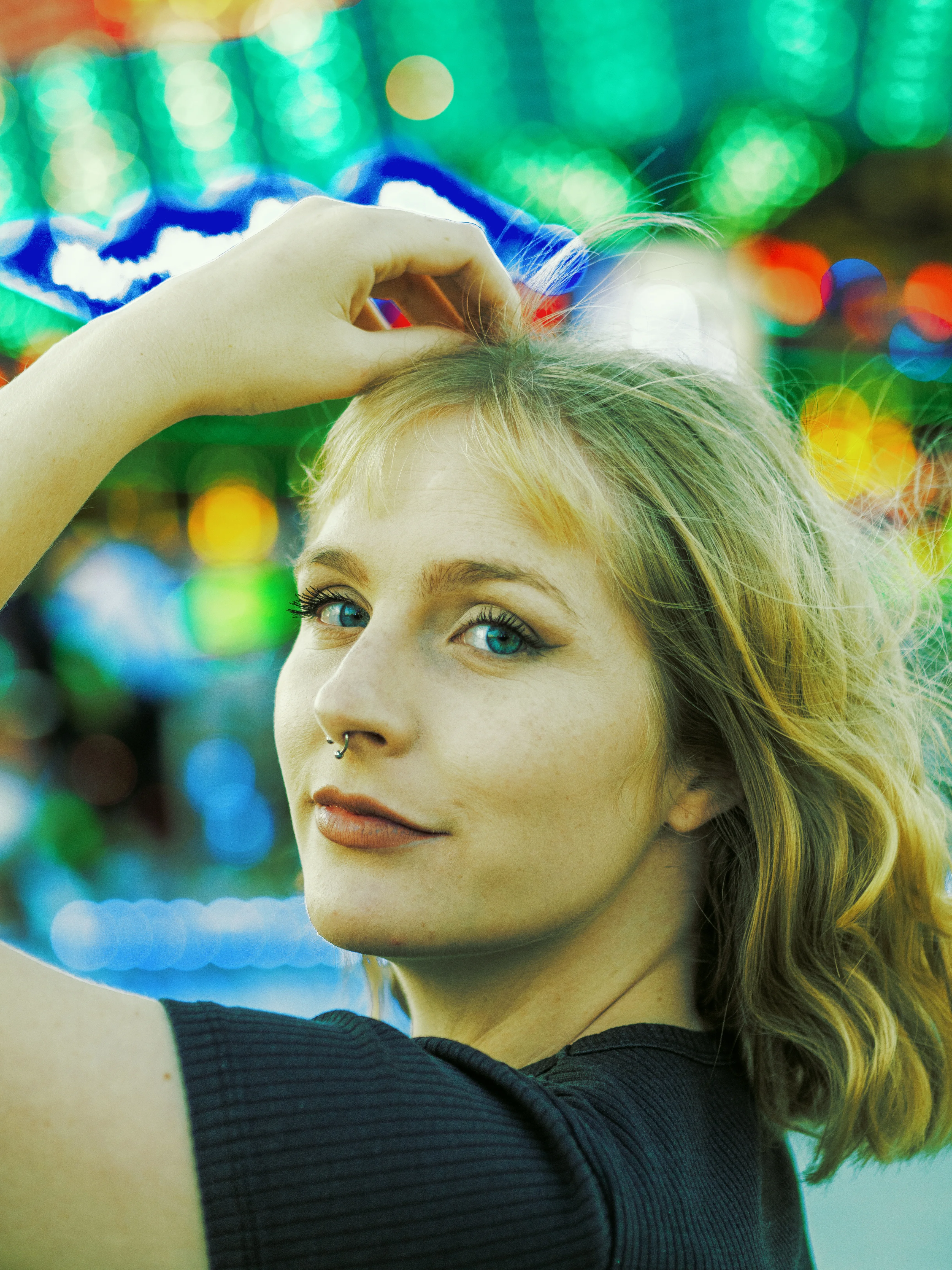
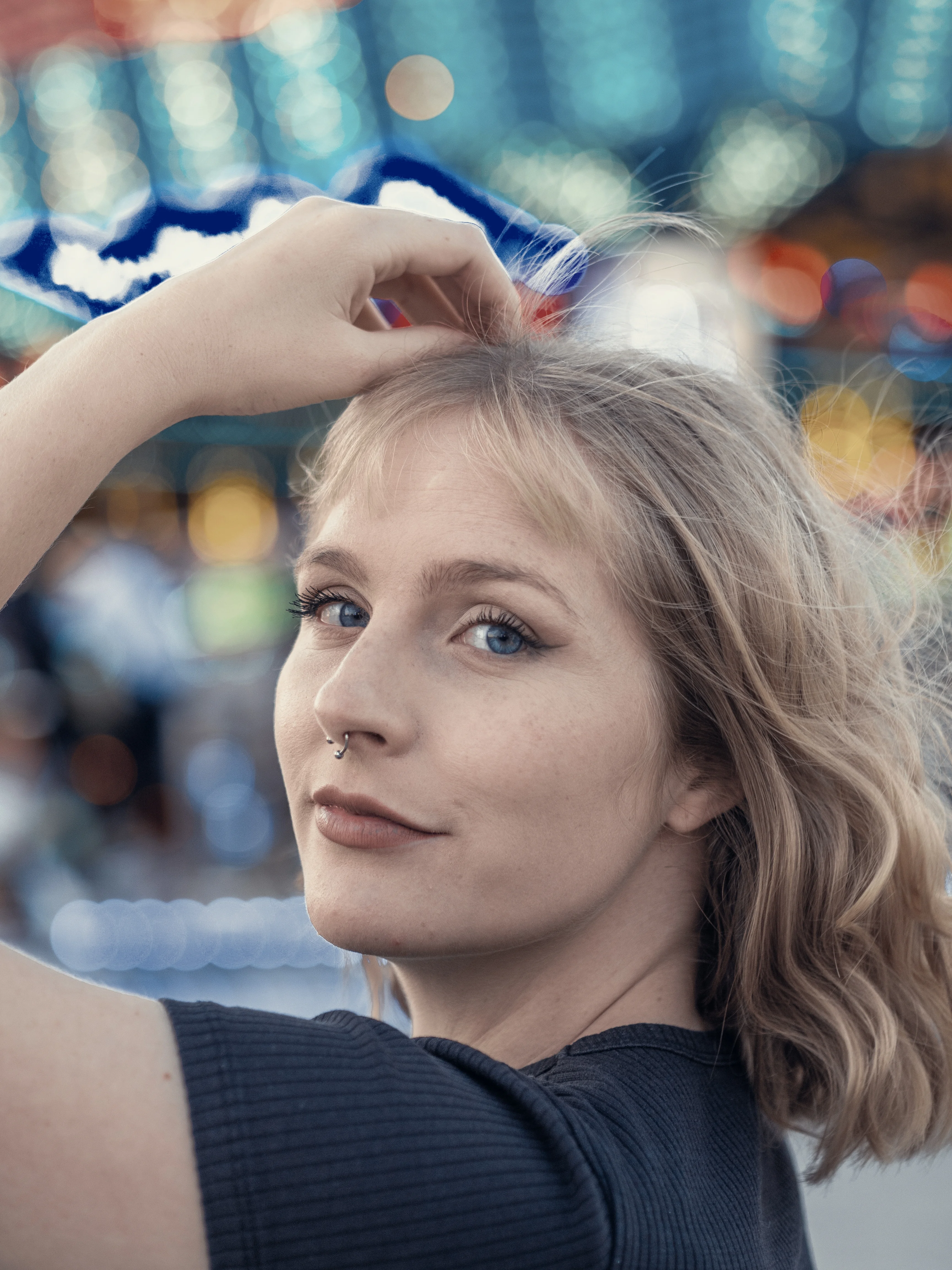
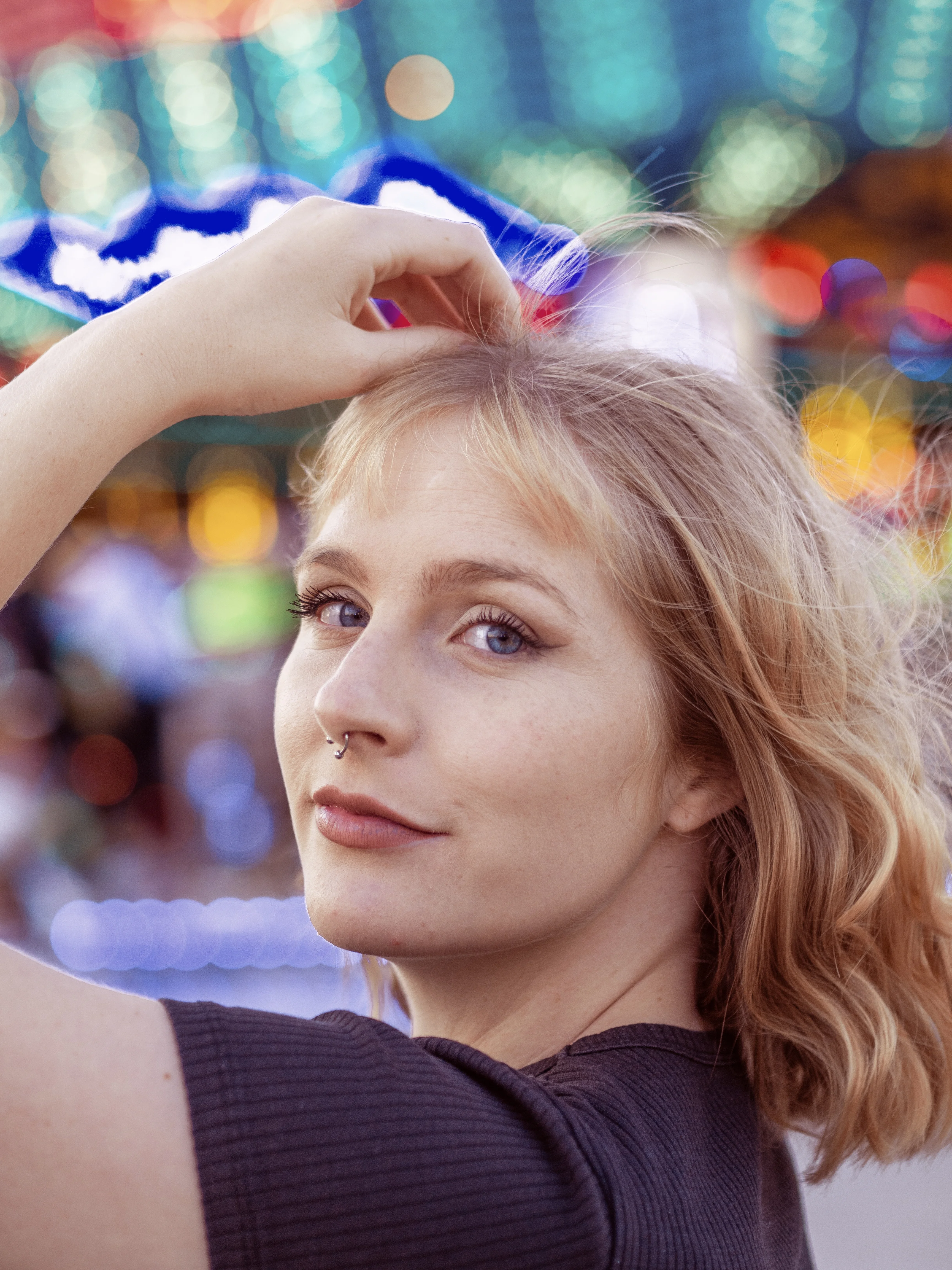
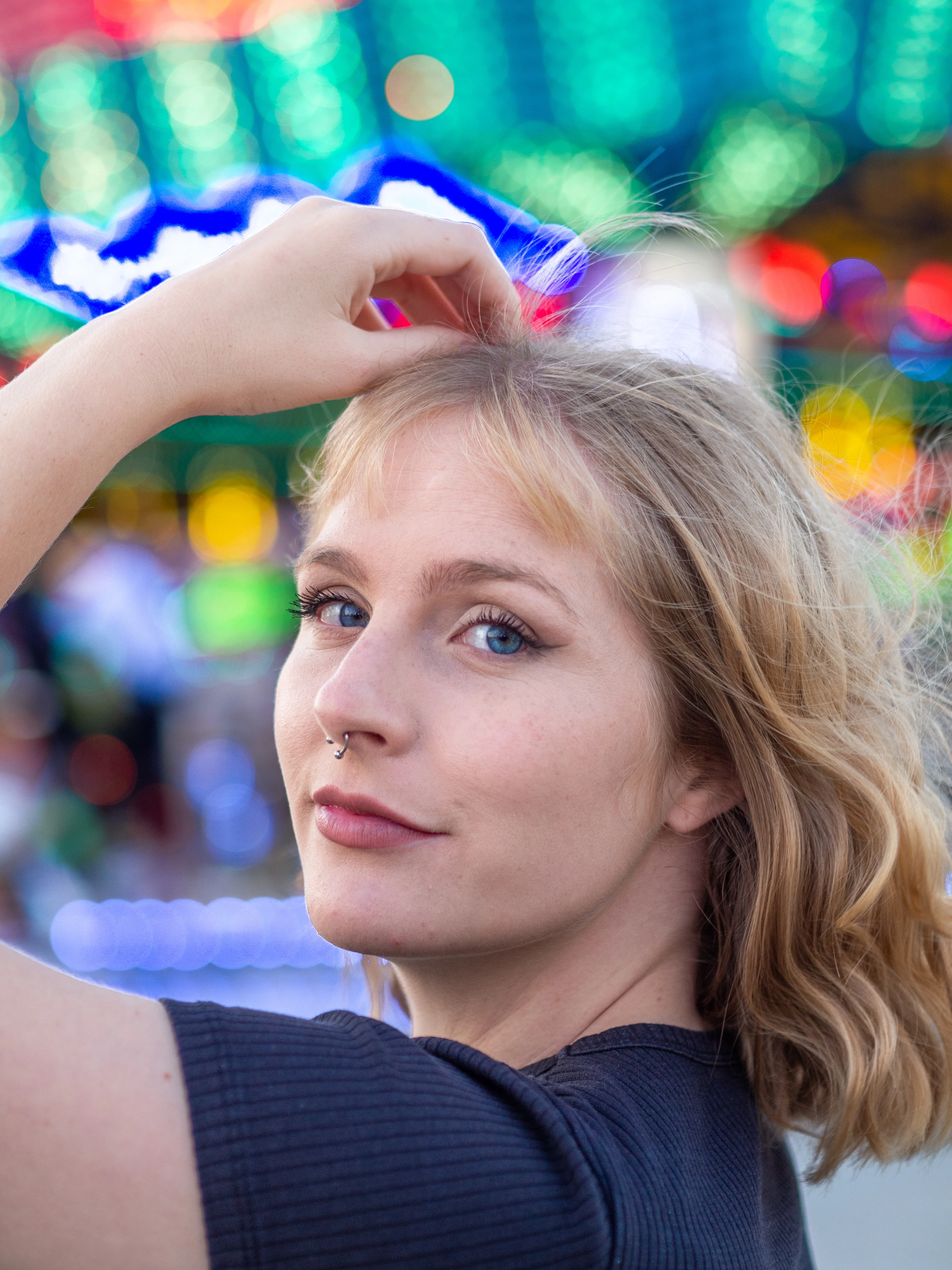
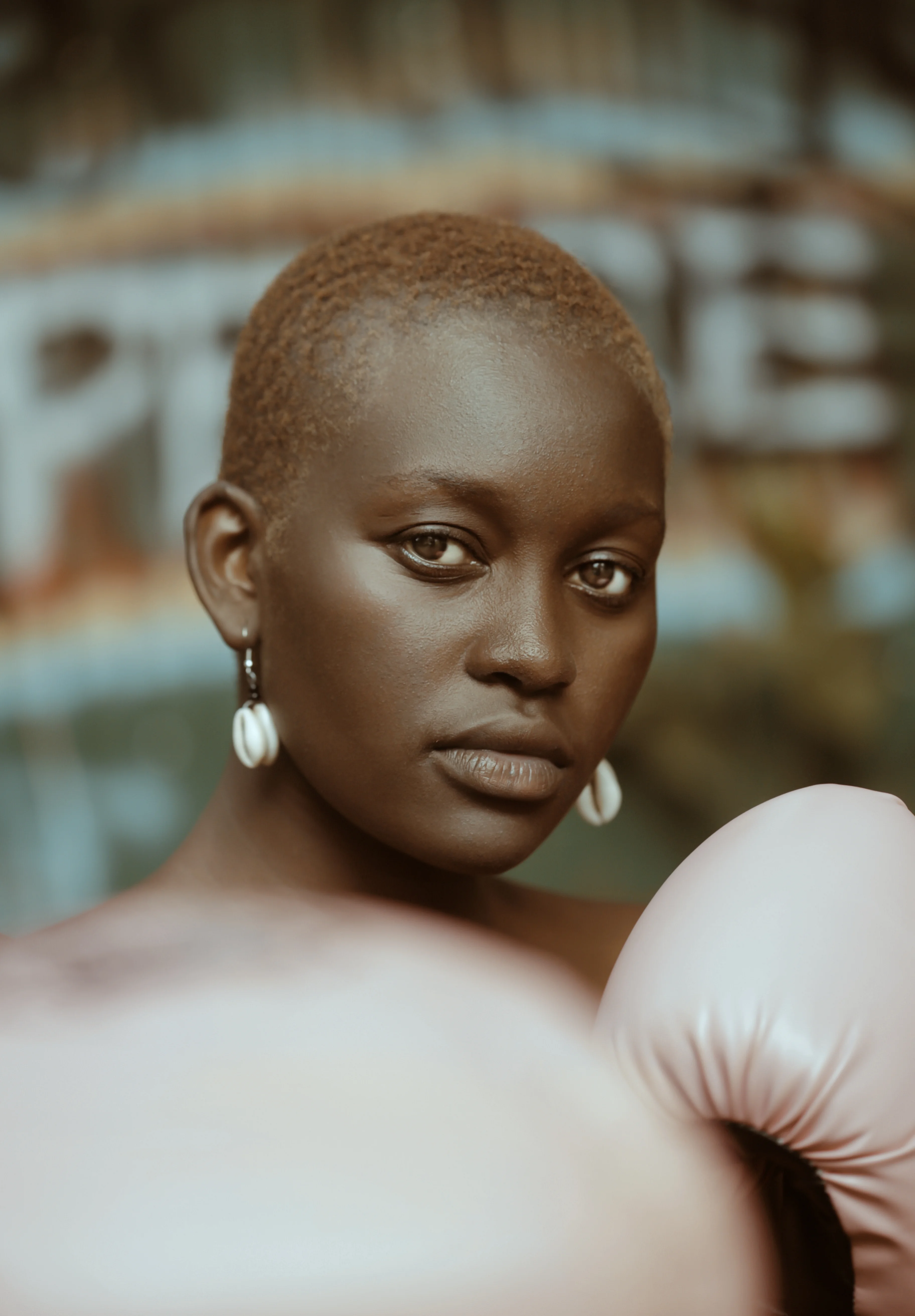
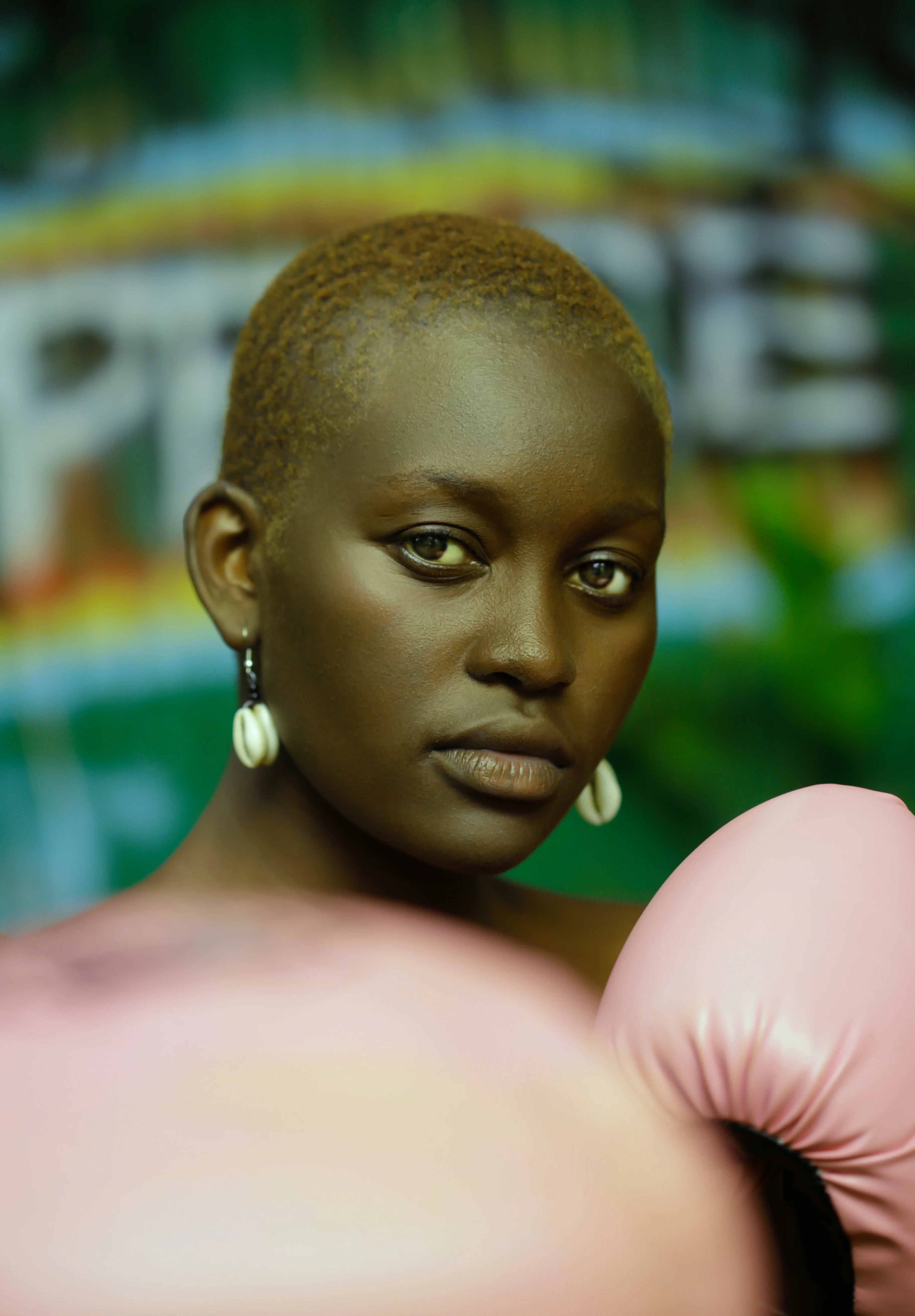
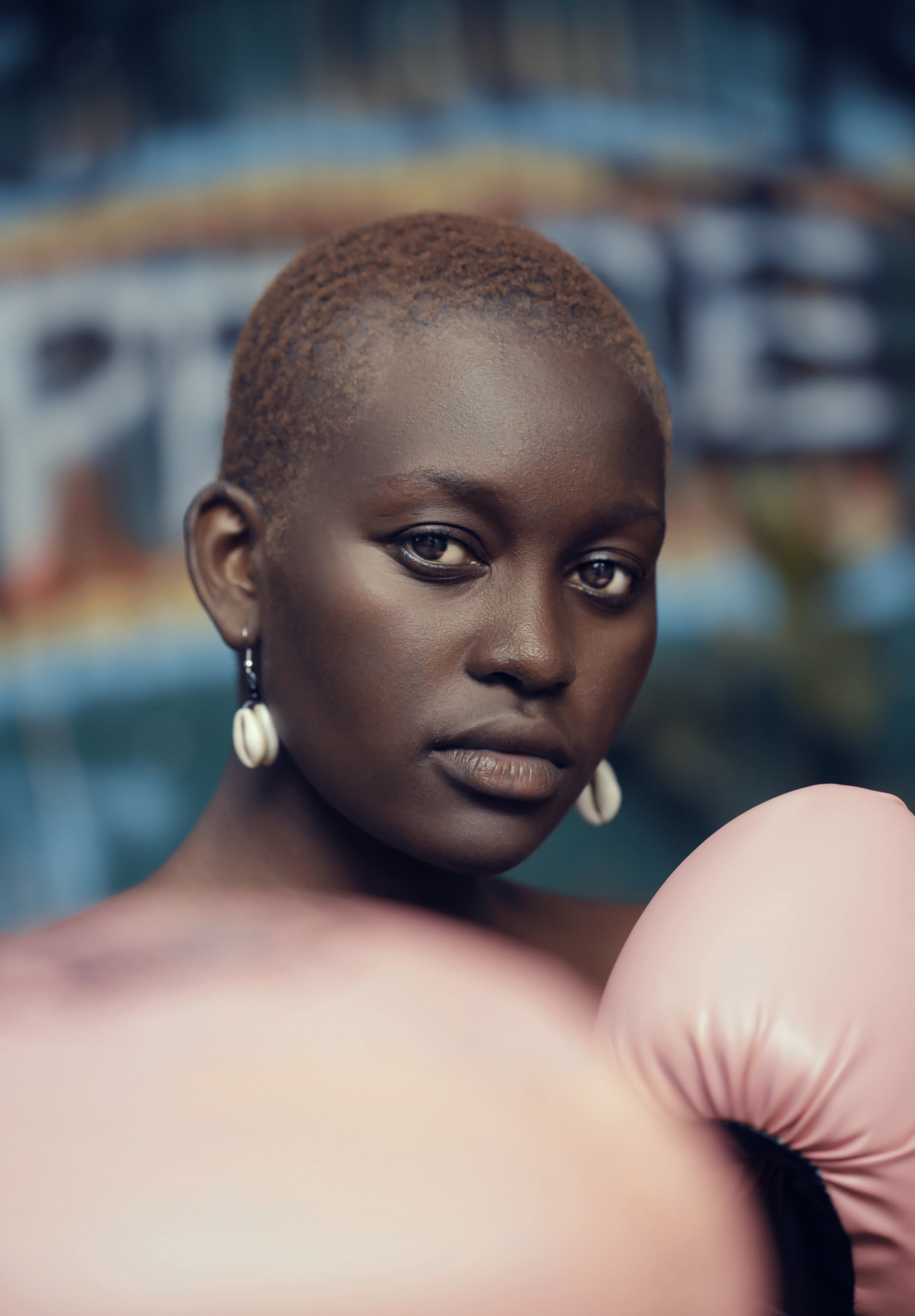
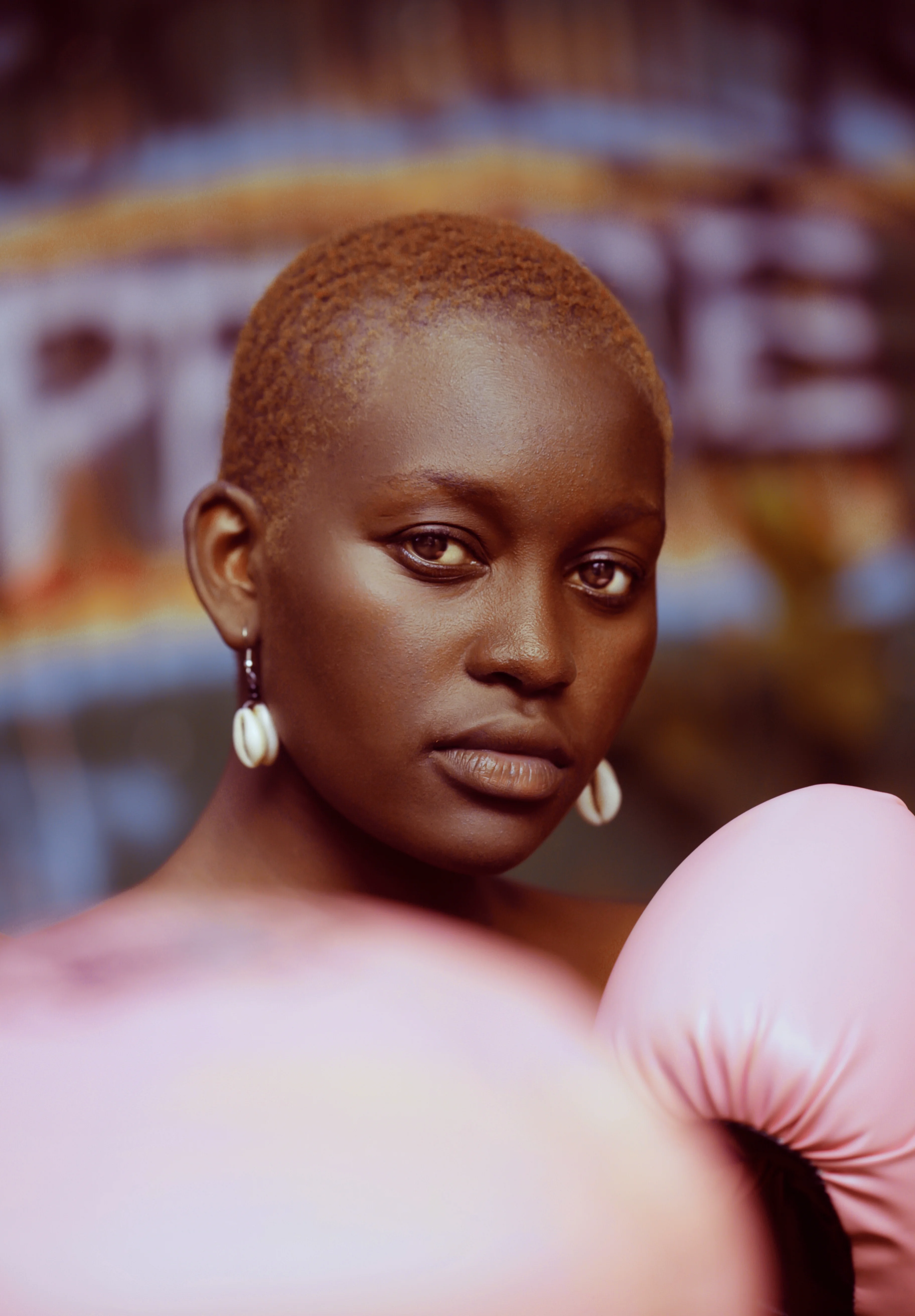
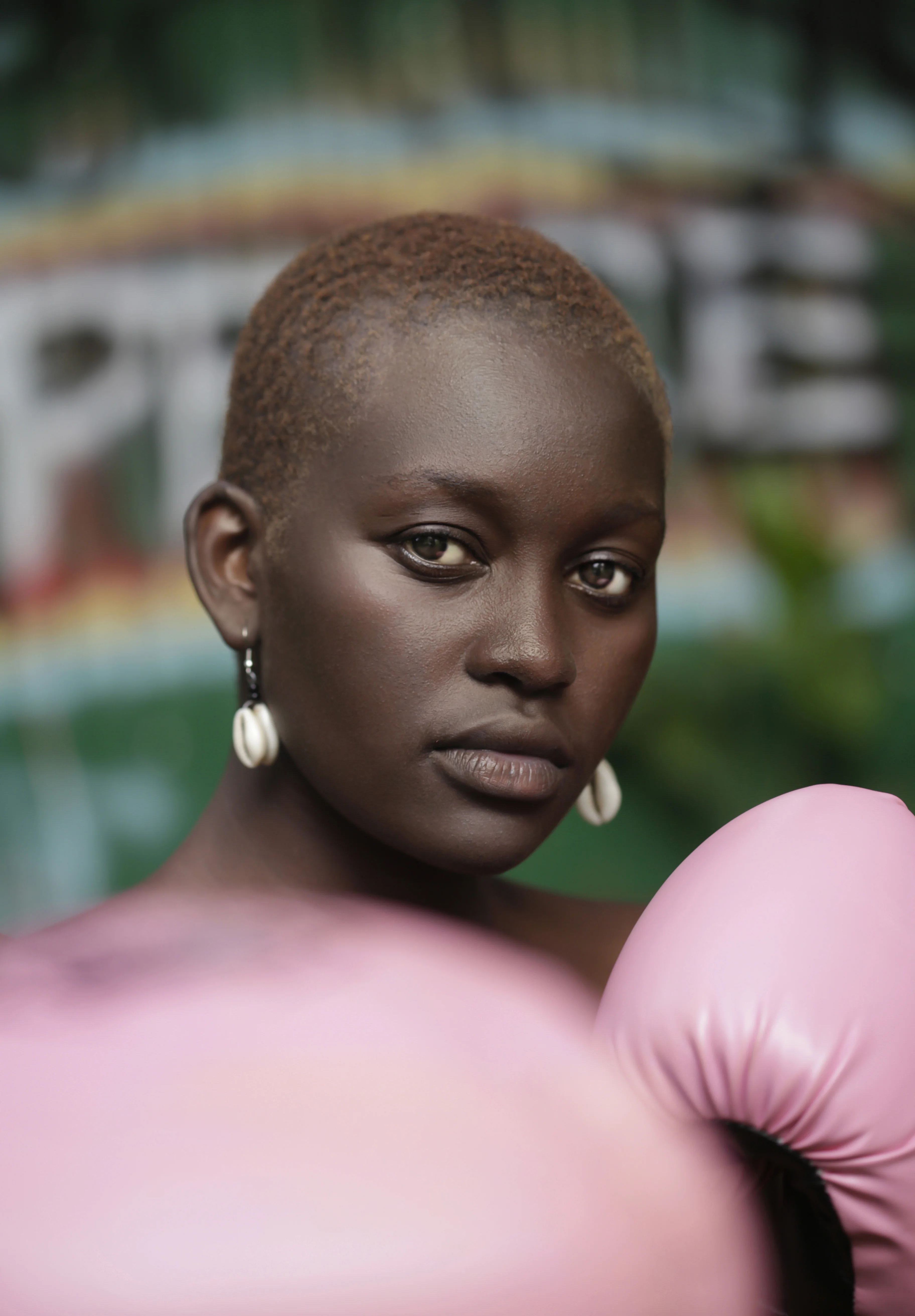






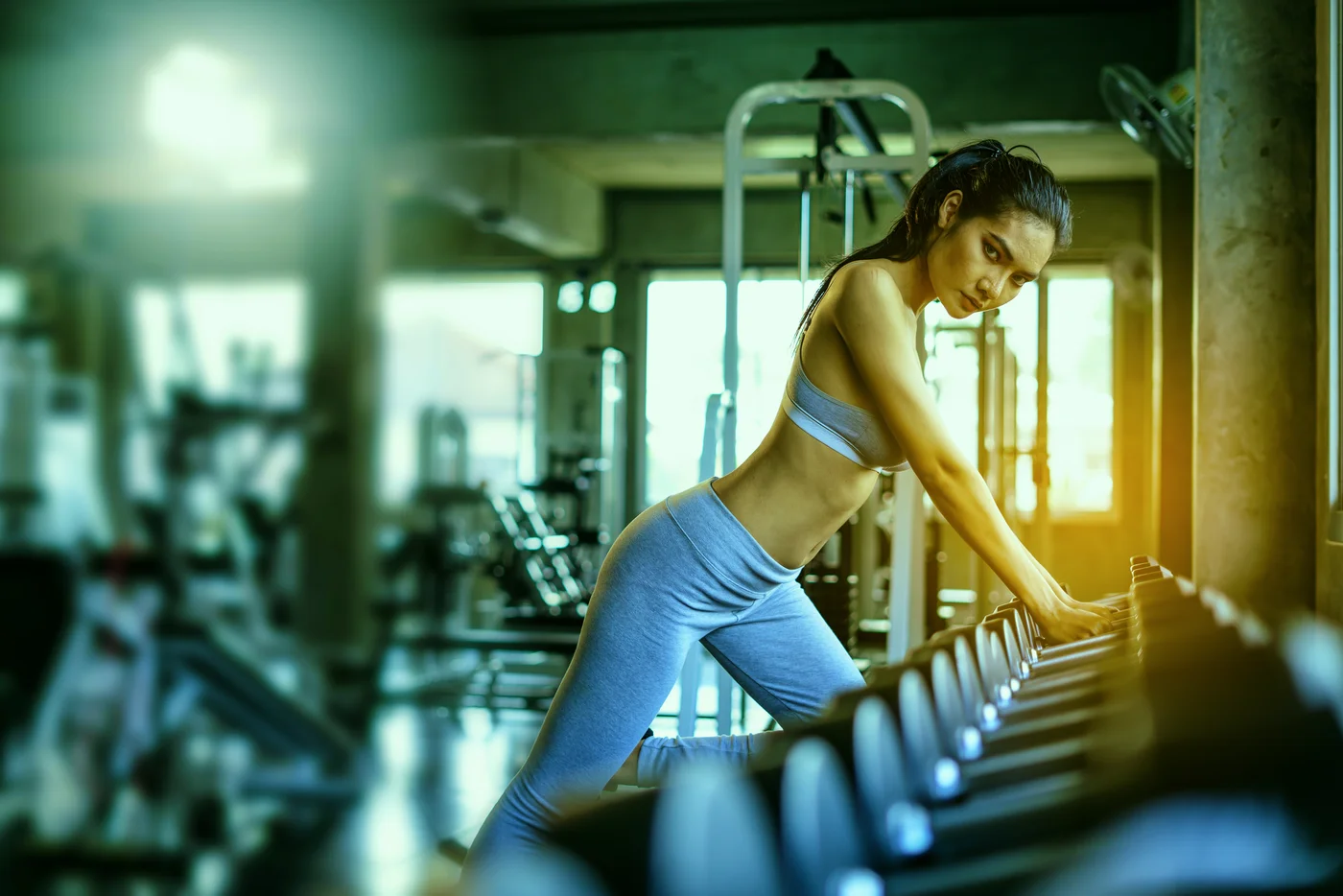



Current photo
Arams Benefits
Detect faces, search, and tag names automatically
Arams finds people across all your photos, groups them, and labels them — so you can quickly find and pick shots with the right people.
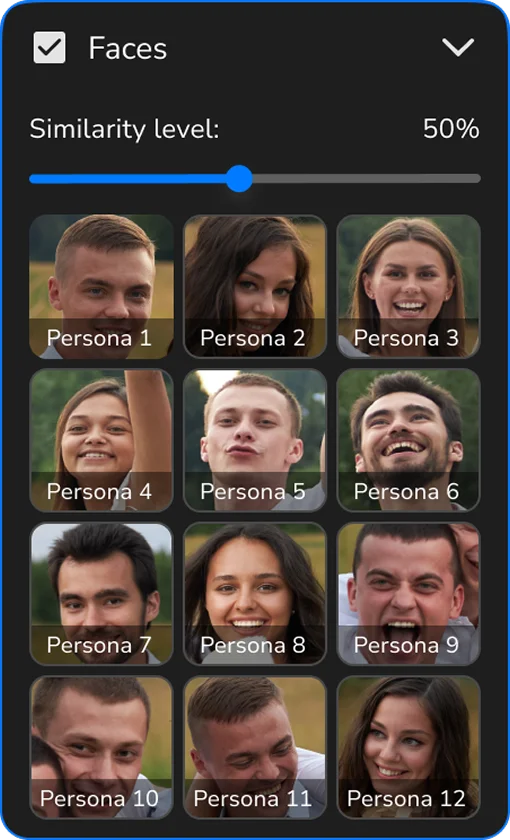
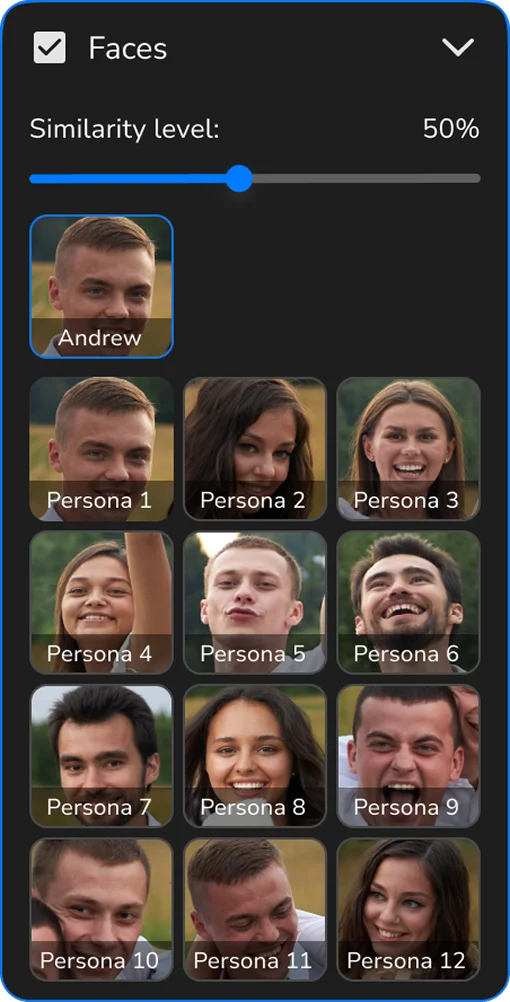

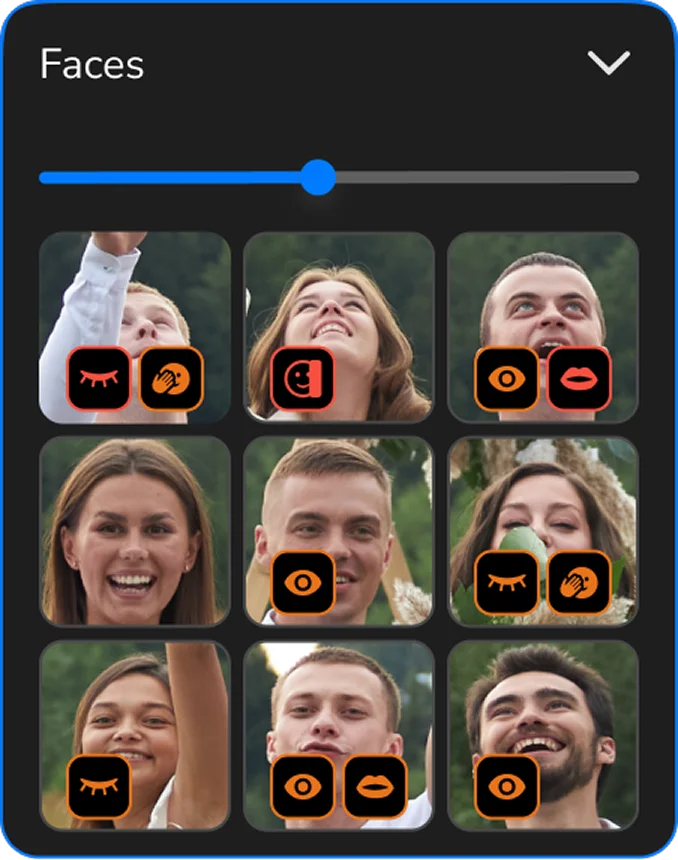
Color-coded face frames
AI sorts faces by color in seconds. Color frames indicate where the perfect shot is.
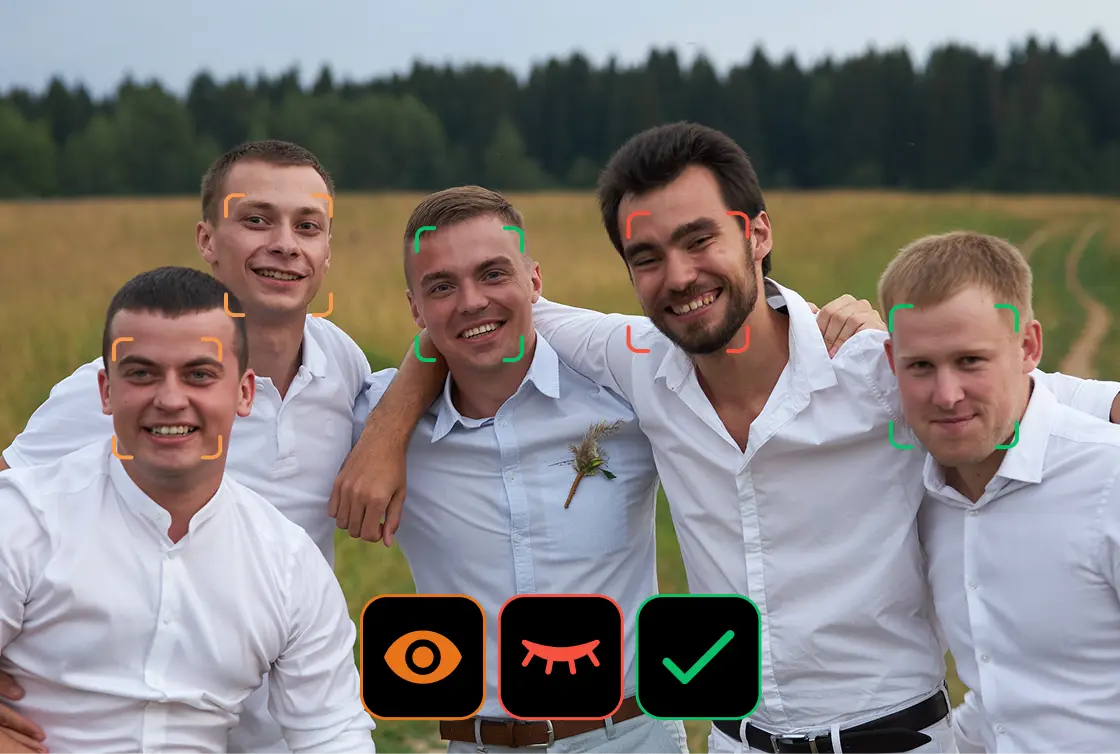
AI rating recalculation
The editor allows adjusting the assigned rating whenever needed.
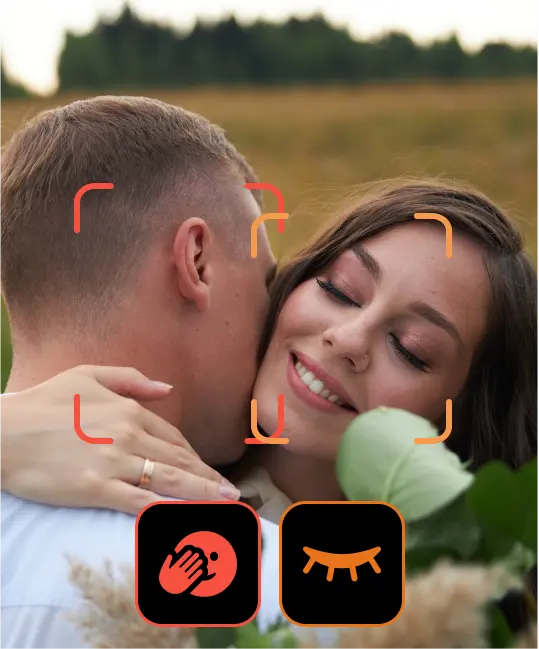
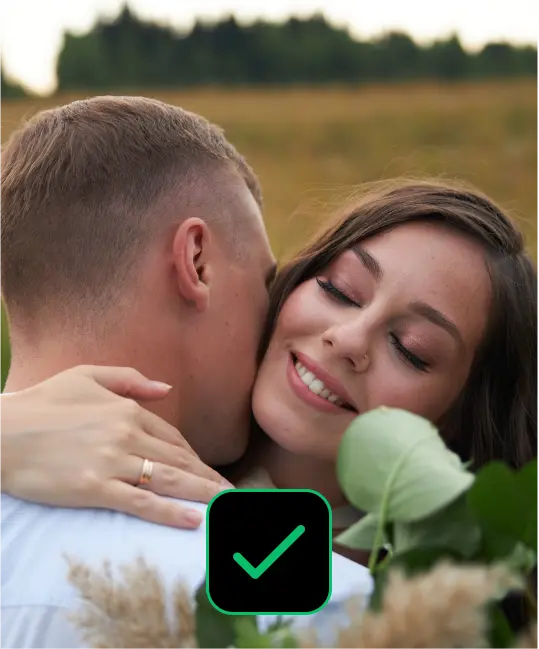
Face analysis in seconds
AI identifies the best shot with open eyes and the most flattering angle.
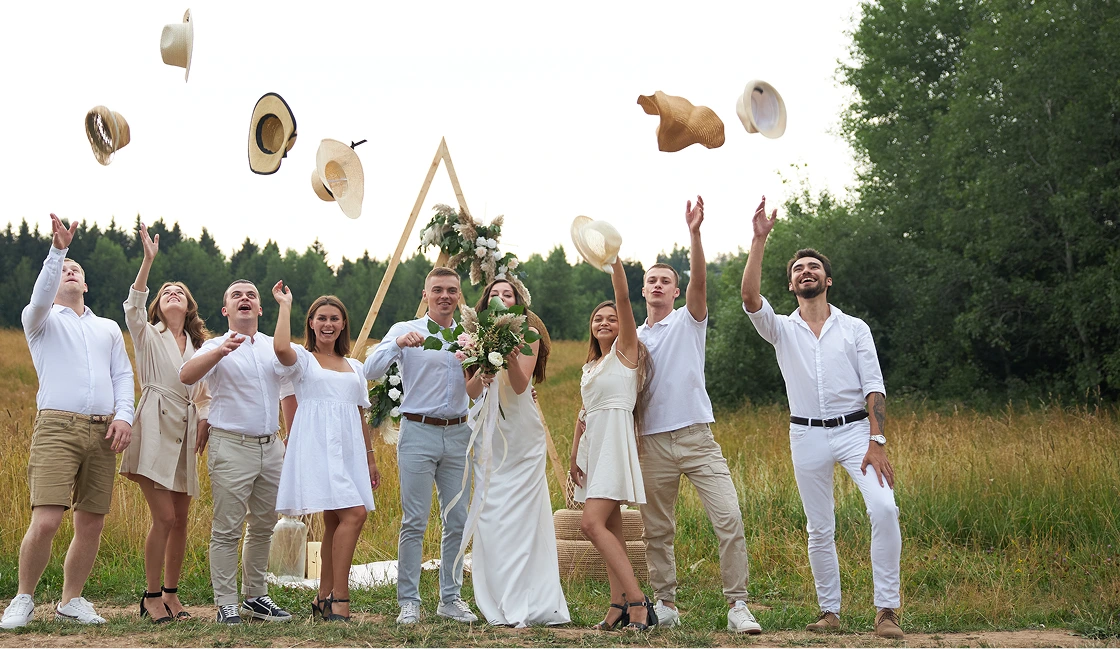
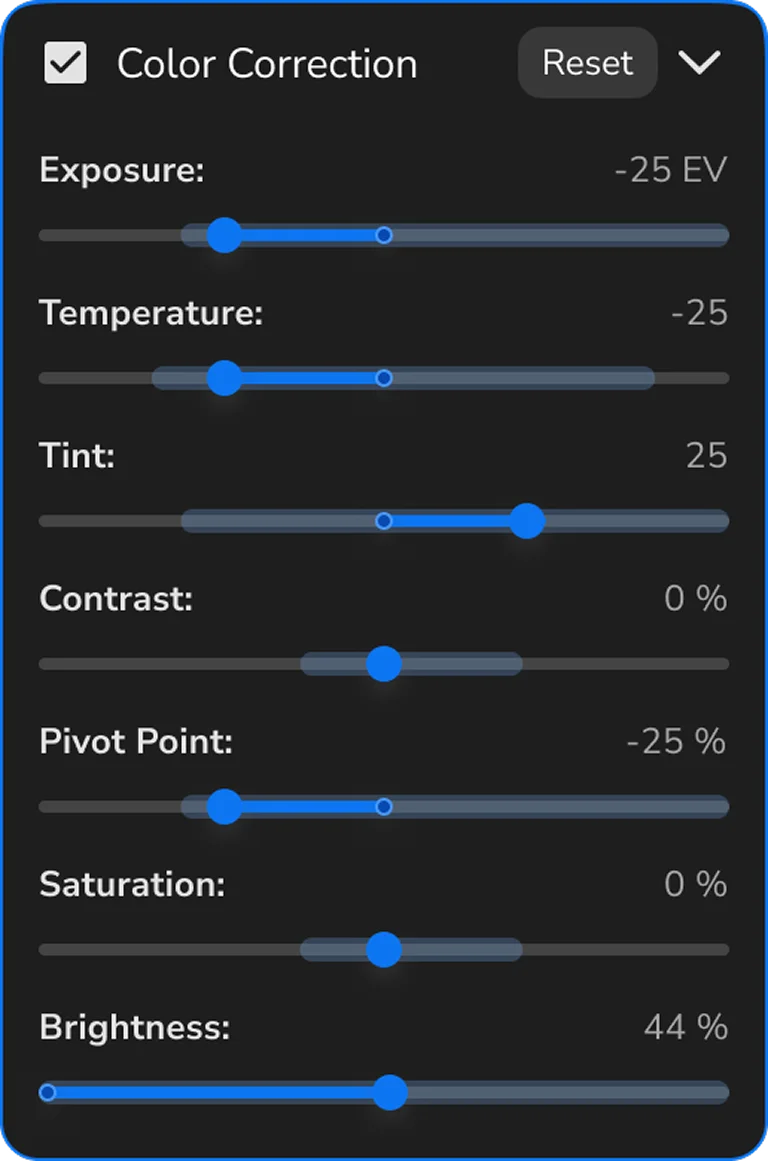
Consistent adjustments across a photo series
Select dozens of shots at once — the system will show value ranges and apply changes to all frames at once.
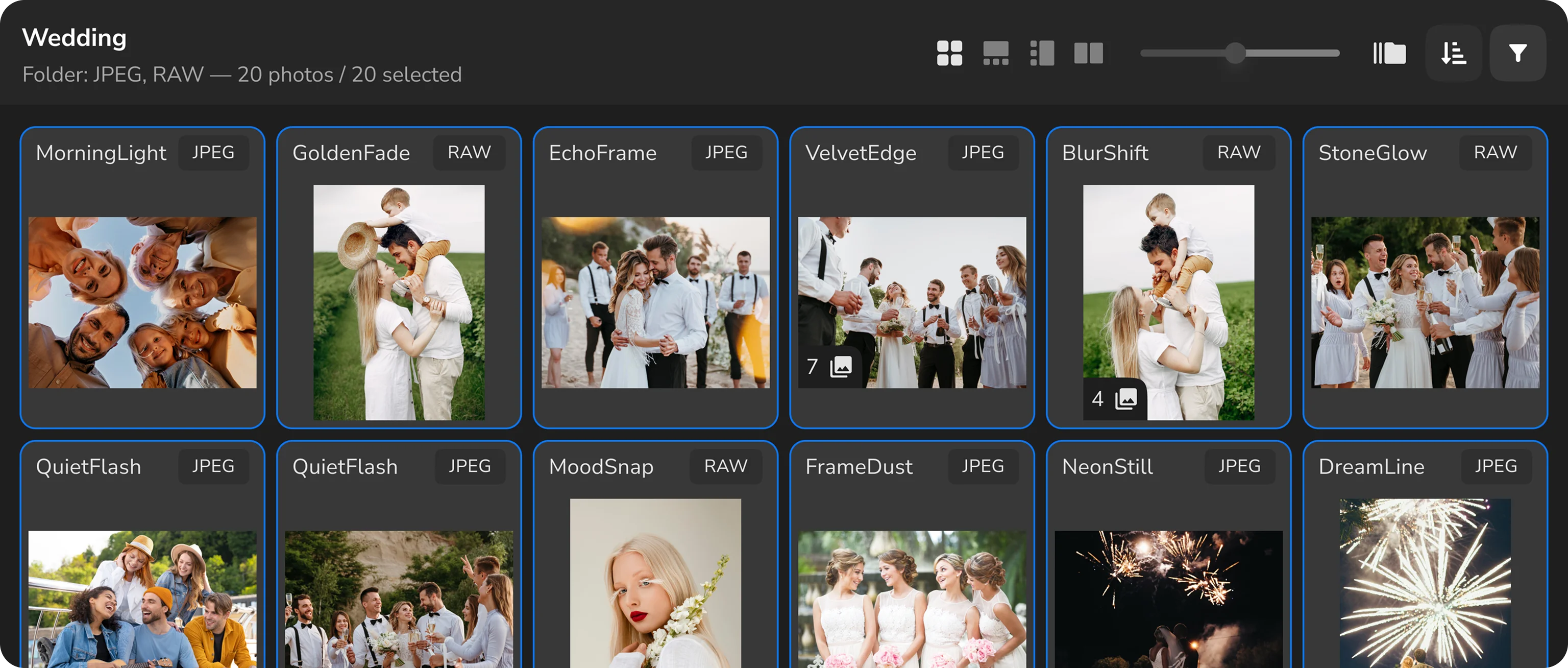
Horizontal duplicate selection
Review duplicates in a wide layout — perfect for group shots and panoramas.
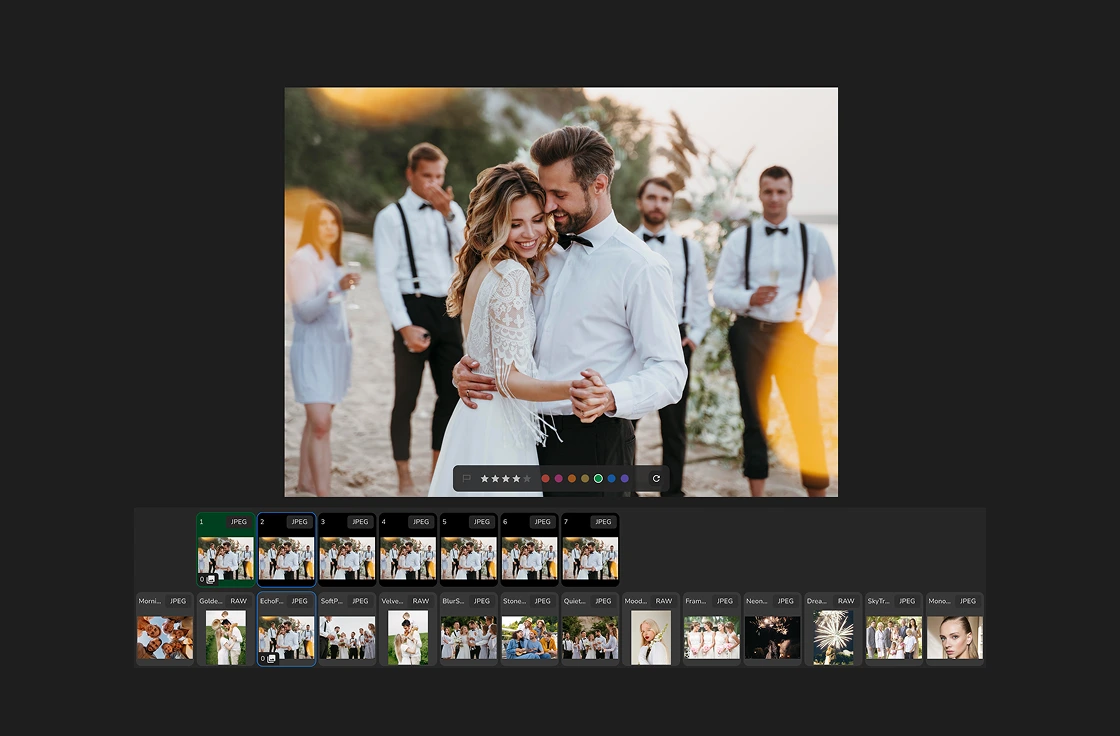
Vertical duplicate selection
Focus on every face — perfect for portraits and close-ups.
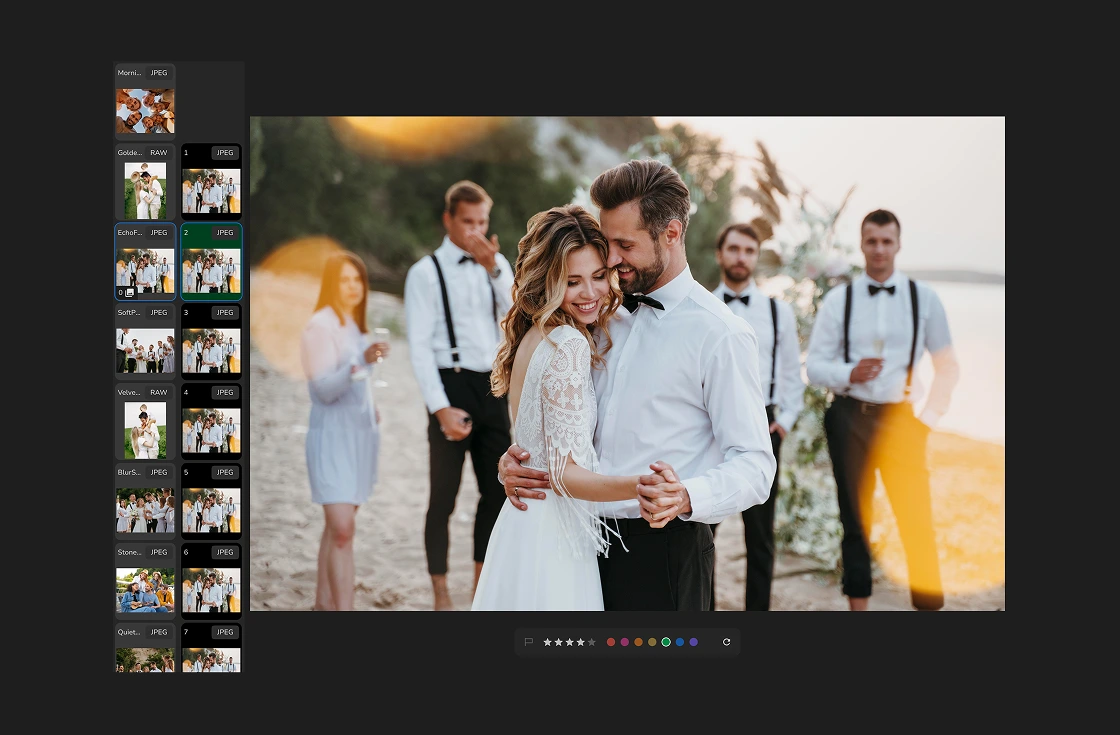
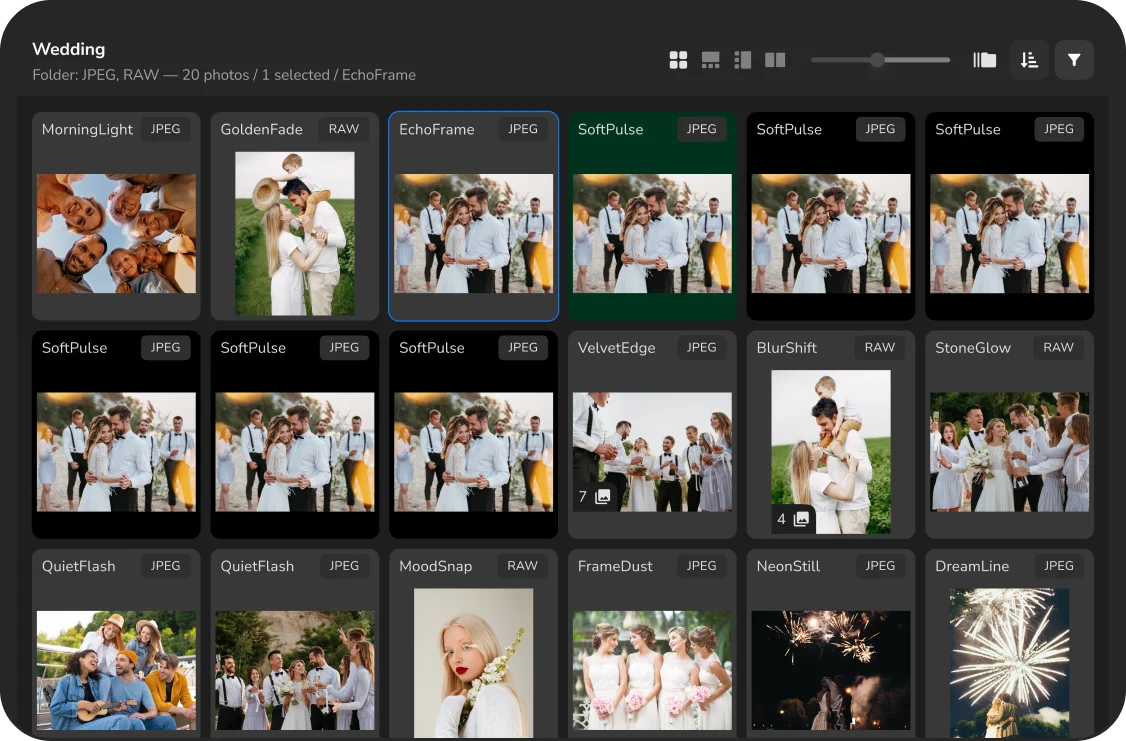
Duplicate groups in any mode
Work with groups without switching — they’re visible in both list and grid views.
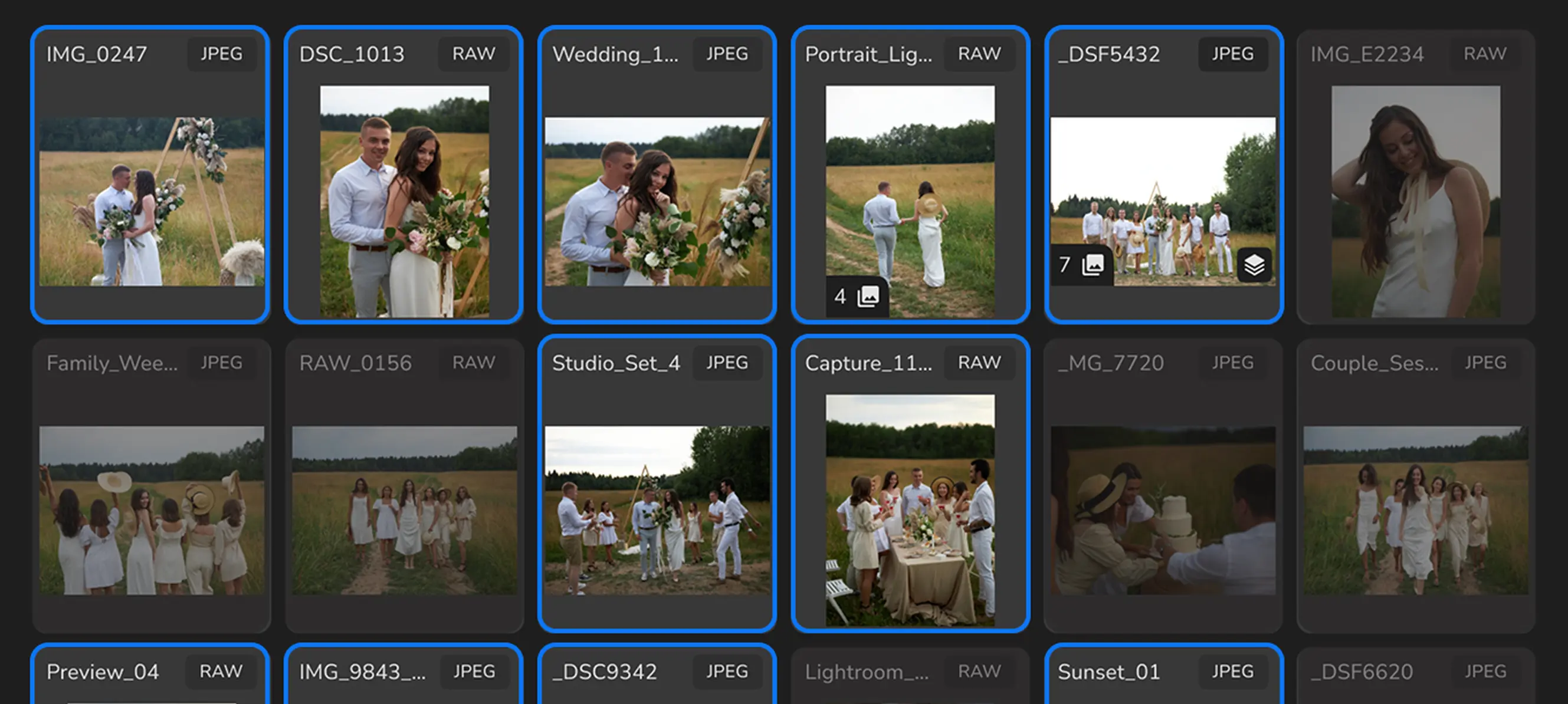
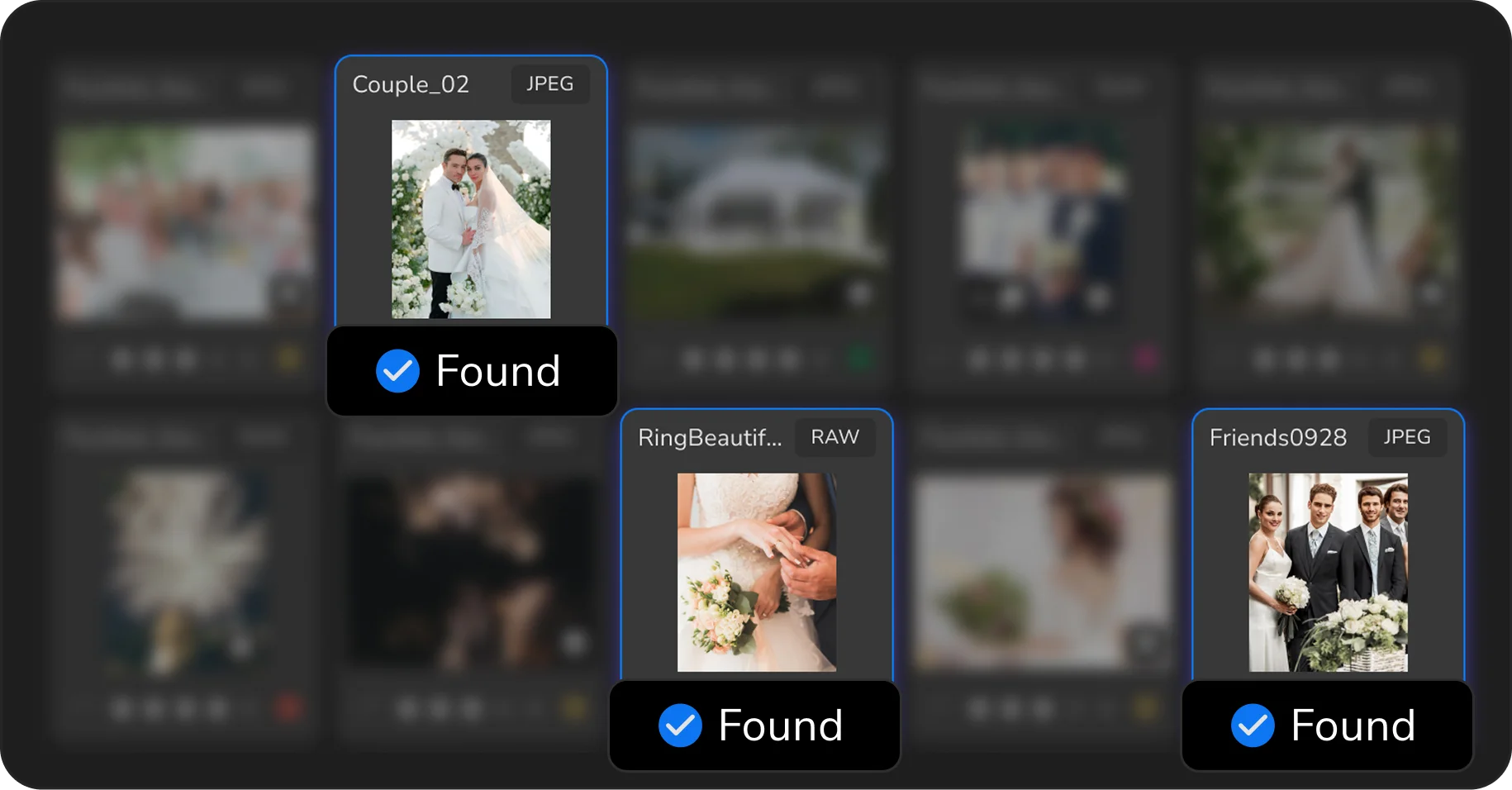
Batch search by filename
Enter part of the filename or relevant keywords, and AI will automatically find the required RAW, JPEG, PNG, and other file types.

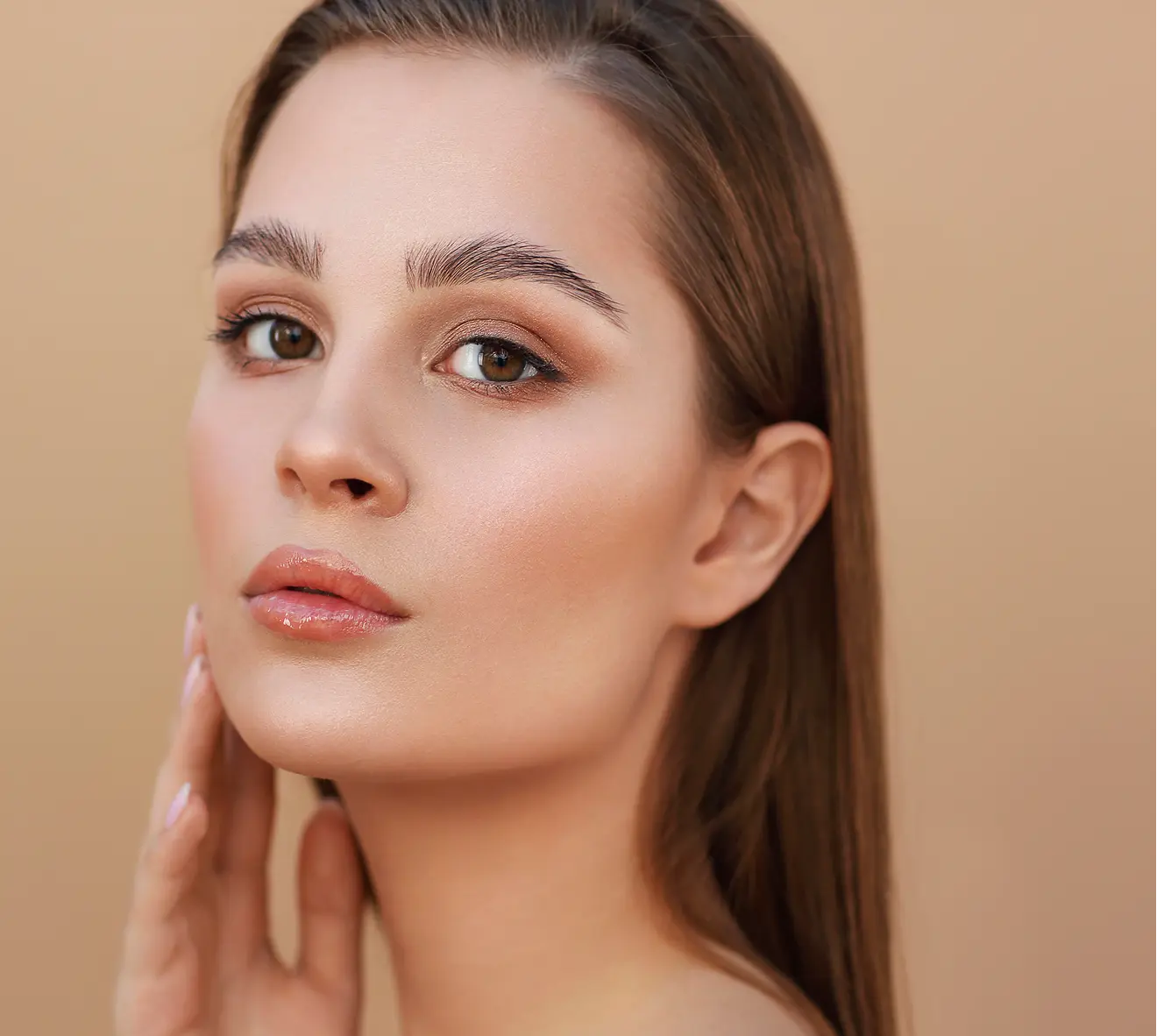
Full control over the result
Use AI to speed up your workflow, and fine-tune the effect strength manually.
Export any file format to layered TIFF
Arams exports results as layered TIFF files, preserving masks, effects, and transparency.
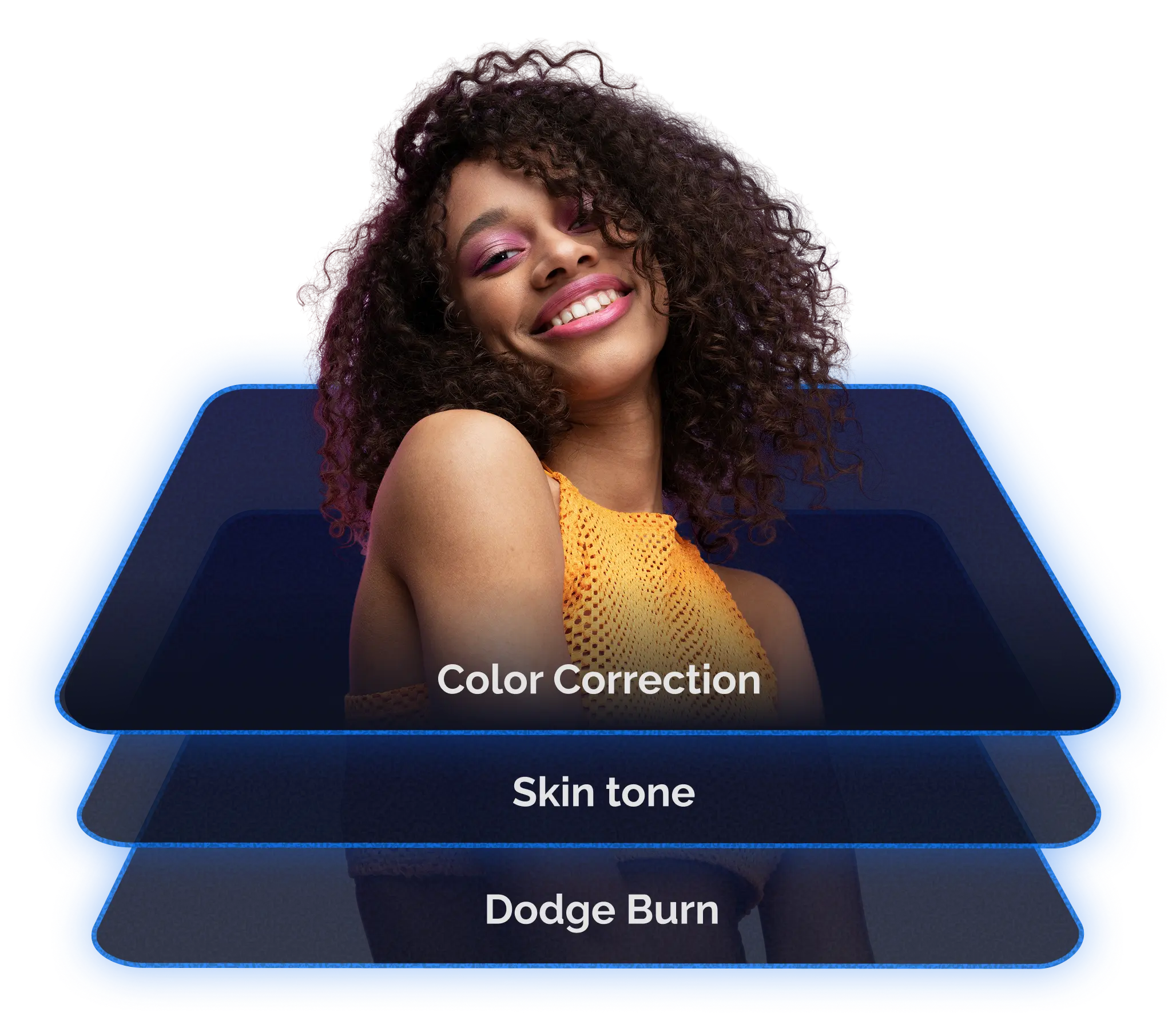
Arams exports results as layered TIFF files, preserving masks, effects, and transparency.
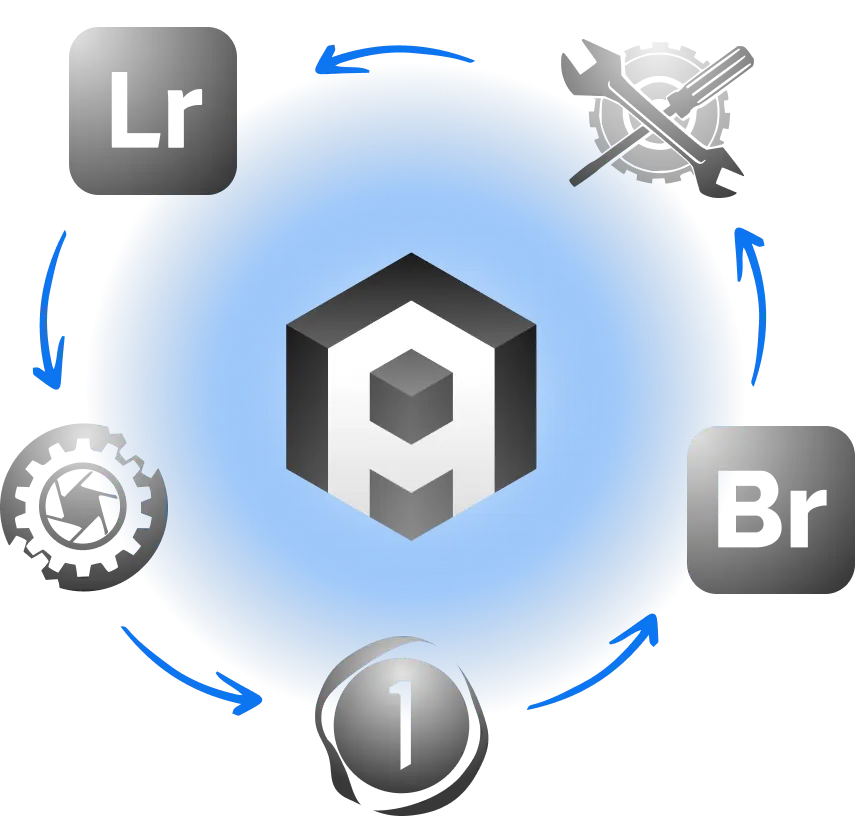
Arams syncs changes made across different editors.
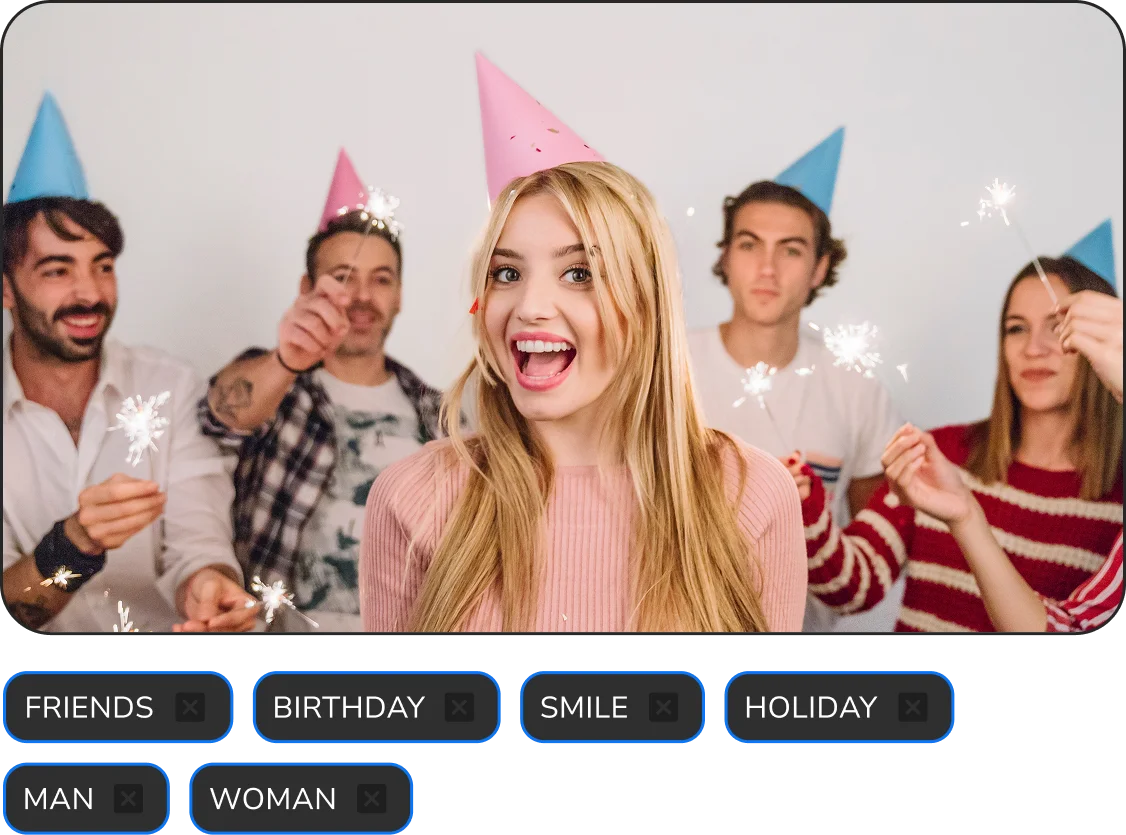
Smart AI tagging.
The AI automatically tags details, and you can add your own tags.
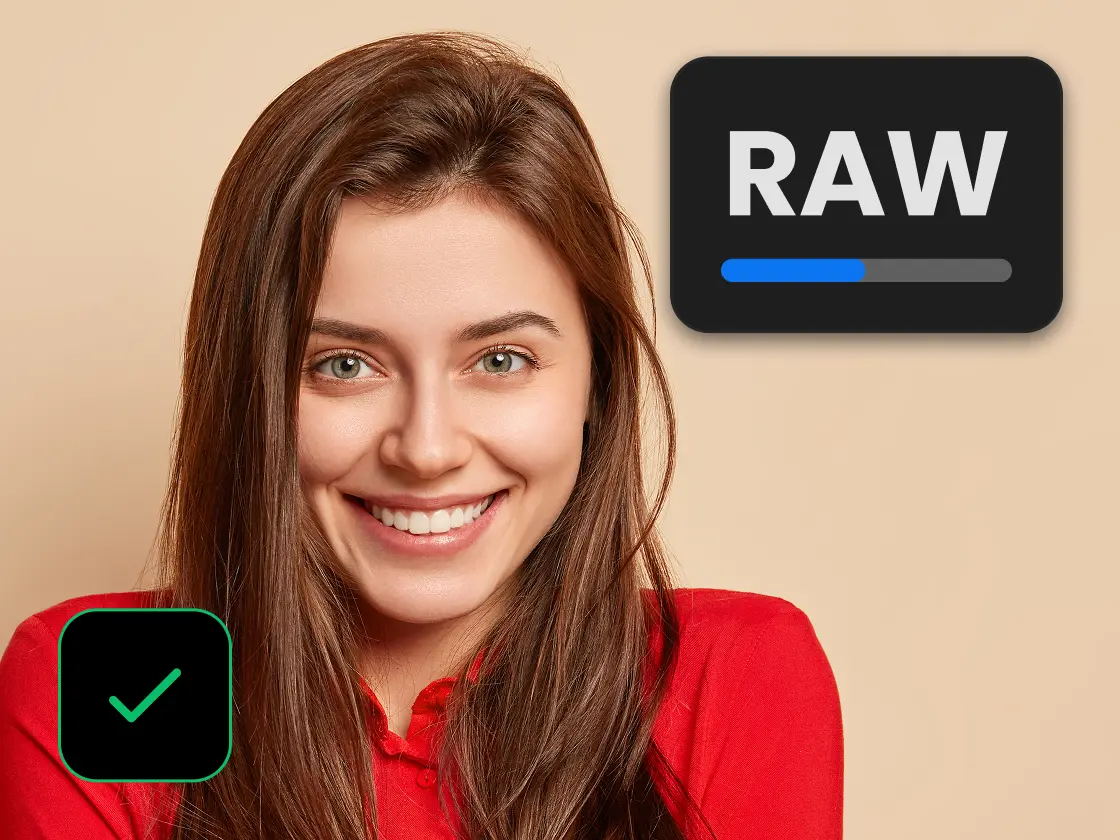
Import RAW.
The editor imports RAW files instantly when JPEG Preview is enabled.
Work the way that suits you best

Local retouching

Cloud retouching
Complete photographer workflow

- 1Select the best shots with AI
- 2Apply batch retouching and color correction
- 3Export the result in one click
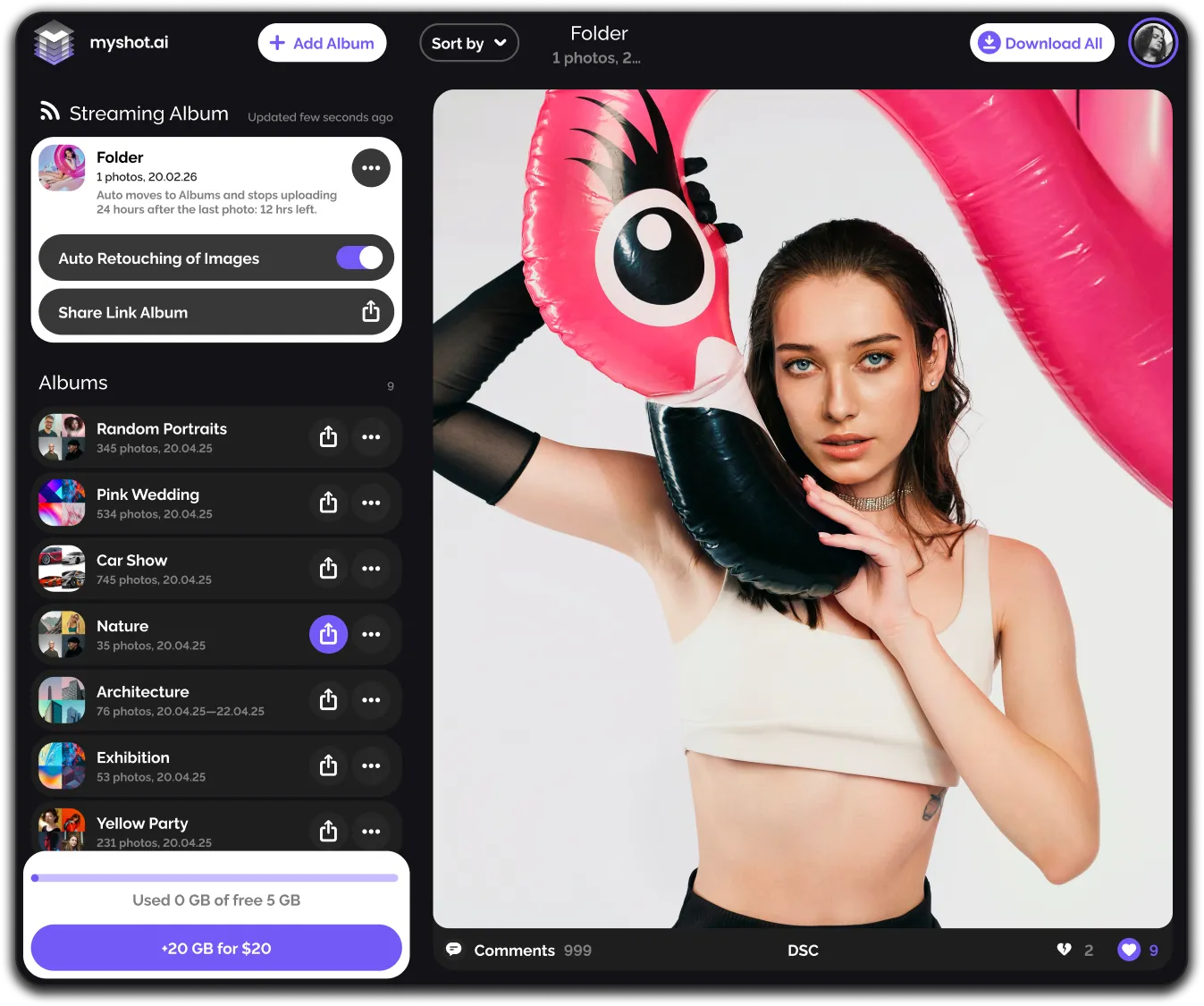
- 4Deliver the finished gallery to your client via MyShot
- 5Make retouching adjustments in MyShot even from your phone
Try Arams
Download Arams for free and register to get 20 cloud retouching credits and 100 analysis credits as a bonus.
Frequently Asked Questions
Find answers to frequent queries here or ask in the support chat.