Crop API
AI straightening, manual crop, pose crop, subject crop, and document portrait crop through the Retouch4me Cloud API.
Crop is a professional-mode plugin. It can return a flattened image, or it can write crop metadata into the ZIP result.json when Layer: 1 is used. Use this overview to choose the right Crop chapter for your integration.
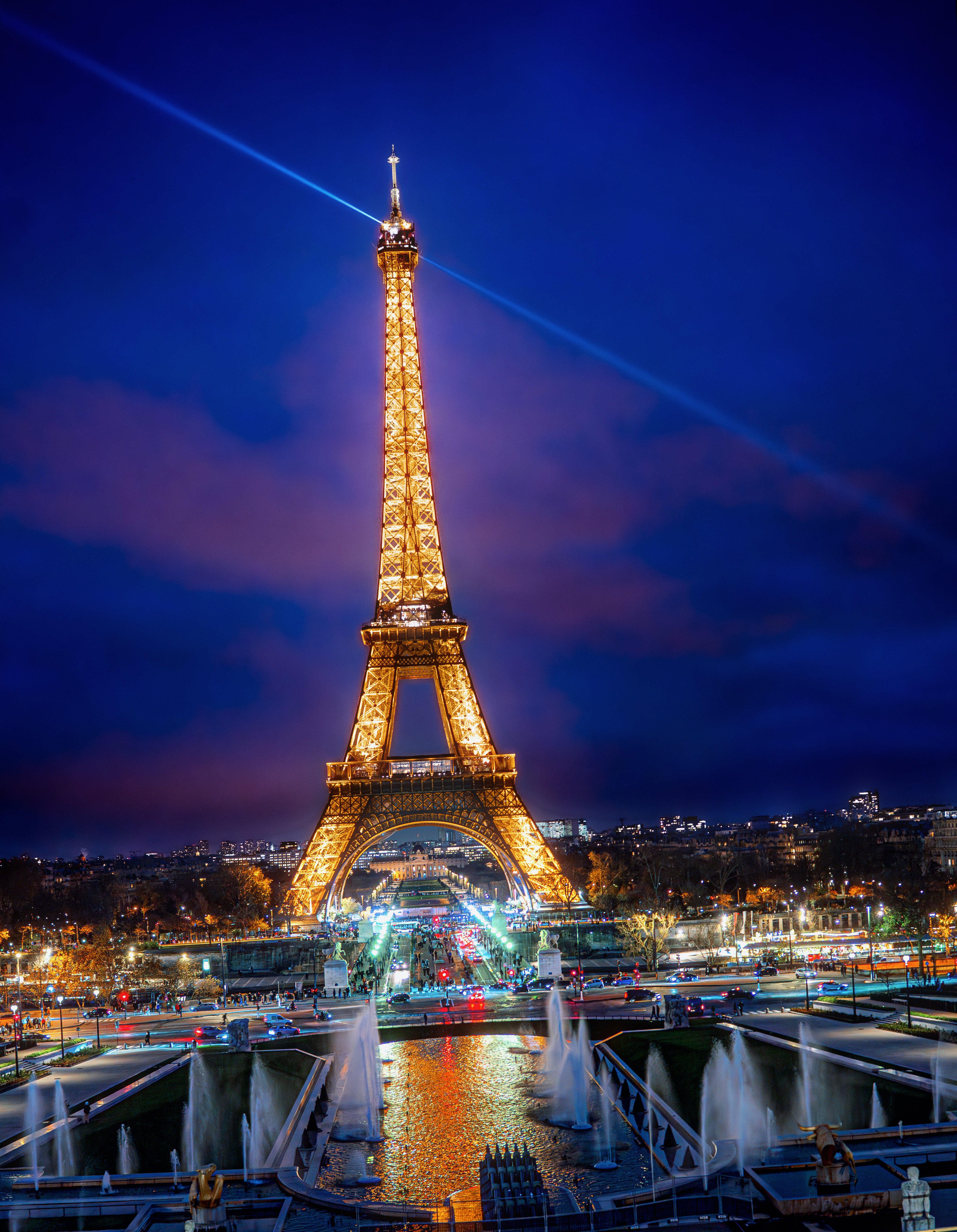 AI Straighten
Use full-image AI straightening with maximum crop when the photo is tilted and needs a ready flattened JPEG.
AI Straighten
Use full-image AI straightening with maximum crop when the photo is tilted and needs a ready flattened JPEG.
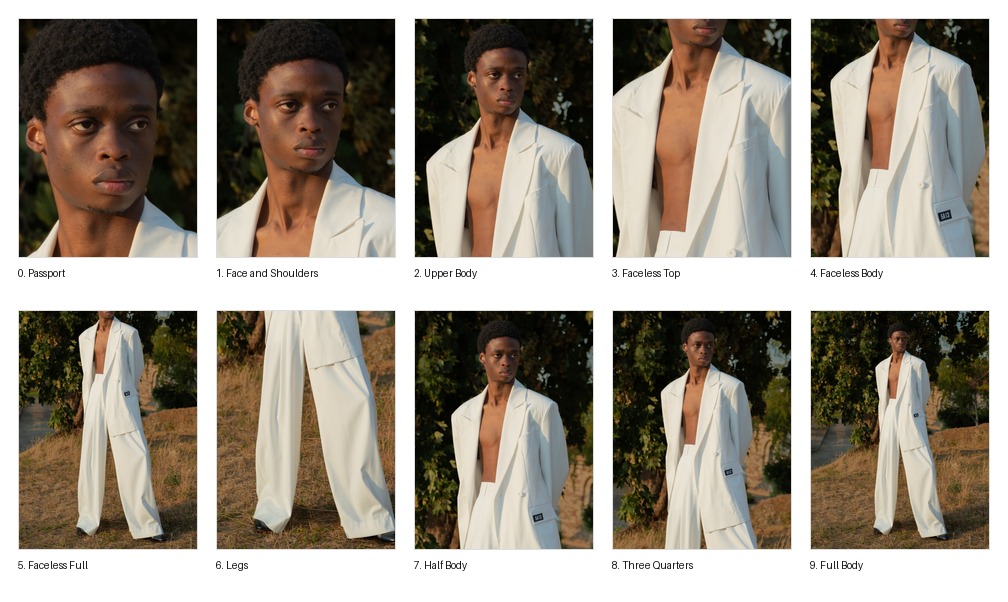 Pose Crop
Use pose landmarks for person-aware automatic crop, fixed portrait presets, and face-based straightening.
Pose Crop
Use pose landmarks for person-aware automatic crop, fixed portrait presets, and face-based straightening.
 Subject Crop and RLE Mask
Use the detected subject mask for product or object crop, decode the RLE mask, and draw mask overlays.
Subject Crop and RLE Mask
Use the detected subject mask for product or object crop, decode the RLE mask, and draw mask overlays.
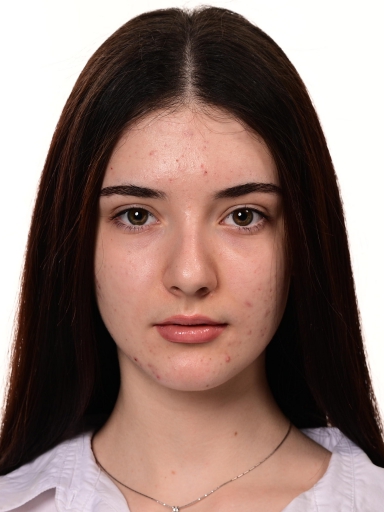 Passport and ID Photo Crop API
Use a fixed 3:4 portrait crop for document photos, passport photos, ID photos, and profile-photo automation.
Passport and ID Photo Crop API
Use a fixed 3:4 portrait crop for document photos, passport photos, ID photos, and profile-photo automation.
 Manual Crop Playground
Tune manual crop geometry visually and copy the generated
Manual Crop Playground
Tune manual crop geometry visually and copy the generated User Params into your payload.
Mode Map
| Workflow | Main fields | Detailed guide |
|---|---|---|
| AI straighten and maximum crop | AutoStraightenMode: "AI", AutoMode: "Maximum" |
AI Straighten |
| Manual crop | AutoStraightenMode: "Manual", ManualCenterX, ManualCenterY, ManualArea |
Manual playground |
| Pose/person crop | AutoMode: "Auto" or "Fixed", AutoStraightenMode: "Person" |
Pose Crop |
| Subject crop | AutoMode: "Subject", OnlyMainSubject, subjectMask |
Subject Crop and RLE Mask |
| Passport, ID, and document portrait crop | AutoMode: "Fixed", CropModeIndex: 0, AspectRatio: "3 : 4" |
Passport and ID Photo Crop API |
Common Parameters
| Field | Type | Default | Description |
|---|---|---|---|
Plugin |
string | required | Use Crop. |
Layer |
integer or boolean | 0 |
0 returns a flattened image. 1 writes prediction metadata to ZIP result.json. |
User Params.AutoMode |
string | Manual |
Manual, Maximum, Auto, Fixed, or Subject. |
User Params.AutoStraightenMode |
string | Manual |
AI uses full-image tilt prediction. Person uses pose landmarks. Manual uses Angle. |
User Params.AspectRatio |
string | absent | Accepted values include Free, Original, Custom, Square, 1 : 1, 2 : 3, 3 : 4, 4 : 5, and 16 : 9. |
User Params.Extend |
number | 0 |
Expands automatic, subject, or maximum crop framing. |
User Params.FixSize / FixSizePixels |
boolean / integer | false / 1000 |
When enabled, resizes the long side of the output to the requested pixel size. |
Common API Flow
- Submit a multipart
/retoucher/startrequest withfile,token, and Crop payload. - Poll
/retoucher/status/{id}untilstateiscompleted. - Download the result with
/retoucher/getFile/{id}.
The Crop API uses the same authentication, polling, and file download flow as the rest of the Cloud Retouching API. See the main API documentation for endpoint details and error codes.