Retouch4me 로고

윈터 세일: 30% 할인

빠르고 자연스러운 편집으로 작업 프로세스를 향상시키세요.

2
17
시간
21
26

Your ultimate solutions
for seamless Video Editing

Enhance your videos with AI plugins built directly into your editing software. Retouch4me automates skin retouching and color correction, delivering flawless results in just a few clicks.

Effortless Setup

Elevate your Workflow

Spend less time editing and more time creating with automated tools that handle even the most difficult tasks for you.
  • Choose the plugins

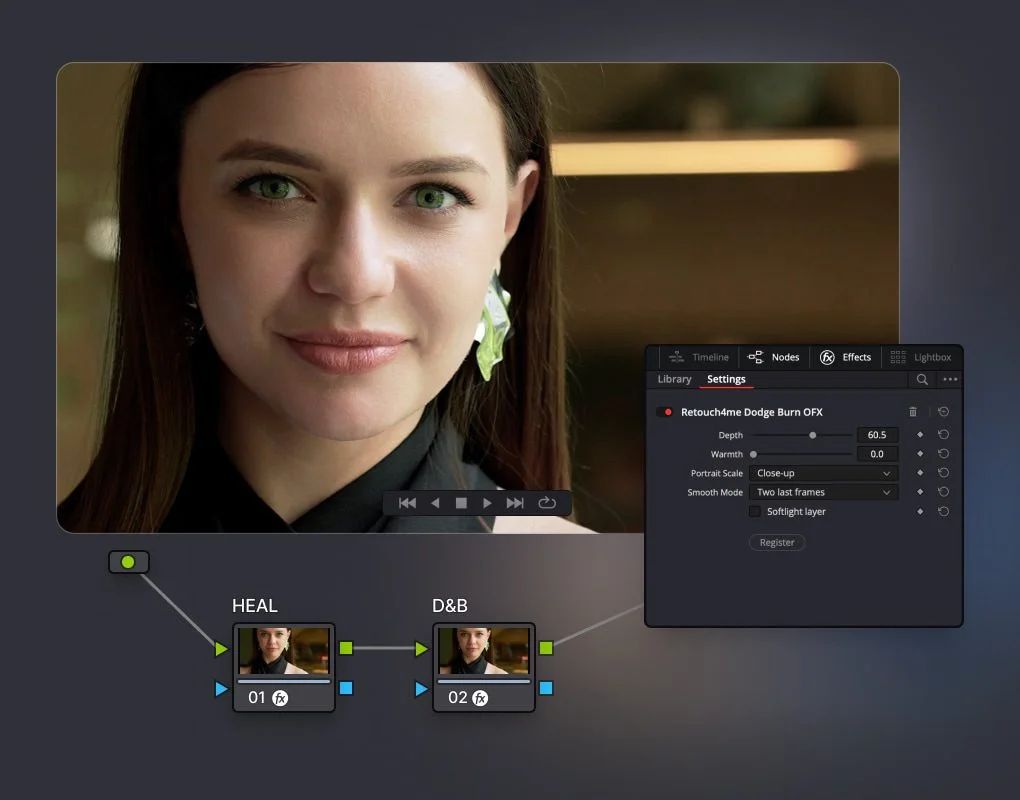
    Heal OFX cleans blemishes, pimples, acne, and other small skin imperfections.

    Dodge&Burn OFX smooths skin naturally while preserving its original texture.

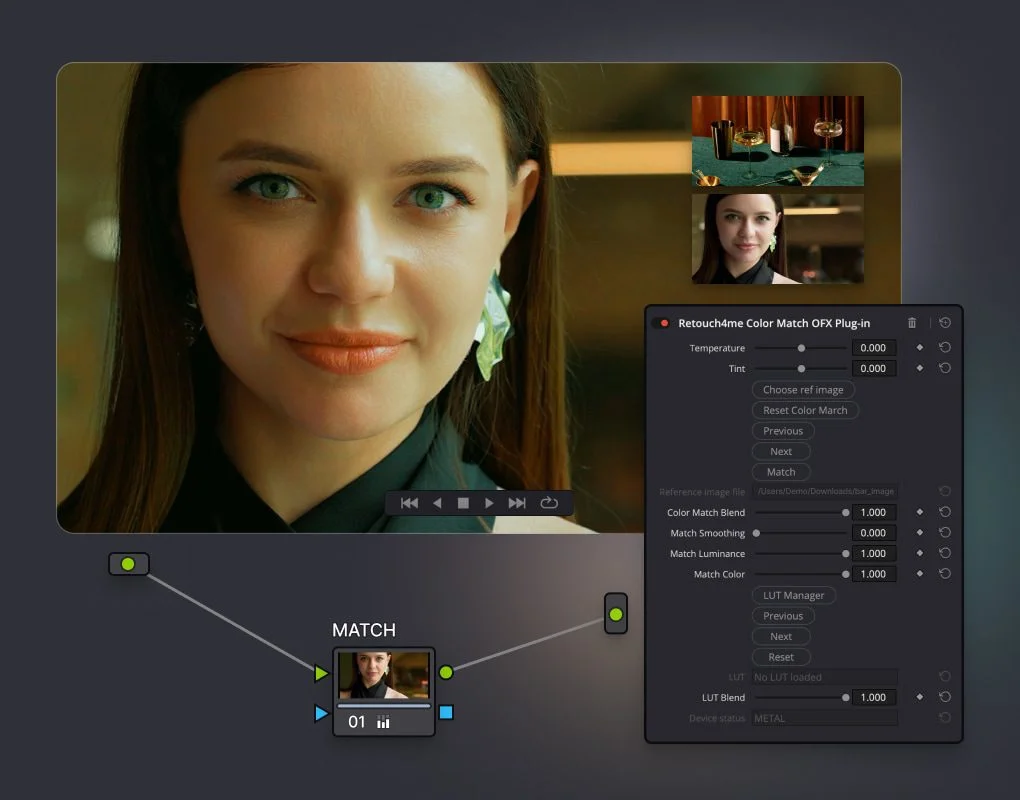
    Color Match OFX ensures a consistent color palette by matching footage to any reference image or film still. It also allows you to explore LUT Cloud for instant cinematic styles.

    Mix and match plugins to create a seamless, efficient retouching workflow tailored to your project.

  • Retouch

    Retouch4me is the first AI software to bring advanced photo retouching techniques to video editing.

    Start by automatically removing skin imperfections with Heal OFX, then smooths out the skin with Dodge&Burn OFX. Together, they create a clean, natural look with balanced tones and smooth textures.

  • Color Match

    Use Color Match OFX to unify your color palette and give your video a polished, professional look. Simply match colors to a reference photo or film still, or browse the LUT Cloud library for stunning, ready-to-use cinematic styles.

Examples

See Results

Retouch4me brings a new level of polish to your video. Let AI enhance the details while you focus on your creative process.

Watch the video

Quick Review

AI tools

How to get started?

Retouch4me is a collection of AI plugins for automated image and video processing. The video OFX plugins work seamlessly with leading OFX-compatible editors like DaVinci Resolve, VEGAS Pro and others.
The Color Match plugin is also available for Adobe Premiere and Final Cut.

Download the Plugins

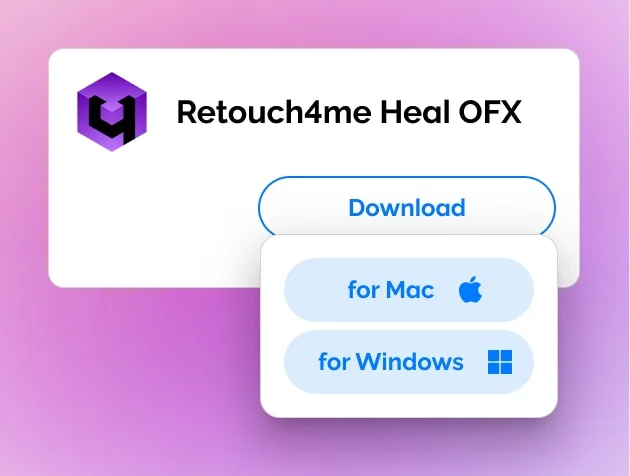
Sign in or create an account to access the downloads. Open Video Retouching tab and select the plugin you interested in. Download a free demo version or purchase the plugin.

Open in Video Editor

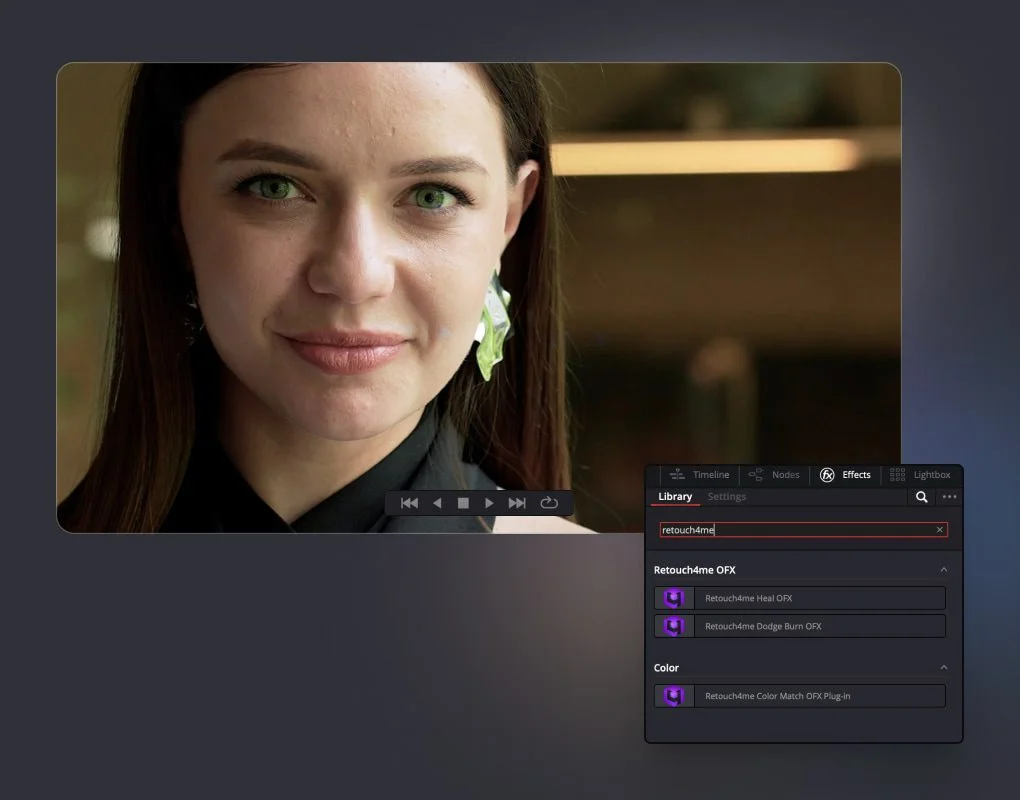
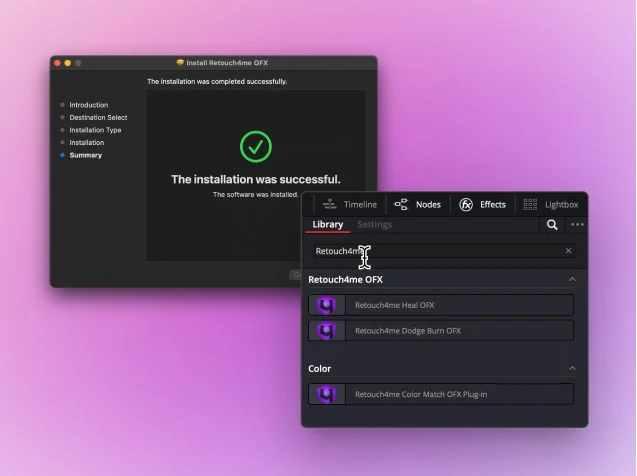
Install the plugin, and open your video editing software. Locate the Retouch4me plugin in the Effects Library (Video FX or OpenFX panel depending on the editor you use).

Activate the plugin

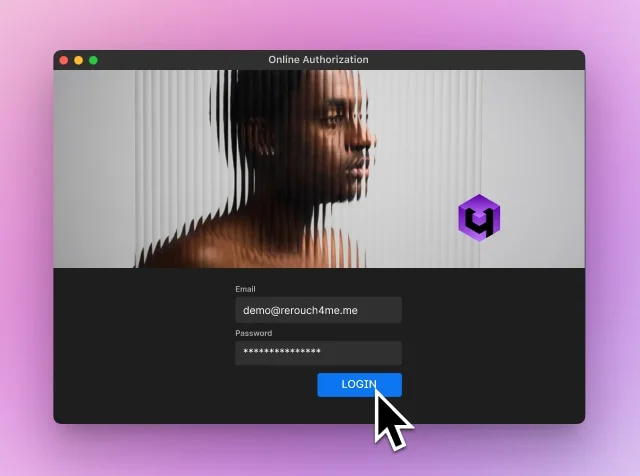
To activate the plugin, click the Register button in the plugin settings. Log into your Retouch4me account in the pop-up window — and you’re all set!

Ready to try?

Make your videos look
like never before

Reviews

Trusted by Professionals

    The company’s AI-powered tools provide excellent results across all photography and videography principles. 

    Disha Chopra

    Content enthusiast in Analytics Drift. IN

    [Retouch4me Color Match OFX] does do a pretty good job of applying the color tone from a reference image.

    Matthew Allard

    Storyteller, Cinematographer, ACS. JP

    Videographers can save time and effort spent on manual video coloring.

    Gary Pageau

    Editor-in-Chief in Dead Pixels Society, US

Need Answers?

Frequently Asked Questions

We’re here to help with any questions you have about plans, pricing, and supported features.
AI 사진 보정
AI 영상 보정
  • New
  • Free
AI 앱 및 도구
  • Free
  • Free
리소스
  • Free
정보
비자(Visa) 결제 로고마스터카드(Mastercard) 결제 로고아메리칸 익스프레스(Amex) 결제 로고디스커버(Discover) 결제 네트워크 로고다이너스 클럽(Diners Club) 결제 로고유니온페이(China Union Pay) 결제 로고애플 페이(Apple Pay) 디지털 지갑 로고구글 페이(Google Pay) 디지털 결제 로고링크 바이 메소드(Link by Method) 결제 처리 로고

© 2020—2025 RELU OÜ, 등록 코드 16 194 437; 10 152 에스토니아, 탈린, Vesivärava 50−201. 영업 대행사: RELU - FZCO, 라이센스 번호: 14802, DSO- IFZA-14802, 두바이 실리콘 오아시스, 두바이 디지털 파크, 두바이, UAE