AI Background Removal API
Remove image backgrounds programmatically and return a transparent PNG cutout, a single-channel alpha-only mask without RGB, or a reusable layered mask for automated media pipelines.
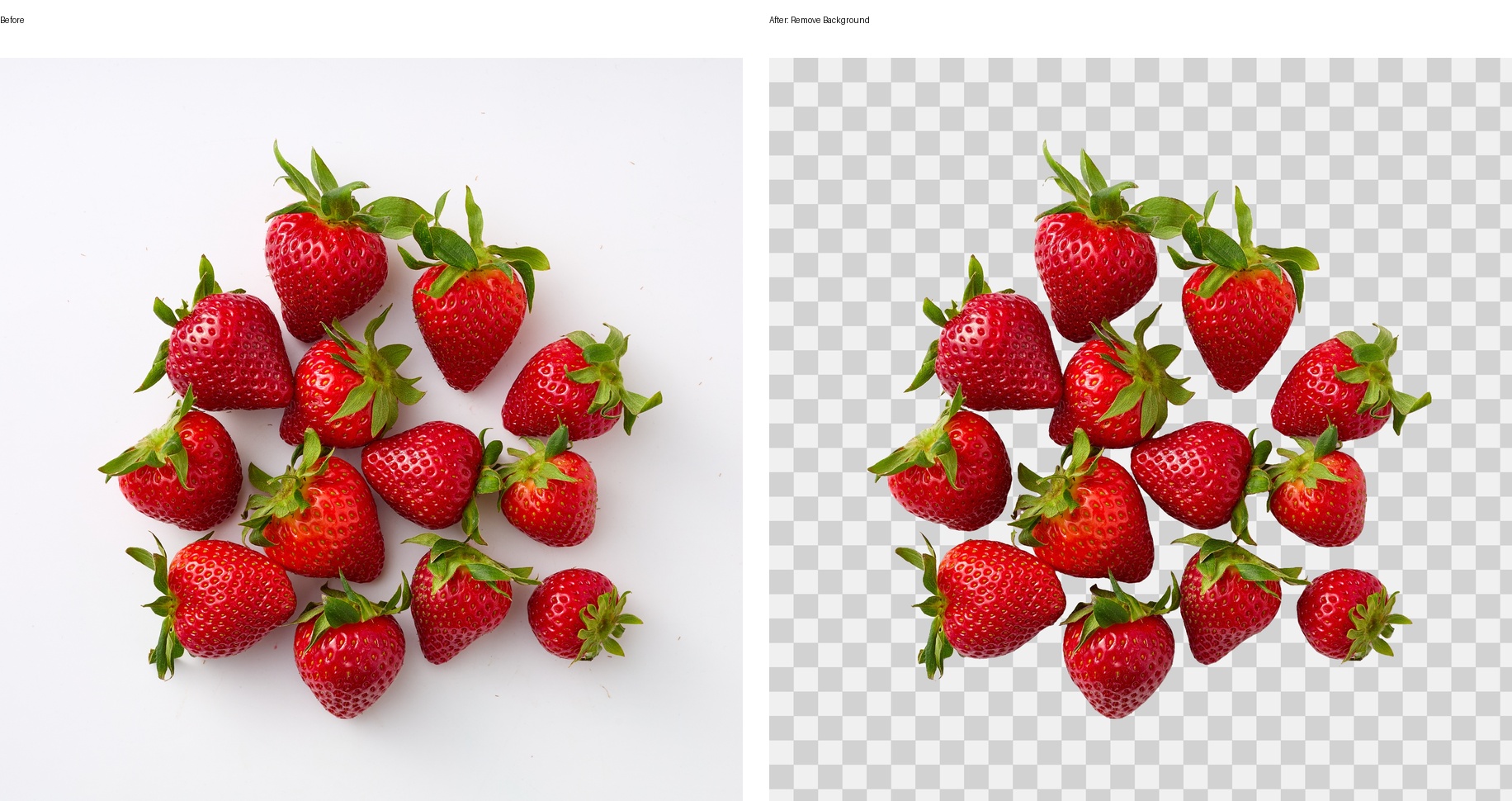
Layer: 0.
MaskOnly: 1.
Layer: 1.
Remove Background is a professional-mode plugin for teams that need to remove backgrounds from images automatically. The model performs foreground extraction across a broad range of subjects and objects rather than being tied to a single object category. The API can return a production-ready transparent PNG, a direct single-channel grayscale mask with no RGB data, or a layered ZIP archive containing the foreground mask.
Important: Remove Background must be the only plugin in the tasks array. Do not combine it with Heal, Crop, Color Correction, Clean Backdrop, or any other plugin in the same job. If you need additional processing, run background removal as a separate API request.
Background Removal Jobs This API Solves
Create Transparent Product PNGs
Remove the background from product images automatically and export clean RGBA cutouts for online stores, catalogs, and product detail pages.
Prepare Marketplace Images
Standardize seller and SKU photography before placing products on white, branded, seasonal, or marketplace-specific backgrounds.
Automate DAM, PIM, And CMS Workflows
Connect background removal to media ingestion, catalog publishing, asset management, and content production without a manual clipping path step.
Build A Photo Cutout Tool
Add an AI background eraser to an editor, upload form, design application, or internal content tool using the same asynchronous Cloud API flow.
Export Foreground Masks
Retrieve a hard black-and-white mask or a soft grayscale alpha matte for compositing, quality control, background replacement, or downstream image processing.
Process Varied Foreground Objects
Cut out products, food, clothing, accessories, furniture, props, and other visible foreground subjects from studio or real-world scenes.
How To Remove An Image Background By API
-
Upload one source image
Send the JPG or PNG as multipart form data to
/retoucher/starttogether with your token and JSON payload. -
Choose the required output
Request
Layer: 0for a ready transparent PNG, addMaskOnly: 1for a direct one-channel mask PNG, or useLayer: 1for a ZIP containing the foreground mask. -
Poll and download
Check
/retoucher/status/{id}until the job completes, then download the result from/retoucher/getFile/{id}.
For bulk background removal, submit one job per image and manage the returned job IDs in your own queue. This pattern works for SKU imports, marketplace feeds, DAM/PIM synchronization, and other high-volume image-processing workflows.
Choose Transparent PNG, Alpha-only PNG, Or Layered Mask
Ready Image With No Background
Choose transparent PNG output when the next system needs a finished cutout immediately. It can be displayed as-is or composited onto white, solid-color, branded, or generated backgrounds.
Alpha-only Mask Without RGB
Choose MaskOnly: 1 when a computer-vision, compositing, or storage pipeline needs only foreground coverage as an 8-bit, single-channel grayscale PNG.
Reusable Object Segmentation Mask
Choose layered ZIP output when an editor or backend needs the foreground selection separately for masking, review, refinement, or custom compositing.
Example Output
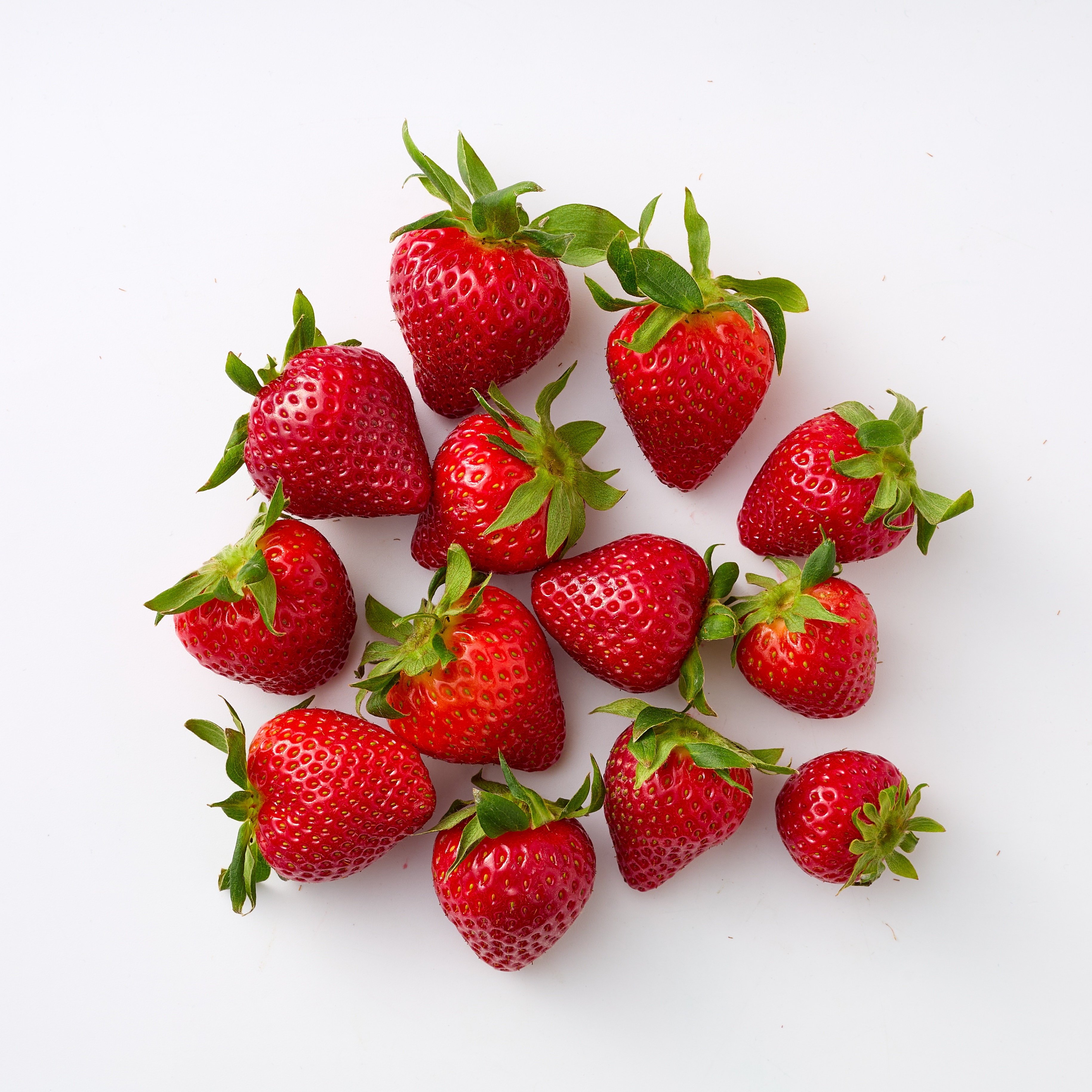
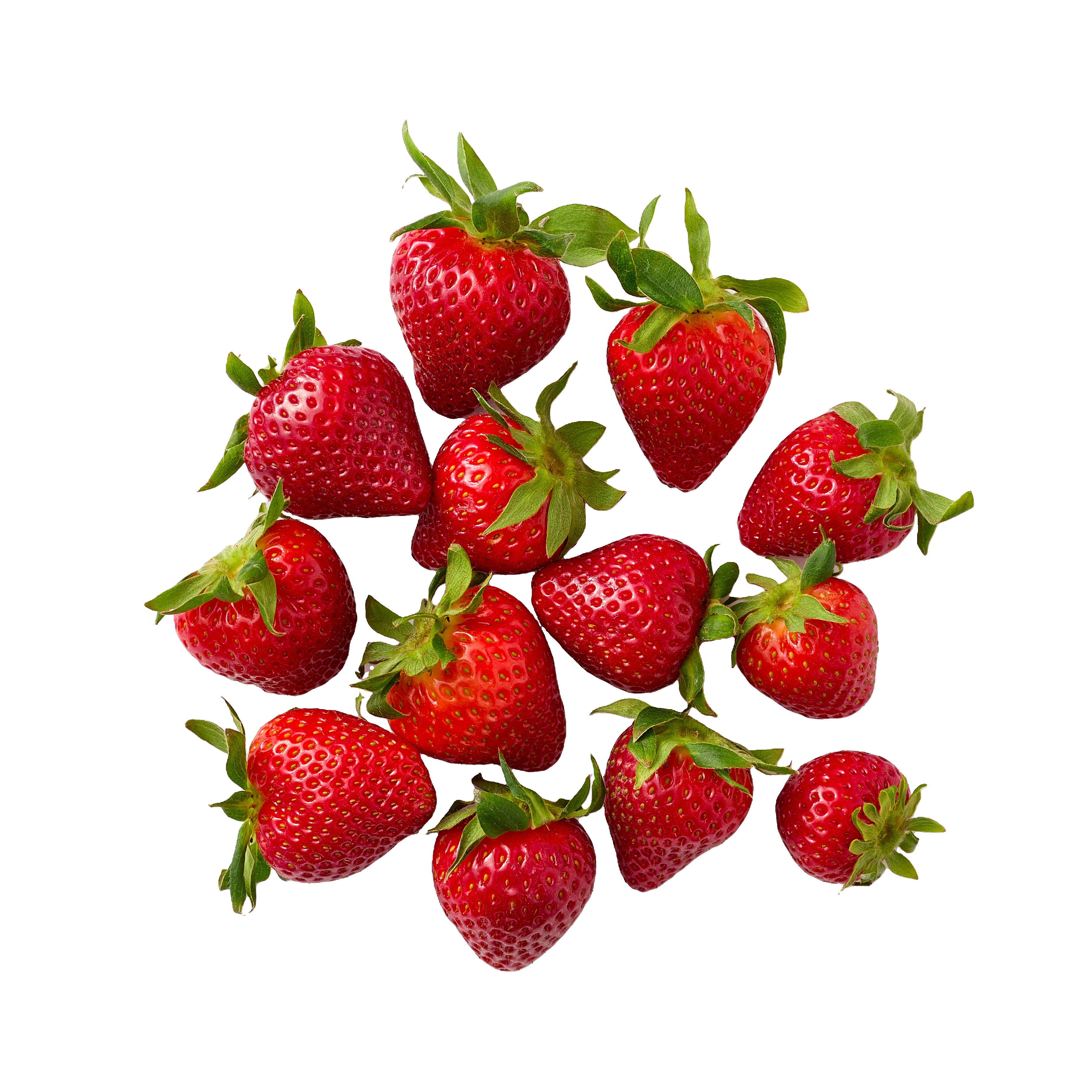
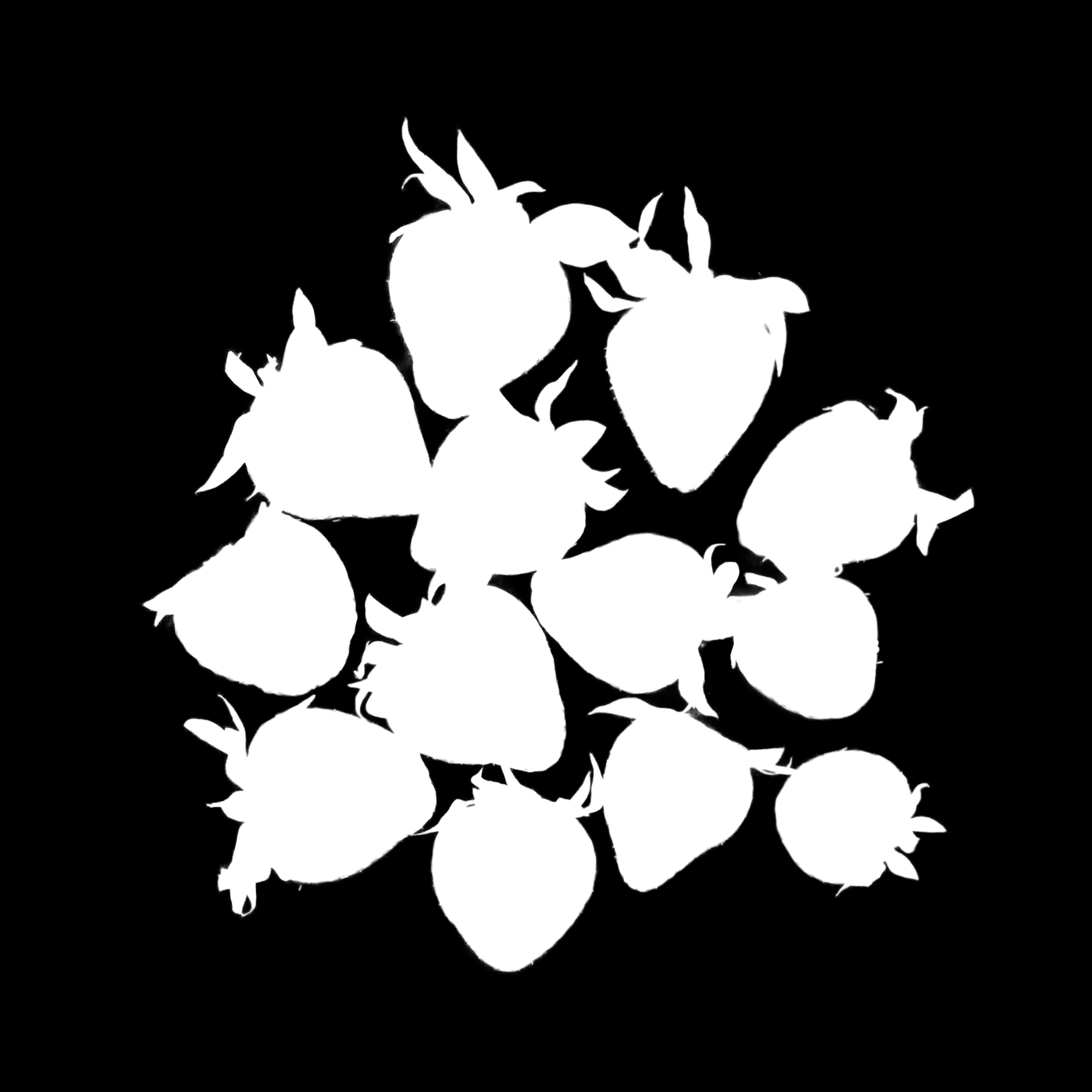
The first example shows a clean product-style batch: multiple strawberries are preserved as a single foreground group. The API can return the ready transparent cutout, the soft alpha-only mask shown here, or the foreground mask in a layered ZIP archive.
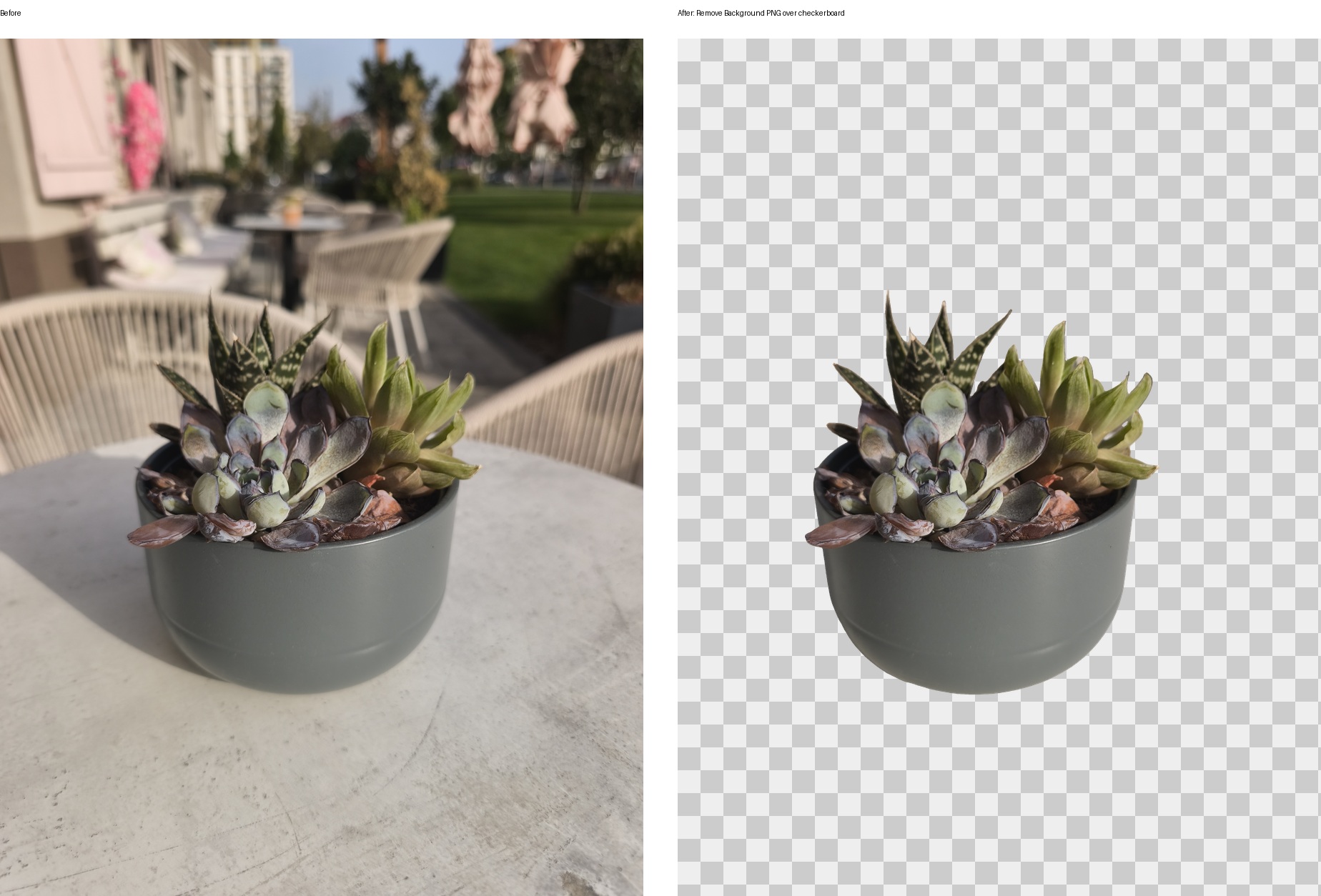
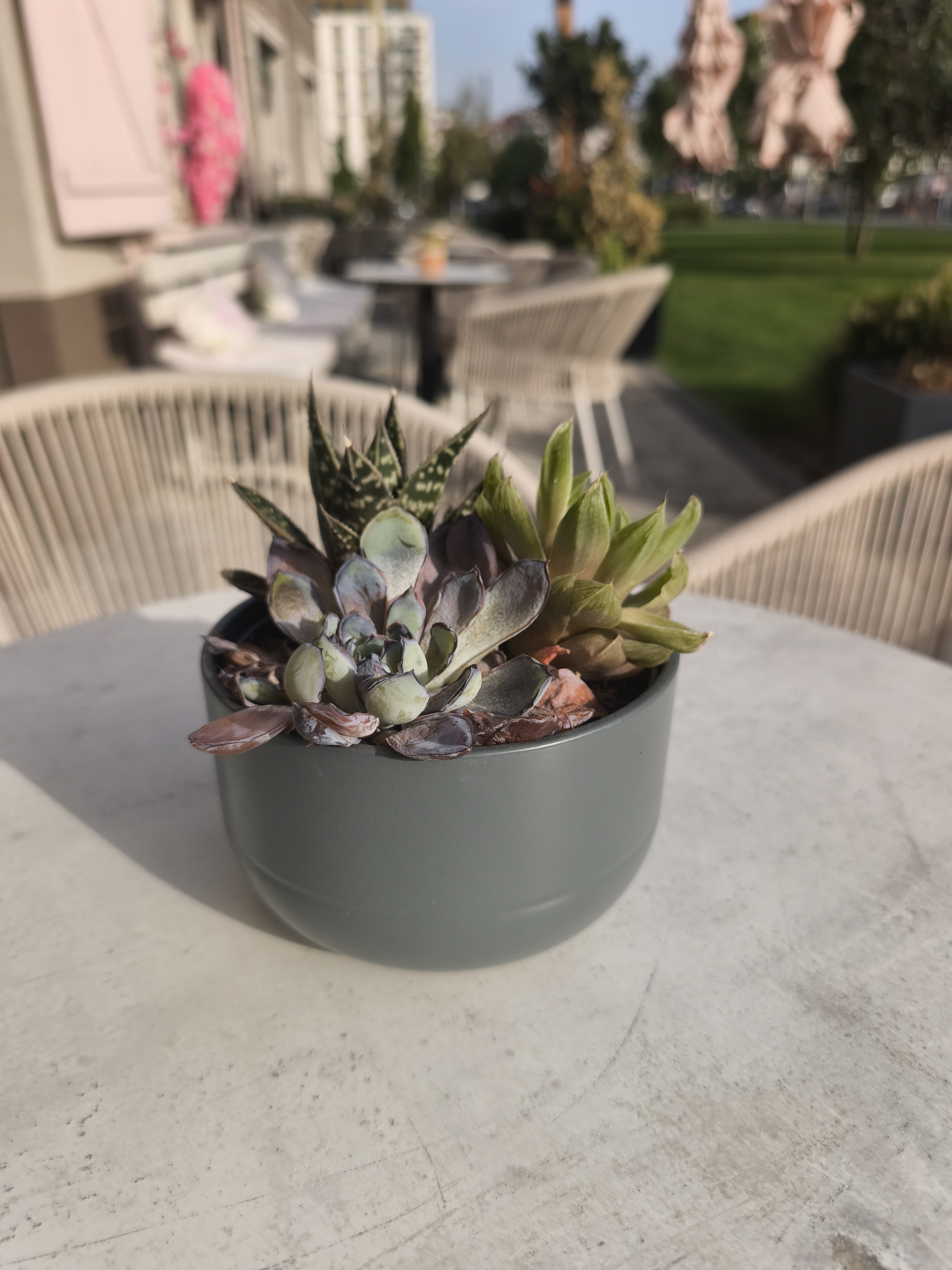
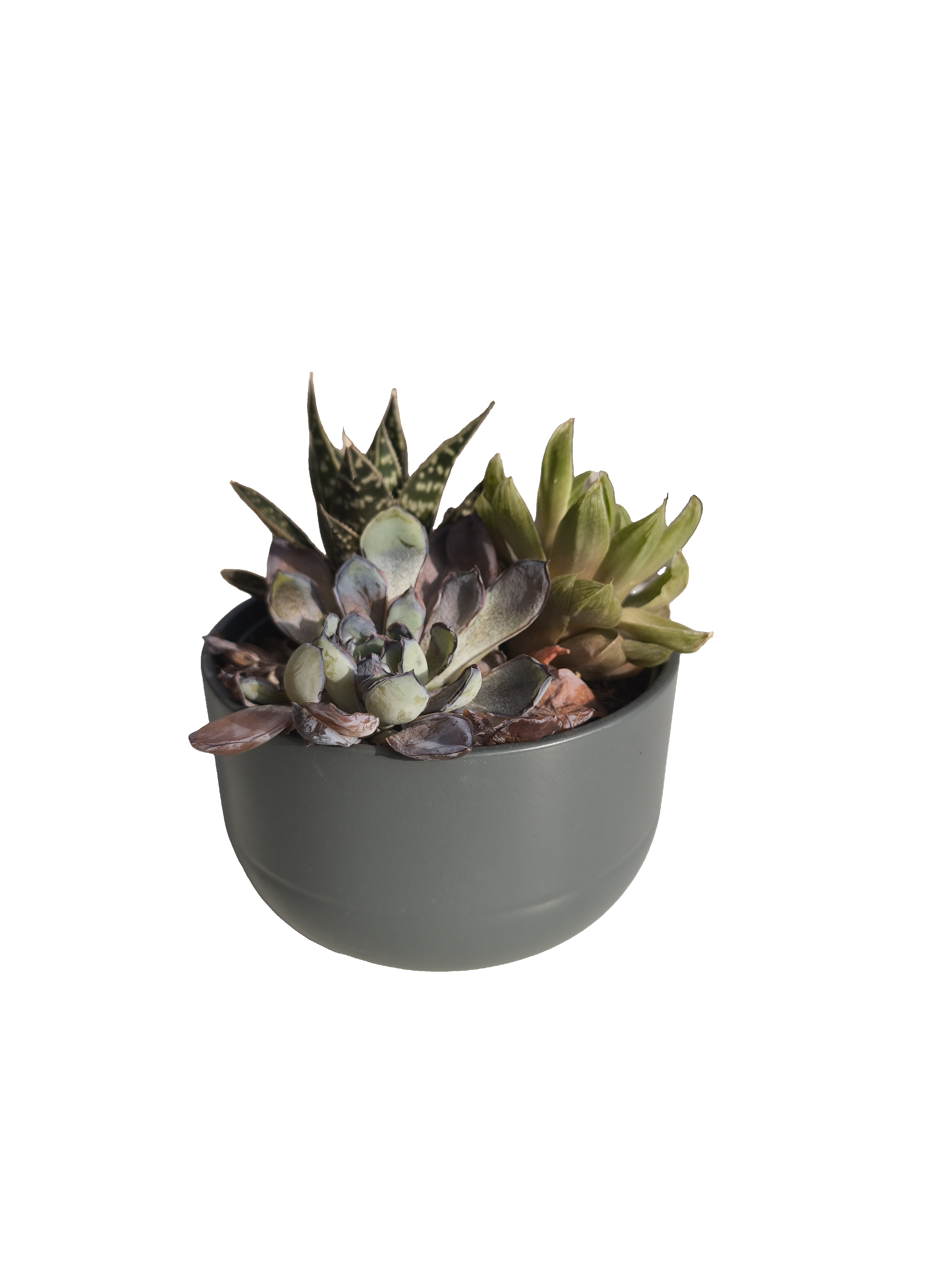
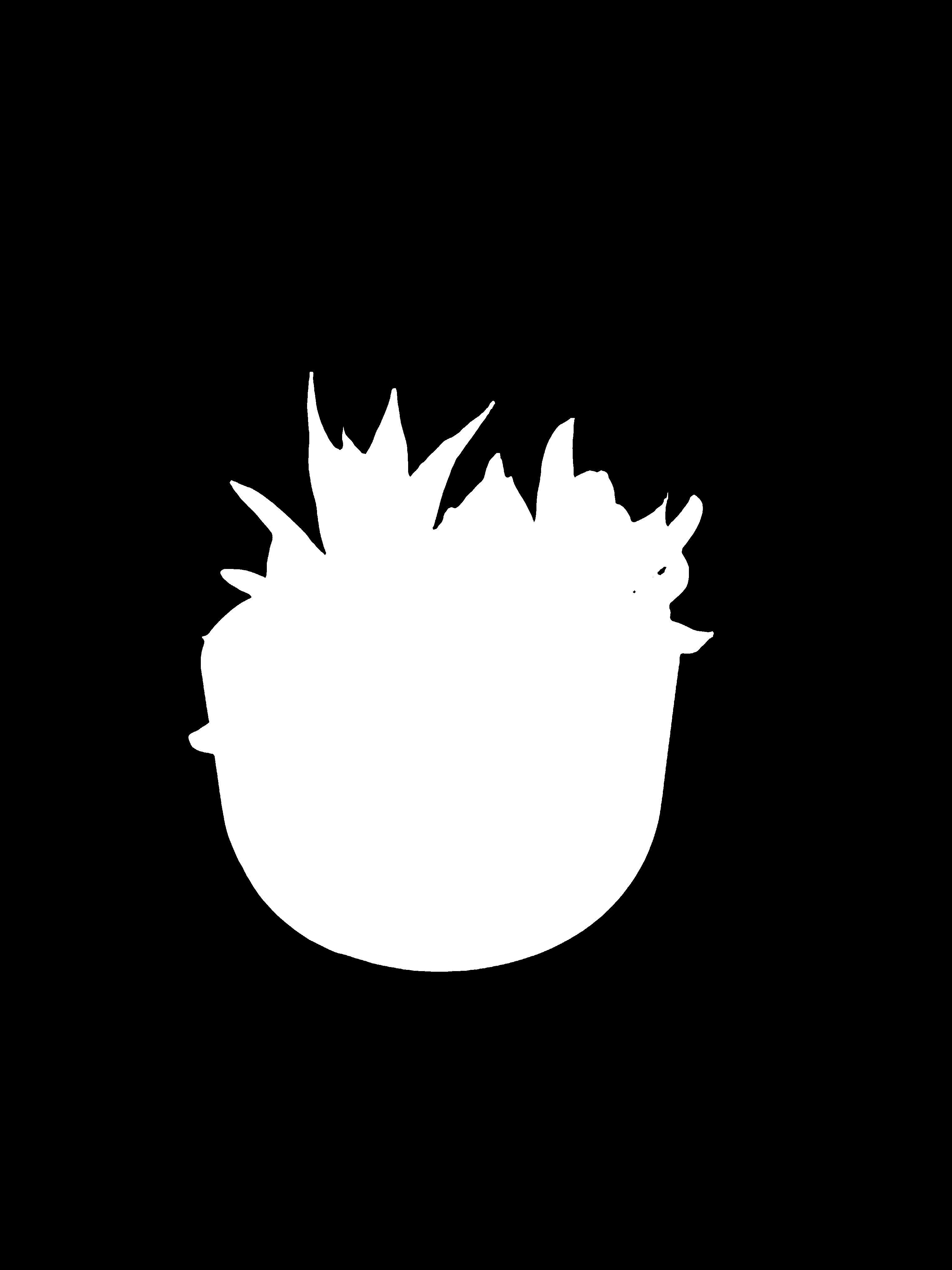
Second Example: Object Cutout From A Complex Scene
This example demonstrates a harder real-world scene with overlapping furniture, shadows, fine edges, and a blurred outdoor background. The photographed object happens to be a potted succulent, but the workflow is category-independent: the same API request is used for other foreground objects.
Ready Transparent PNG
Use flat output when your application needs the final image immediately. Set outputFormat to png and keep Layer at 0. The downloaded file is an RGBA PNG with transparency.
{
  "mode": "professional",
  "outputFormat": "png",
  "tasks": [
    {
      "Plugin": "Remove Background",
      "version": 1,
      "Layer": 0
    }
  ]
}
cURL Request
curl --location 'https://retoucher.hz.labs.retouch4.me/api/v1/retoucher/start' \
  --form 'file=@Remove_Background_Strawberries_Source.png' \
  --form 'token=YOUR_RETOUCH_TOKEN' \
  --form-string 'payload={"mode":"professional","outputFormat":"png","tasks":[{"Plugin":"Remove Background","version":1,"Layer":0}]}'
Poll /retoucher/status/{id} until state becomes completed, then download the transparent PNG:
curl --location 'https://retoucher.hz.labs.retouch4.me/api/v1/retoucher/getFile/remove-background-job-id' \
  --output remove-background-result.png
Alpha-only Mask PNG Without RGB
Use MaskOnly: 1 when your application needs the segmentation matte itself, without the source image's RGB channels and without extracting a ZIP archive. Keep Layer: 0 and set outputFormat to png.
The downloaded file is an 8-bit, single-channel grayscale PNG (PNG color type 0). It contains no RGB channels: pixel value 0 is background, 255 is foreground, and intermediate values represent partial foreground coverage. In imaging code, use this grayscale channel as alpha.
Choose edge behavior: set BinaryMask: 0 for a soft matte with intermediate values around hair and anti-aliased edges. Use BinaryMask: 1, or omit it, for a hard mask thresholded to black and white at 0.5.
{
  "mode": "professional",
  "outputFormat": "png",
  "tasks": [
    {
      "Plugin": "Remove Background",
      "version": 1,
      "Layer": 0,
      "MaskOnly": 1,
      "BinaryMask": 0
    }
  ]
}
cURL Request
curl --location 'https://retoucher.hz.labs.retouch4.me/api/v1/retoucher/start' \
  --form 'file=@Remove_Background_Strawberries_Source.png' \
  --form 'token=YOUR_RETOUCH_TOKEN' \
  --form-string 'payload={"mode":"professional","outputFormat":"png","tasks":[{"Plugin":"Remove Background","version":1,"Layer":0,"MaskOnly":1,"BinaryMask":0}]}'
The live example above was produced directly by this request. Download the alpha-only soft mask PNG.
Layered ZIP With Foreground Mask
Use layered output when your editor, DAM, or backend pipeline needs the foreground mask together with layer identity and archive metadata. Set outputFormat to zip and Layer to 1. The ZIP contains a mask PNG named with type=mask and id=foreground. If you only need mask pixels and no archive, use MaskOnly: 1 instead.
{
  "mode": "professional",
  "outputFormat": "zip",
  "tasks": [
    {
      "Plugin": "Remove Background",
      "version": 1,
      "Layer": 1
    }
  ]
}
Layered ZIP Contents
The example archive contains this file:
index=0&blendmode=normal&name=Remove Background&type=mask&id=foreground.pngDownload the example layered ZIP archive.
Parameters
| Field | Type | Required | Description |
|---|---|---|---|
Plugin |
string | yes | Must be Remove Background. |
version |
integer | recommended | Use 1 for the current Remove Background model. |
Layer |
integer or boolean | no | 0 returns a flat PNG: RGBA by default, or one-channel grayscale when MaskOnly is enabled. 1 returns a ZIP archive with the foreground mask. |
MaskOnly |
boolean or 0/1 |
no | With Layer: 0, 1 returns only the matte as an 8-bit, single-channel grayscale PNG. The file has no RGB channels. Default: 0. |
BinaryMask |
boolean or 0/1 |
no | 1 returns hard black/white coverage at a 0.5 threshold and is the default. 0 preserves soft intermediate coverage for hair and anti-aliased edges. |
outputFormat |
string | yes | Use png for a ready transparent PNG or direct alpha-only mask, or zip for the layered mask archive. |
Integration Notes
Remove Backgroundcannot be combined with other plugins in one job.- For final cutouts, use
outputFormat: "png"; JPEG cannot store transparency. - For a direct mask file without RGB channels, use
outputFormat: "png",Layer: 0, andMaskOnly: 1. - Use
BinaryMask: 0for soft alpha coverage orBinaryMask: 1for a hard black-and-white mask. - For manual compositing or quality control, use the ZIP workflow and read the
foregroundmask layer. - To create a white-background product image, first download the transparent PNG or mask, then composite the foreground over white in your application.
- The normal Cloud API flow still applies: submit with
/retoucher/start, poll/retoucher/status/{id}, and download with/retoucher/getFile/{id}.
Background Removal API FAQ
What kinds of objects can the API cut out?
The model is designed for general foreground extraction rather than one narrow category. It can be used with products, food, clothing, accessories, furniture, props, and other clearly visible foreground subjects. Results depend on the source image, including edge visibility, occlusion, focus, and contrast with the background.
Can the API return an image with a transparent background?
Yes. Use outputFormat: "png" and Layer: 0. The result is an RGBA PNG with the detected foreground preserved and the original background made transparent.
Can the API return an alpha-only mask without RGB?
Yes. Use outputFormat: "png", Layer: 0, and MaskOnly: 1. The result is an 8-bit, single-channel grayscale PNG with no RGB channels. Set BinaryMask: 0 for soft coverage or BinaryMask: 1 for a hard mask.
Can I create a white-background product photo?
Yes. Request the transparent PNG or foreground mask, then composite it over white in your application. The same cutout can also be placed on a brand color, template, lifestyle image, or generated background without rerunning segmentation.
Should I request a transparent PNG or a foreground mask?
Use the transparent PNG when you need a ready image with no background. Use the layered ZIP when your editor, DAM, or backend needs the black-and-white object mask for custom compositing, review, or downstream processing.
Can I use this for bulk ecommerce background removal?
Yes. Submit one Cloud API job per source image, retain each returned job ID, poll the status endpoint, and download completed results. This makes the API suitable for catalog imports, SKU image cleanup, marketplace feeds, and scheduled DAM, PIM, or CMS processing.
Can Remove Background run with Crop or retouching plugins?
No. Remove Background must be the only item in the tasks array. Run Crop, Heal, Color Correction, or any other processing in a separate request.