

20–25 years ago, with the rise of digital cameras, digital retouching became an integral part of a photographer’s workflow. Using Photoshop and other programs, retouching could take hours or require involving an additional participant—a retoucher. For many years, much remained the same: even with “smart” tools in photo editors, manual retouching of a single image could take anywhere from several minutes to several hours, depending on the workflow and the complexity of the task.
But today, everything is changing — the emergence of full-fledged AI retouching tools radically speeds up the process and opens new approaches to work. The professional community reacts differently to these changes: some have fully embraced the progress, while others still work more or less the traditional way, relying only on built-in photo editor tools.
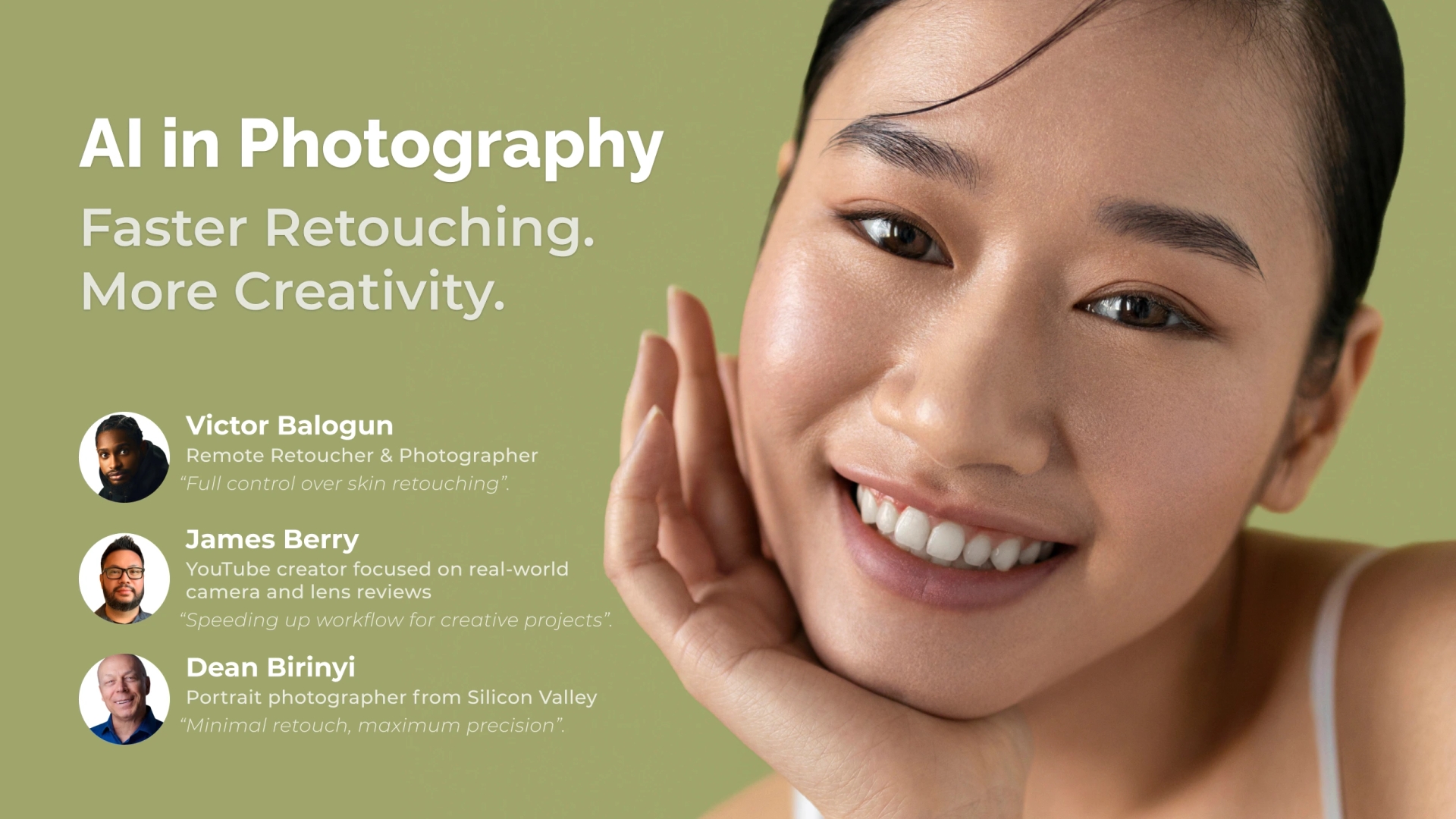
We asked several photographers — all professionals in their field — to share how their workflows are structured today and how much time they spend retouching images.
Manual Control of Perfection
Victor Balogun is a remote retoucher and photographer from Benin, Nigeria, specializing in portrait and beauty retouching, with a keen eye for detail and color. Victor prefers to maintain full control over the retouching process. Working on a single photo can take him over an hour.


“After processing a RAW file in Lightroom or Capture One, I move the image into Photoshop for detailed skin retouching. Skin cleaning—removing blemishes, stray hairs, and distracting elements—can take 10–15 minutes depending on the image quality.
If frequency separation is part of the workflow, creating the necessary layers or actions takes 2–3 minutes, although using actions can reduce this to about a minute. For those who prefer the dodge and burn method, achieving high-quality results can take over 30 minutes, as it requires careful attention to tonal transitions and skin texture.
Alternatively, combining frequency separation with the Mixer Brush can slightly speed up the process, usually taking 15–30 minutes depending on experience and efficiency.
After retouching the skin, I perform additional steps such as whitening the eyes and teeth (about 5 minutes), enhancing makeup (10–15 minutes), and final adjustments before saving the image. In total, the complete manual retouching process often exceeds an hour, especially when aiming for top-tier results.”
Speeding Up Routine to Focus on Creativity
James Berry runs a YouTube channel reviewing photography gear, particularly for portrait photography. Living and working between the Japanese island of Guam and Tokyo, he shoots models and local landscapes. Balancing multiple projects, James values every minute he can dedicate to creative work.


“When my family goes to bed, I finally have quiet time to work on my photos. I used to stay up all night frequently. Now, using AI tools significantly speeds up the process.
I start by opening photos in Adobe Lightroom and selecting a color preset that matches the mood I want. Then I move the image into Photoshop and run the Retouch4me Apex plugin using its cloud retouching tool. With a single click, the plugin automatically applies essential adjustments like ‘heal,’ ‘dodge&burn,’ and ‘portrait volumes.’ If I want smoother skin, I add the ‘mattifier’ and ‘skin tone’ plugins to perfect the portrait.
Apex saves me a tremendous amount of time, optimizing the editing process and leaving extra hours for refining my YouTube videos. This efficiency not only boosts my productivity but also allows me to enjoy creative projects on my own schedule without compromising family time.”
Pro Tip for Retouch4me Apex Users:
After selecting the desired adjustments, you can fine-tune the result by adjusting the layer opacity sliders in Adobe Photoshop. This step allows precise control over effects like “dodge&burn” and “portrait volumes,” ensuring images meet your professional standards.
If your local system struggles with intensive processing, try the cloud panel — it’s a great way to maintain quality while working efficiently.
AI as a Game-Changer
“Artificial intelligence is undoubtedly changing the photography industry, reducing labor-intensive editing processes and allowing us to focus on creativity. I believe new technologies will not only increase productivity but also encourage photographers to dedicate freed-up time to artistic exploration and personal hobbies. For me personally, it means more time to buy my next camera! Haha.”
If You Have a Magic Wand — Just Use It
Dean Birinyi has nearly 40 years of experience in photography, specializing in portraits in Silicon Valley, USA. Dean tries to use minimal retouching in his portraits and relies heavily on AI. He says:
“Arthur C. Clarke, the professor and science fiction writer, once said that any sufficiently advanced technology is indistinguishable from magic. I completely agree.”


“After over 30 years in architectural photography, I started looking for a new path, which led me to portrait photography. I studied for several years under Peter Hurley, the renowned Forbes portrait photographer. Portraits are an important aspect of self-presentation here in Silicon Valley.
I shoot very close-up portraits, focusing only on the face. The level of detail you can see up close is incredible — you can literally count the eyelashes. I position myself as someone who helps professionals advance their careers through portraits and pay extraordinary attention to detail.
The first stage of post-production happens during the shoot. I perform basic color balancing while the client is in front of me. This gives me a very good understanding of their skin tone. On set, I decide contrast levels, saturation, and everything else, because I know exactly what I want the final image to look like.
In post-production, I try to retouch as little as possible, or not at all. I don’t want to do more than absolutely necessary. I rely heavily on Retouch4me plugins, which I purchased several years ago.”
Dean’s Favorite Retouch4me Tools:
“Heal has literally saved me multiple times when shooting for a company — people came in with blemishes all over their faces. Without Heal, processing that series would have taken hours. Using it is very convenient. The same goes for Skin Tone, which I apply to every image in my workflow. I also love Dodge&Burn.
Heal, Skin Tone, and Dodge&Burn are the three retouching tools I confidently rely on. The difference is noticeable.”
“I used to rely on retouchers, but it was often inconvenient: either the results weren’t right, or we couldn’t collaborate effectively. I had to look for another solution, which led me to AI. I took several online courses on retouching at the Retouching Academy. Of course, it’s nice to have an AI assistant, but you need to understand what it’s doing to work with it. From a user perspective, it’s very simple — the interface is clear, with only a few buttons and sliders. I mastered it in a few minutes.”
The Magic of AI:
“You don’t need to make 50 different decisions. You see what you have, and since it’s on a layer, you can use selective masking to adjust opacity. You can change the blend mode if you want, but I’ve never changed any mode except Soft Light.”
“The results are truly amazing. It’s fantastic! I’m completely thrilled.”
As we can see, depending on the task, photographers use AI to varying degrees: some fully delegate final retouching to AI, while others prefer to manage the process themselves, using only selected features.
Either way, AI already provides photographers with far greater freedom in how they handle photo editing, taking over much of the routine work while leaving control over results in their hands and freeing up time for creative decisions. Whether to spend hours perfecting details manually or wave the magic wand of modern technology — that’s your personal choice.
Depending on the task, professionals are free to decide which parts of the work to keep in their hands and which to delegate to AI.