


Dust is 30% off.
Finds and removes specks and particles across the whole frame. Buy now
Retouch like a pro — Even if you are just starting
Beginner-friendly AI tools that make your photos stand out with professional quality — in minutes.
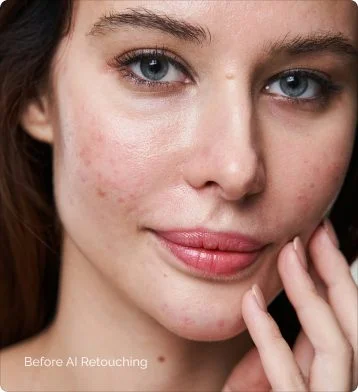
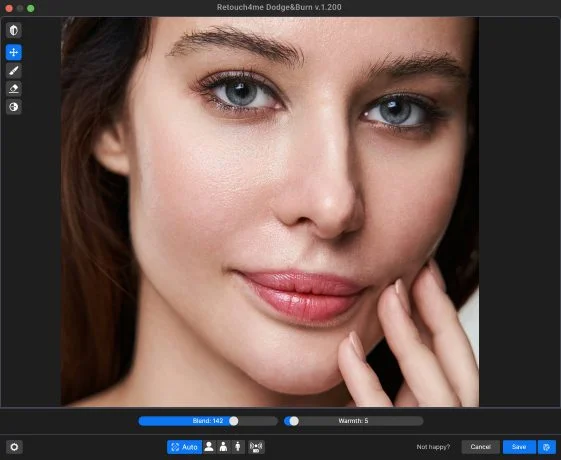
Retouch4me Ecosystem
New to photography? Everyone starts somewhere. We’ll help you level up fast
You don’t need years of retouching experience to create professional results your clients will love
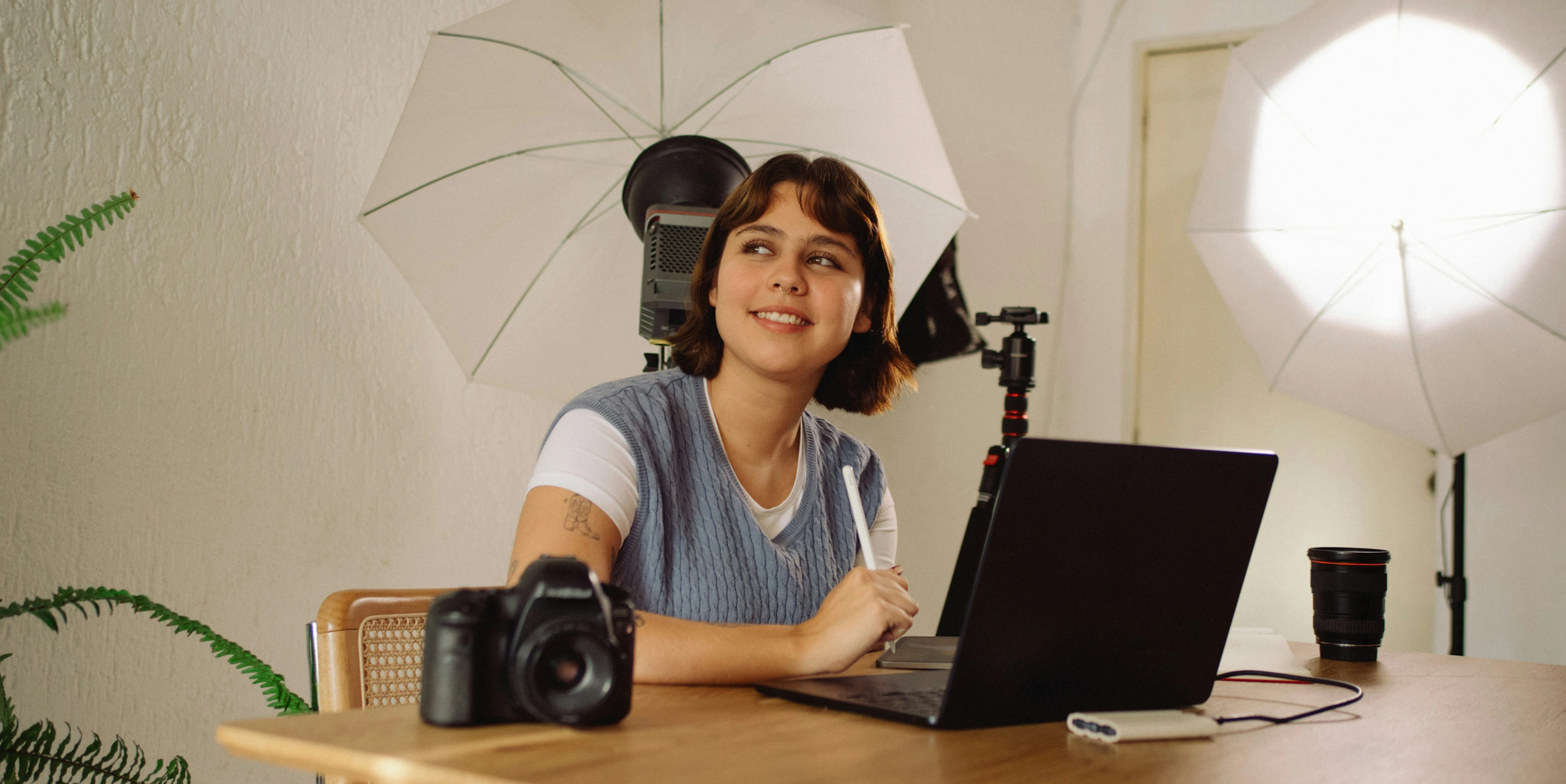
You’re already learning how to shoot, direct, and build your portfolio — retouching shouldn’t slow you down. With AI-powered tools that preserve skin texture and give you full control, you can deliver polished portraits in minutes. No stress. No overdone edits.
AI Retouching
Fast, Professional-Looking Edits — Without the Photoshop Grind
One-click AI tools to fix skin, clean backgrounds, smooth clothing, and enhance natural features — all in minutes, without flattening your style.
55 min
5 min
10 min
15 min
Skin retouch
Tone balancing
Fabric correction
Background cleanup
1 click
1 click
1 click
1 click
Try Retouch4me on your photo
and see what AI retouching can do in seconds, or explore our examples below
Portraits & Beauty
- Heal
Fixes skin defects
- Dodge & Burn
Smooth trouble skin
50 - White Teeth
Creates an ultra-white smile
50 - Eye Vessels
Removes blood vessels
50
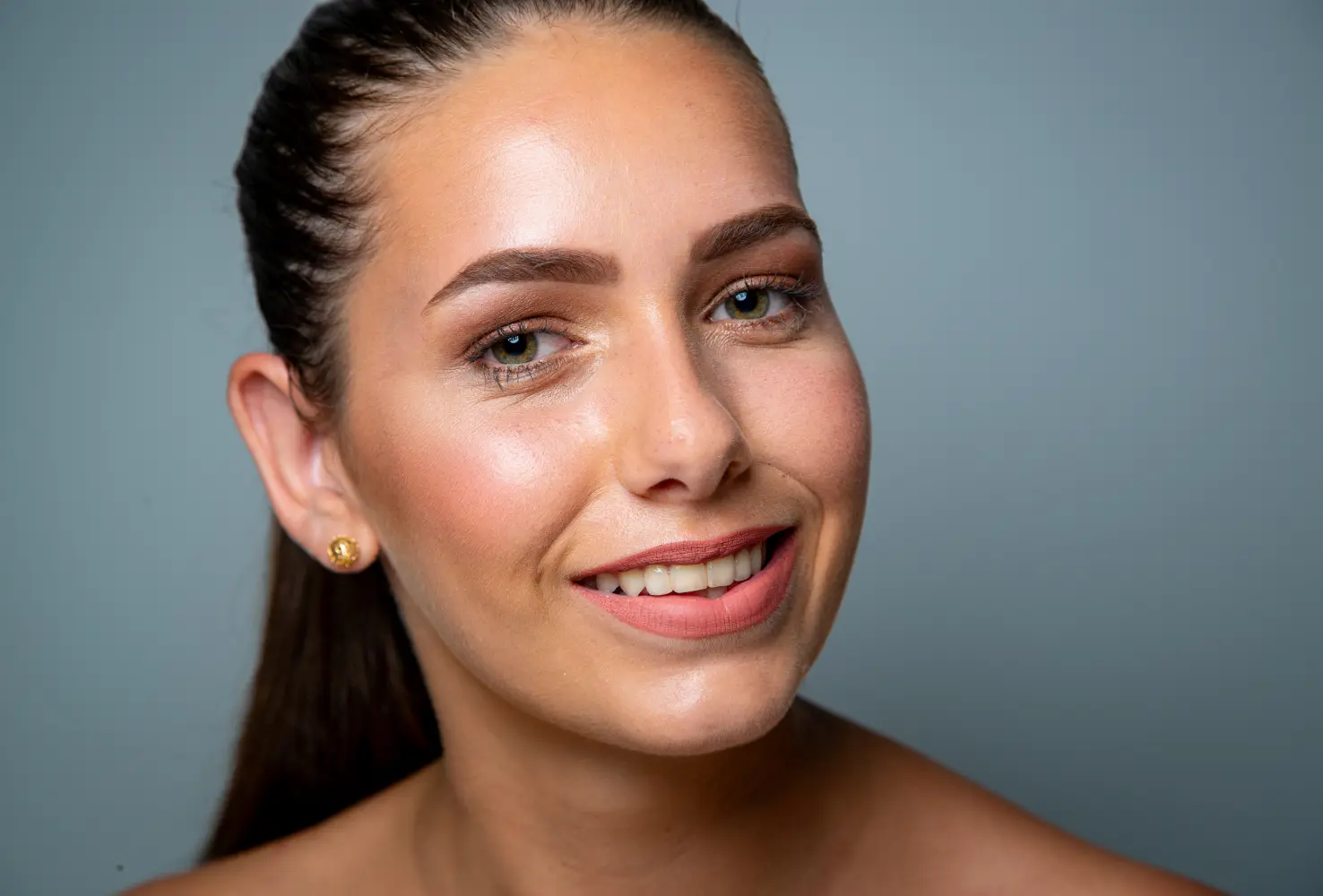
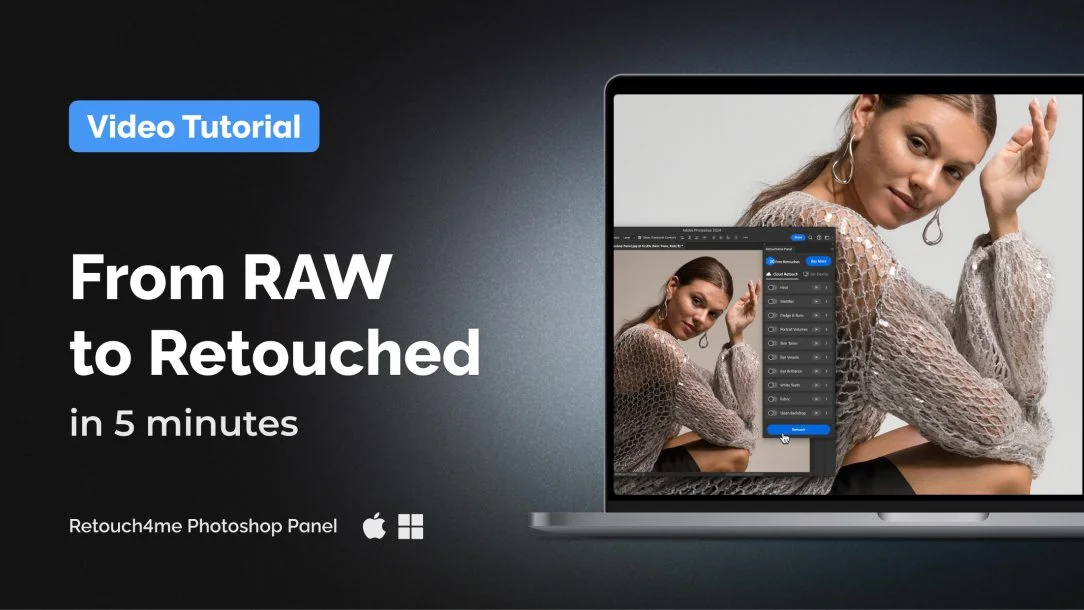
Watch the video
From RAW to Retouched in 2 Minutes
Watch how a beginner-friendly AI workflow cleans skin, fixes backgrounds, smooths clothing, and balances tone — all while preserving full control in Photoshop.
Smart start
Tools that help you quickly step into the world of professional retouching
Carefully selected to support your first shoots, edits, and workflow setup.

Start with Apex
13 AI tools in one cloud-based plugin. Upload your photo and get clean, natural results — without overloading your computer.
Learn more
Heal
Removes skin imperfections, acne marks, blemishes and enlarged pores.

Dodge & Burn
Smooths trouble skin areas and unflattering shadows and highlights.

Skin Tone
Evens out skin tone by identifying the average tone and adjusting the color.

Skin Mask
Automatically selects skin areas for targeted retouching

Eyes Bundle
Removes redness, adds clarity and sharpness of the eyes

Clean Backdrop
Detects and removes dirt, folds, and sensor dust from studio backgrounds.


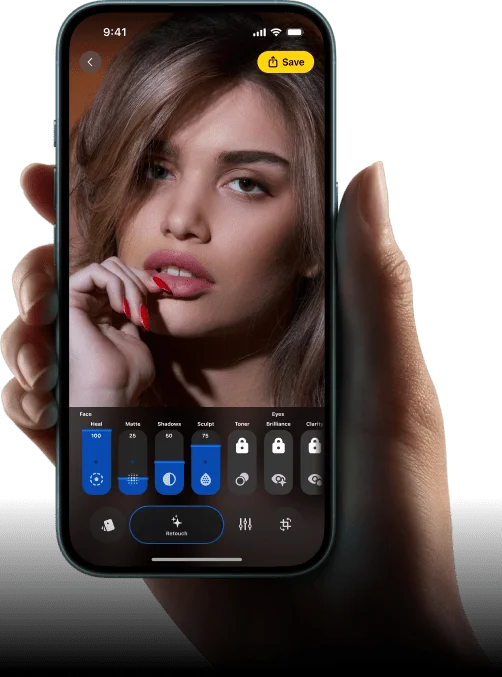
Retouch and color — right from your phone
The Retouch4me mobile app lets you enhance photos and videos with AI-powered retouching and 3D LUT color filters.
Perfect for social media content and quick edits on the go.
Webinars & Tutorials
We don’t just give you tools — we help you to grow
Join our free live workshops. Learn AI retouching from working photographers.
Skin Retouching Playbook
Master a 4-phase retouching system (Clean → Light → Tone → Polish) with texture-preserving techniques & best practices.
7 Retouching Hacks Every Pro Must Know
Explore modern techniques from AI-powered removal to dodging and burning that will instantly transform your photo editing workflow.
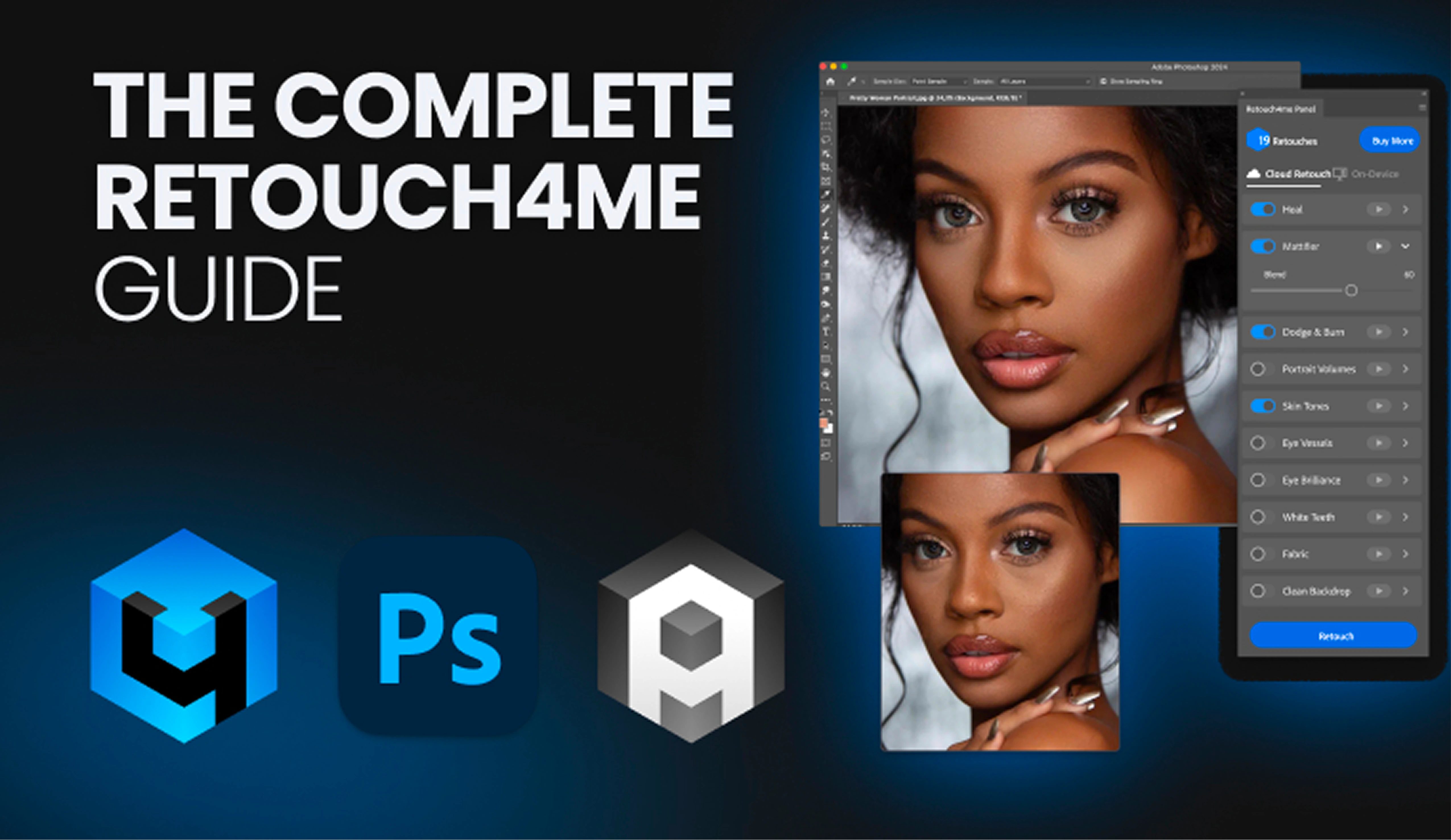
Find the Right Tool for Every Job
The only guide you need to understand which Retouch4me tools to use — when, how, and why. Learn how to get fast, natural results and save hours on every project.
Reviews
What Beginner Photographers Are Saying About Retouch4me

I had no idea how to retouch. One click with Retouch4me and my portraits finally looked clean and professional — without losing skin texture.
Sofia M.
Beginner portrait photographer
My first wedding left me drowning in edits. With Retouch4me and Arams, I finished the gallery in under an hour — and it looked better than manual work.
Jamie R.
New wedding photographer
I thought AI meant fake, plastic results. But Retouch4me keeps the natural texture. My clients say the photos ‘feel like them’ — and that’s what matters.
Ethan K.
Hobbyist photographer


FAQ