


HALLOWEEN SALE — 30% off all plugins
 myshot.ai
Camera to Cloud Photo Upload &
Retouching for Photographers
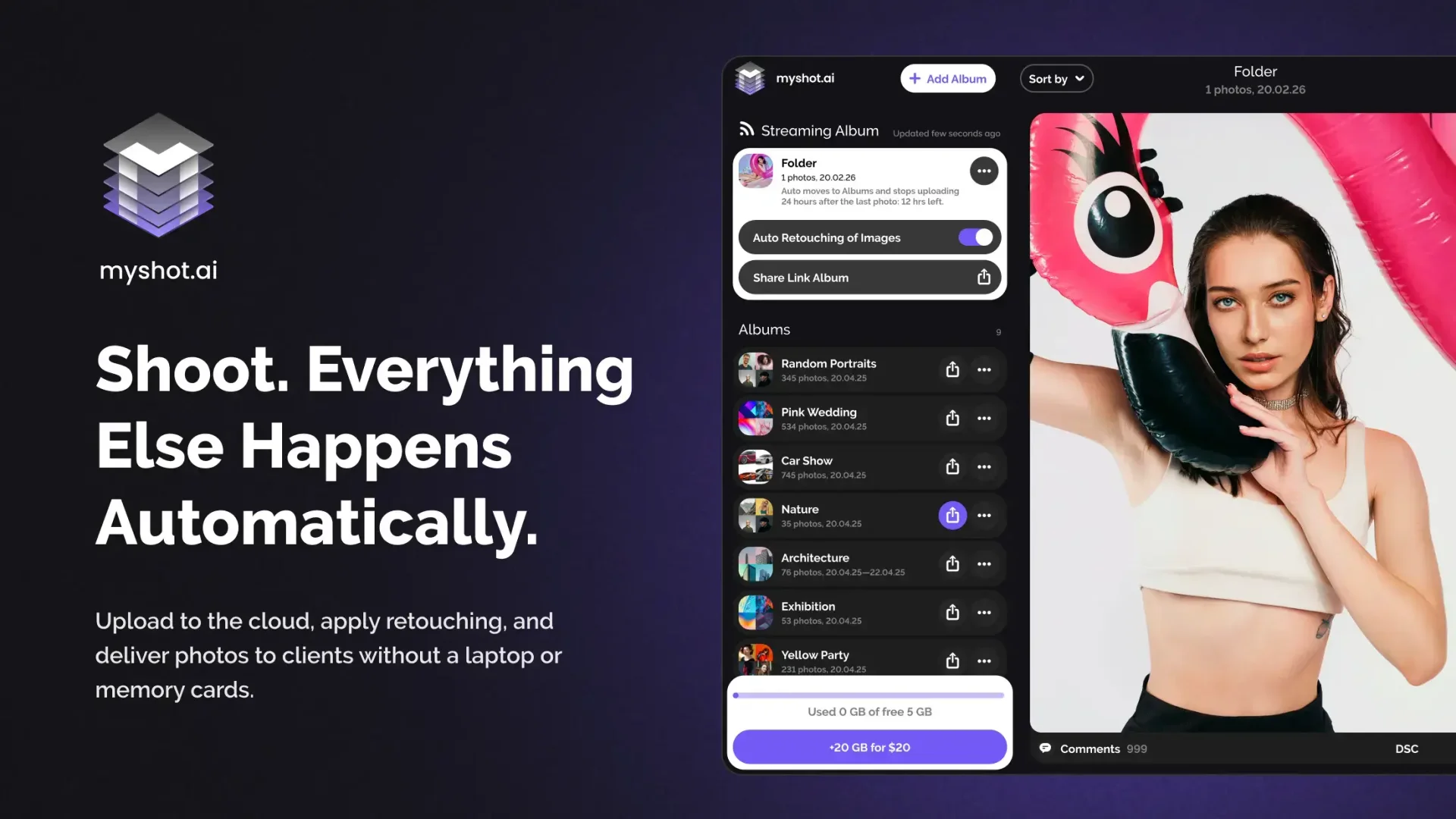
No laptops. No cables. No memory cards. Save time — your photos go straight from camera to cloud, come pre-retouched and are ready to share instantly.
How it works
How MyShot Works
Set Up FTP on Your Camera
Make sure your camera supports FTP uploading — connect once, and all photos go straight to the cloud.
Shoot — Photos Upload Automatically
Your photos upload automatically as you shoot — no cables, laptops, or memory cards needed.
Auto AI Retouch in the Cloud
Enable Auto Retouch when creating an album to process all photos instantly, or apply manual retouching and color correction tools to selected images directly inside the album — save hours on post-processing.
Share Your Instant Photo Gallery
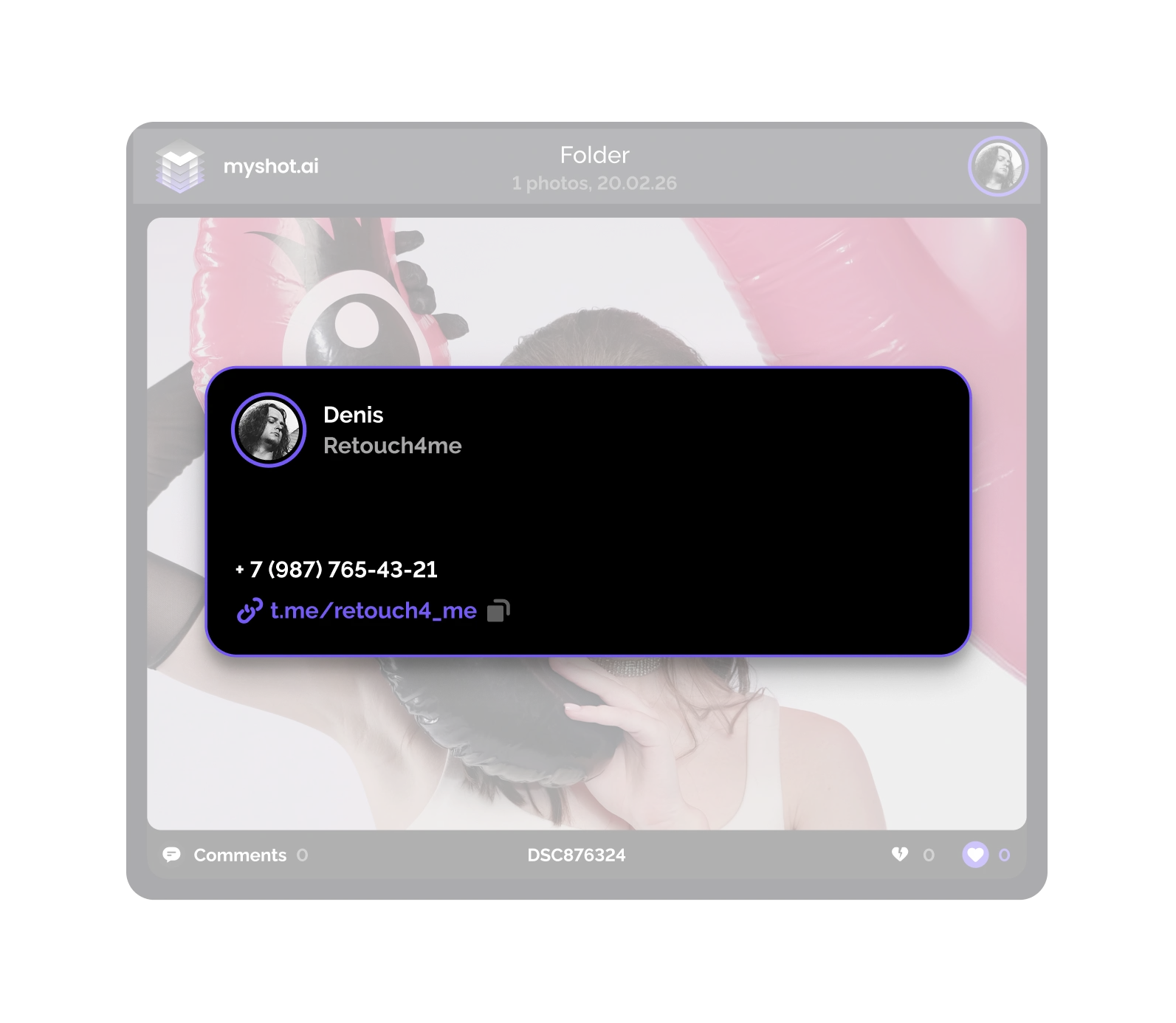
Share your album with your embedded business card so clients can contact you directly — no registration required.
Track Album Views & Engagement
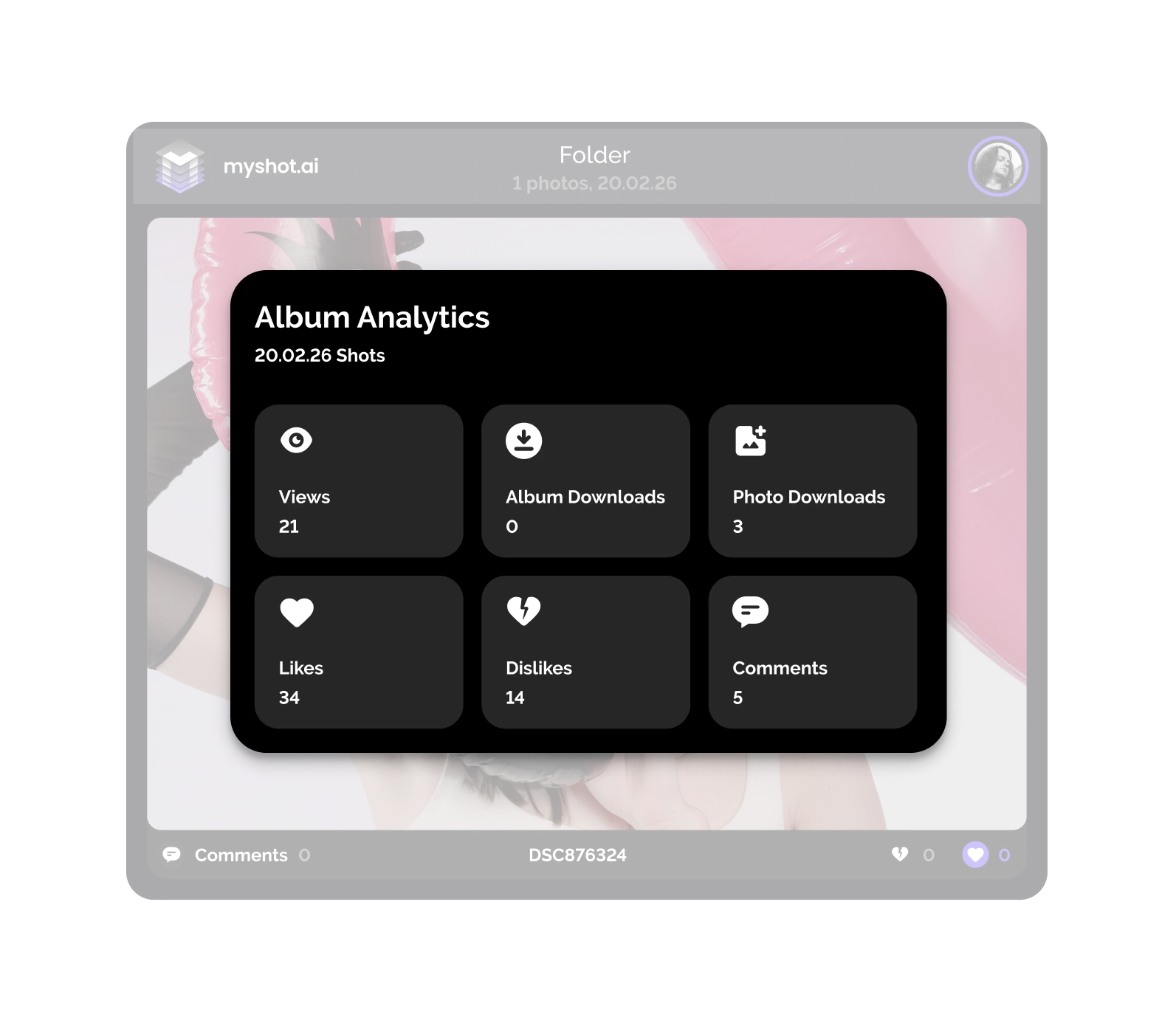
Track how your albums perform: see how many people viewed them, how often photos were downloaded, and how clients interacted through likes, dislikes, and comments.
Features
Key Features for Event Photographers

Cloud retouch
Cloud Photo Retouching
Save hours on post-processing — Auto Retouch works automatically for all photos when you create the album, or apply manual retouching tools to selected images right inside the album

Embedded Business Card
Embedded Business Card for Photo Delivery
Add your contact info once — every viewer can reach you directly from your shared link

Adaptive Grid
Adaptive Photo Gallery Grid
Photos are displayed in a smart, dynamic layout that respects their size and composition
Instruction
MyShot Setup Guide
Make sure your camera supports FTP uploading
Check your camera’s “Network” or “Connectivity” menu, or refer to your manual.
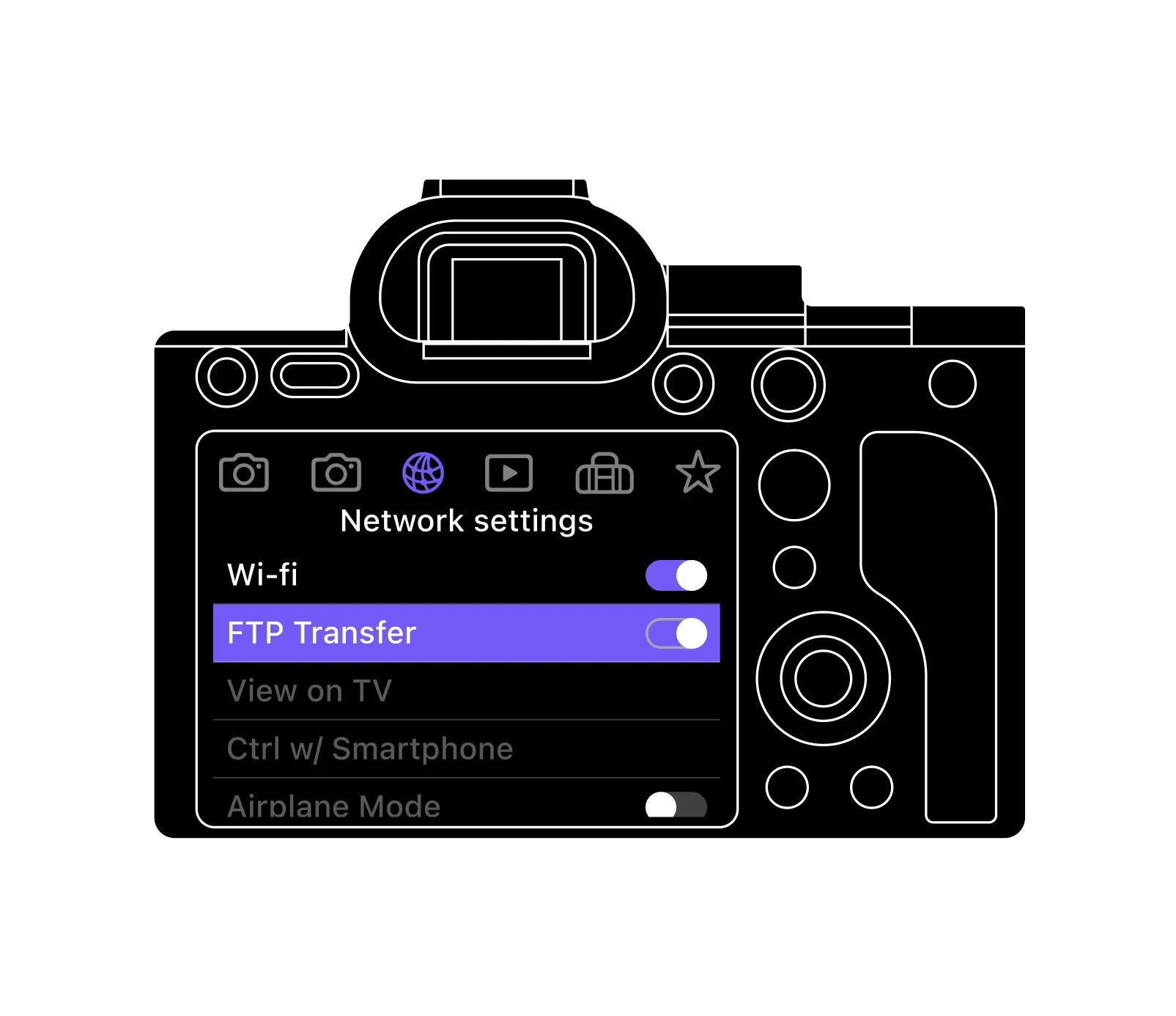
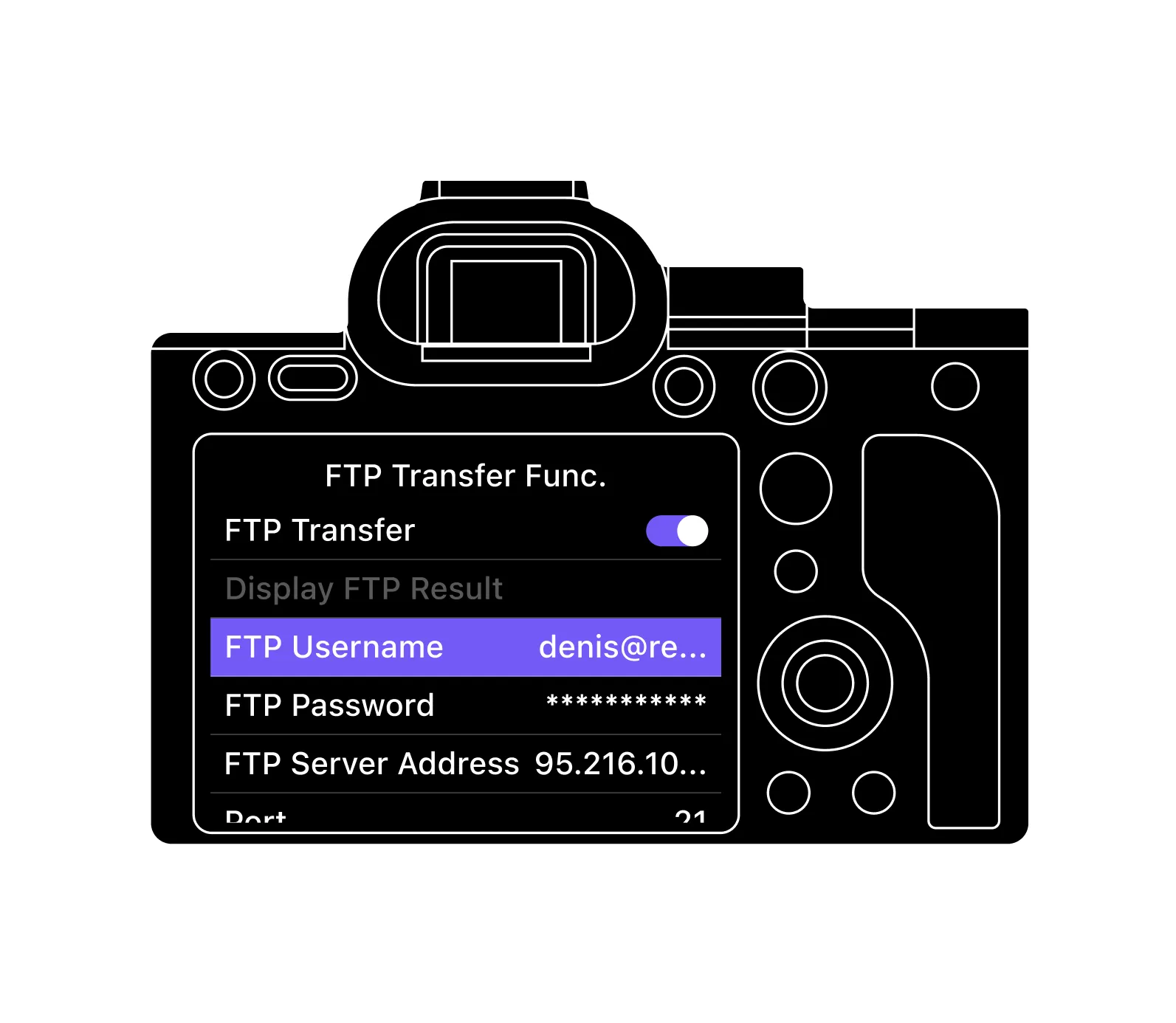
Configure camera FTP Settings
Use the details from your MyShot account settings.
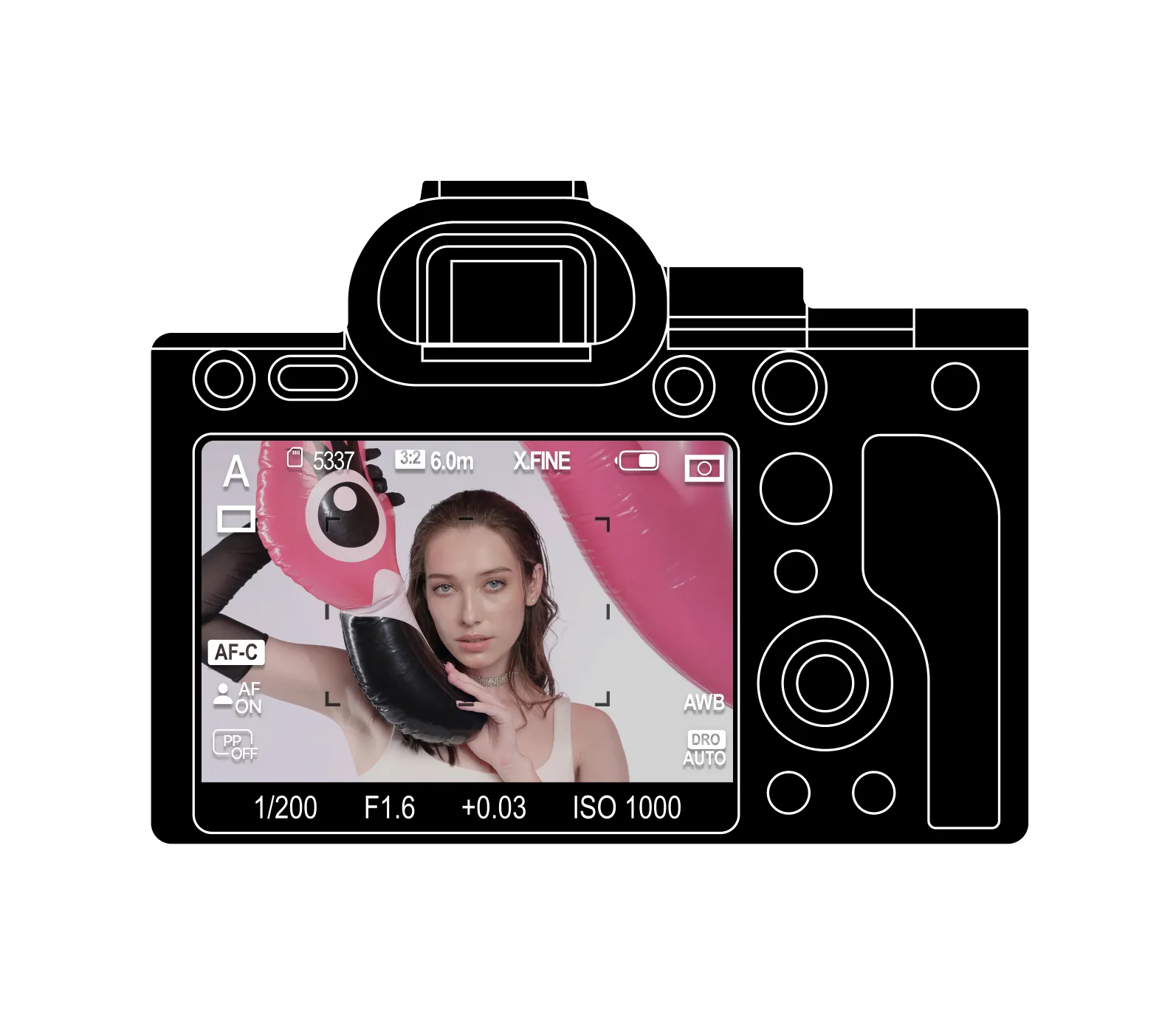
Start Shooting!
All of your photos will be uploaded automatically and ready to share via a simple link.
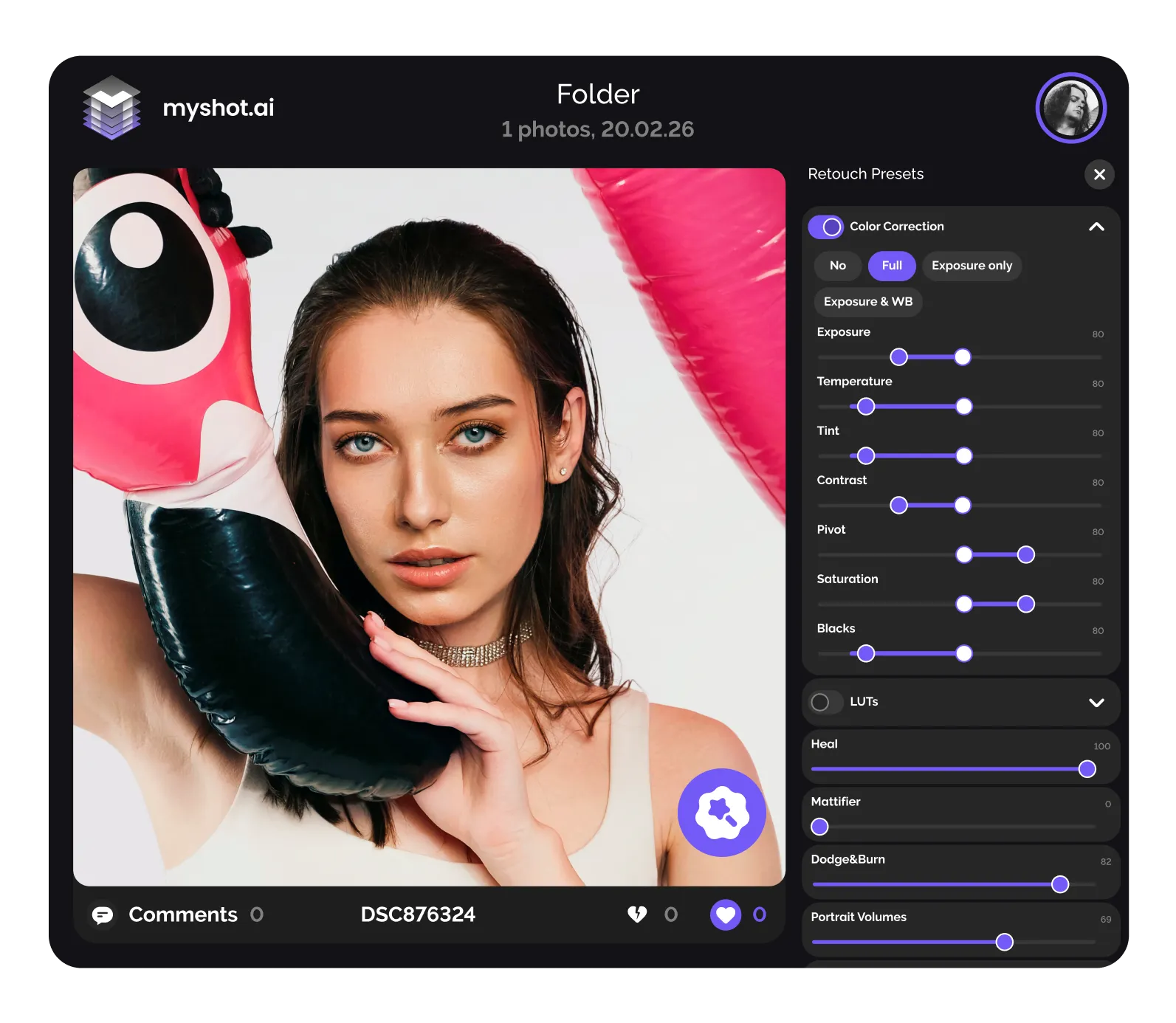
Enable Auto Retouch
Open the album and enable automatic retouching by tapping the toggle
Add Your Business Card
In Share Options, turn on “Include Business Card” and fill in your details.
Track Album Performance
Monitor your album’s engagement: check total views, download counts, and client feedback through likes, dislikes, and comments.
myshot.ai
Quick Review
Start Your Camera to Cloud Workflow — Free
MyShot is free to use and includes optional paid features, such as retouching or color correction. When you sign up on Retouch4Me, you get 20 free retouching credits as a welcome gift.




FAQ