

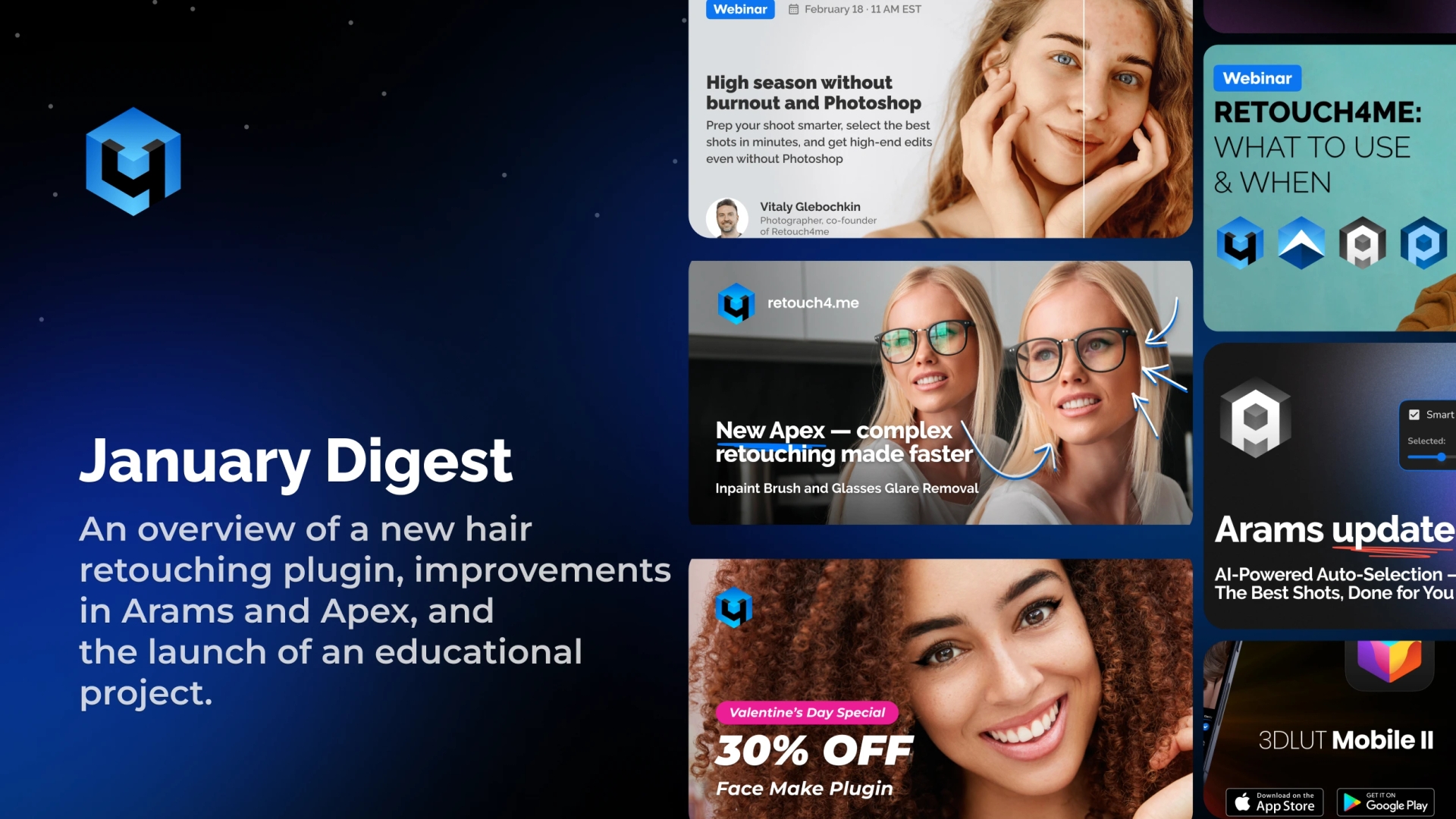
January was one of the most productive months for the Retouch4me ecosystem. We released a new hair retouch tool, introduced AI-powered analysis and smart photo selection in Arams, expanded the capabilities of Retouch4me Apex, and launched an educational month for photographers and retouchers.
All updates share one goal: help you process large batches faster, reduce routine work, and maintain full control over the final result.
Retouch4me Stray Hairs — Automatic Hair Retouching
One of the most time-consuming tasks in portrait retouching is removing stray hairs. Cleaning up the hair outline and loose strands on the face can take 10–15 minutes per image. In large photo series, this easily turns into hours of manual work.
Retouch4me Stray Hairs automatically:
- Cleans up the hairstyle contour
- Removes stray hairs on the face
- Preserves natural hair texture
Key Workflow Advantages
- Supports batch processing
- Works as a Photoshop plugin, standalone application, and inside Arams
- Creates separate layers for full result control
- Allows manual area selection and regeneration if needed
- Processes everything locally
This tool is especially valuable for:
- Studio portraits
- Wedding photography
- Commercial shoots
- Corporate headshots
If you regularly process dozens of portraits per project, automated hair retouching becomes essential for scaling your workflow.
Arams: AI Analysis and Smart Photo Selection Before Retouching
In many cases, the most time-consuming part of post-production is not retouching itself, but sorting. Thousands of images, duplicates, technical rejects, similar expressions — during peak season this becomes a serious bottleneck.
Now Arams helps even before retouching begins.
What AI Analysis Does
- Analyzes the entire shoot and assigns ratings
- Detects duplicates
- Flags technically flawed shots
- Automatically selects the best images based on the desired number
After analysis, you simply specify how many photos you need, and Arams selects the strongest frames automatically.
AI analysis is included in Cloud Retouch packages and subscriptions. The photo selection itself is free.
Why This Matters
- You start working only with strong frames
- You avoid retouching images that won’t be delivered
- You reduce workload pressure during wedding, graduation, and commercial seasons
Inside Arams you can:
- Launch Retouch4me tools directly
- Use Cloud Retouch credits without exporting
Selection and retouching now exist within a single streamlined workflow.
Retouch4me Apex 1.207 Update: Less Manual Work in Complex Cases
Retouch4me Apex combines most Retouch4me tools in a single interface. The January update introduced new capabilities that address common portrait and commercial retouching challenges.
Inpaint Tool
The Inpaint tool allows you to quickly:
- Remove threads on clothing
- Eliminate dust or unwanted background objects
- Restore skin areas after aggressive cleanup
- Fix makeup imperfections
- Correct minor technical flaws
This significantly reduces the need for manual cloning and time-consuming corrections.
Glasses Glare Removal
Glare on glasses is one of the most difficult issues in portrait photography. Previously, fixing it required extensive manual retouching or even reshooting.
The new tool:
- Automatically removes glare
- Preserves natural eye details
- Maintains realistic lens structure
It is particularly useful for:
- Corporate portraits
- Business headshots
- Commercial photography
3D LUT Mobile 2 — AI Retouching on Your Smartphone
The updated 3D LUT Mobile 2 app allows automatic AI retouching directly on your smartphone.
Features include:
- 10 AI tools available in the cloud
- Skin, eye, and teeth enhancement
- Dust and minor defect removal
- Natural results without overprocessing
You receive 10 free credits every day, allowing you to test all tools without payment.
This solution is suitable for:
- Beginners who want professional results instantly
- Professionals who need faster mobile workflow
New Tutorial: Automating Photoshop
The tutorial covers:
- Creating reliable non-destructive actions
- Automating AI retouching tools
- Batch processing setup
- Exporting to multiple folders
- Resizing images by the longest edge
- Adapting actions for new projects
This is especially relevant for professionals who want to scale their workflow without sacrificing quality.
Peak Season Without Burnout
A key focus this month is preparing for the active shooting season.
The idea is not to replace skills with AI, but to use AI as an assistant. Proper image selection, automation of routine tasks, and intelligent tool integration allow you to:
- Reduce post-production time
- Deliver large batches faster
- Maintain your personal style
- Avoid overload and burnout
January Summary
The January updates strengthened three major directions:
- Routine automation — Stray Hairs and new Apex tools
- Workflow optimization — AI analysis and selection in Arams
- Education and systemization — tutorials and training events
Strategically, these updates are not just about speeding up individual tasks. They aim to restructure the entire post-production pipeline — from photo selection to final export.
During peak season, this is not about convenience. It is about workflow sustainability.