


HALLOWEEN SALE — 30% off all plugins
new AI-powered plugin!
Retouch4me Stray Hairs
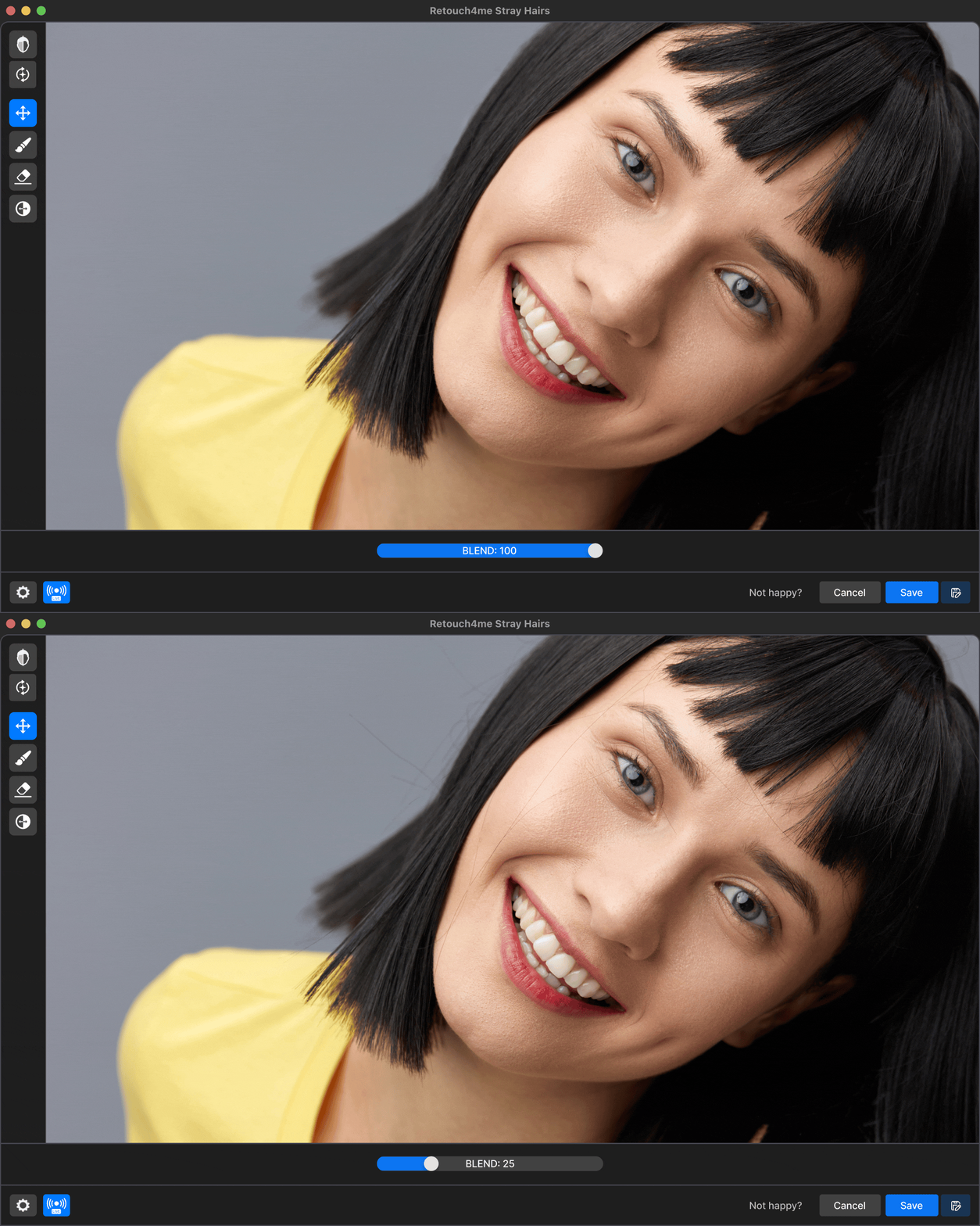
Tame Flyaways
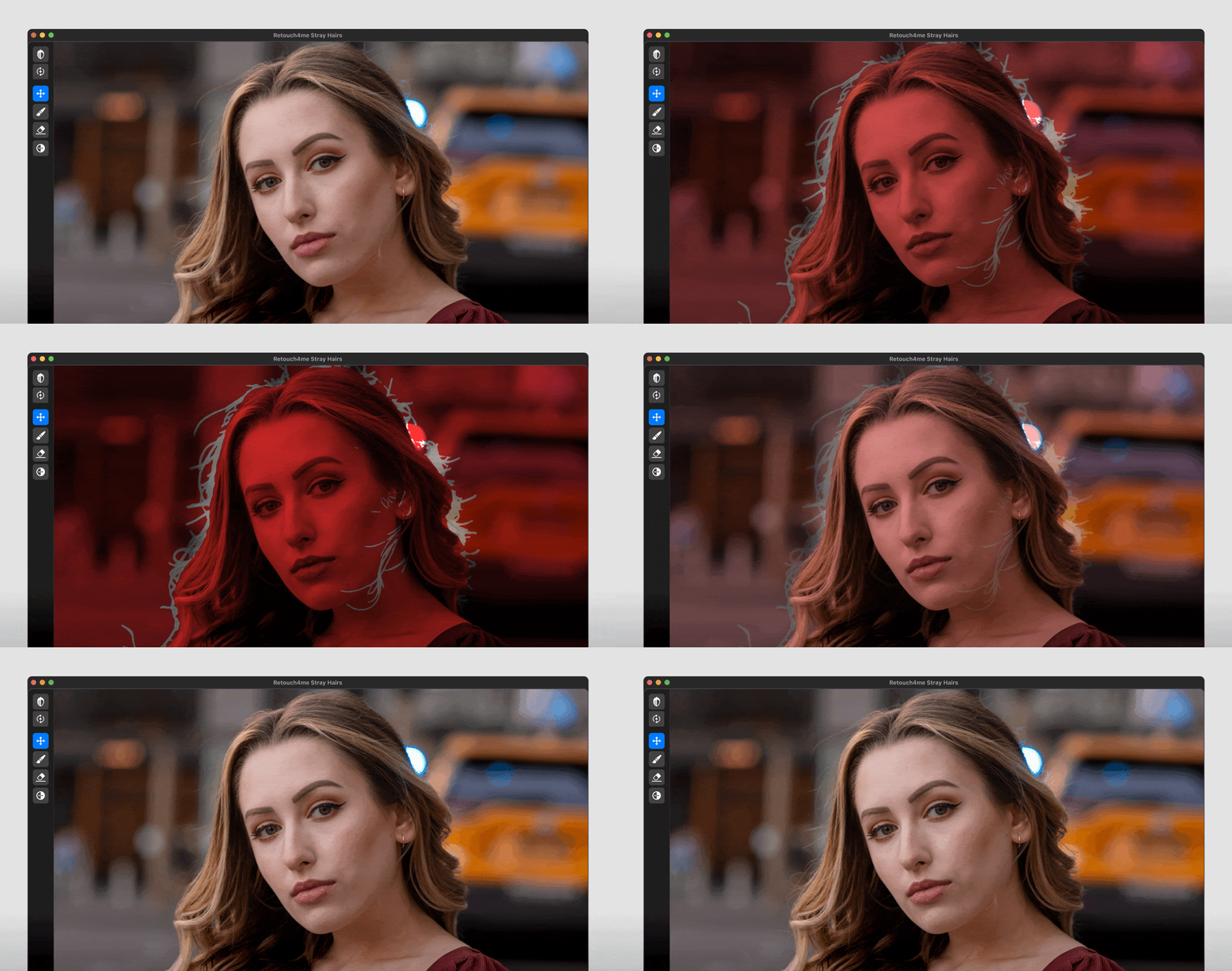
Smooth unruly hair and remove distracting flyaways without affecting texture.
Remove Stray Hairs
The tool removes individual hairs that fall across the face and eyes, preserving a natural flawless look, saving you minutes of detailed manual work on every portrait.
Fine-tune Details
Adjust the mask manually to refine the effect and match your creative vision.
Tame Flyaway Hairs
Effortlessly eliminate stray hairs that distract from your subject’s face, streamlining your editing process.

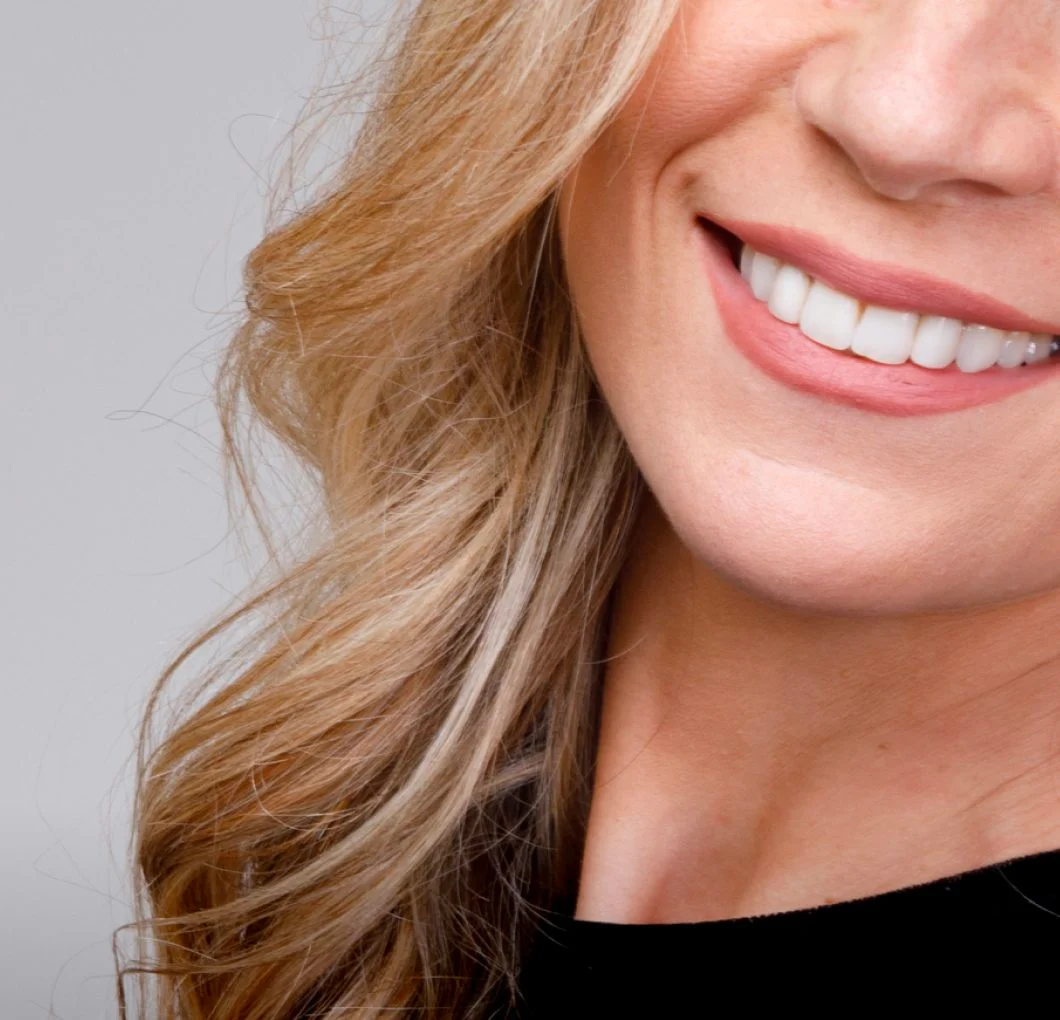
Remove stray hairs from the face and eyes
The tool removes individual hairs that fall across the face and eyes, preserving a natural flawless look, saving you minutes of detailed manual work on every portrait.
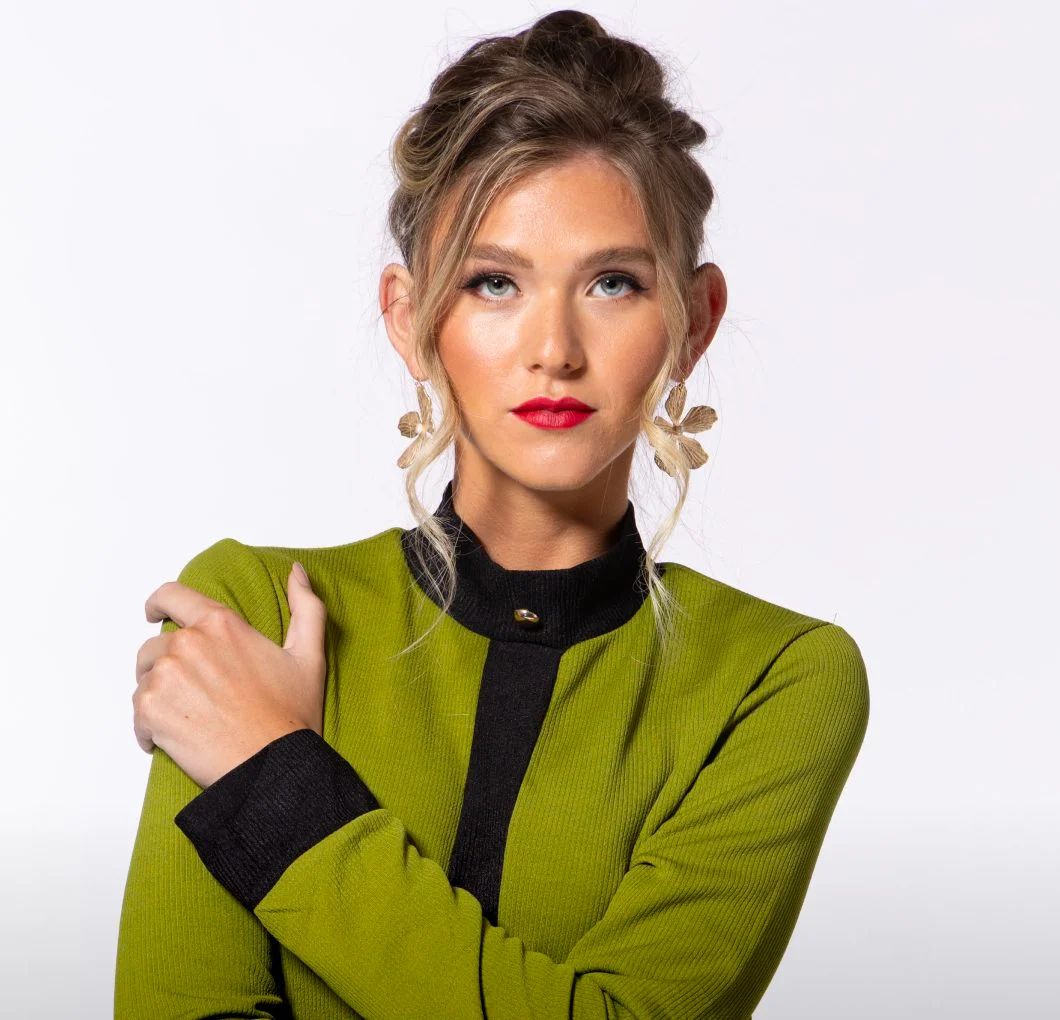
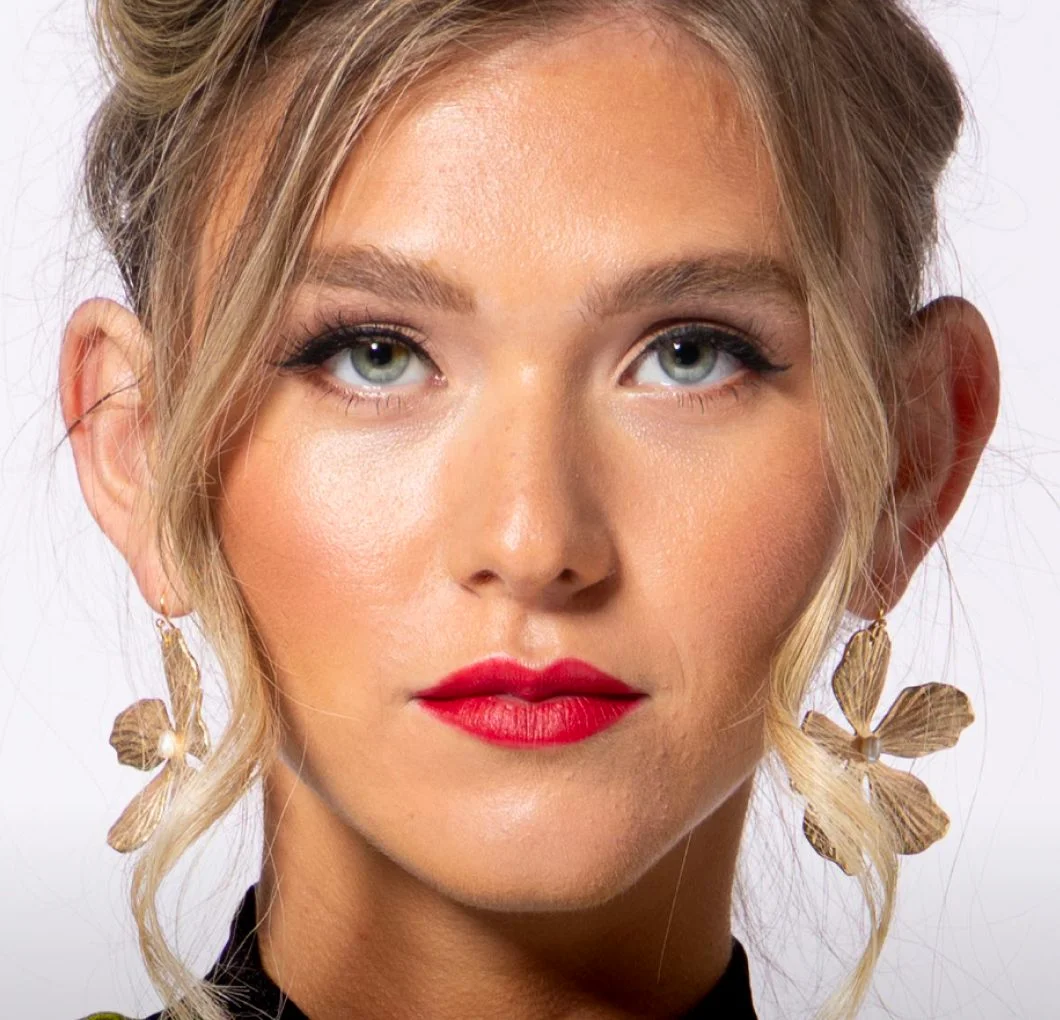
Fine-tune Result
Manual mask adjustments provide precise control, allowing fine-tuned refinement of hair details across different shooting scenarios, from structured studio portraits to sessions with natural movement.
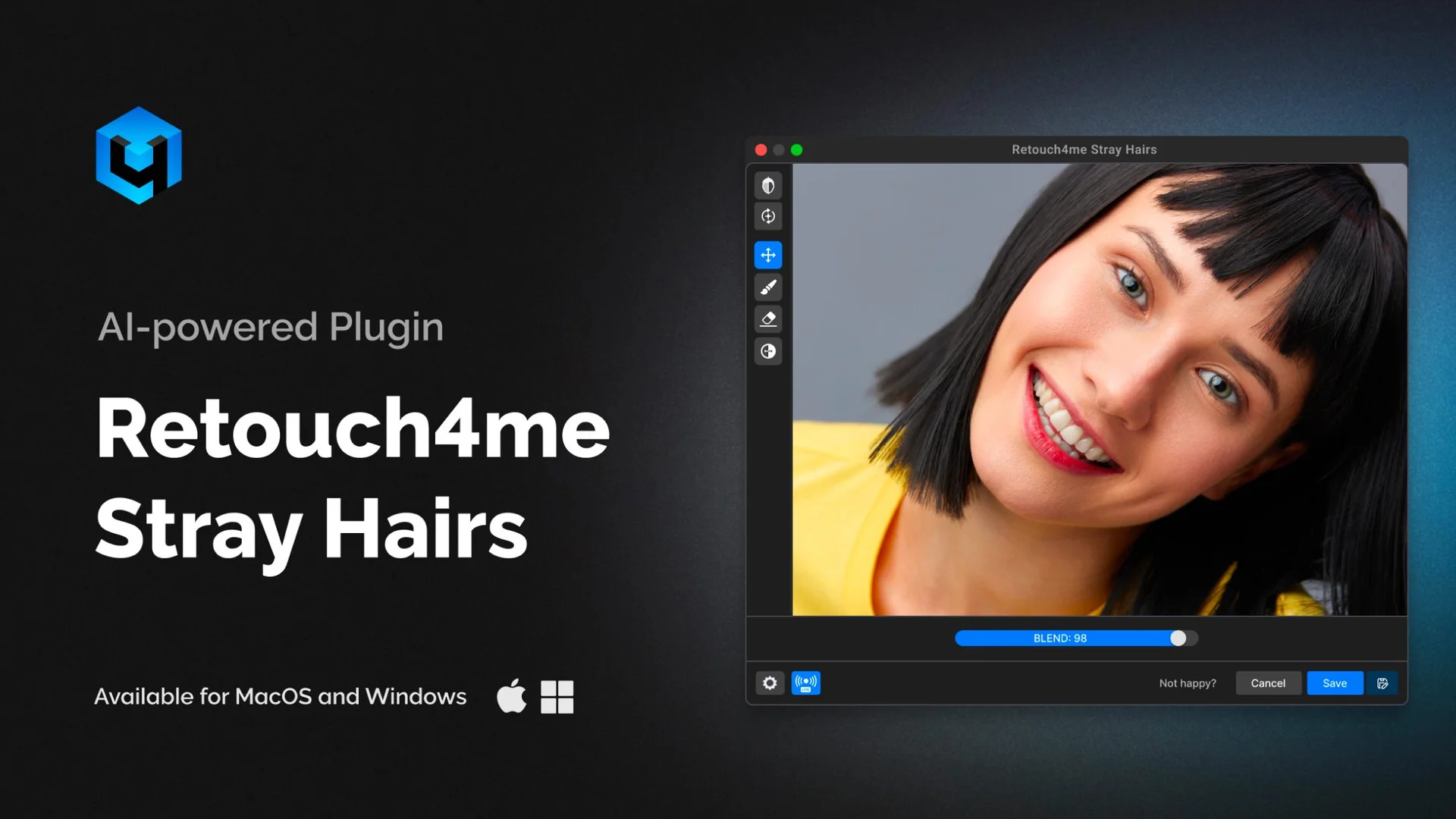
Quick Review
Watch plugin in Action
Try it now.
To make your workflow more efficient and faster.
For Best Performance
System requirements
- • Windows 10 (x64), Windows 11
- • macOS 10.15+
- • at least 6 Gb RAM
- • 64-bit (x64) processor, 1.2 GHz or faster
- • PC: GPU with 4GB RAM or Intel CPU with OpenCL 1.1 support
- • MAC: 2015 or later, Intel, M1-M3 or newer CPU’s
FAQ