

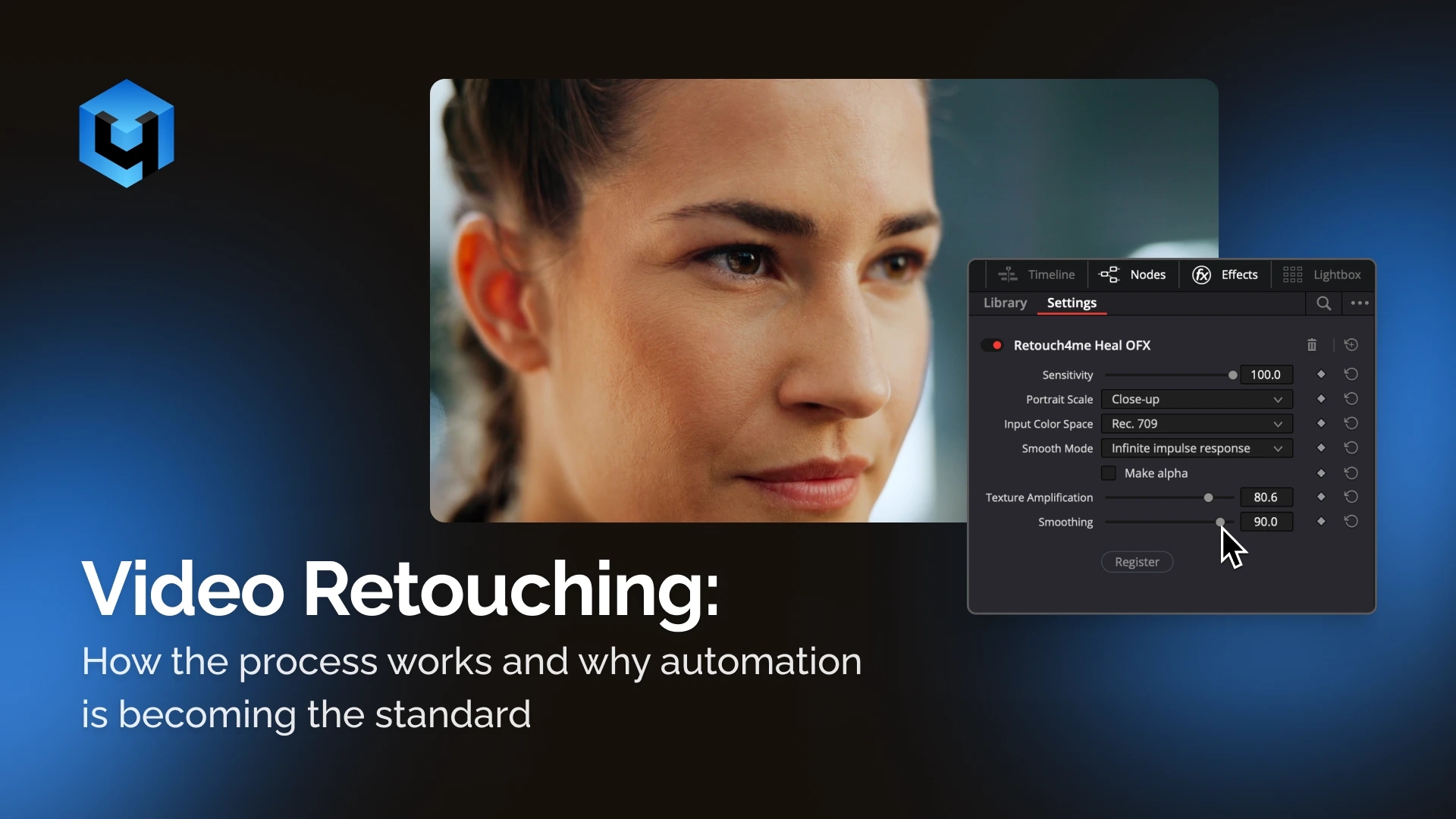
Video retouching has moved far beyond being just an extension of color grading. Today, it is a distinct stage of post-production that requires precision, consistency, and an efficient workflow.
Unlike photo editing, where you work with a single image, video involves processing dozens of frames per second. This makes temporal consistency just as important as visual quality in any individual frame.
What Video Retouching Includes
In practice, video retouching covers a range of tasks aimed at improving image quality while preserving a natural look:
- removing temporary skin imperfections (acne, redness)
- evening out skin tone and texture
- adjusting light and shadow (similar to Dodge & Burn)
- cleaning up dust and visual artifacts
- matching color to a reference or visual style
The key requirement is that all adjustments remain invisible in motion. Even minor inconsistencies can result in flickering or unstable textures.
What a Manual Workflow Looks Like
A traditional manual workflow typically includes:
- Creating masks (usually for skin or face areas)
- Tracking those masks across frames
- Applying smoothing and correction tools
- Performing additional color adjustments
- Checking for consistency across frames
- Fixing problematic areas manually
This approach offers control, but also comes with clear limitations:
- time-consuming even for short clips
- highly dependent on motion and lighting complexity
- difficult to scale for large volumes of footage
Key Challenges in Video Retouching
Consistency
Adjustments must remain stable across all frames. Even slight variations can create visible artifacts.
Tracking and Motion
Head movement, occlusions, and lighting changes make mask tracking more complex and require constant adjustments.
Production Time
Retouching remains one of the most resource-intensive parts of post-production, especially in commercial work.
Natural Look
Over-processing quickly leads to an artificial appearance, which becomes even more noticeable in motion.
Current Trends in Video Retouching
1. Automation of Routine Tasks
Repetitive processes such as skin cleanup and tone balancing are increasingly handled by algorithms.
2. Texture Preservation
Modern approaches focus on maintaining natural skin texture rather than relying on blur.
3. Reference-Based Color
Color grading is often guided by predefined references instead of manual adjustments.
4. Integration into Editing Software
Tools are now designed to work directly inside platforms like DaVinci Resolve, Premiere Pro, and Final Cut, rather than as separate steps.
Automation: How the Workflow Is Changing
Modern AI-based tools are designed to automate a significant part of the retouching process.
For example, Retouch4me Video Plugins provide solutions for key retouching tasks:
- Heal — precise removal of skin imperfections
- Dodge & Burn — balancing light and shadow
- Dust — removing small particles and artifacts
- Color Match — matching footage to a reference
These tools process video frame by frame while accounting for motion, helping maintain consistent and natural results.
Manual Retouching vs Automation
Manual Approach
Best suited for:
- complex creative work
- high-end commercial projects
- non-standard lighting conditions
Limitations:
- time-intensive
- highly dependent on the artist’s skill
Automated Approach
Most effective when:
- working with large volumes of footage
- dealing with repetitive tasks
- speed is a priority
Advantages:
- significantly faster processing
- consistent results
- streamlined workflow
A Practical Approach: Hybrid Workflow
The most effective strategy today is a combination of both methods:
Automated base
- skin cleanup
- tone balancing
- initial color correction
Manual Approach
- final adjustments
- complex areas
- creative control
This approach allows you to:
- reduce production time
- maintain high quality
- ensure consistency across footage
Why This Matters for Videographers and Production Teams
As content volume continues to grow, the demand for both speed and quality increases.
Manual-only retouching becomes a bottleneck:
- slows down delivery
- limits scalability
- increases production costs
Automation tools like Retouch4me Video Plugins, рaddress this challenge by handling repetitive tasks and freeing up time for creative work.
Conclusion
Video retouching today is not just about improving image quality, but about optimizing the entire production process.
The shift is clear:
- routine tasks are being automated
- professionals focus more on creative decisions and control
In this context, success depends not on doing everything manually, but on building an efficient workflow.
That is why automation tools are quickly becoming a standard part of modern post-production pipelines rather than an optional add-on.