

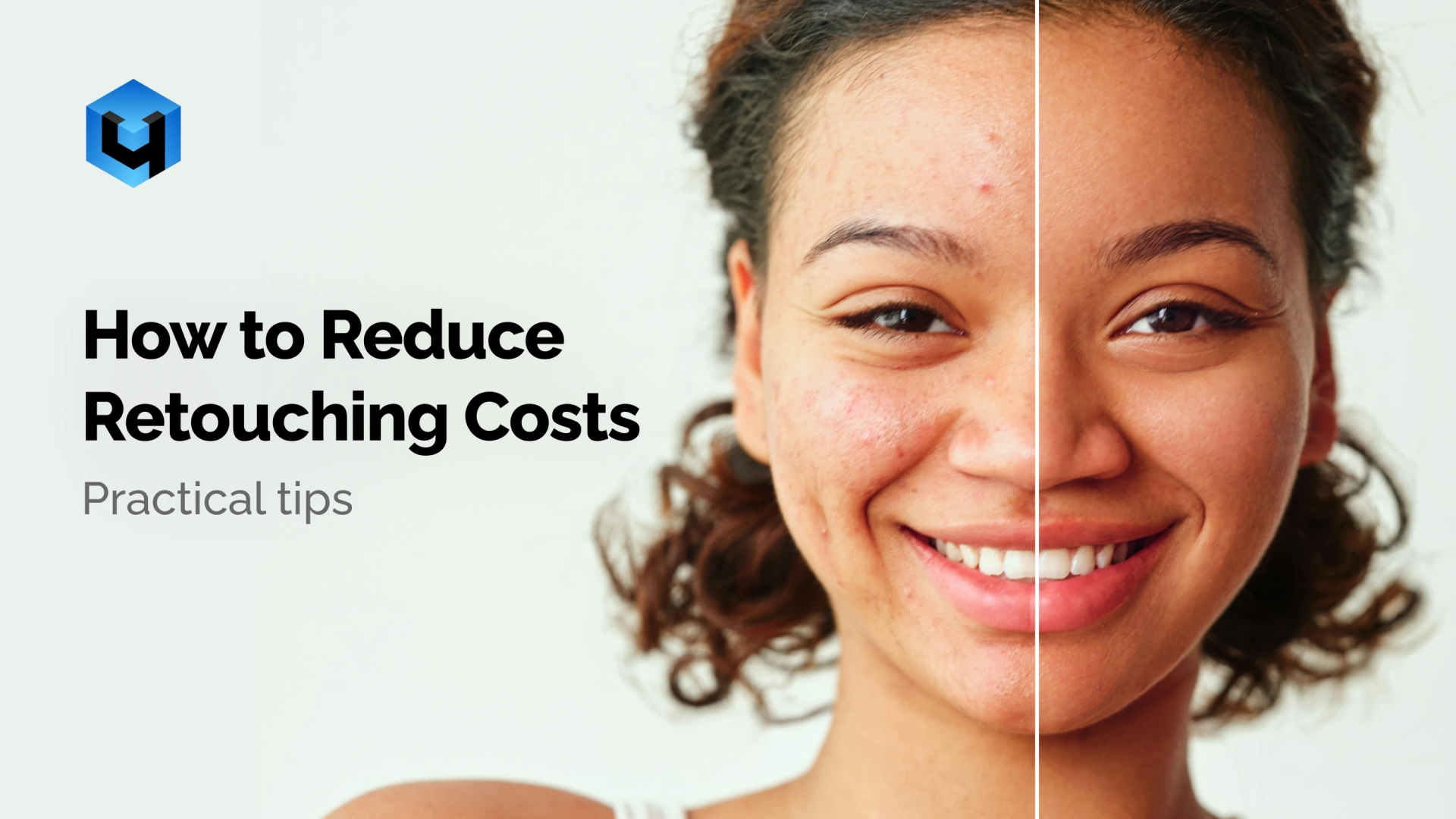
Photo retouching is a crucial stage in creating high quality visual content. However, it often consumes far more time and resources than expected. In this article, we explore practical ways to reduce retouching costs without sacrificing quality. We share our own experience, expert tips, and insights from our users and partners including photographers, studios, and professional retouchers.
SAVING TIME
1. Optimizing the shooting process
Many issues are easier to address during the shoot itself, significantly reducing the effort required in post production.
Proper lighting
This may sound obvious, but investing time in understanding natural light and using high quality lighting equipment will save a significant amount of resources later in retouching.
Preparing the model in advance
If the model cannot prepare independently by doing a manicure or professional makeup, ask a stylist to supervise the shoot or involve a specialist who will monitor hair and makeup on set.
Evaluating results during the shoot
Modern tools for instant photo transfer from camera to device greatly simplify the photographer’s workflow. For example, the MyShot service allows you to upload photos directly to the cloud and launch automatic retouching with Retouch4me tools almost immediately after shooting.
This makes it possible to share processed images with clients and colleagues in real time.
2. Useful retouching techniques
There are countless free tutorials online where professionals share ways to streamline their workflow.
Automation
You can set up custom hotkeys and actions. Repetitive operations that software like Photoshop can apply to entire batches of images. Tools for background removal or color correction can dramatically reduce processing time.
Presets
Experienced photographers create their own presets or download ready made ones for Lightroom or Photoshop to quickly apply color grading and effects to multiple images. This significantly speeds up processing and reduces the time spent on each photo.
Batch processing
Batch processing allows you to work on multiple photos at once and apply identical settings to a group of images. With AI based tools like Arams, you can run batch processing overnight without losing working hours.
3. AI retouching capabilities
Modern AI tools for full or partial photo retouching save enormous amounts of time and resources. Retouch4me offers separate tools for specific tasks as well as dedicated panels like Apex, which combines the most popular tools used by portrait photographers including Heal, Dodge and Burn, Lifting, Skintone, White Teeth, and more.
In addition to significant time savings, AI retouching also reduces financial costs. There is no need to brief a retoucher, transfer files back and forth, or request revisions.
SAVING MONEY
1. Delegating routine tasks
There are several ways to outsource routine work to people at a lower cost or even for free.
Interns
If you work on repetitive projects, routine tasks can be delegated to less experienced colleagues or interns. In return, you can teach them basic retouching techniques or provide high quality feedback. This helps them develop their skills while allowing you to focus on more complex tasks directly related to shooting.
Collaboration with peers
Service exchange is especially popular among beginners. One photographer may handle a specific type of retouching for another in exchange for similar services. This not only saves money but also helps develop professional skills.
2. Neural networks instead of routine retouching
AI tools
The average cost of basic professional photo retouching ranges from 2 to 10 dollars per image, while one cloud retouch with Retouch4me costs around 0.1 dollars. The savings are substantial.
Cloud instead of expensive hardware
Modern AI tools like Retouch4me enable fast and high quality retouching in the cloud. This significantly reduces the need to invest in high performance computers.
3. Customizing paid subscriptions
Understanding that photographers work in different scenarios, companies adapt their pricing plans accordingly. This makes it possible to choose the most suitable option for your needs. Retouch4me offers several purchase models.
Retouch4me lifetime license
A long term investment that pays off after just a few commercial shoots. It is ideal for professional retouchers and photographers who regularly work with large volumes of images.
Monthly subscription
Suitable for those who use Retouch4me occasionally. For example studio photographers working seasonally or freelancers who want flexible expense management and prefer to pay only for active months. Retouches included in the subscription do not expire for five months as long as the subscription is active.
Retouch4me packages based on the number of retouches
An optimal choice for beginner photographers, retouchers, or anyone who wants to test the tools on real projects without long term commitments. This option works well for one time shoots or small orders.
MANAGING ATTENTION
1. Optimizing the workspace
Interface organization
To reduce distractions and save time, arrange all essential tools and panels so they are always within easy reach.
File system organization
A clear folder structure for source files and final images simplifies searching and speeds up the overall workflow.
2. Maintaining focus
Fewer distractions
A comfortable workspace, disabled notifications, and minimizing interruptions help maintain concentration.
Mental breaks
Short breaks during work reduce fatigue and help maintain a high level of focus and productivity.
Saving on retouching does not mean compromising quality. By applying the tips above, you can reduce costs and even improve your image processing skills. Every step toward professionalism requires time and effort, but the result is higher quality content created without unnecessary expenses.