

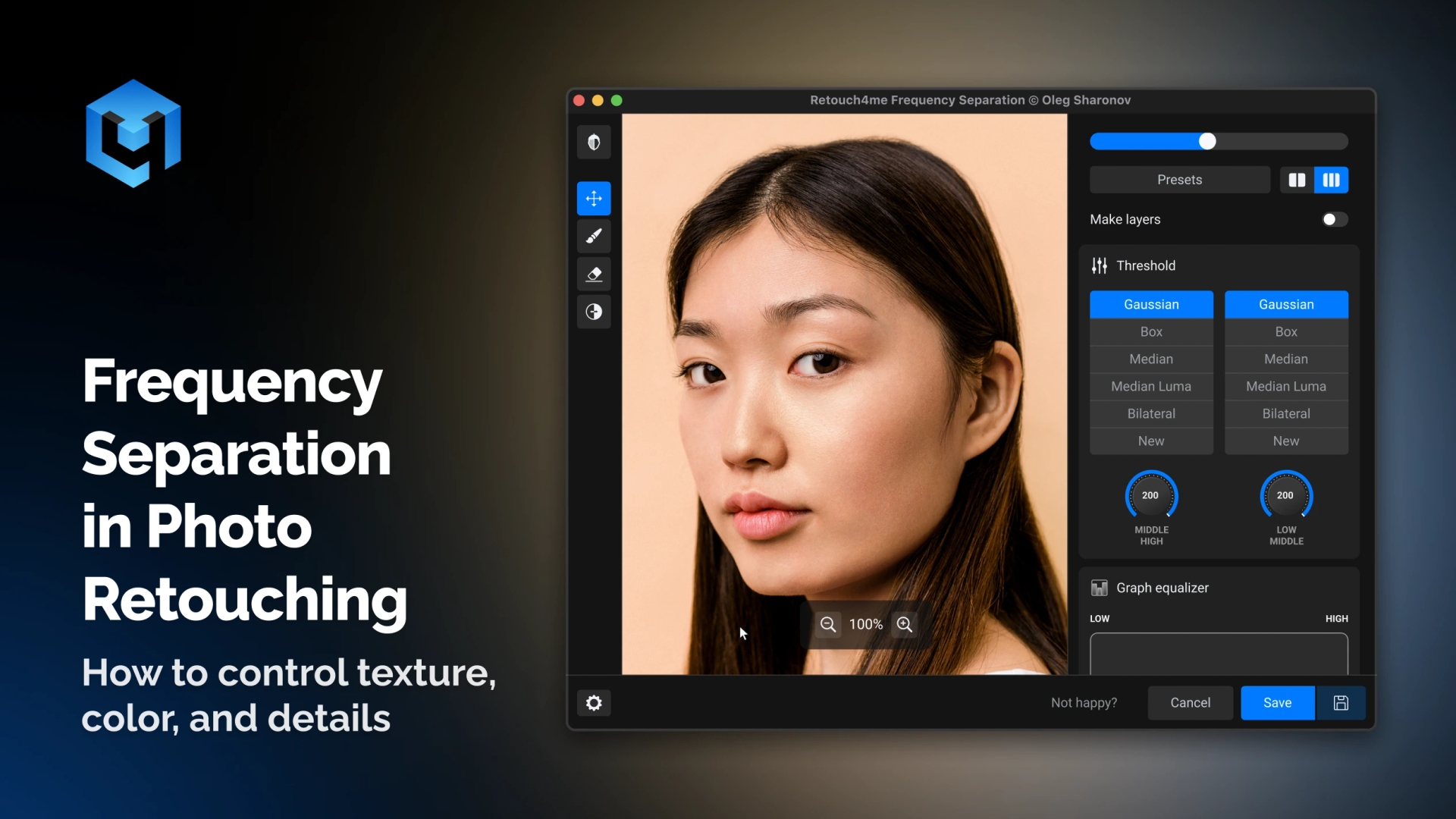
Frequency separation is one of the key techniques in professional retouching. It’s used for working on skin, texture, sharpness, and color without destroying the image. In this article, we will explain how frequency separation works, why it relates to how we perceive images, and how to apply it in practice using Retouch4me Frequency Separation.
This article is useful for photographers, retouchers, and anyone who wants to better understand the logic of image editing, not just follow a set of steps.
What Frequency Means in Photography
Let’s start with a simple example — a fence. If there are many boards per meter, we say the fence is “dense.” If there are few boards, it’s “sparse.” This is frequency: how often an element repeats over a given distance.
In photography, pixels are the unit of measurement. But since nothing repeats inside a single pixel, it’s easier to talk about the period — the distance between repeating elements. The higher the frequency, the shorter the period.
Almost every object in a photo contains multiple frequencies simultaneously:
- Low frequencies — large forms, light, and color,
- Medium frequencies — small irregularities, transitions, volume,
- High frequencies — fine details and texture.
Frequency separation is the process of splitting an image into these components and working on them individually.
How Humans Perceive Frequency
Our vision is structured so that we don’t perceive all frequencies at once. This is familiar to every retoucher:
- working at a single zoom level may hide certain defects;
- changing the zoom level makes other imperfections visible.
Artists step back from a canvas to see the overall shape. Retouchers zoom in and out to examine different frequencies.
The same principle is long established in sound processing. Fourier demonstrated that any signal can be split into frequencies. In audio, this led to equalizers and filters. In photography, similar concepts have existed but were long less practical.
Why Photo Editing Lacked a True “Equalizer”
Photoshop provides basic frequency tools:
- Gaussian Blur — removes high frequencies;
- High Pass — keeps only high frequencies.
But familiar audio tools like band-pass or notch filters were not available in a convenient form. Many retouching techniques, including Inverted High Pass, are essentially frequency filters, but they are task-specific and require manual layer setup.
The idea of a universal tool is an equalizer for photos that allows intuitive, visual control over frequencies, just like musicians adjust sound.
Equalizer as a Model for Frequency Separation
If you’ve seen a graphic equalizer:
- left side — low frequencies,
- right side — high frequencies,
- each band controls a specific range.
Professional audio systems use parametric equalizers, where you can select the frequency and bandwidth. Modern digital tools allow visual editing of the frequency curve.
This approach is implemented in Retouch4me Frequency Separation — a tool that lets you manage image frequencies directly.
How Retouch4me Frequency Separation Works
After launching the tool, you see an equalizer arranged similarly:
- left — low frequencies (color, light, large forms),
- right — high frequencies (texture, details),
- ranges are measured in pixels, which makes sense for images.
For convenience, you can use:
- Mute — temporarily disable a frequency range,
- Solo — isolate a selected frequency.
This lets you literally “listen” to the image by frequency and precisely identify where the important information is.
Applying Frequency Separation in Retouching
Sharpness
Increasing sharpness means enhancing high frequencies. With the equalizer, you can:
- define the detail range accurately,
- avoid amplifying noise,
- achieve a soft-focus effect by reducing medium and high frequencies.
Texture and Clarity
The clarity effect, familiar from Lightroom, primarily works on medium frequencies. Frequency separation allows you to:
- select the exact detail size,
- enhance volume without harming skin,
- avoid typical artifacts.
Skin Smoothing
Classic skin smoothing using Inverted High Pass is essentially removing medium frequencies:
- Reduce frequencies responsible for skin irregularities.
- Preserve high frequencies so texture remains.
- Adjust the radius to match the scale of imperfections.
The Threshold parameter helps fine-tune the result and keep natural details.
Masking and Final Retouch
For more advanced work, the tool allows creating separate frequency layers:
- low — color and light,
- medium — irregularities,
- high — texture.
Then you can:
- retouch texture on high frequencies with the Stamp tool,
- remove skin blemishes on medium frequencies using a mask,
- adjust color tones on low frequencies.
Additional adjustment layers, like Black & White with high contrast or Curves, help see details more clearly and maintain control over the final result.
Why Frequency Separation Remains Relevant
Frequency separation is not just a skin retouch technique. It’s a mindset that provides full control over the image:
- texture and color are edited separately;
- edits are predictable;
- results look natural.
With Retouch4me Frequency Separation, photographers and retouchers have a tool that works like a real equalizer for images — intuitive, visual, and precise.
If you want to take full control over your retouching and understand exactly how your image is being edited, frequency separation is one of the most reliable approaches.