

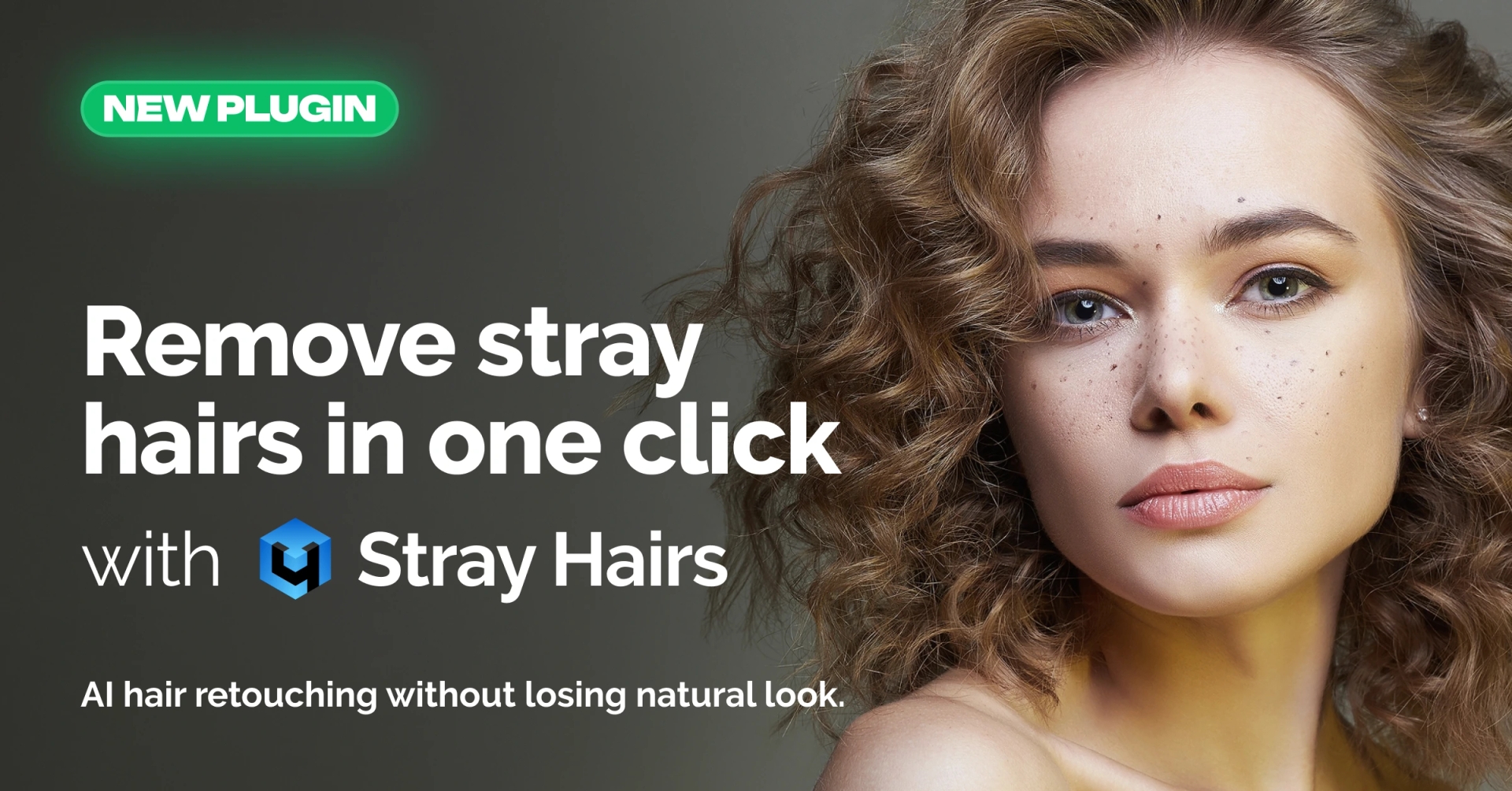
A practical approach to removing stray hairs in portrait retouching
Stray and flyaway hairs are one of the most common and time-consuming issues in portrait retouching. They appear even in well-prepared shoots and become especially noticeable when working with image sets. What looks like a minor detail in a single frame often turns into hours of repetitive manual work across a series.
Retouch4me Stray Hairs v.1.207 is a neural network–based tool designed to take this task off the retoucher’s shoulders. It automatically removes stray hairs, cleans up the edges of a hairstyle, and helps achieve a neat, natural-looking result without sacrificing control.
The tool is available both as a standalone solution and as part of Arams, Retouch4me’s comprehensive retouching environment.
What Retouch4me Stray Hairs is designed for
Retouch4me Stray Hairs focuses on one specific problem: removing hairs that break the overall shape of a hairstyle. This includes flyaways along the edges, individual hairs that stick out of the main form, and loose strands falling onto the face.
The tool works with both male and female hairstyles and is suitable for single portraits as well as large batches of images.
How the tool works in practice
Stray Hairs analyzes the image and automatically identifies unwanted hairs, removing them while preserving the original hairstyle. The neural network is trained to respect the natural structure of hair, avoiding aggressive smoothing or visible artifacts.
Particular attention is paid to the edges of the hairstyle. Instead of simply blurring or masking the contour, the tool refines it carefully, which is especially important in commercial, beauty, and fashion portrait work.
Control and manual refinement
One of the key ideas behind Retouch4me Stray Hairs is balance. Automation handles the repetitive work, while the retoucher keeps control over the final result.
If some stray hairs remain after the automatic pass, they can be manually marked with a brush. The tool then regenerates the result taking these adjustments into account. This approach allows for precise refinement of complex areas without returning to fully manual cleanup techniques.
Natural-looking results
Maintaining a natural look is critical when working with hair. Retouch4me Stray Hairs is designed to preserve volume, texture, and the direction of hair growth.
After processing, the hairstyle looks clean and well-groomed, but not artificial or over-retouched. This makes the tool suitable for professional portrait work where realism matters as much as polish.
Integration into professional workflows
Stray Hairs can be used in several ways, depending on the workflow.
When used in Photoshop, it follows a non-destructive approach and creates separate layers, allowing retouchers to fine-tune the result and integrate it seamlessly into existing projects.
The standalone application offers a faster option for those who prefer to work outside of Photoshop or need to process large volumes of images efficiently.
The tool is also available within Arams, where it becomes part of a unified retouching pipeline. In this setup, Stray Hairs can be combined with other Retouch4me tools, making it easier to achieve consistent results across entire image sets without manually stitching together different stages of retouching.
In all cases, processing is performed locally on the user’s machine, with no images uploaded to the cloud.
Working with series and batch processing
Stray hairs are rarely a one-off problem. In portrait series, the same issues repeat from frame to frame, turning manual cleanup into monotonous work.
Retouch4me Stray Hairs is well suited for batch processing. It applies the same logic across all images in a series, ensuring consistent results. When necessary, individual frames can still be refined manually by marking specific areas and regenerating the output.
This approach significantly reduces retouching time while maintaining a predictable and controlled outcome.
Saving time without losing control
Manually removing stray hairs can take up to 10–15 minutes per image. Across a full shoot, this quickly adds up.
By automating the most repetitive part of the process, Retouch4me Stray Hairs helps retouchers focus on more important creative and technical decisions, while still allowing manual intervention whenever needed.
A practical tool for everyday retouching
Retouch4me Stray Hairs v.1.207 is not about replacing the retoucher’s judgment. It is about removing routine, mechanical work from the workflow and making the overall process faster, more consistent, and less exhausting.
For photographers and retouchers working with portraits on a regular basis, especially in commercial and high-volume environments, it offers a reliable way to deal with one of the most persistent retouching tasks.