

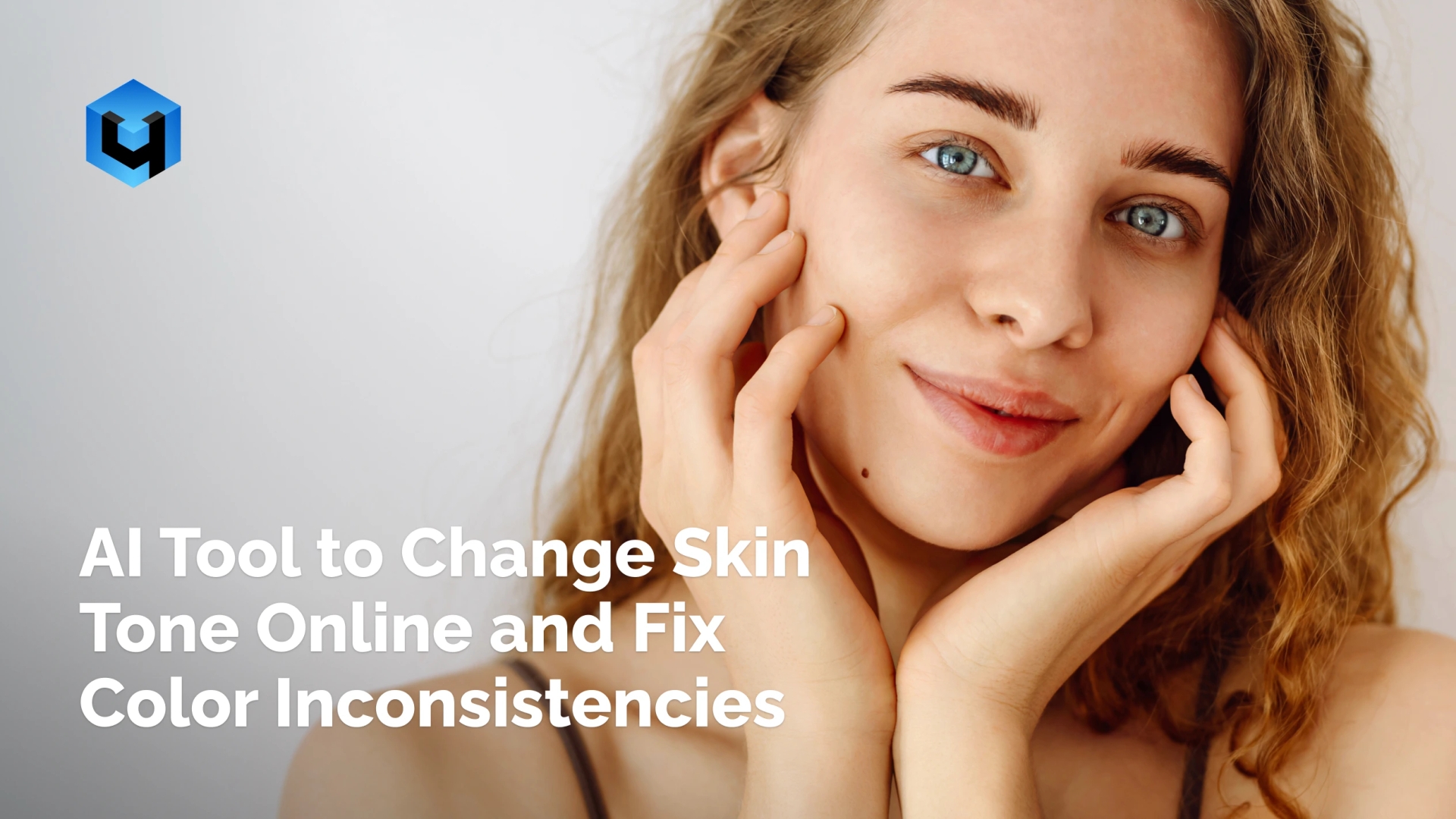
Wondering how to change skin tone? Instant skin tone transformation with advanced AI-powered technology. Retouch4Me Skin Tone creates natural, flawless, even results across all portraits. Fix lighting issues and color shifts without losing texture or detail. Perfect for photographers and retouchers who need accurate tones fast.
Get Natural Skin Tones Instantly
No credit card required. Works on macOS and Windows.
AI Features for Instant Skin Tone Transformation
Smart Skin Tone Adjustment
AI analyzes facial and body areas automatically. It can change skin color from white to olive skin tone or create warmer, balanced tones with subtle accuracy.
Preserve Natural Skin Texture
Adjust skin tones without flattening or over-smoothing the skin. Achieve stunning looks effortlessly while preserving natural texture and detail in every portrait.
Match Skin Tones Across Your Images
Unify skin tone across photos easily. Perfect for weddings, team photos, and social media campaigns.
Correct Uneven Lighting
A precise skin tone changer for localized fixes that works only where correction is needed. Balance tones under any light – studio, flash, or ambient.
Get Even Skin Tone in Photos
Retouch4Me Skin Tone adapts to your creative vision. Maintain natural-looking, professional color balance in all photos with seamless, smooth edits.
- Portrait Photography: Correct your uneven skin tones from lighting, white balance, or camera inconsistencies.
- Get portraits that feel clean, balanced, and true to each subject’s complexion.
- Wedding Photography: Ensure consistent tones across couples, guests, and group portraits.
- Keep every image harmonious, even under mixed indoor and outdoor light.
- Fashion and Beauty Work: Perfect tones for editorial, commercial, and campaign photo retouching.
- Maintain authentic skin texture while achieving color-accurate, high-quality, natural-looking results.
- Ecommerce & Branding: Keep tones across model and product shots for cohesive branding.
- Have clean, natural visuals that align with your brand’s color identity.
- Event Photography: Fix tone shifts from ambient, flash, or venue lighting conditions.
- Maintain balanced, professional color results across large, fast-paced galleries.
Transform your photo retouching workflow
Get Started Now
Still Thinking It Over?
Accurate, Realistic Results
Adjust the eye or body parts, as well as full-body images that look natural – not filtered. Adjust lighting and background colors without affecting your skin texture or hair.
Save Time on Manual Color Work
Get even skin tone in your photos automatically – no more selective masking or curve adjustments. Get the perfect skin color changer in one click.
Balanced Results for Every Complexion
Helps you remove blemishes and even tan while keeping a natural glow across all of your images. Works perfectly with other retouch plugins to create balanced looks for every person or model.
Consistency Across Entire Projects
Apply uniform tone corrections across galleries or campaigns. Deliver cohesive, professional results for clients.
How to Enhance Skin Tone
Download and Install
- Install on macOS or Windows.
- Use standalone or as a plugin in Photoshop, Lightroom, Capture One, Apex, or Arams.
Upload Your Portrait
- Import a single photo or a batch of photos.
Let AI Detect and Adjust Skin Tones
- AI identifies skin areas and automatically adjusts tones for balance and accuracy.
Fine-Tune the Result
- Modify tone strength or color balance manually for creative control.
Save and Export
- Save your corrected images or continue retouching in your preferred photo editor.
Why Choose Retouch4Me Over Other Skin Tone Photo Editors
| Feature / Benefit | Retouch4Me Skin Tone | Manual Photo Editing | Other Free Tools |
| Automatic tone detection | ✅ Yes | ❌ No | ⚠️ Limited |
| Natural skin texture preservation | ✅ Yes | ⚠️ Depends on skill | ❌ Often lost |
| Consistent tones across images | ✅ Yes | ❌ Manual only | ⚠️ Inconsistent |
| Works on all skin types | ✅ Yes | ⚠️ Partial | ❌ Limited |
| Batch processing | ✅ Yes | ❌ No | ❌ No |
| Professional-grade results | ✅ Yes | ⚠️ Varies | ❌ Basic |
Enhance your photos: change skin tone & skin color in seconds.
Try Retouch4Me Skin Tone
FAQ
Can it adjust skin tones automatically?
Yes. The AI detects faces and adjusts tones instantly.
Does it work on different complexions?
Yes. It’s trained to recognize and correct all skin types equally. The AI can change skin color from white to light brown skin tone while maintaining realistic texture and lighting.
Can I change the intensity of the effect?
Yes. You can change the skin tone in the photo and fine-tune tone adjustments manually for perfect balance using Photoshop, Lightroom, Capture One, Apex, or Arams.
How does this compare to other Retouch4Me tools?
Even though it was designed for full control and smooth photo retouching without filters, it complements other tools. It works particularly well with Heal, Dodge&Burn, and Portrait Volumes for complete retouching.
Does it support batch photo editing?
Yes. Apply tone correction across entire galleries automatically.
Where can I find your terms and pricing?
All terms and pricing are available on our website
How can I contact the company or get help?
Visit our contact page or check our blog and resources for tutorials.
Do I need to sign up?
Yes. You need to create an account or sign in to try the trial.