Retouch4me logo

AI Photo culling and retouching software for professional photographers

Cull thousands of photos in minutes.
Apply natural, professional retouching instantly.

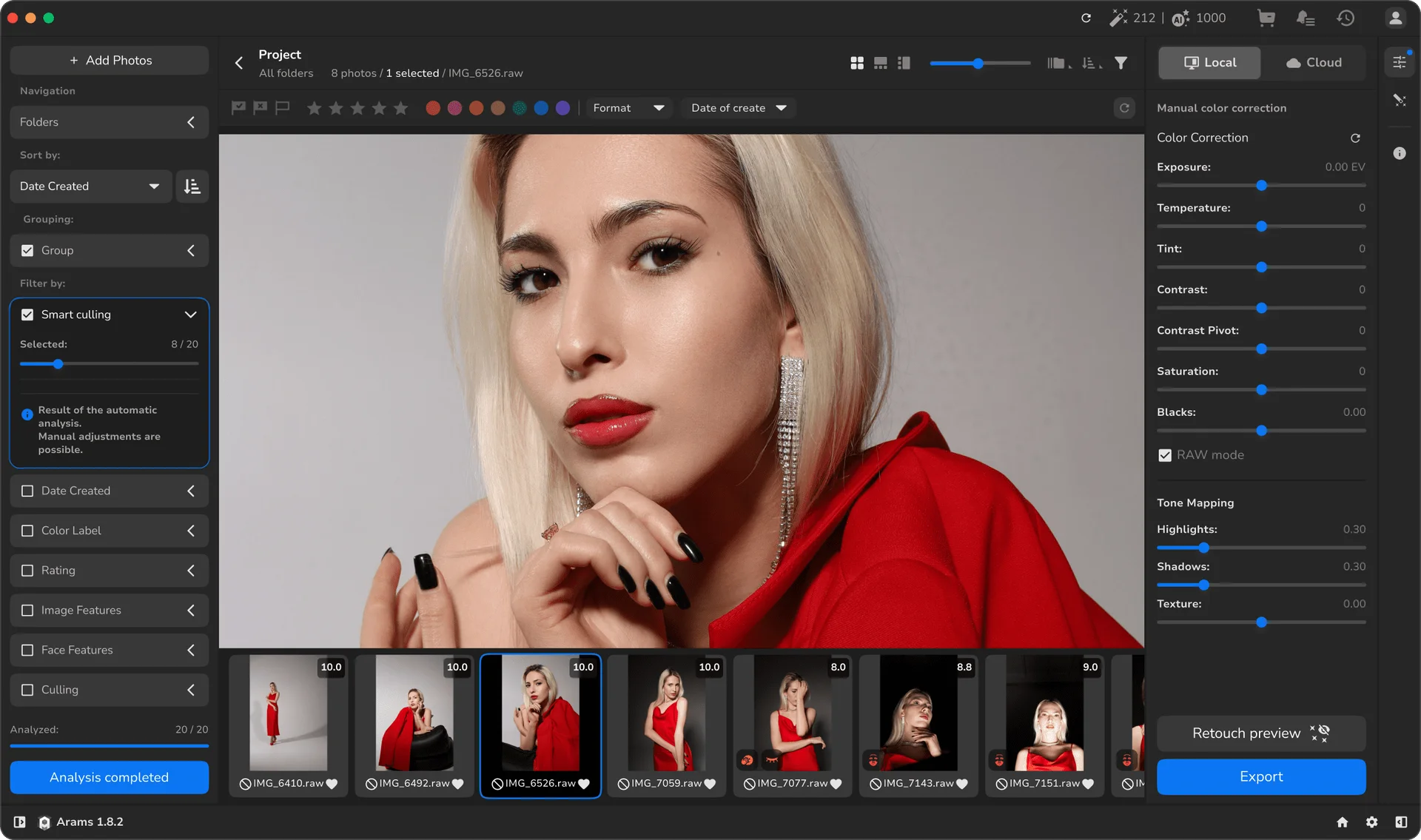
Smart AI analyzes your shoot and helps filter technical flaws — blur, closed eyes, underexposure, and more — so you work faster.

AI helps accelerate the process — but the final choice is always yours, preserving the style that makes your work yours.

Available inside Arams.

One ecosystem. One workflow.

20 free culling credits for new users.

High volume. Limited time

Built for high-volume photography

Professional photographers often need software that helps manage thousands of RAW files after shooting.
Whether you are a wedding photographer, portrait photographer, or working on commercial projects, the culling and editing process can take hours.
AI culling software helps you quickly pick the best photo from large groups of images and move directly into the editing workflow.
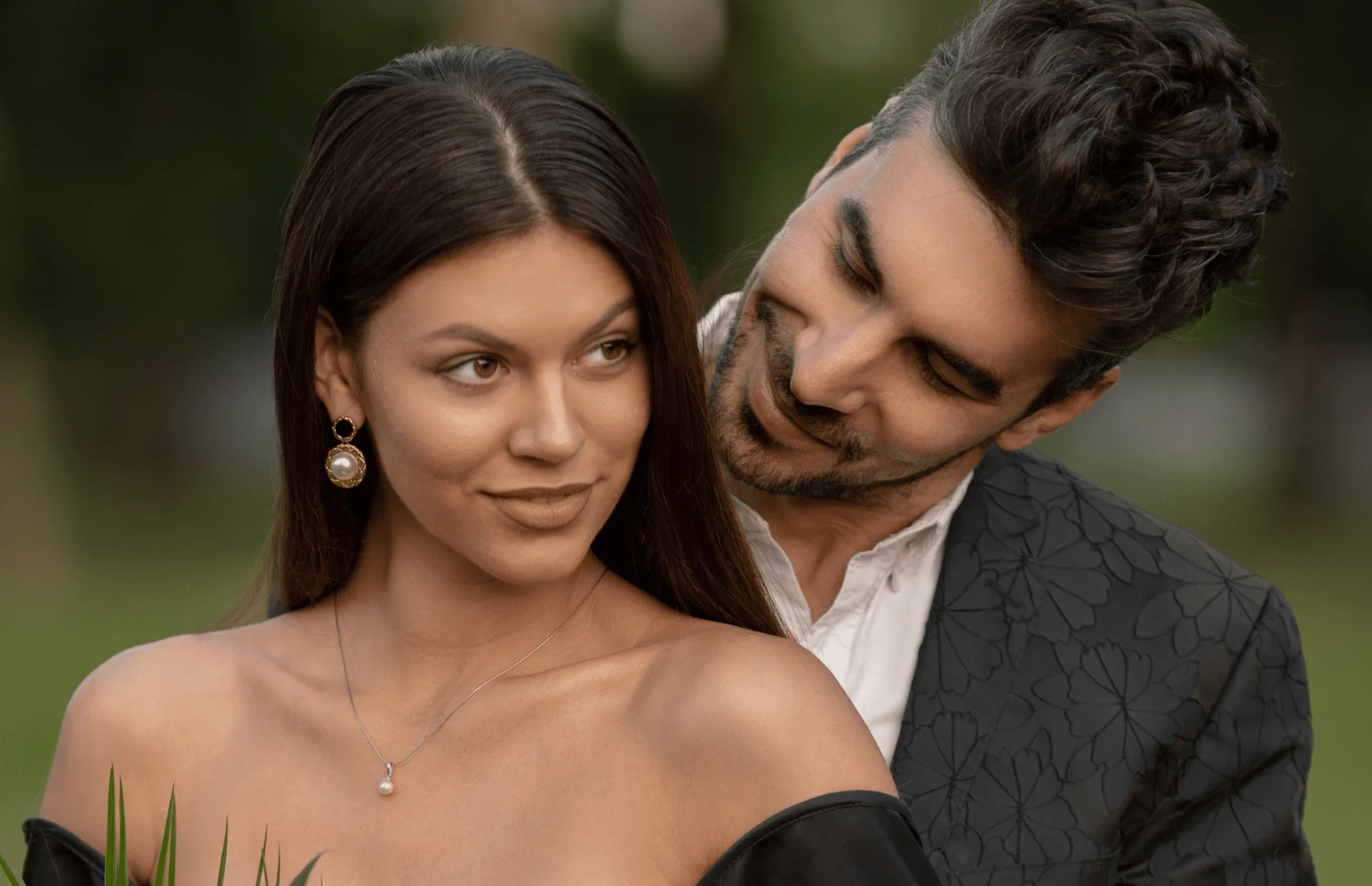
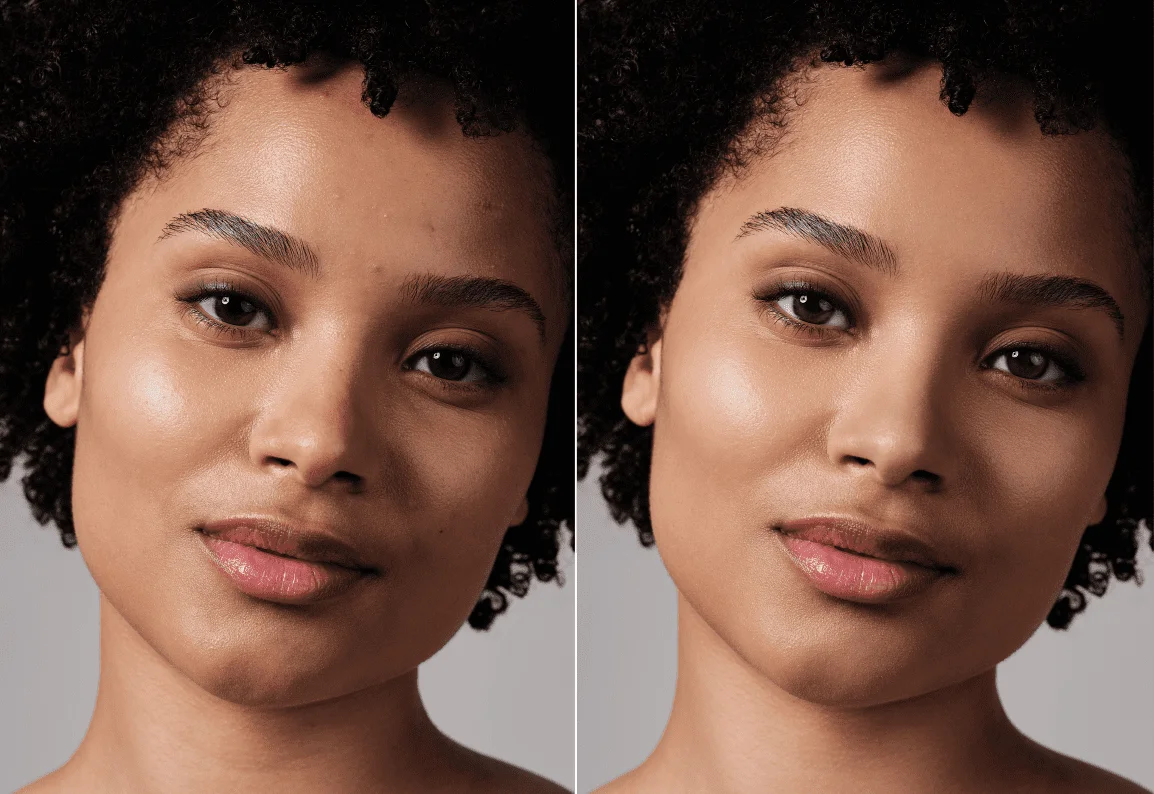
Before
After
How Retouch4me fixes it

From AI Photo Culling to Professional Retouching — Seamlessly

Inside Arams powered by Retouch4me, your workflow doesn’t stop at selection.
AI selects your strongest frames and prepares them for professional retouching — in the same workspace.
No exporting. No switching tools. No broken process.
Culling is just the beginning. Delivery-ready results are the goal.

Arams

powered by Retouch4me

Typical AI Culling Software

Manual Photo Review Tools
Advanced review tools, face navigation, and search by filename
Basic review and selection
Automatic Photo Selection
AI selection with customizable filtering and target photo count
AI selects best images from a series
Automatic Tagging
AI tagging and organization tools
Limited or unavailable
Color Correction
Full manual color correction tools (tone mapping, curves)
Basic AI styles or presets
Retouching
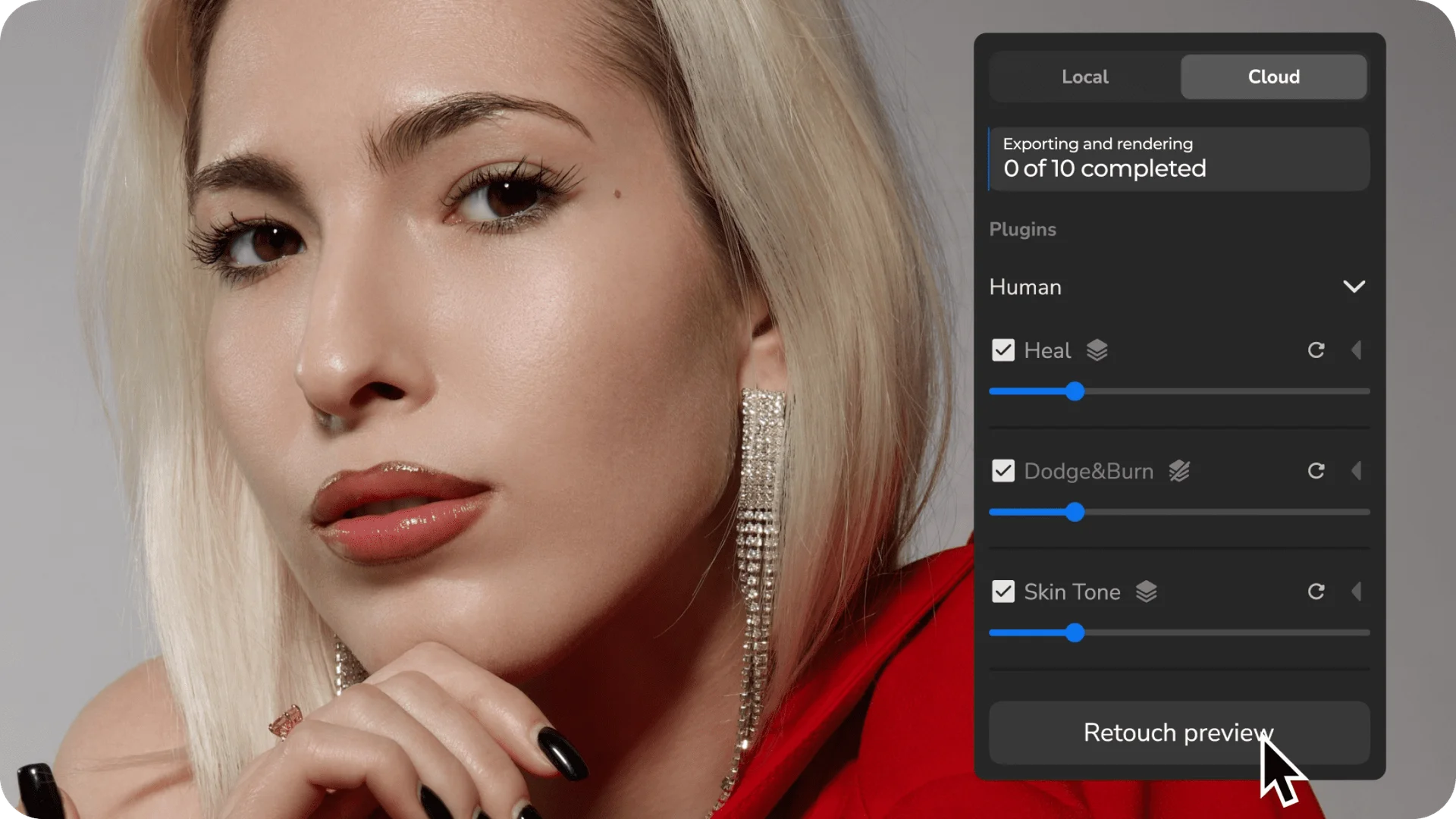
Professional Retouch4me retouching tools
Limited or basic editing
Batch Processing
Masking Tools
Advanced masking tools
Basic manual masks
Export Options
JPEG, PNG, TIFF, layered TIFF
Standard export formats
Learning Resources
Interactive tour and built-in video guides
Basic tutorials
Solution

Smart AI Photo Selection

Smart AI photo selection analyzes technical details like sharpness, exposure, and facial expressions to help photographers find the best images quickly.
This advanced analysis helps identify blurry photos, closed eyes, or inconsistent lighting conditions, making the entire culling process faster and more efficient

Wedding Photography

Identifies the technically strongest frame

Expression Analysis

Selects natural, confident expressions

Closed Eyes Detection

Automatically flags unusable shots.

Duplicate & Burst Grouping

Groups similar images so you compare once — not ten times.

Intelligent Ranking

Sorts images by quality, not randomly.
From selection to professional retouching — without leaving the system.
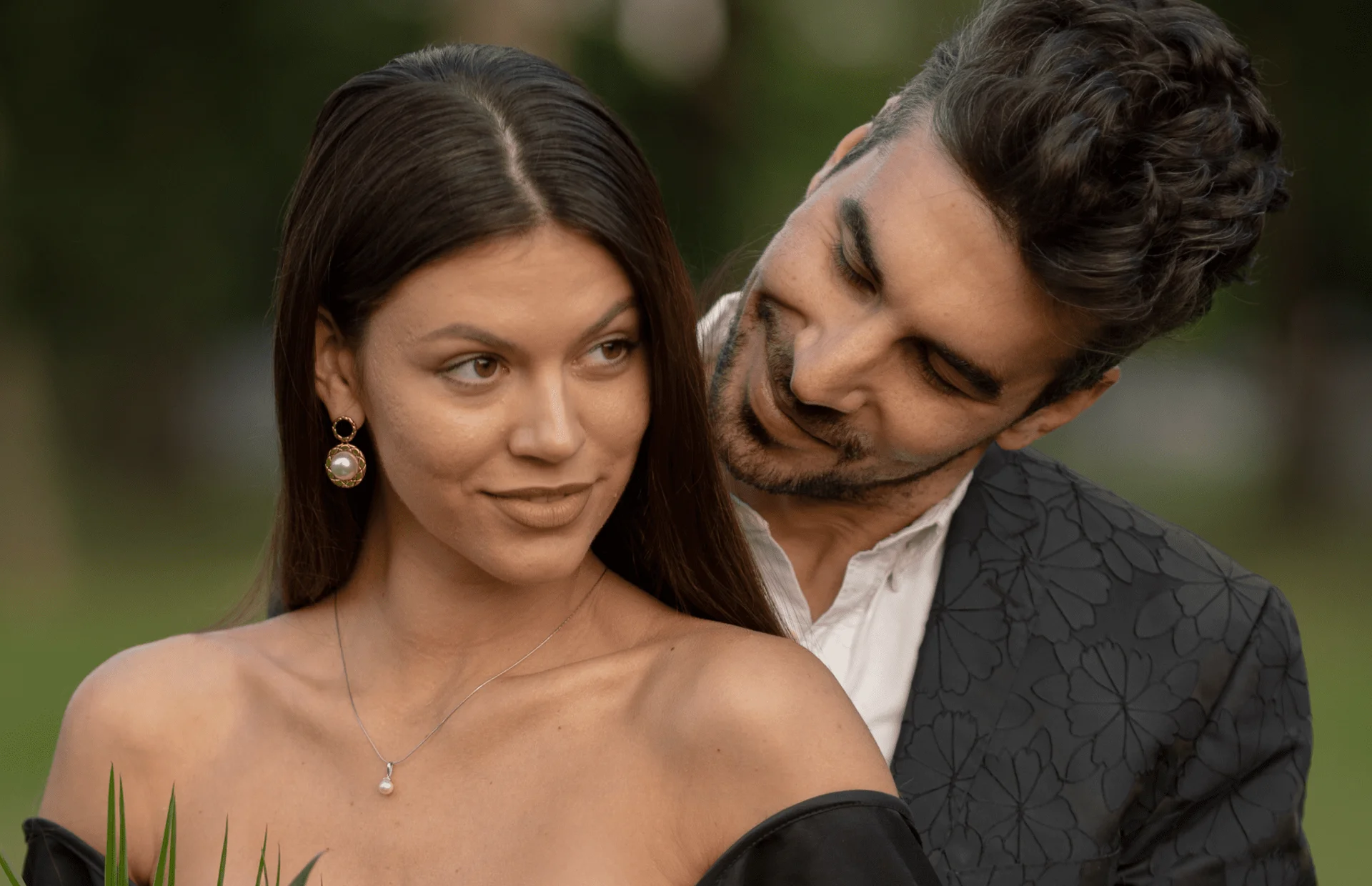
Before/after gallery

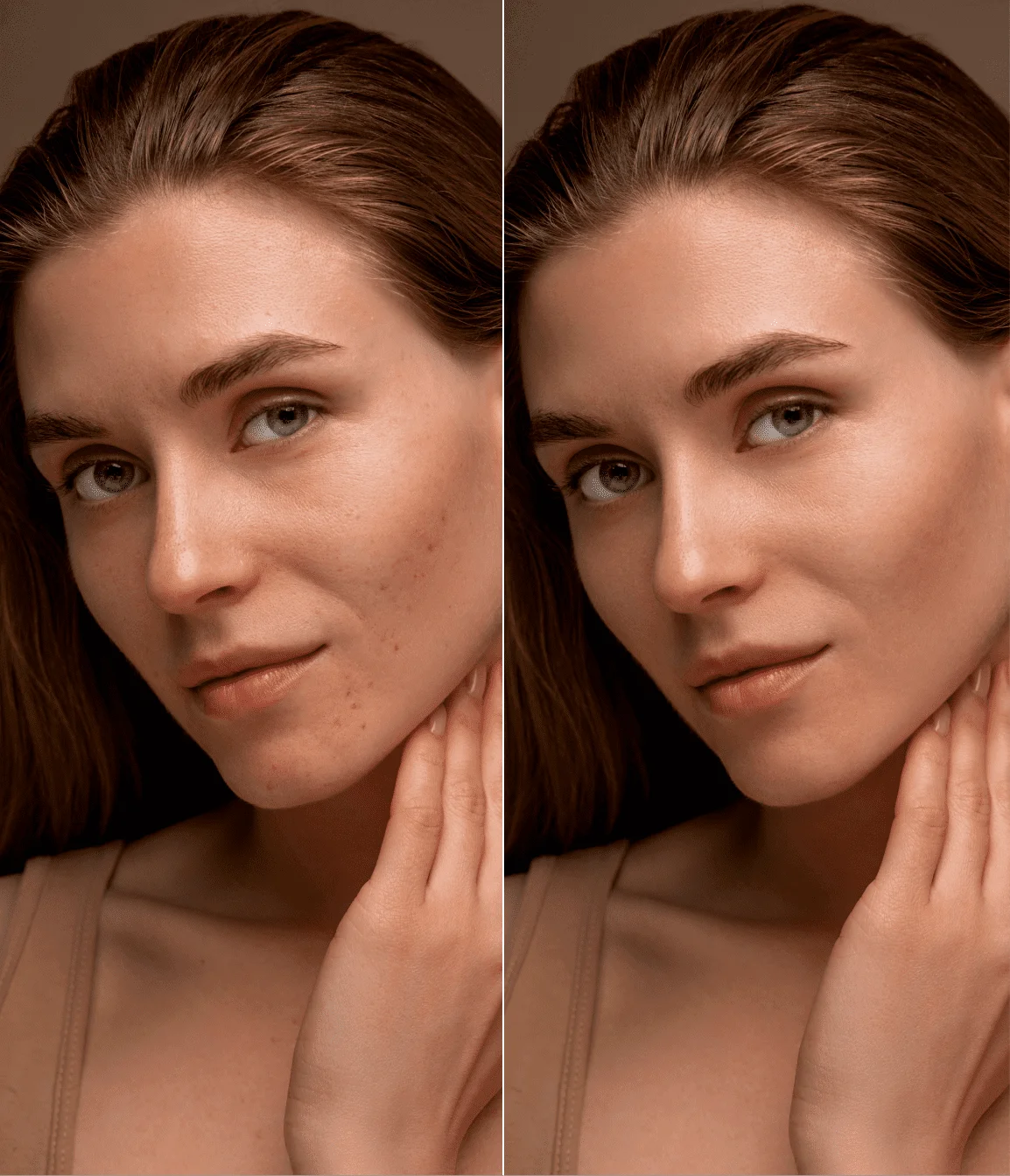
AI that respects skin texture

AI photo editing tools inside Arams help maintain consistent color, contrast, and skin texture while speeding up the editing process. Whether you are editing portraits, family sessions, or commercial shoots, the goal is always the same: deliver high-quality images to clients faster.
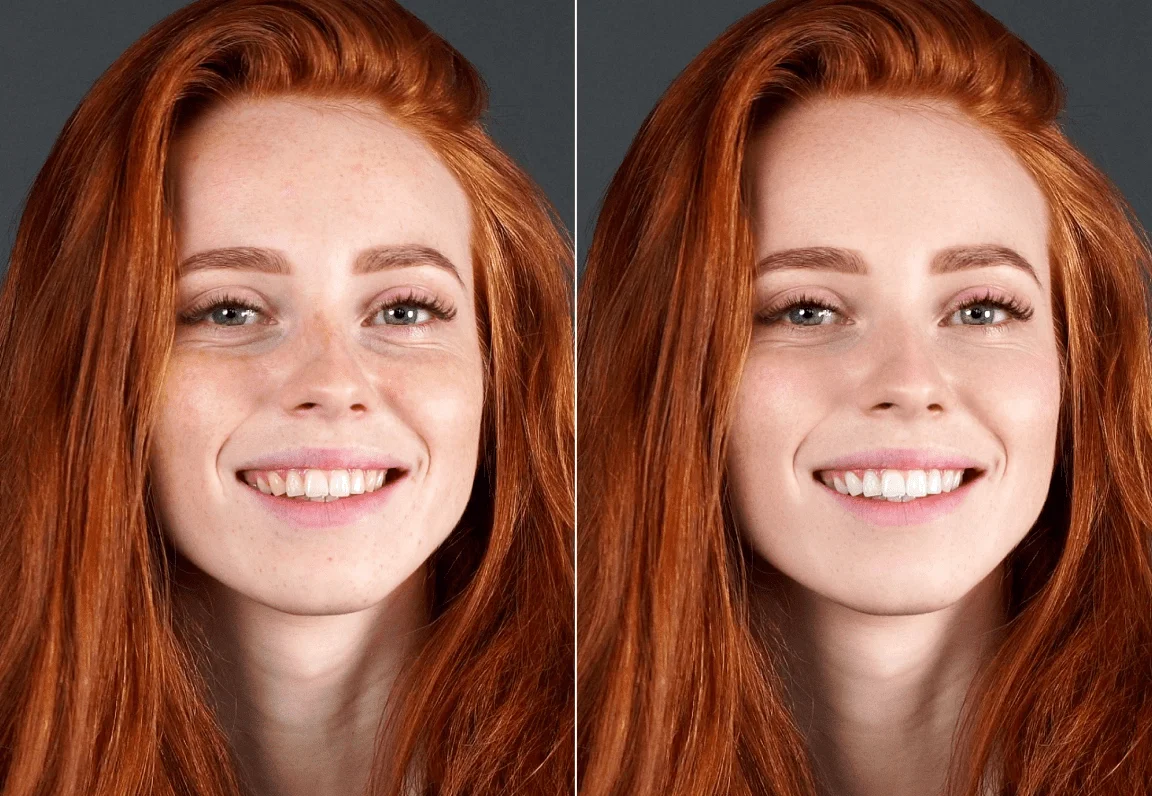
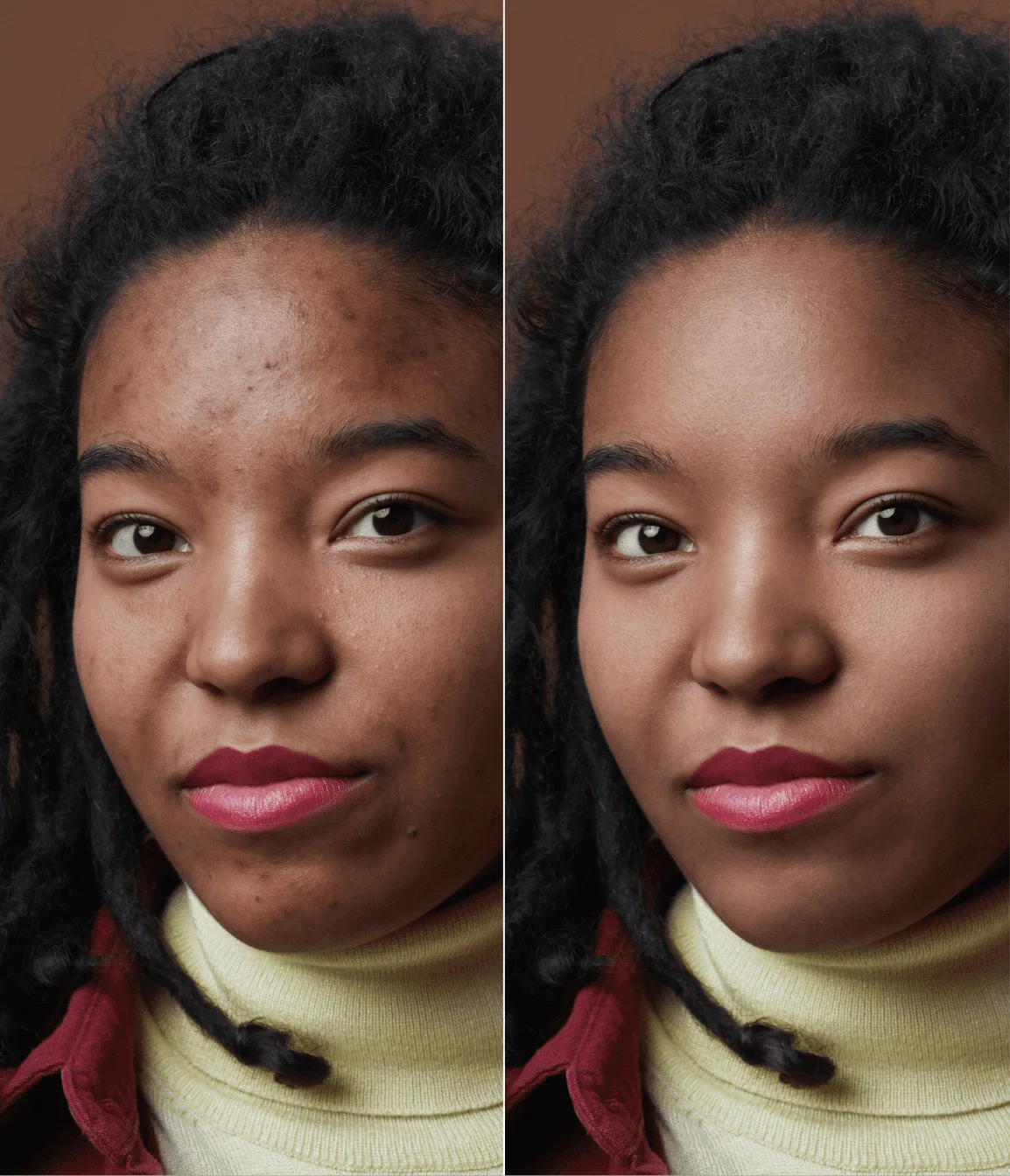
BEFOREAFTER
BEFOREAFTER
BEFOREAFTER
BEFOREAFTER
AI photo culling and retouching — inside one ecosystem.

Try AI photo culling
with 100 free credits

Start your workflow now and see how AI photo culling and editing can make your life easier. Upload your images, run the culling process, and quickly prepare your gallery for delivery. Many photographers say tools like this become a game changer for their photography workflow.

Upload a real shoot.
See how much time you save.

100
Resources

Learn more about smart culling

If you want to learn more about AI culling and editing software for photographers, explore our blog, guides, and video tutorials. Our resources cover everything from selecting images to improving your editing speed and building a consistent photography workflow.
Analyze. Cull. Retouch. A complete post-shoot workflow

Culling, retouching, enhancement, “make it perfect in one click.” But after the initial excitement, many photographers face the same problem: there are tools, but no coherent workflow.

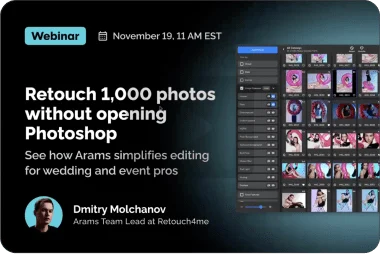
Webinar | How to retouch 1,000 photos 5x faster without Photoshop

Are you a wedding, event, or portrait photographer overwhelmed with editing? Discover how to retouch entire galleries 5x faster using Arams — the AI-powered batch photo editor built for professionals.

Butch hundreds of images in seconds

Batch-process your entire photo galleries with professional consistency in a short period of time. All Retouch4Me plugins allow photographers, studios, and creative teams to apply retouching to hundreds of photos automatically. Whether you’re handling wedding galleries, eCommerce catalogs, or event photo shoots, AI delivers results fast.

FAQ

Frequently Asked Questions

AI Photo Retouch
  • New
AI Video Retouch
  • New
  • Free
AI Apps & Tools
  • Free
  • Free
Resources
  • Free
Info
Visa payment logoMastercard payment logoAmerican Express (Amex) payment logoDiscover payment network logoDiners Club International payment logoUnionPay (China Union Pay) payment logoApple Pay digital wallet logoGoogle Pay digital payment logoLink by Method payment processing logo
RELU OÜ. Registration code 16 194 437; 10152, Vesivärava 50−201, Tallinn, EstoniaSales Representative Company: 
RELU - FZCO, Licence No: 14802, 
DSO-IFZA-14802, Dubai Silicon Oasis, Dubai Digital Park, Dubai, UAE

© 2020—2026 RELU OÜ. All rights reserved.