

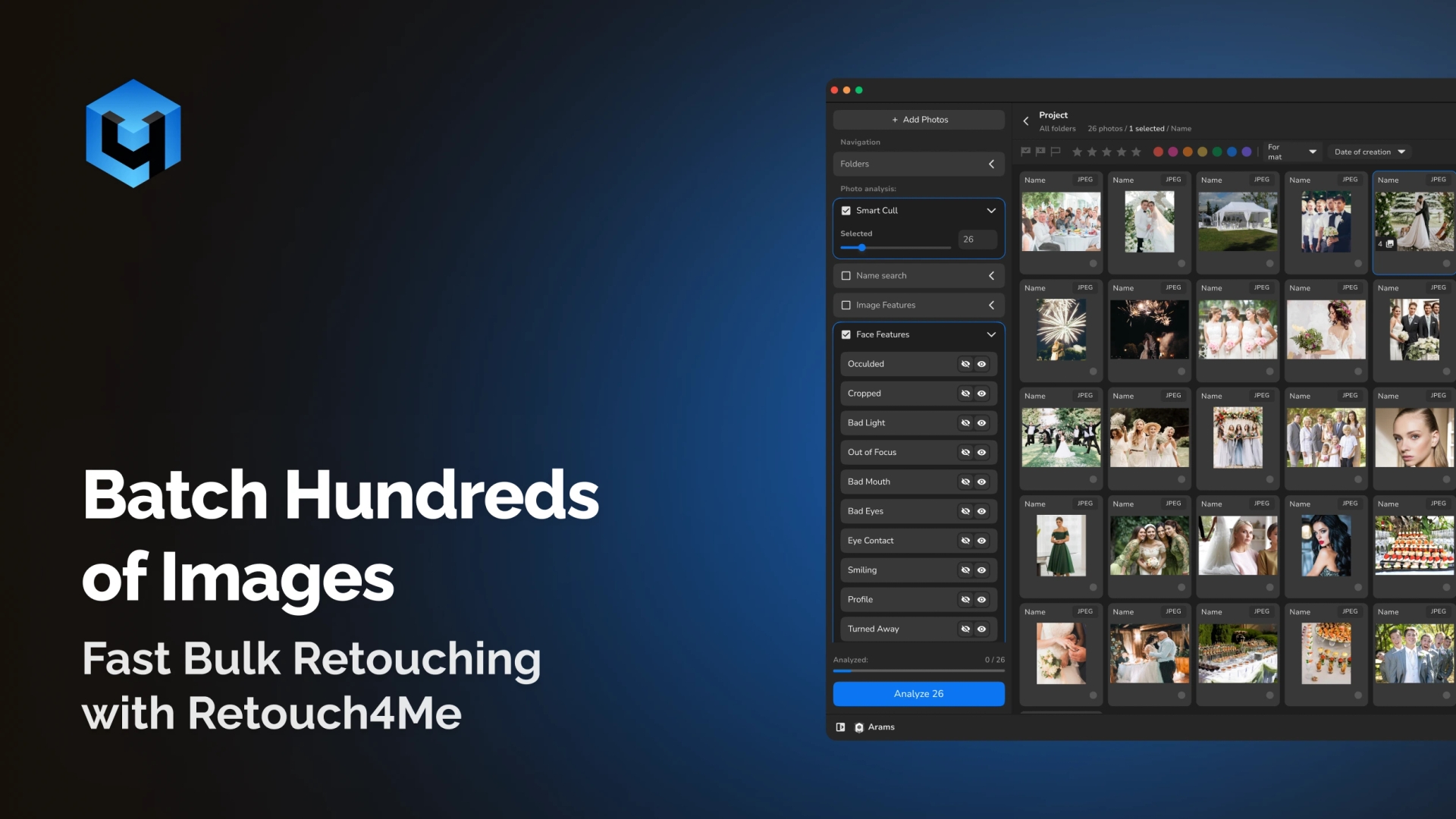
Batch-process your entire photo galleries with professional consistency in a short period of time. All Retouch4Me plugins allow photographers, studios, and creative teams to apply retouching to hundreds of photos automatically. Whether you’re handling wedding galleries, eCommerce catalogs, or event photo shoots, AI delivers results fast.
Game Changing Batch Editing
One-Click Batch Processing
Apply the same editing steps across full folders of images. Retouch4Me automates retouching, color correction, cropping, skin tone, and more. No manual masking, no action maker scripts.
Consistent Quality Across Large Projects
Every photo receives the same professional, natural finish. It’s perfect for event galleries, product batches, or portrait sessions where consistency matters.
Combine Multiple Retouch4Me Plugins
Use Heal, Dodge & Burn, Skin Tone, Mattifier, Fabric, Crop, Color Match and others together. Batch upscale and enhance photos using multiple plugins in a single workflow.
Designed for High-Volume, High-Quality Work
Process hundreds of your raw or high-resolution images without slowing down. AI optimizes every image while preserving natural details.
Made for All Photo Editing Scenarios
Retouch4Me batch processing adapts to every workflow from weddings to eCommerce helping photographers maintain consistent quality across entire projects.
- Portrait Photography: Apply skin retouching, tone fixes, and cleanup evenly across full portrait sets.
- Ensure every photo has the same polished, professional look.
- Wedding & Event Photography: Process hundreds of images with consistent tone, skin clarity, and exposure.
- Retouch4Me simplifies batch editing for event photographers, ensuring fast, consistent results for full-day shoots.
- Ecommerce & Product Photography: Standardize cropping, color, and background cleanup for entire product catalogs.
- Perfect for batch editing for product photography, where consistent color, crop, and background cleanup is essential.
- Social Media & Content Creation: Maintain a unified visual style for posts, campaigns, and brand pages.
- Batch edits make lifestyle and influencer content look cohesive in every set.
Still Thinking It Over?
Reliable Results for Event Photographers
Wedding and event photographers deliver hundreds of images per client. Batch edits keep skin, light, and tone consistent while reducing turnaround times dramatically.
Perfect for Ecommerce and Product Teams
Apply the same color match, fabric smoothing, background cleanup, and crop ratios across your large product catalogs. Scales well for agencies and designer teams working on large photo libraries.
Ideal for Portrait Studios and Schools
Run Heal, Dodge & Burn, Skin Tone, White Teeth, and Eye plugins on hundreds of portraits in minutes. Retouch4Me supports multi-photo workflows such as collage production and bulk exports.
Fast Workflow for Agencies & Production Teams
Retouch4Me brings game changing batch editing to photographers who need fast, consistent, high-quality results across your large photo galleries. Batch editing can save you time and make complex workflows easy for every photographer.
How Batch Processing Works in Retouch4Me
- Download and Install
- Install Retouch4Me plugins on macOS + Windows.
- Works as standalone apps or plugins for Photoshop, Lightroom, Apex, Capture One, and Arams.
- Upload Your Gallery to Start
- Retouch4Me lets you upload to batch enhance photos with the plugins you choose.
- Select Plugins and Settings
- Choose and use Heal, Dodge & Burn, Skin Tone, Mattifier, Fabric, Crop, Cleanup Backdrop, or any combination.
- Fine-tune intensity if needed.
- Run Batch Processing
- AI automatically analyzes and edits every image — you can continue other work while processing runs in the background.
- Save and Export
- Export high-quality images in your preferred format or send them back into your app for final adjustments.
Retouch4Me vs Manual Work
| Feature / Benefit | Retouch4Me | Manual Editing | Free Apps |
| Result Quality | Natural & professional | Depends on skill | Often low |
| Consistency | Perfect across all images | Varies per image | Unstable |
| Speed | Processes hundreds in minutes | Hours or days | Slow |
| Skin & Fabric Retouching | Automated, accurate | Manual masking | Very limited |
| Workflow Integration | Plugins + Standalone | Requires manual steps | Minimal |
| Ease of Use | One-click batch runs | Complex actions | Basic |