

Forget manual selection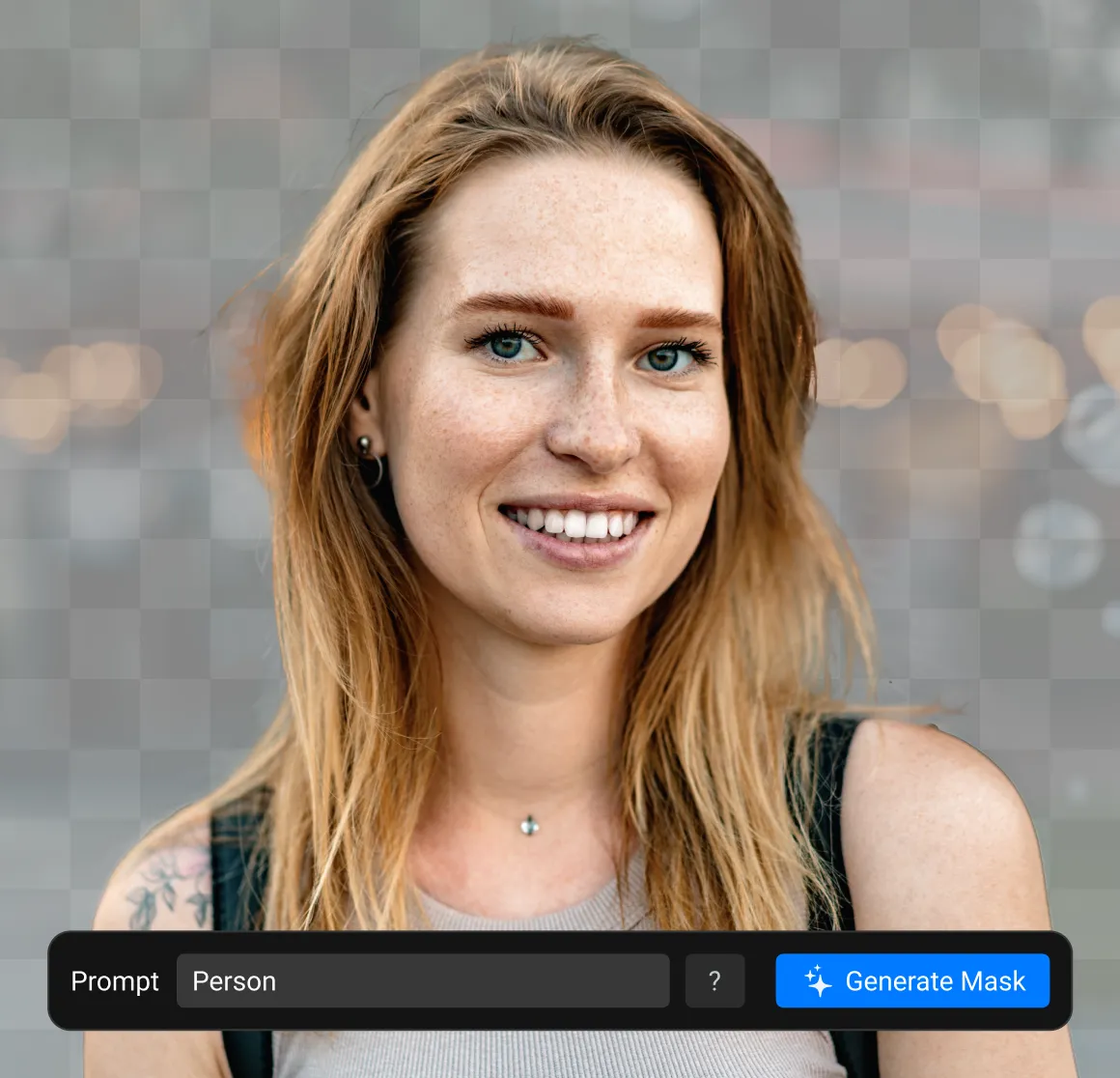
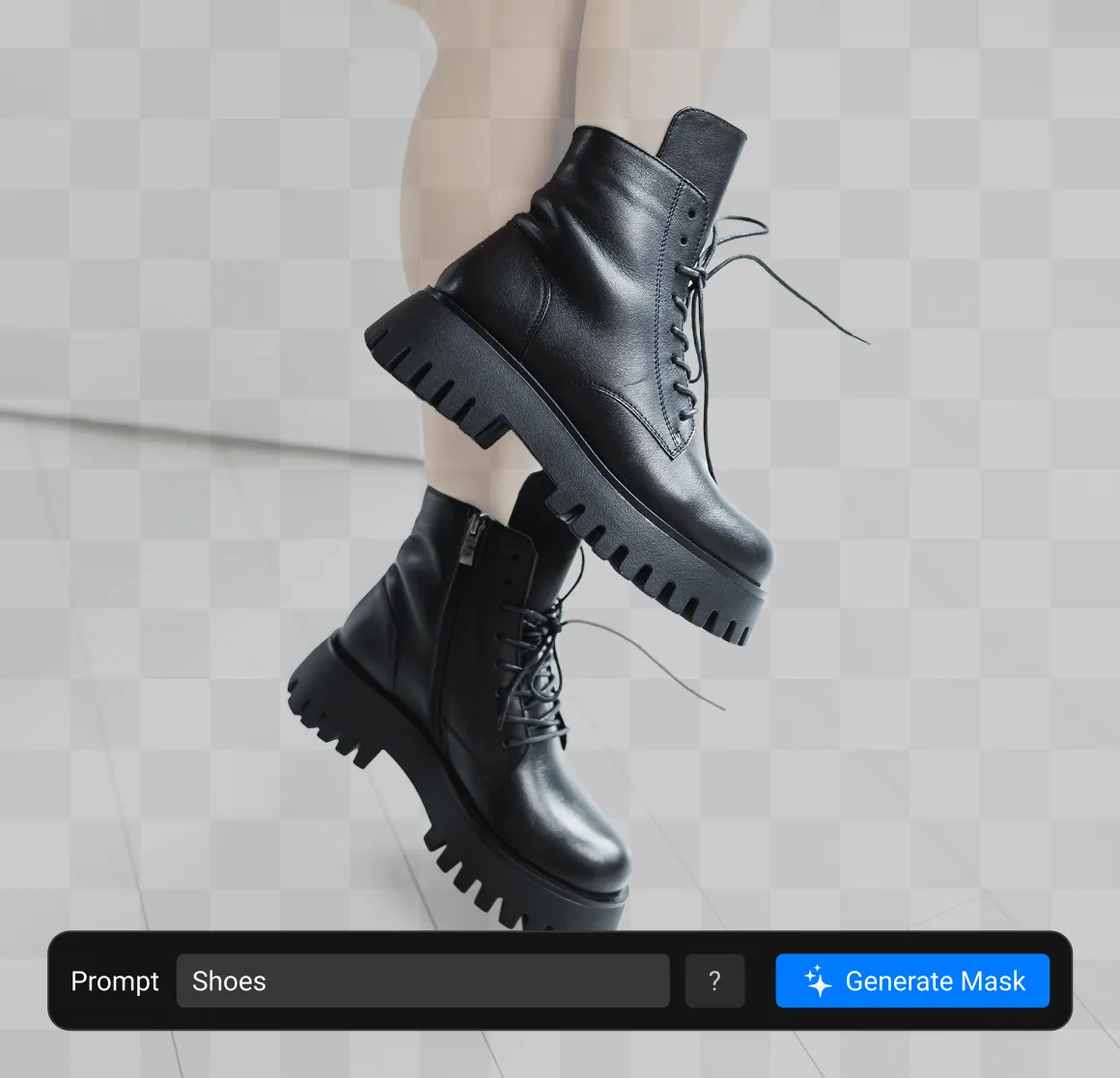
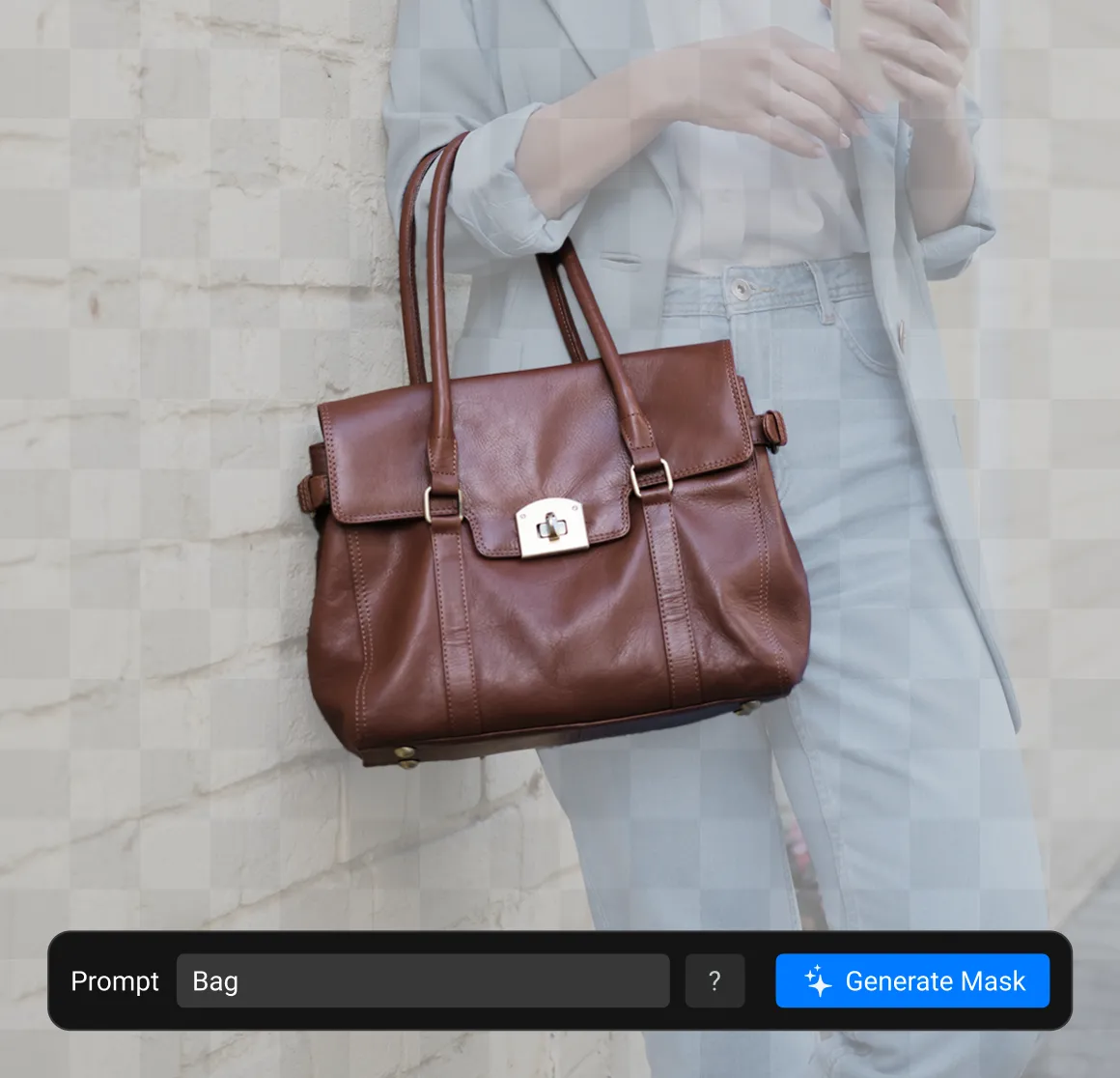
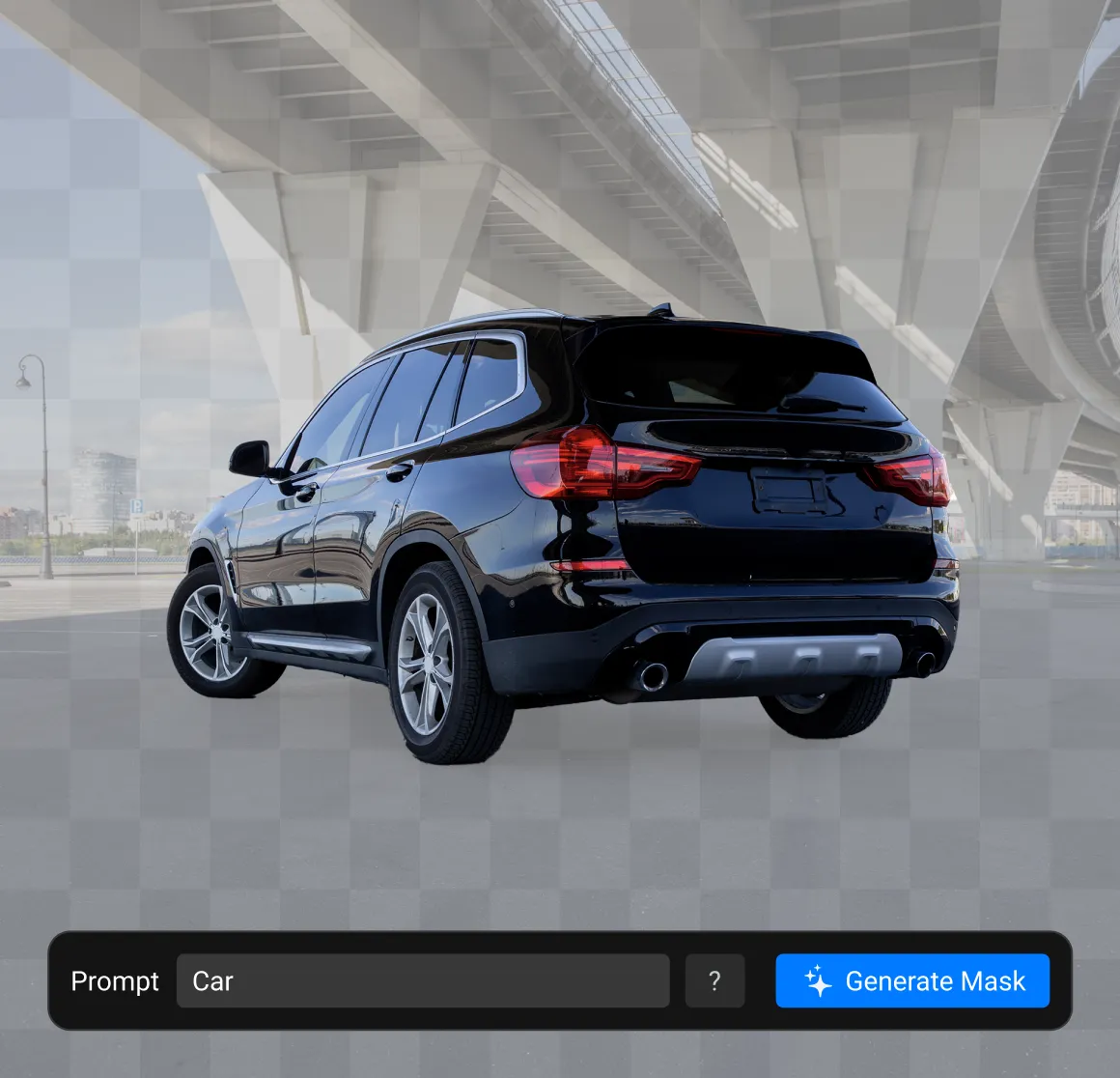
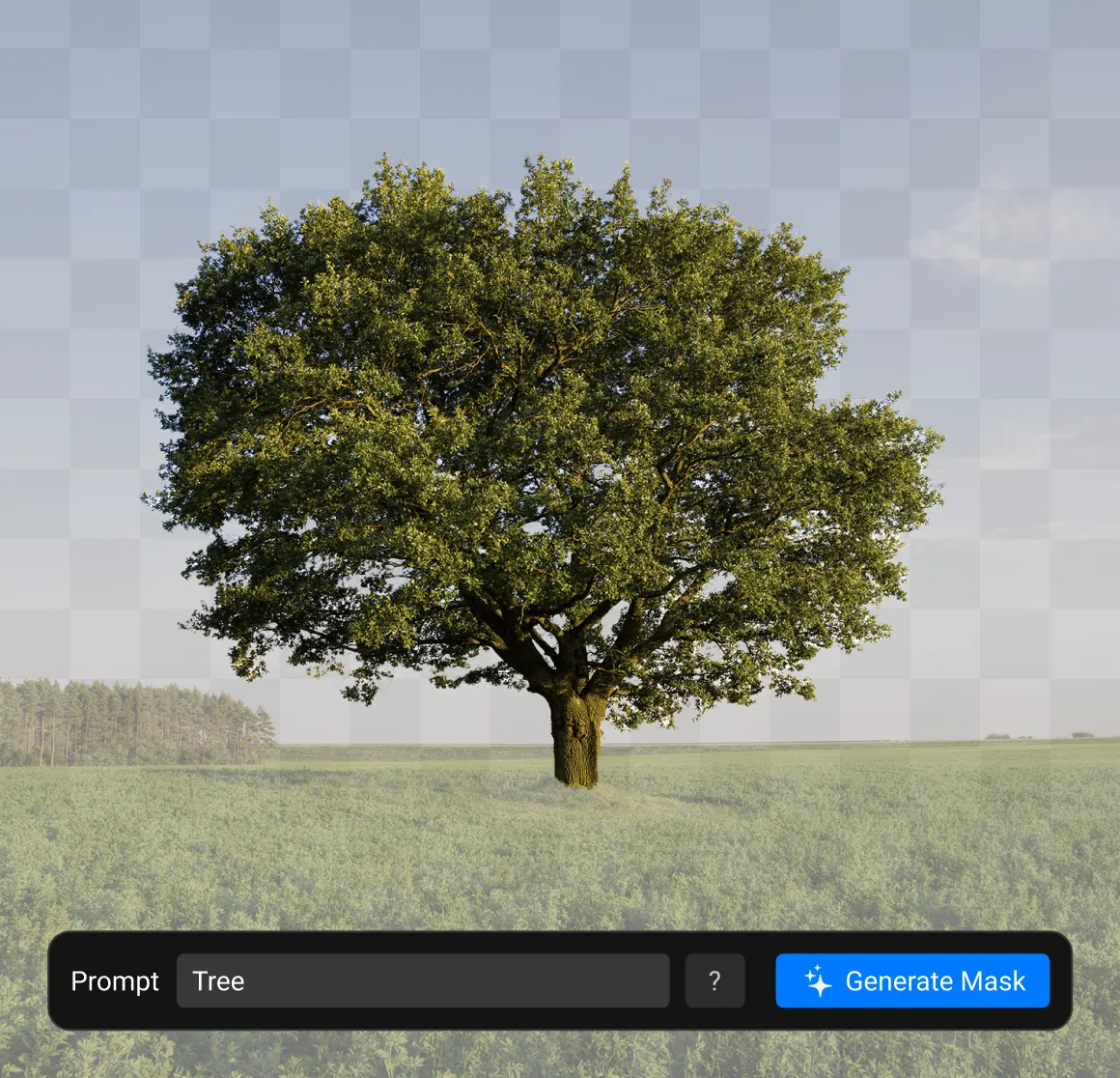
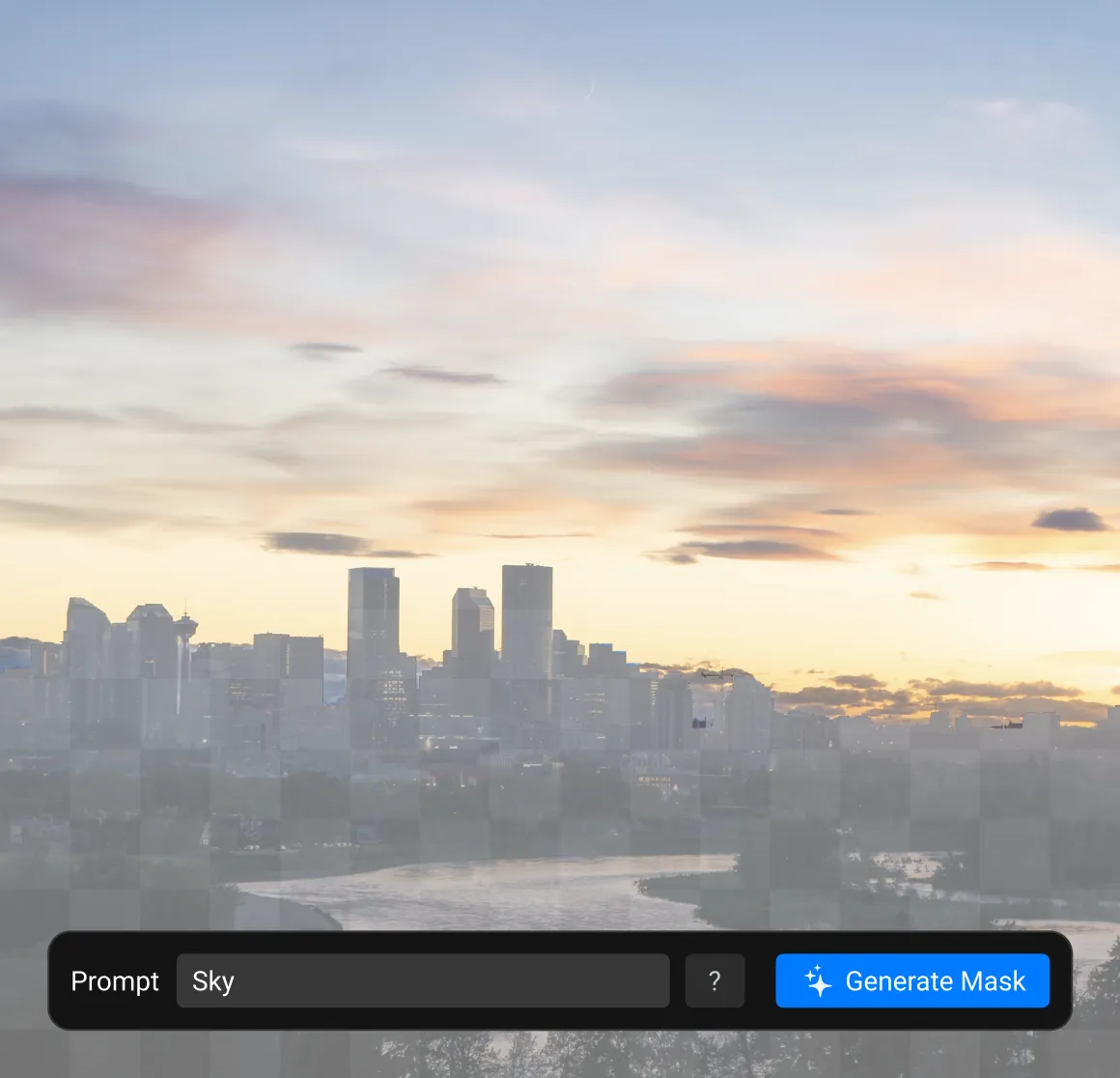
Creating masks is now as easy as searching
No more tracing objects manually or using complex selection tools.
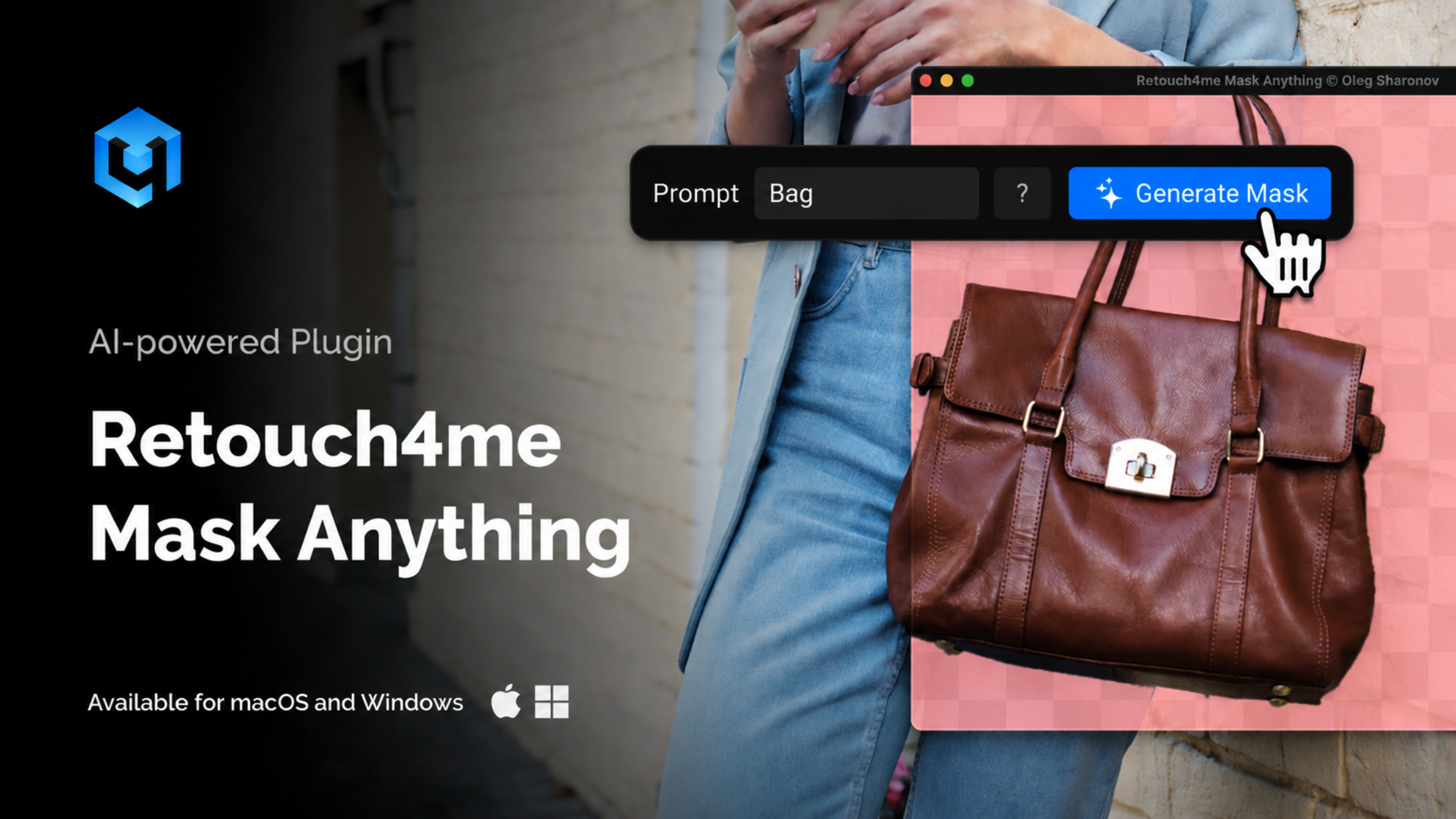
Enter a text prompt describing one or more objects you want to select, and Mask Anything will automatically find them in the photo and create ready-to-use masks.
One tool for any object
Select virtually anything
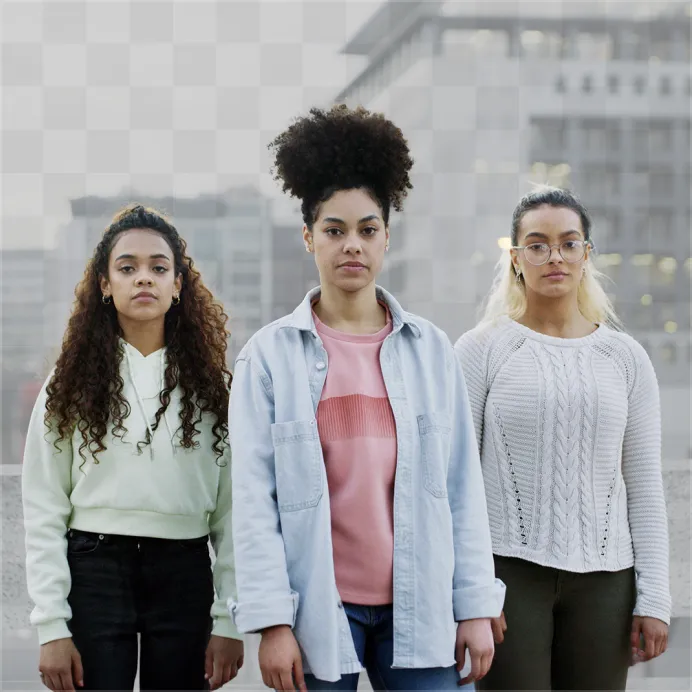
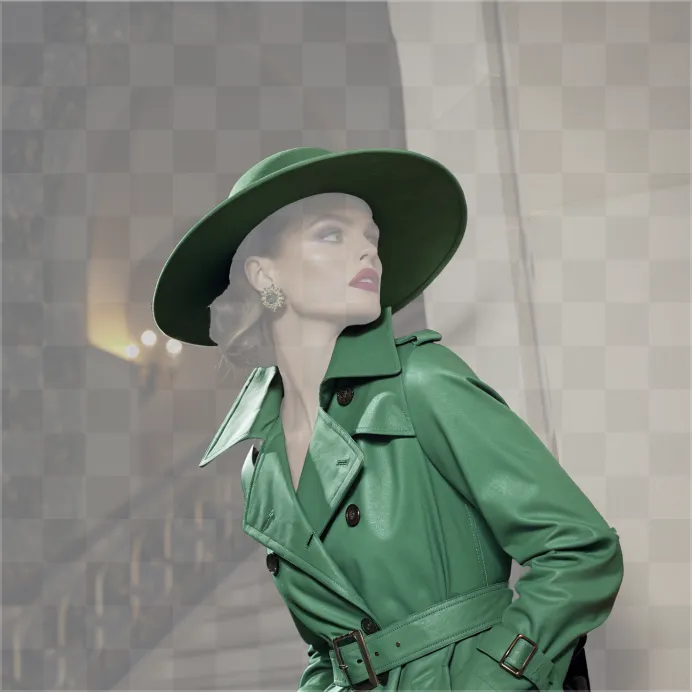
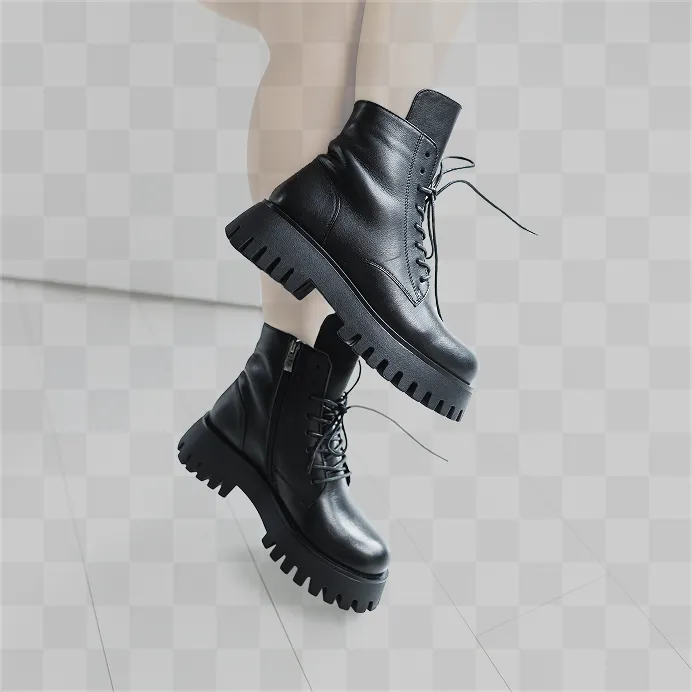
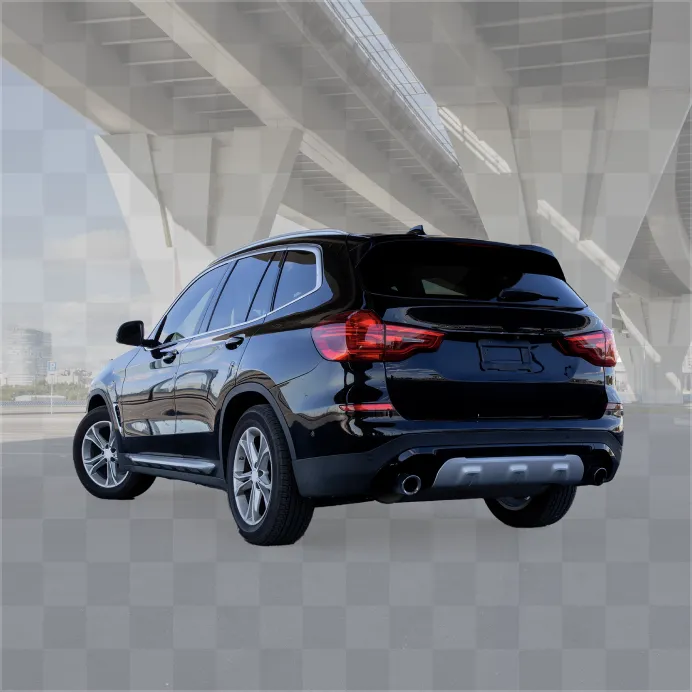
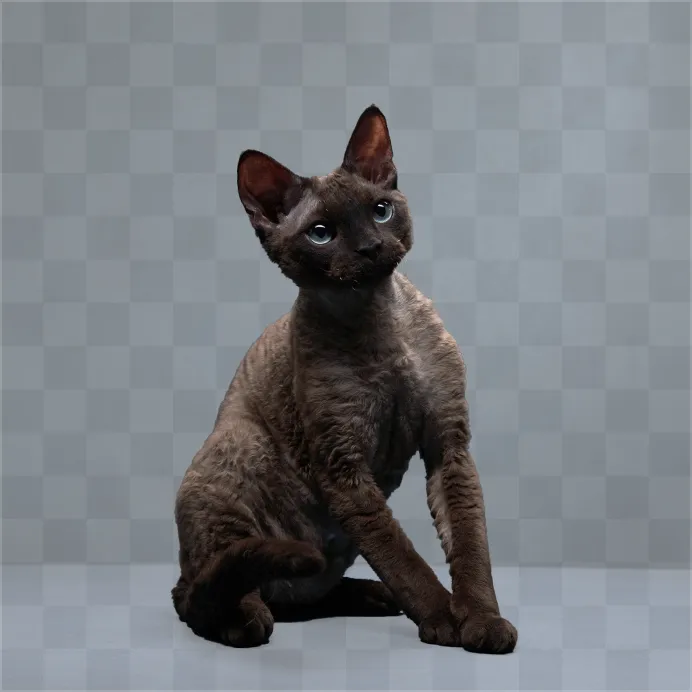
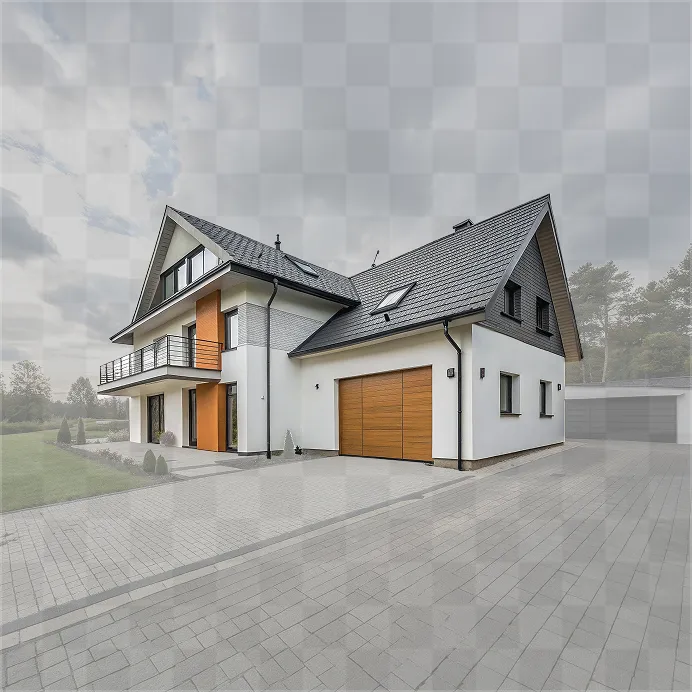
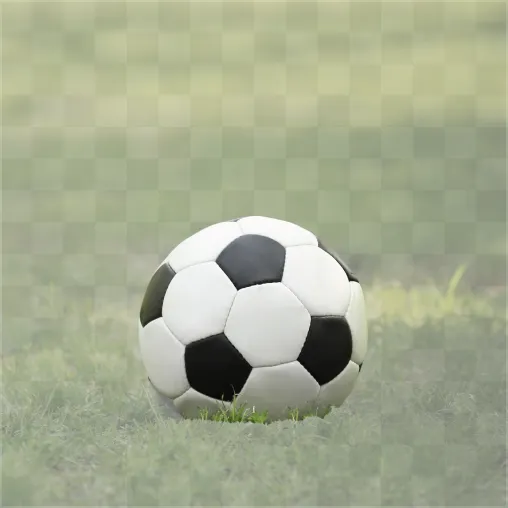
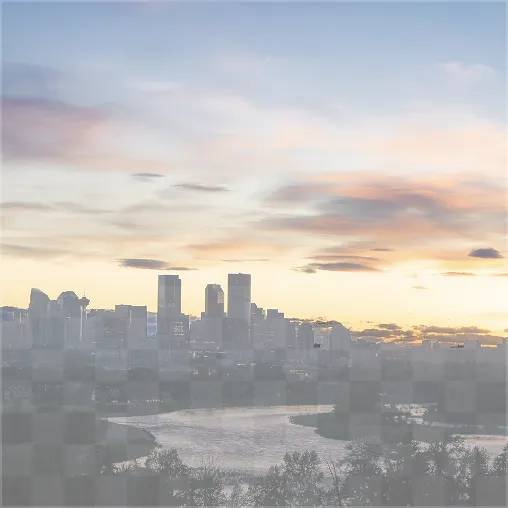
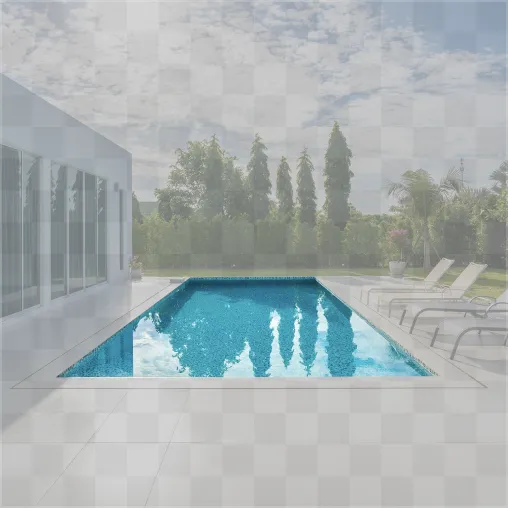
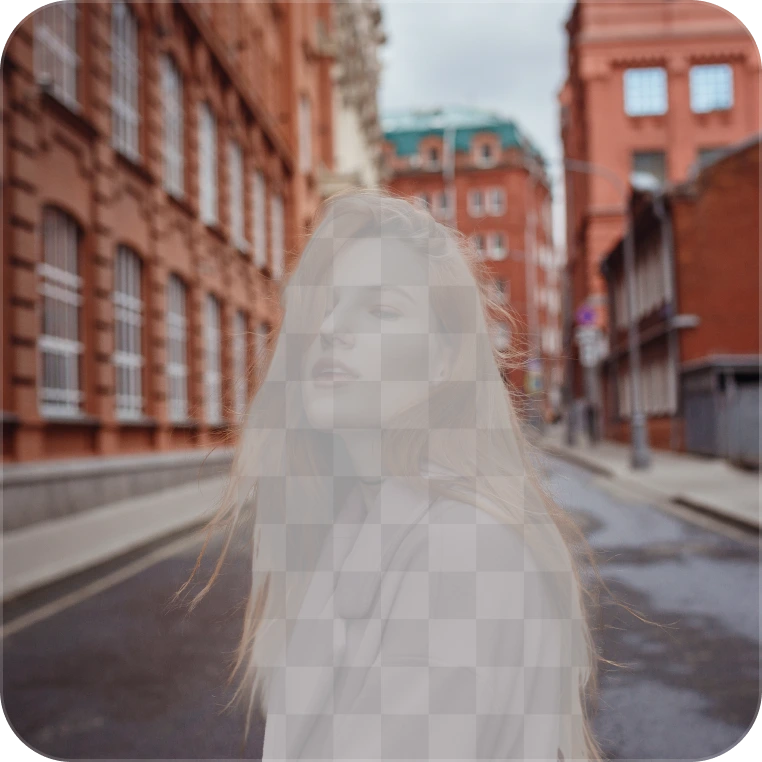
When there are multiple objects
Select exactly the object you need
If a photo contains several identical objects, Mask Anything will show the detected options.
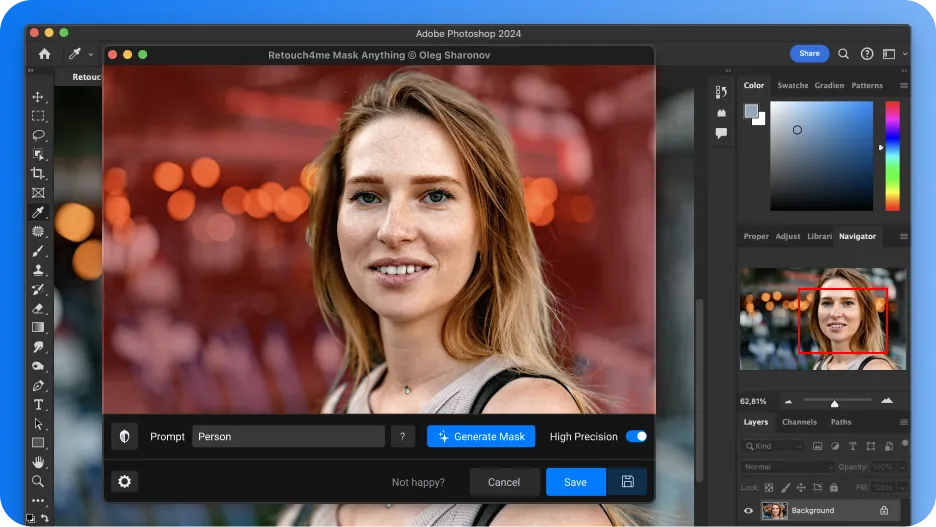
Works in Photoshop and standalone
Use masks wherever it suits you
Photoshop

- Layer mask
- Alpha channel
- Action recording
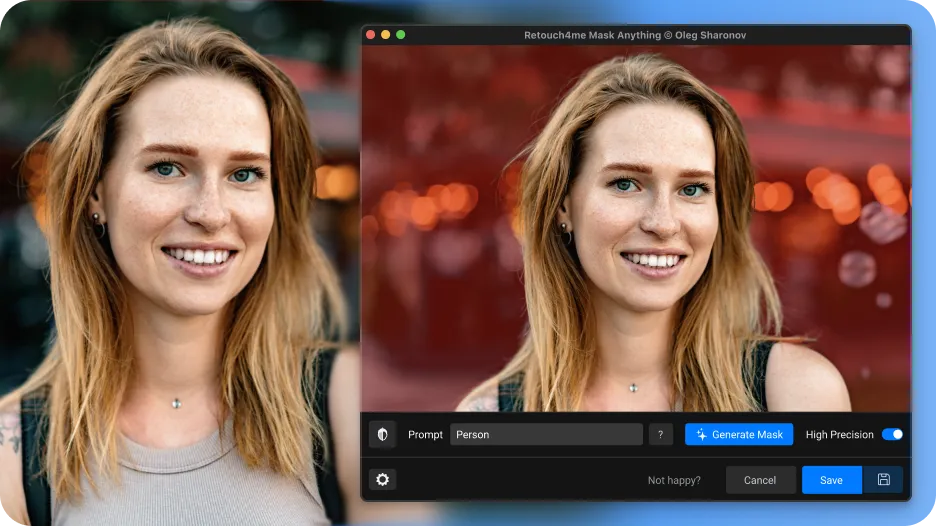
Standalone

- PNG
- TIFF
- Ready-to-use masks for any editor
Preset prompts
Can’t remember the right name?
The built-in library includes preset prompts translated into multiple languages.
Workflow
How it works


Examples
See it in action



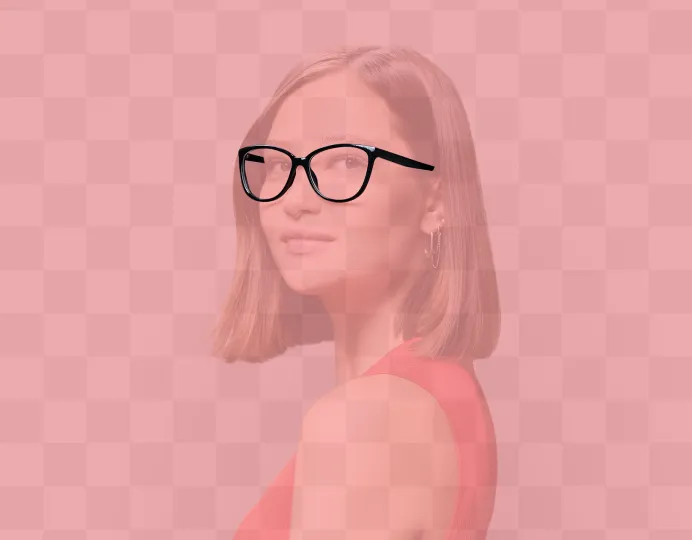
Portrait
Clothing · Face · Glasses
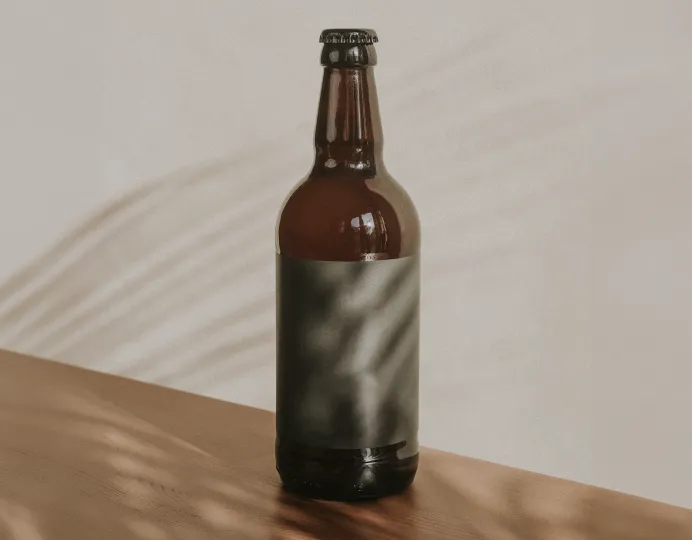
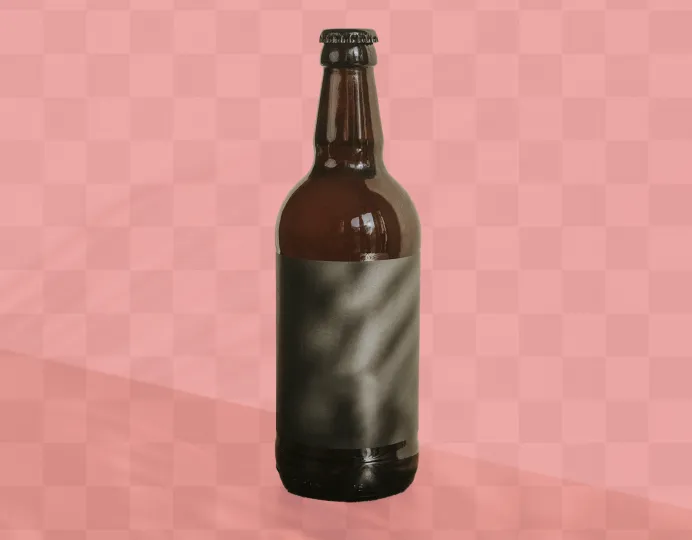
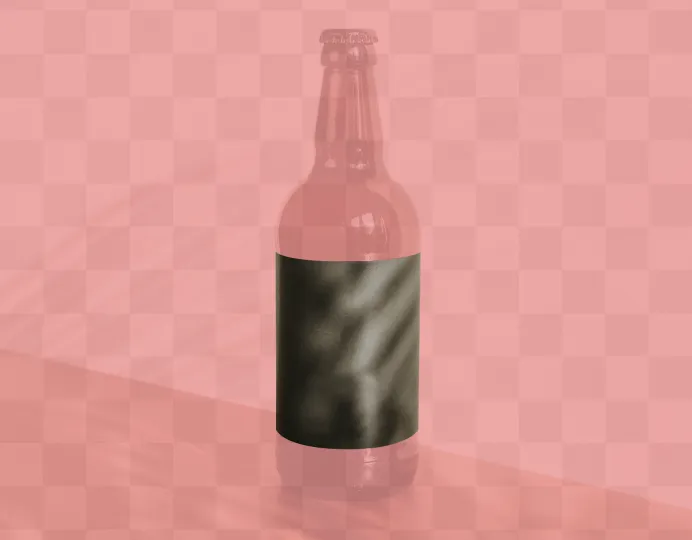
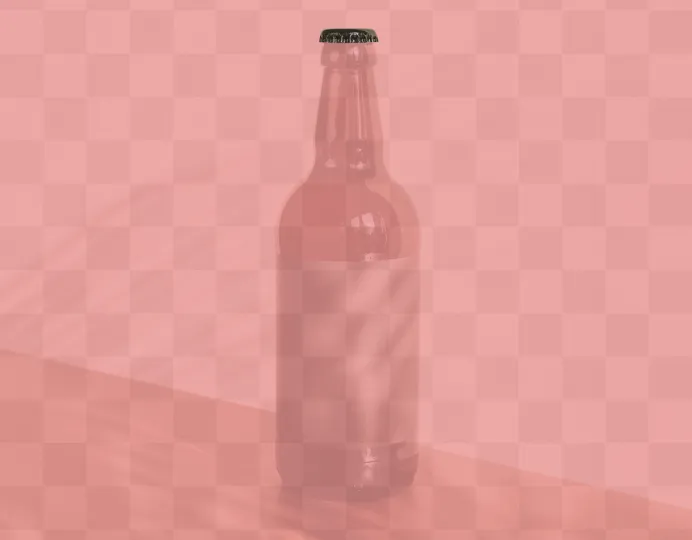
Product photography
Bottle · Label · Cap


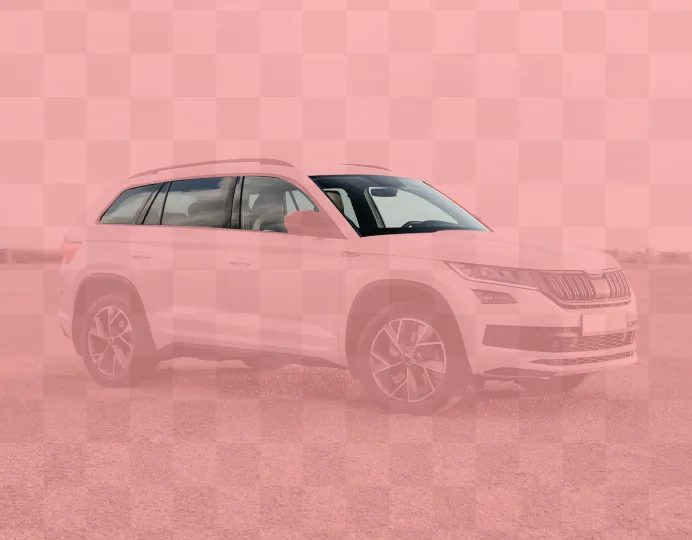
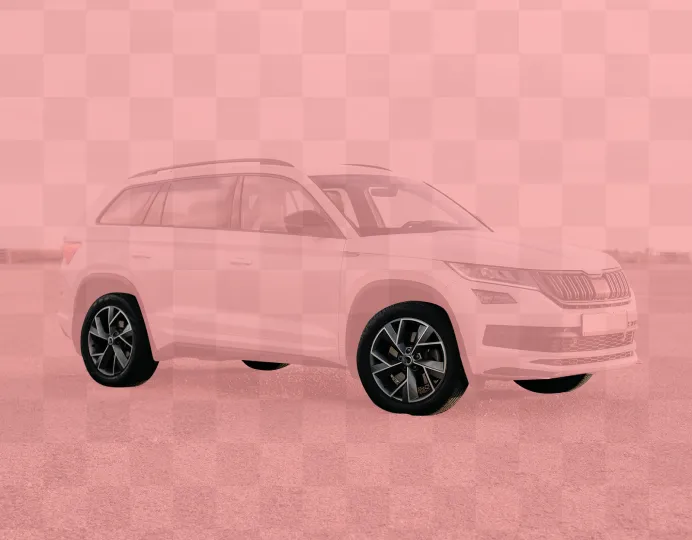
Car
Body · Windows · Wheels
Who it’s for
Made for everyone

Photographers

Retouchers

Designers

eCommerce

CG

Content creators
Watch the video
Quick overview
FAQ
Frequently Asked Questions
Create masks in seconds
Describe the object in words, and Retouch4me Mask Anything will do the rest.