

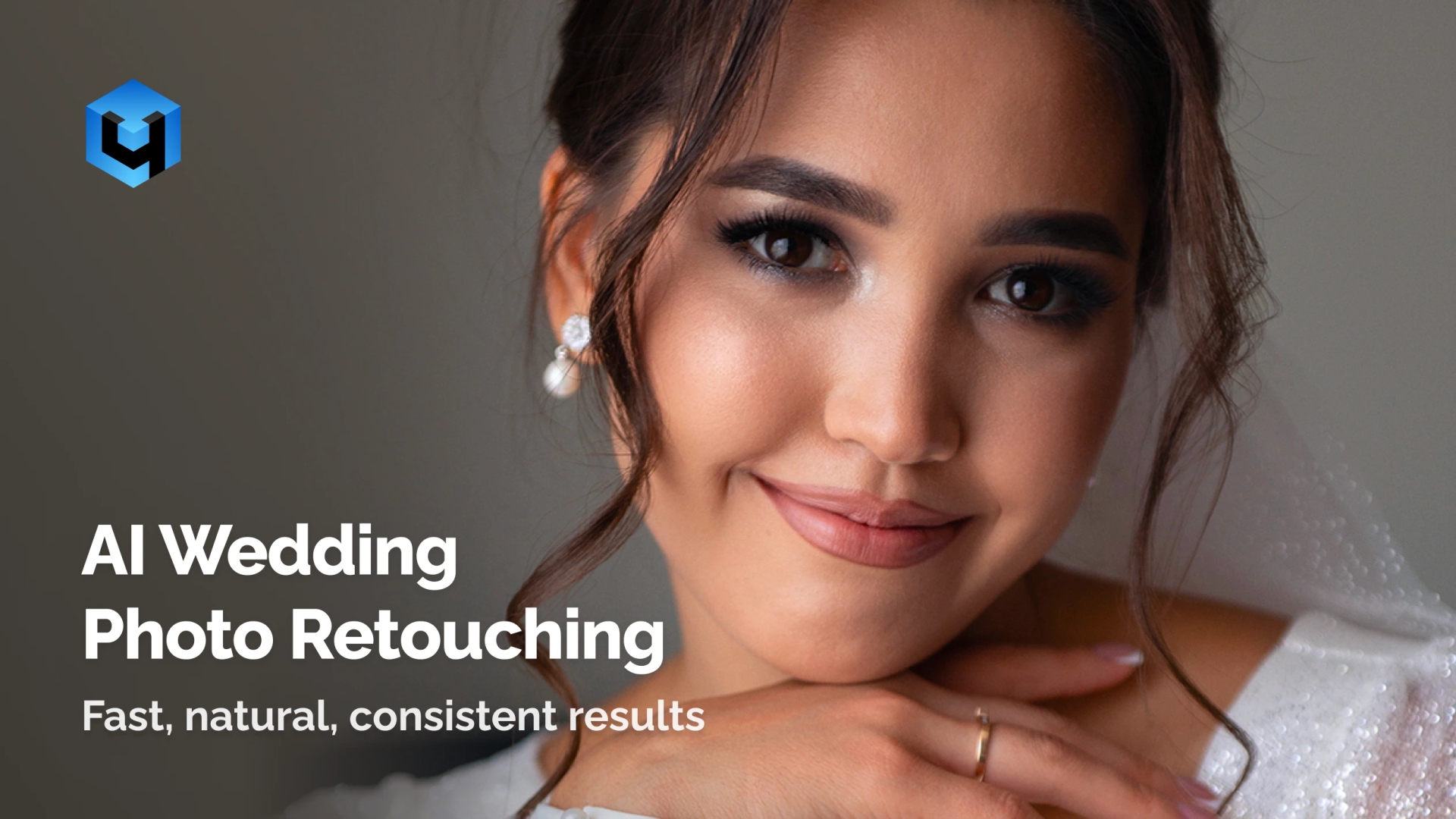
Transform your wedding photos with AI-powered precision and natural beauty. Whether you’re looking for a pre wedding photo editor or a professional wedding photo editor for your special day, look no further. Retouch4Me is the fast, reliable, and user-friendly way to create consistent, emotional images that match your vision.
The Retouch4Me Wedding Bundle combines four essential tools — Heal, Dodge & Burn, Skin Tone, and Mattifier — to deliver stunning, elegant results across hundreds of photos. Retouch bridal portraits, capture love stories, and make every wedding image shine.
Retouch entire wedding galleries in minutes.
No Credit Card Required. Works on macOS and Windows.
Tools That Make Every Frame Shine
Retouch4Me Heal – Flawless Skin
Automatically remove blemishes, pimples, and enlarged pores while keeping natural texture intact. Perfect for close-up portraits and candid shots. Smooth, realistic skin that looks natural in every photo, no over-editing, no masks. You can start quickly, make adjustments, and achieve consistent results in every photo.
Retouch4Me Dodge & Burn – Add Depth and Light
Enhance contrast, focus, and styles in your portraits. Smooth skin imperfections, such as nasolabial folds, eye bags, and unflattering shadows and highlights. Perfect for emotional portraits and evening photos where light defines the story. Made for wedding photographers who work with clients and want user-friendly features.
Retouch4Me Skin Tone – Consistency Across the Entire Day
This tool balances uneven tones and corrects lighting variations caused by changing environments — morning, ceremony, evening. Keeps everyone’s tone harmonious and natural, even under flash or mixed light. Flawless consistency across the board. Great for individual or company projects that need custom tone editing.
Retouch4Me Mattifier – Elegant Finish Without Shine
Removes oily reflections and excessive shine while keeping details clear. Handy if you use flash, shoot weddings or events in cases where it is not possible to apply anti-glare makeup. A professional wedding photo tool refines your work beautifully in any light. An easy, pro editor for people who want top quality work.
Perfect Results for Every Wedding Photography Style
- Traditional Wedding Photography: Bring out true colors and elegant tones under daylight or indoor lighting.
- Heal refines small imperfections, while Skin Tone ensures color harmony across every image from ceremony to reception. They give a consistent look between every photo.
- Documentary & Photojournalistic Weddings: Preserve authenticity in spontaneous, emotional scenes.
- Dodge & Burn enhances natural depth in expressions, and Mattifier removes unwanted shine caused by flash or movement keeping moments honest yet refined.
- Fine Art & Editorial Weddings: Transform portraits into timeless, artistic images with clear contrast and balanced background.
- Use Skin Tone and Dodge & Burn to sculpt light and color for a polished, magazine-quality finish that still feels real.
- Cinematic & Moody Weddings: Balance shadows and highlights for a dramatic, storytelling look.
- Mattifier softens reflections, and Heal maintains smooth, clean skin even in low-light conditions, perfect for evening receptions or candle-lit venues.
See How Effortless Wedding Retouching Can Be
Try Retouch4Me Wedding Bundle
How to Use the Retouch4Me Wedding Bundle
Download and Install All Included Plugins
- Each plugin installs on macOS or Windows and works both as a standalone app and as a plugin for Photoshop, Lightroom, Apex, and Arams.
Import Your Photos
- Upload your wedding gallery or selected shots.
Apply Each Plugin as Needed
- Use Heal for imperfections.
- Apply Dodge & Burn for depth.
- Run Skin Tone to unify color.
- Finish with Mattifier for perfect texture.
Save and Export
- Preview, fine-tune, and export final results instantly.
Retouch4Me Wedding Bundle vs Manual Photo Retouching
| Feature / Benefit | Retouch4Me Wedding Bundle | Manual Editing Tools | Free Apps |
| Result Quality | 💍 Natural & professional | ⚠️ Depends on skill | ❌ Overfiltered |
| Texture Preservation | ✅ Maintains realistic skin | ⚠️ Risk of blur | ❌ Flat surfaces |
| Speed | ⚡ Processes hundreds of your photos | ⏳ Hours per session | ⚠️ Slow batch |
| Lighting Adaptation | 💡 Adjusts to changing light | ⚙️ Manual adjustment | ❌ Limited |
| Tone Consistency | 🎨 Even across full gallery | ⚠️ Variable per image | ❌ Unbalanced |
| Ease of Use | 👆 One-click setup | 🖊️ Complex workflow | ⚠️ Few controls |
Keep Texture, Tone, and Emotion Intact with Retouch4Me’s AI.
Get Your Wedding Bundle
Haven’t Decided Yet? Here’s Why Professionals Choose Retouch4Me
AI Precision, Human Quality
Each plugin is built on advanced computer vision and tone analysis, providing subtle, studio-grade corrections that look natural in every light.
Speed for High-Volume Workflows
Process hundreds of your wedding photos with people in minutes, perfect for tight deadlines and consistent delivery.
Natural Texture, Always Preserved
No plastic skin, no flat tones. Every result looks handcrafted, yet fully automated.
Works in Your Favorite Editors
Use the plugins standalone or in Photoshop, Lightroom, Apex, and Arams — integrated into your workflow seamlessly.
Edit Wedding Photos Beautifully – Try Retouch4Me Today
Buy Wedding Bundle
Frequently Asked Questions
What’s included in the Retouch4Me Wedding Bundle?
The bundle includes Heal, Dodge & Burn, Skin Tone, and Mattifier, all designed for wedding and portrait workflows.
Can I use the plugins separately?
Yes, each app can run standalone or connect to your main editor for editing photos.
How does AI handle different lighting conditions?
The algorithms automatically detect and correct color, exposure, and shine across variable wedding light setups.
Where can I get help or contact support?
Visit our support or contact pages for help and resources. You can also explore the blog to learn more about editing and features.
What are your pricing options?
You can check the pricing section on our website to view offers for companies, photographers, and business users.
earn more about editing and features.