

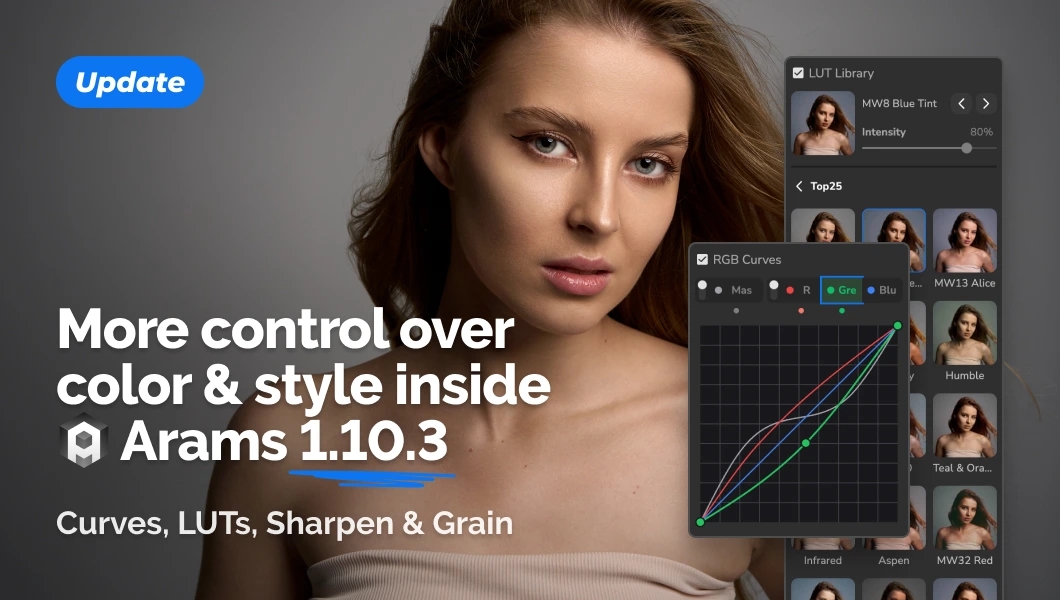
Recent Arams updates introduce new tools for the final stages of photo editing. Color correction curves offer more precise image adjustments, the LUT library expands your color grading options, and Sharpen and Grain help refine detail and add film-inspired texture.
Color Correction Curves
Curves give you more precise control over color and tonal range. Use them to adjust highlights and shadows, fine-tune contrast, and achieve the look you want.
They are especially useful when basic color correction isn’t enough and you need to tailor the result to a particular shoot.
Use LUTs Without the Color Match Plugin
Arams now includes a LUT library with paid and free options. Apply ready-made color looks to your photos without needing the Color Match plugin.
LUTs offer another way to establish a consistent color style across an individual image or an entire series.
Sharpen: Enhance Image Sharpness
Sharpen helps increase image sharpness and bring out details. Use it during the final stages of editing when you want your photos to look crisper.
Grain: Add Film-Inspired Texture
Grain adds texture to your photos for a look inspired by film photography. It offers another creative way to shape the visual character of an image or series.
Update to Arams 1.10.3
Color correction curves, LUTs, Sharpen, and Grain expand your photo editing options directly in Arams.
Update to version 1.10.3 and try the new tools on your photos.