


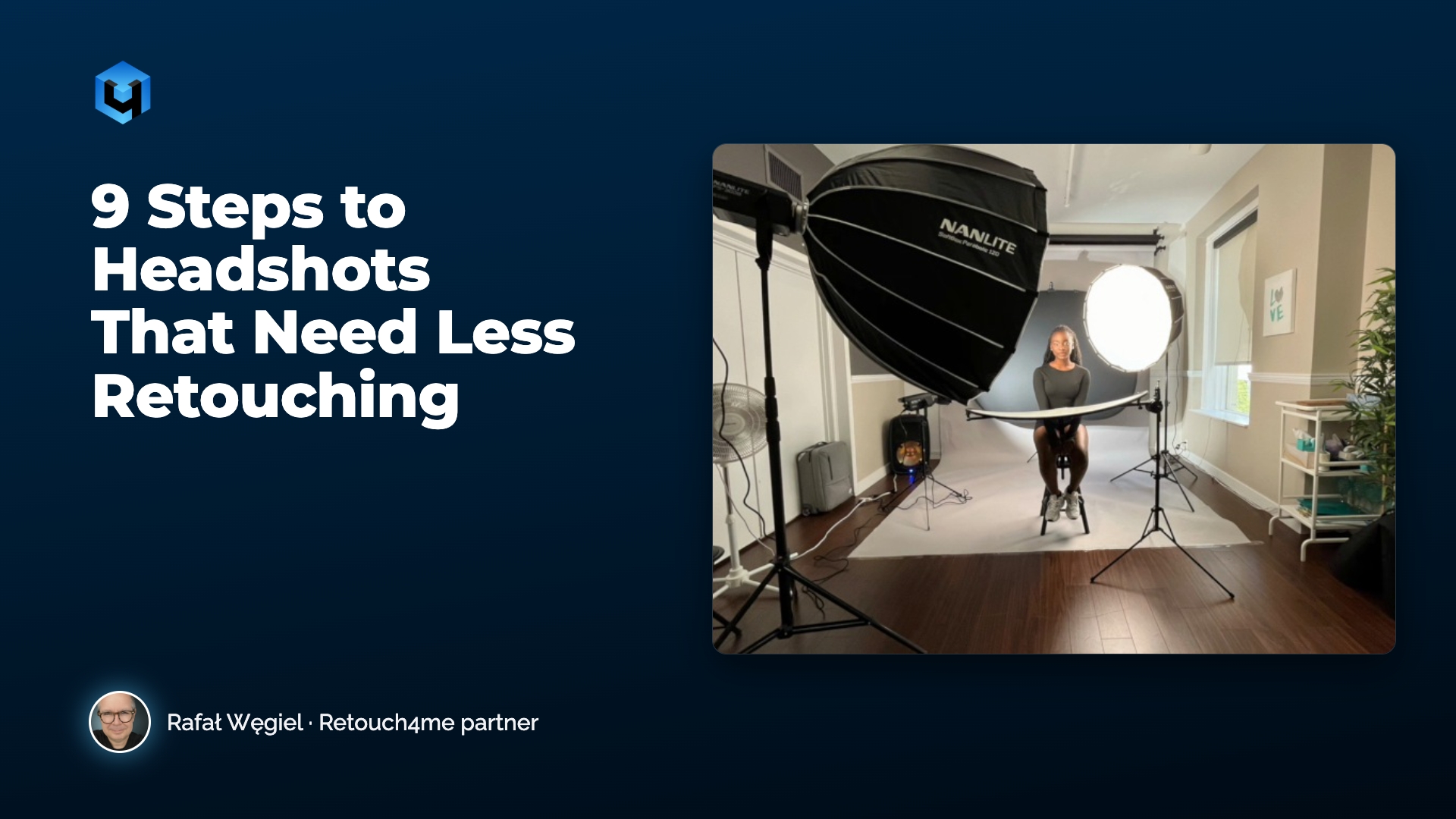
Most retouching problems are created on set. A strand of hair across the eye, a wrinkled collar, a blown highlight on the forehead: each one takes a few seconds to fix during the shoot and several minutes per photo in Photoshop.
Headshot photographer Rafał Węgiel learned this the hard way. Today his goal is simple: get the image so close to the final result that retouching becomes a quick polish, not a rescue job.
In this article you’ll get:
- the nine things Rafał checks before and during every headshot session;
- the small on-set habits that save the most time in post;
- how he finishes a headshot in about a minute once the shoot is done right.
1. Prepare the client, not just the gear
Talk to your client before the session: what the photos are for, what look they want, what to bring. Educate them about makeup, hair and wardrobe in advance. The session is not the place to figure out what you’re doing.
Prepare yourself too: test the lights, set up the backdrop and check your equipment before the client arrives.

2. Make the space calm, clean and private
Rafał used to shoot in offices, outdoors and in busy commercial spaces. The chaos showed in his photos and in the time he spent fixing them later. A calm, organized space, with a private corner where the client can change and fix their hair, makes the whole session smoother.
3. Hire a makeup artist who understands studio light
Good makeup saves more retouching time than any other single decision. No makeup is an even bigger problem: every skin has red spots and uneven areas. Look for an artist who can hide imperfections and enhance features, and who knows how makeup reads under studio lighting. One tip: check the makeup under your own shooting lights. Makeup that looks perfect in natural light can look very different under studio light.

4. Watch the hair
If you can, have a hair stylist on set. If not, keep an eye on strands across the face, especially over the eyes, and on flyaways. They are not hard to fix in post, but the less you have to fix, the more time you save.

5. Check the wardrobe fit before you shoot
Ask clients to bring several outfits: someone can look great in a piece of clothing that doesn’t photograph well. Then make sure the clothing fits and has no wrinkles. If something is off, ask the client to adjust or change it before you start.

6. Keep the backdrop clean
Viewers rarely notice a dirty backdrop. Photographers do, and then spend time cleaning it. Check for stains and wrinkles, and watch how your lighting falls on the background.

7. Protect highlights, shoot RAW, set white balance
Choose the lighting that fits the image the client wants, from Rembrandt to flat light. Then protect the detail in highlights and shadows. If you shoot tethered, you see problems right away; if not, check your images as you go.
Always shoot RAW. Rafał once overexposed half a session after moving a light. RAW is what saves you when something goes wrong. Set your white balance so skin tones are correct, and watch for glare on glasses and light spill.

8. Keep the client moving
Don’t plant the person in front of the camera and work only on the face. Keep them moving: left, right, forward, back. It releases tension, makes poses look natural and helps you find the angle that suits them. Every pose change also changes how the clothing sits, so keep checking it.

9. Get the expression in camera
Never plan to change an expression in post. Instead:
- keep a conversation going: silence makes people tense;
- watch for tension around the eyes and mouth, and for squinting under strong light;
- capture a range of expressions: not everyone looks best with a big smile.

The result: retouching in about a minute
When all of this is done on set, the final image is very close to what came out of the camera. Rafał finishes his headshots in Retouch4me Apex with a light pass: lifting off, gentle skin healing, a little dodge and burn, a touch of eye brilliance. In the video he retouches a full headshot in about a minute.
FAQ
- Do I need a makeup artist for every headshot? Not always, but it is the single biggest time saver in post. At least check makeup under your own lights.
- Is shooting RAW really necessary? Yes. It is what lets you recover highlights and shadows when something goes wrong.
- How long should retouching take after a good shoot? For Rafał, about a minute per headshot.
Retouch4me Apex can help you finish your headshots with a light, natural retouch, and you control every tool. Try the free demo
Related reading: Natural Headshot Retouching: How Not to Overdo Skin, Eyes and Teeth · Headshot Pre-Shoot Checklist: Makeup, Hair and Wardrobe
About this article This article is based on a video lesson that Rafał Węgiel, a headshot photographer, recorded for Retouch4me. The text was written by the Retouch4me team. Watch the full lesson: https://www.youtube.com/watch?v=z1By9xwwioY. More of Rafał’s work: rafalwegiel.com · Instagram