

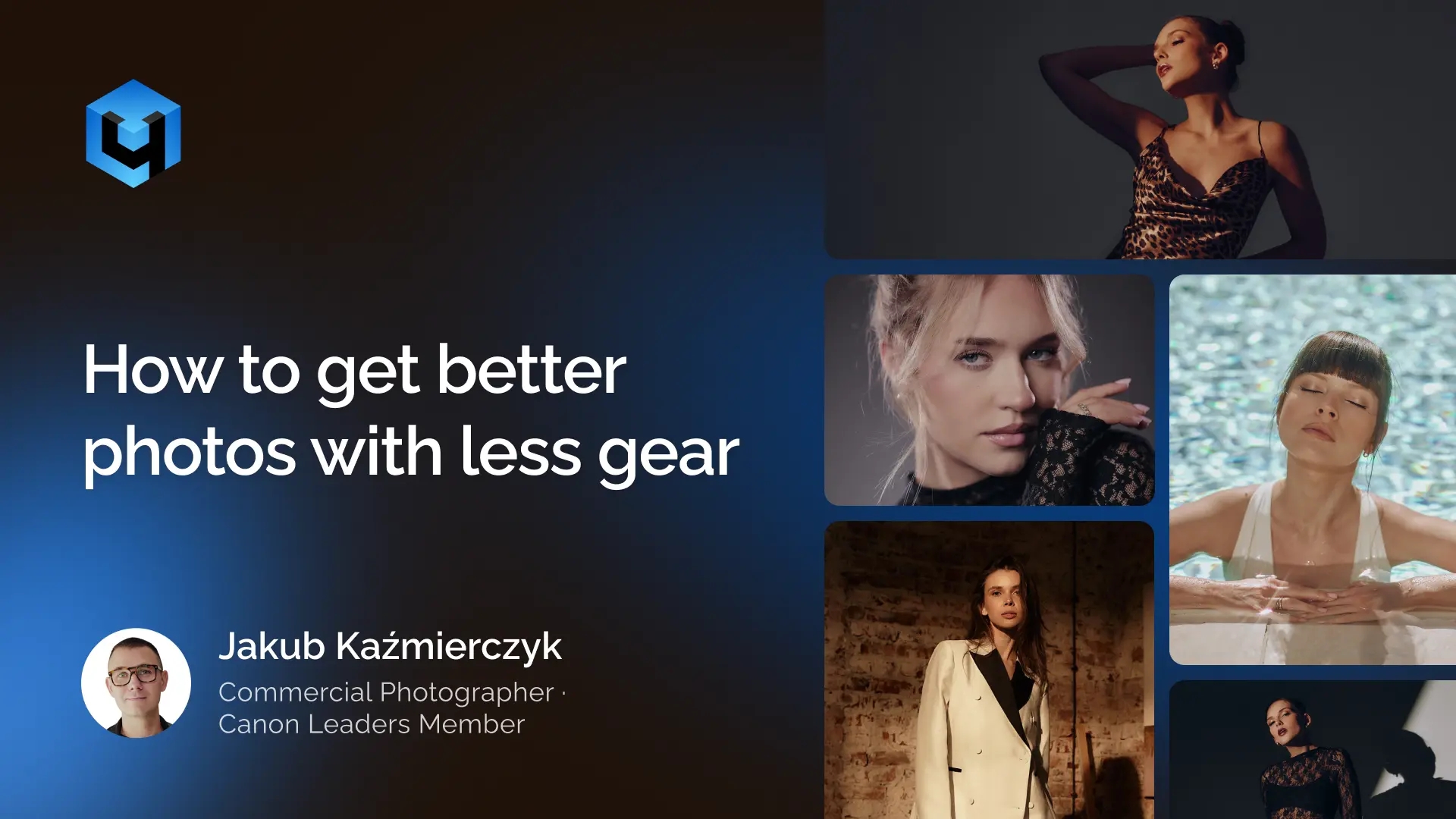
“First portrait session: Canon 5D Mark II, two Profoto flashes, three light stands, four hours. Result: quietly deleted. Most recent session of comparable scope: Canon R5, one lens, one flash, 40 minutes outdoors. Result: work still in active use.”
— Jakub Kaźmierczyk @jakub.kazmierczyk
The difference was never the gear. In this article we’re breaking down how to take better photos with less gear based on what we learnt during the recent webinar on portrait photography with Jakub Kaźmierczyk.
The First Session
The setup was not modest. A Canon 5D Mark II — one of the best cameras available at the time. Two strobes. Three stands. A field, a model, a makeup artist. A blanket on the ground for reasons no longer clear.
The images were wrong in almost every way. The second flash was positioned to light the grass, not the model. The perspective was awkward. The styling didn’t fit the location. The concept didn’t exist. The Canon 5D Mark II recorded everything perfectly. It captured exactly what was in front of it.
The Recent Session
Canon R5. A 28-70mm f/2.0. One Profoto B1. Professional model Yagoda. A small cyclorama studio.
Studio work covered multiple distinct setups in under two hours: natural light from the cyclorama window, bare flash, an octabox with a grid, a large umbrella for silhouette work. The outdoor portion — camera, black mist filter, golden hour, nothing else — produced the strongest images of the day in approximately 40 minutes.
Total gear from the outdoor session: one camera, one lens, one filter. No assistant. No reflector. No additional light source of any kind.
What Actually Changed
Not the camera. The R5 is better than the 5D Mark II — but that gap does not explain the output gap. A Canon RP at around €800 with a standard 28-70mm f/2.8 would produce comparable results, given the same preparation.
What changed was everything that happens before the shutter is pressed.
- A clear concept, formed before booking anyone
- A professional model who brought her own energy and experience to the frame
- Styling that fit the concept — not whatever was available on the day
- A location chosen for its light, not just its appearance
- A photographer who understood how light behaves and positioned the subject accordingly
These are not camera skills. They don’t appear in any specification sheet. They can’t be purchased from a retailer. They develop through preparation, practice, and paying attention to the right variables.
The Economics
A professional model for two hours: €80 to €150. A Milanote subscription for mood boards: free tier covers most use cases. A sun tracking app: free. Time spent studying lighting and composition: free.
A mid-range mirrorless body: €2,000 to €4,000. A professional prime: €1,500 to €3,000. A studio flash kit: €1,500 to €5,000.
The photographers improving fastest are not spending most heavily in the second column.
The Test Before Your Next Purchase
Have you shot in genuine golden hour light with a prepared model and a clear concept? Have you paid for a professional model even once and observed what changes? Have you moved five metres left and right mid-shoot to see what the background does? Have you briefed styling in advance with specific references?
If any answer is no — no gear purchase improves your results as much as doing those things once.
On Post-Production
One more thing that changed alongside the shooting workflow: post-production. Manual retouching used to be a six to eight hour commitment after a full session. That time has been largely eliminated through AI retouching that processes images at the quality level of careful manual work. The constraint wasn’t the tools. It was the time. Address the time constraint directly — and what becomes possible changes.
Words based on a real shoot and workflow from Jakub Kaźmierczyk @jakub.kazmierczyk — commercial photographer and educator based in Wrocław, Poland.
USEFUL LINKS
→ Retouch4me for Beginners — see how to get started
→ Retouch4me Photoshop Panel — free download
→ Arams — free desktop app for batch retouching