

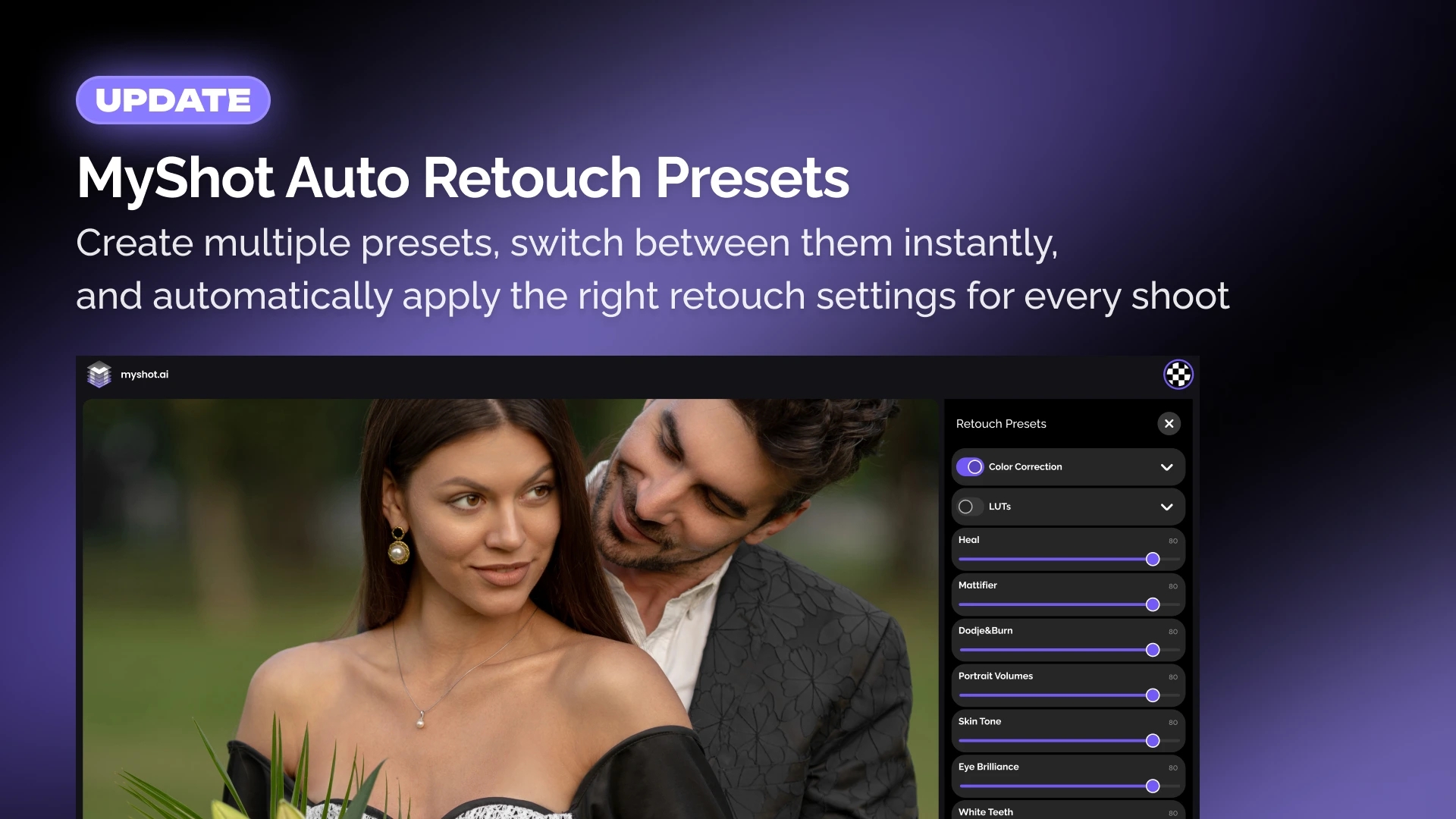
Auto Retouch in MyShot has become even more flexible.
With the latest update, you can now create multiple retouch presets, edit and update them whenever your workflow changes, or remove presets you no longer need.
When Auto Retouch is enabled, simply select the preset that matches your current job. Whether you’re working on weddings, portraits, product photography, or event coverage, the right settings are always just one click away.
Multiple presets for different workflows
Every photography job is different. A portrait session may require one set of retouching tools, while product photography or an event may need another.
Instead of changing your Auto Retouch settings every time, you can now save separate presets for different types of work and switch between them instantly.
Faster delivery with consistent results
This feature is especially useful for photographers who deliver images during live events or on-location shoots.
Prepare a preset in advance, enable Auto Retouch, and your photos will be processed automatically as they are uploaded to MyShot. Your clients can start receiving professionally retouched images almost immediately, without additional manual adjustments.
What’s new
- Create multiple Auto Retouch presets
- Edit existing presets at any time
- Update presets as your workflow evolves
- Delete presets you no longer need
- Choose the appropriate preset whenever Auto Retouch is enabled
Spend less time on setup
The new preset system reduces repetitive work and helps you maintain consistent retouching across every gallery.
Set up your workflows once, choose the right preset when you need it, and let MyShot handle the rest.
Update MyShot today and try the new Auto Retouch presets.