

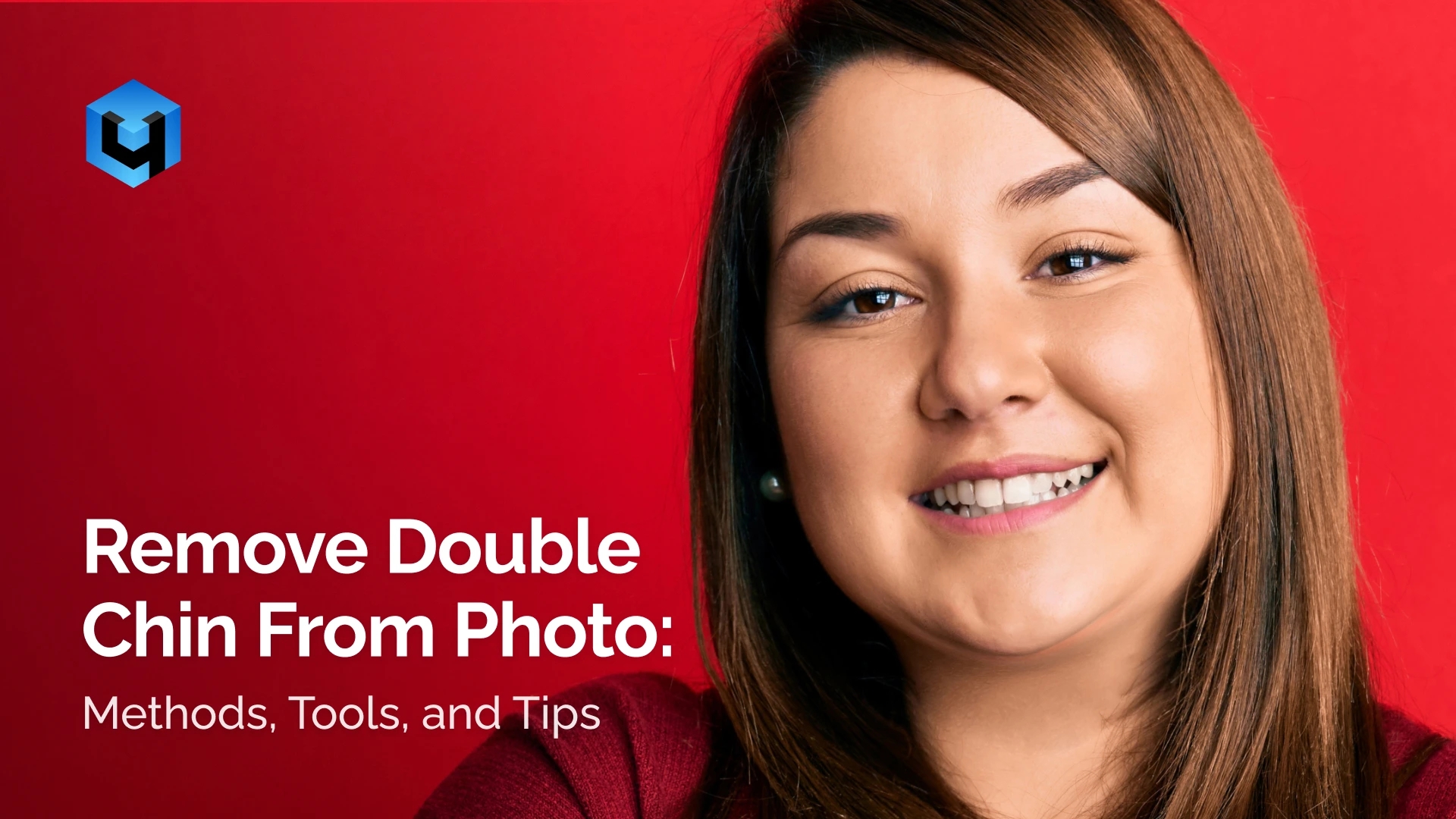
A double chin is a common issue in portrait photography. It often appears due to camera angle, lighting, or facial position rather than real facial anatomy. Many people first notice it when they see their edited pictures on social media or after uploading images to a popular photo editor.
In this article, you’ll learn what a double chin is in photos and why it occurs. You’ll also learn how to edit and refine appearance using different tools while keeping natural looking proportions.
Table Of Contents
- What Is a Double Chin in Photos
- Why a Double Chin Appears in Images
- Can You Remove a Double Chin From a Photo
- Manual Photo Editing Methods
- Free Apps to Remove a Double Chin
- AI Tools and Retouch4Me for Double Chin Removal
- How to Choose the Right Method to Remove a Double Chin
- Photo Types and Use Cases
- Conclusion
- Frequently Asked Questions
What Is a Double Chin in Photos
In photography, a double chin refers to excess visual volume under the chin. It does not necessarily reflect body fat or real anatomy. Double chin usually appears as a fold, shadow, or soft transition between the jawline and neck. This effect can appear on any person even with a slim face.
In most cases, a double chin in photos is not a physical feature. It is a result of how the camera records depth, light, and facial contours. The lower part of the face may get compressed or heavier than it looks in real life.
This issue is common in portraits, selfies, and candid photos. It affects both studio and natural light images.
Why a Double Chin Appears in Images
Let’s look at the main factors that make a double chin visible in photos. Understanding these factors helps in choosing the best approach for correction and achieve more natural results.
Camera Angle and Shooting Perspective
Low or uneven camera angles shift the chin forward. This reduces separation between the jaw and neck. Even small changes in shooting angle can noticeably affect the lower face.
Lighting and Shadow Under the Chin
Hard light creates strong shadows under the chin. These shadows increase perceived volume. Soft and frontal lighting helps maintain a cleaner jawline.
Lens Distortion and Focal Length
Wide-angle lenses exaggerate facial features that are closer to the camera. This often affects the chin and lower face area, making them appear larger.
Head Position and Facial Tension
A lowered head position compresses the neck visually. Tension in facial muscles can also soften the jawline. Neutral posture produces more balanced results.
Can You Remove a Double Chin From a Photo
A double chin can be reduced or removed through photo editing. The process focuses on visual correction rather than changing facial identity. Proper editing restores separation between the chin and neck.
The final result depends on the chosen method and the quality of the image, with manual retouching allowing precise adjustments and automated tools offering faster corrections.
Important!
Double chin removal is a cosmetic correction. It should preserve natural face shape and skin texture.
Manual Photo Editing Methods
Manual editing is a traditional way to reduce a double chin in your photos. It relies on direct adjustments made by a retoucher. These methods offer full control over shape, size, and shadows but require experience. Beginners often struggle to achieve a defined jawline without creating visible distortions or unnatural transitions in skin color.
Common manual techniques include:
- Liquify or warp tools to reshape the chin area
- Dodge and burn to reduce shadows under the jaw
- Local contrast reduction to soften folds
- Careful contour adjustments along the jawline
Manual retouching works best on high-quality images. On low-resolution photos with double chin, these methods often create artifacts or visible distortions.
Free Apps to Remove a Double Chin
Many free photo editing apps like Canva and Facetune offer basic tools to reduce a double chin. These tools are widely used on iPhone and web platforms designed for quick edits rather than precise retouching.
However, most free apps offer limited options, apply aggressive presets, and may affect unrelated areas of the face. While they are good for quick edits, they rarely deliver really natural results.
Common limitations of free apps include:
- Excessive skin smoothing
- Loss of natural texture
- Over-slimming of the jawline
- Visible artifacts in close-up portraits
Free apps may be suitable for casual use. For realistic results, their capabilities are often insufficient.
AI Tools and Retouch4Me for Double Chin Removal
AI-based tools help reduce a double chin by analyzing facial structure and applying targeted adjustments under the jaw. They preserve natural proportions and skin texture, making the correction look realistic. Compared to manual editing, AI solutions are faster and provide consistent results across multiple images.
Retouch4Me is a perfect professional AI tool designed specifically for professional retouching. Using the Face Make plugin with the Reshape Face function, it automatically adjusts facial proportions and reduces volume under the chin. The correction focuses on the lower face and jawline while leaving other areas untouched.
Face Make works for both single photos and large batches, making it suitable for portrait retouching workflows.
How to Install the Retouch4Me Face Make Plugin
Retouch4Me plugins are available for Photoshop and as standalone applications.
Installation steps:
- Download the Retouch4Me Face Make plugin.
- Install the application.
- During setup, enable Photoshop integration.
- This installs both:
- A standalone app with facial reshaping functionality
- A Photoshop plugin found under Filter > Retouch4Me
This installation gives you two ways to access the same tool, inside Photoshop or via the dedicated app. Once installed, you can start getting professional results right away — no complex setup required.
Remove Double Chin via Plugin or App
Once installed, you can apply the correction in different environments.
- In Photoshop: Go to Filter > Retouch4Me > Face Make.
- In the standalone app: Upload and open your image and let the plugin run automatically.
- The AI detects the chin and jaw area. It applies subtle reshaping under the jawline while maintaining facial proportions.
- Adjust the strength slider if needed and click Save to finish.
This is the fastest way to reduce a double chin without manual reshaping.
Use Retouch4Me APEX for a Unified Workflow
Retouch4Me APEX is a separate AI retouching app that combines multiple plugins in one interface.
With APEX, you can:
- Download and launch Retouch4Me APEX
- Access Face Make along with other retouching tools
- Adjust correction intensity using sliders
- Preview results before applying changes
- Process multiple images in batches
APEX is useful for photographers and retouchers who need consistent double chin correction without using Photoshop. It simplifies the workflow and reduces manual editing time.
How to Choose the Right Method to Remove a Double Chin
By this point, all major methods have been covered. The remaining question is which option fits a specific task. The comparison below summarizes the key differences between manual editing, free apps, and AI tools.
| Criteria | Manual Editing | Free Apps Type | AI Tools |
| Editing time per photo | High | Low | Low |
| Skill required | Professional | None | Minimal |
| Control over shape | High | Low | Medium |
| Skin texture preservation | Medium to high | Low | High |
| Risk of visible artifacts | Medium | High | Low |
| Consistency across photos | Low | Low | High |
Manual retouching is suitable for complex individual edits. Free apps work for quick, casual adjustments. AI tools are commonly used for professional and batch workflows.
Photo Types and Use Cases
Double chin correction is commonly used in different types of photography. The effectiveness of editing depends on image quality and shooting conditions.
Portrait photos benefit most from chin correction. Clear facial features and neutral lighting allow accurate adjustments. The result looks natural even on close-up shots.
Business headshots often require subtle corrections. A clean jawline improves visual balance without changing facial identity. This is important for professional images.
Social media photos usually need fast processing. Consistent results across multiple images help maintain a unified visual style.
Event and wedding photography often involves varied angles and lighting. Automated tools are useful for maintaining consistency across your large photo sets.
Conclusion
Removing a double chin in your photos is possible with several approaches. Manual editing provides precise control but requires skill and time. Free apps allow quick adjustments but may reduce realism.
AI tools offer a balance of speed and quality. Retouch4Me offers an advanced, professional solution. Its Face Make plugin automatically corrects the jaw and chin area while preserving natural facial proportions and skin texture. The Retouch4Me APEX app enables batch processing, making it suitable for both single images and larger photo sets.
Try Retouch4Me today and remove the double chin from your photo!
Frequently Asked Questions
How can I remove my double chin from a picture for free?
You can use free apps that offer facial slimming or reshaping tools. These apps usually apply preset adjustments and are limited. Results are quick but may lack precision.
Is there a free tool to remove the double chin?
Yes, some mobile apps and online editors include basic double chin correction. They work best for casual use or social media images. For anything that requires professional retouching, Retouch4Me is your go-to solution.
How to eliminate a double chin in photos?
You can use manual editing in Photoshop, free apps, or AI-based tools. AI tools like Retouch4Me provide fast and realistic results while preserving facial proportions.
What is the app that hides double chins?
Apps with facial reshaping or slimming features hide double chins. Retouch4Me Face Make is a professional solution that automatically corrects the jaw and chin area. Free apps also offer simpler adjustments.
Is Retouch4Me suitable for beginners?
Yes. Even if you’ve never worked in an editor before, Retouch4Me is easy to use. The interface is available in English, and the process is straightforward: open a photo, apply the correction, and save the result. The pricing depends on the selected products and usage terms.