

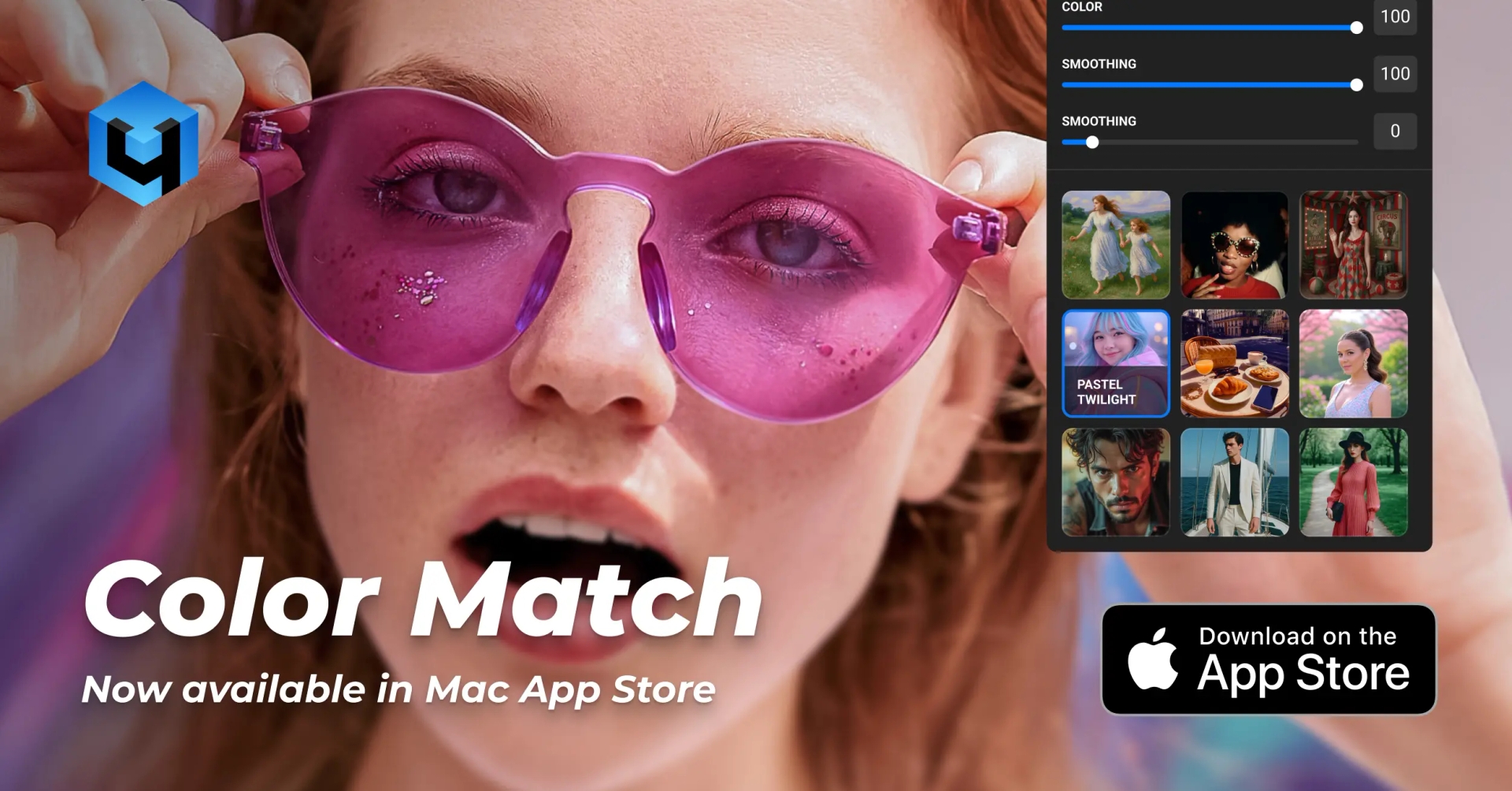
The Retouch4me team has released an updated version of Retouch4me Color Match, now available directly to macOS users via the Mac App Store.
What is Retouch4me Color Match
Retouch4me Color Match is a professional AI tool for photographers and retouchers that allows you to quickly transfer color palettes from one image to another. It’s perfect for:
- matching colors across a photo series,
- styling images based on reference shots,
- working with mood boards and LUTs.
With the release in the Mac App Store, Retouch4me Color Match has become even more accessible.
Key Features in the Mac App Store Version
- Free start: after installation, you immediately get access to Color Match Free, with no registration required.
- Built-in reference examples: try out color matching instantly, even without uploading your own files.
- Full version purchase: available directly inside the app via Apple.
- Free LUTs included — LUT Store is not available in this version.
Important to Know
- No Photoshop support. The main screen includes a direct link to download the desktop version from the Retouch4me website — that version supports Photoshop integration and offers the LUT Store.
- Separate licenses. Purchases made in the Mac App Store do not transfer to the desktop version, and vice versa.
- System requirements: minimum macOS version is 10.15.
How to Get Started
- Download Retouch4me Color Match from the Mac App Store.
- Install and instantly access Color Match Free.
- Test built-in examples or load your own photos (grant folder access via the Choose button).
- Upgrade to the full version directly inside the app if needed.
Conclusion
The release of Retouch4me Color Match in the Mac App Store makes color matching easier and faster than ever. With a free starting option, built-in examples, and seamless in-app purchasing, it’s now simpler for both beginners and professionals to enhance their workflow.
Try the free version today and see how quickly you can achieve perfect color harmony in your photos.