

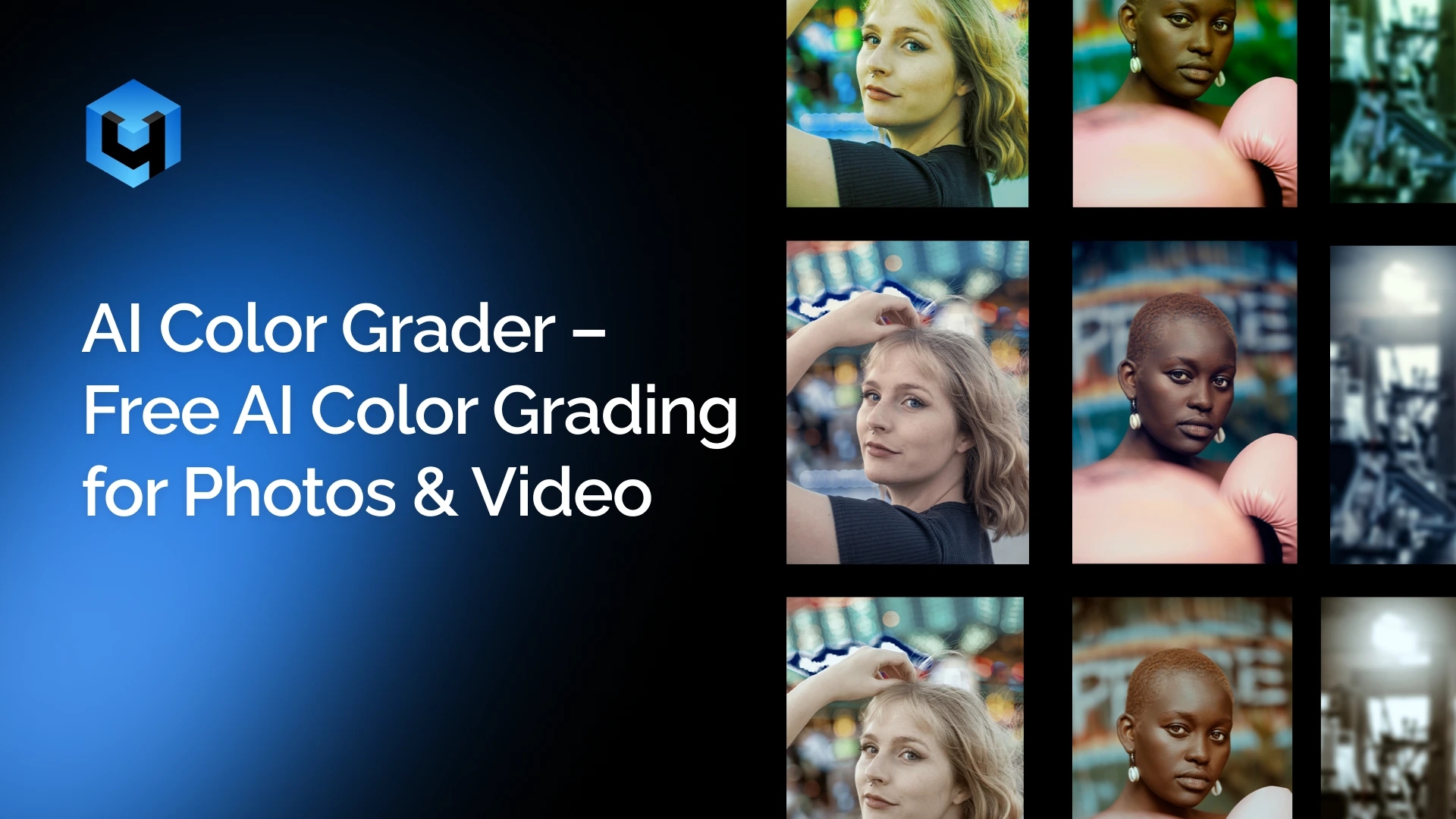
Bring professional AI color grading and AI color correction to your workflow. Instantly grade and correct colors with advanced Retouch4Me AI color grader. Achieve cinematic tones and consistent color across photos and videos while keeping your photo color accurate and natural. Designed for photographers, retouchers, and creative professionals.
Perform Image Color Correction in Second
No credit card required. Works on macOS and Windows.
What is AI Color Grading?
AI color grading is a modern approach to color correction that uses machine learning algorithms to automatically analyze and adjust the colors of an image or video. Instead of manually tweaking exposure, contrast, white balance, and color tones, AI processes visual data and applies optimal adjustments in seconds.
Traditional color grading requires both technical expertise and time. Editors typically work with curves, color wheels, and LUTs to achieve a desired look. AI simplifies this process by learning from thousands of professionally graded images and understanding how color behaves across different lighting conditions, skin tones, and environments.
With tools like Retouch4Me Color Match, AI can detect color relationships, tonal balance, and visual style from a reference image. It then intelligently transfers that look to your photo or video while preserving natural details, especially important for skin tones and product colors.
This makes AI color grading especially valuable for photographers, videographers, and content creators who need consistent, high-quality results without spending hours on manual adjustments. Whether you’re creating cinematic visuals, matching a brand style, or correcting difficult lighting, AI helps you achieve professional results faster and more efficiently.
New to color grading? Explore our step-by-step color grading tutorial and learn how to achieve professional results from scratch.
AI Color Correction & Color Grading Tool
Match Styles from References
Upload a reference frame or image, and Retouch4Me Color March AI recreates its color grade. Replicate different creative styles from films, campaigns, or personal presets with an easy workflow.
Consistent Looks Across Your Projects
Whether editing a full video sequence or a photo series, AI ensures every frame and image matches in tone and style for a unified look.
True-to-Life Skin Tones
Enhance creative color grading and color correction without distorting skin color. Images remain realistic, balanced, and natural, even under challenging lighting.
Smart Tone and Color Balance
AI applies precise color adjustment – contrast, saturation, hue, and brightness – automatically. The AI helps you correct the color while preserving fine details.
Fast Workflow, Professional Results
Apply advanced correction and color grading in seconds with Retouch4Me Color Match and Color Match Video plugins. Designed for high-resolution photography and video editing without compromising quality.
Want to know what is the difference between color correction and color grading? Learn more about color correction vs grading here.
Perfect for Every Type of Photography
From photo editing to commercial shoots, this AI color grading tool adapts to any style of photography. Apply consistent looks and cinematic tones with just one click.
- Portrait Photography: Keep skin tones natural and face details accurate while enhancing mood and atmosphere. Bring the right atmosphere to the entire shoot.
- Deliver cohesive portrait galleries with professional, film-inspired grading, using Retouch4Me.
- Wedding Photography: Create cohesive, cinematic looks across hundreds of images.
- Create timeless, cinematic memories with consistent photo colors.
- Commercial and Editorial Work: Deliver great, color-consistent results for campaigns. Ensure background colors stay true for catalogs and campaigns.
- Produce a commercial-quality visual that matches client style guides with our color correction tool.
- Ecommerce Photography: Match tones across product images for a uniform catalog.
- Ensure every image looks uniform and professional online.
- Event Photography: Balance varying lighting conditions for consistent galleries.
- Maintain a consistent color identity across large galleries.
- Creative Projects: Apply cinematic styles or match references from film and art.
- Experiment with artistic palettes to elevate your storytelling.
Try Color Grading AI Free
Looking for a free AI color grading tool? Retouch4Me offers a free trial so you can experience professional-level color correction AI before committing.
With the free version, you can:
- Test AI-powered color grading online on your own images
- Match colors from reference photos instantly
- Evaluate results on portraits, products, and creative projects
- Integrate with your existing workflow (Photoshop, Lightroom, etc.)
This allows you to explore how AI improves your editing speed and consistency without any upfront cost.
If you’re searching for a free color grading tool that delivers professional results, not just basic filters, this is the perfect way to start.
Use our AI color grading online free and test professional color correction on your photos instantly.
👉 Try it free and see the difference.
How AI Color Grading Works
Color grading with AI isn’t about replacing your creative control—it’s about removing the repetitive work behind it. Instead of building looks manually, you guide the system and let it handle the heavy lifting.
Here’s how the process works in practice:
1. Choose a Reference Look
Start with a visual direction. Upload a reference image or frame that represents the color style you want, anything from a cinematic still to a clean commercial shot or your own preset.
2. The AI Interprets the Style
Rather than copying colors blindly, the system breaks the image down into its underlying structure, how tones are distributed, how contrast is shaped, and how colors shift across shadows, midtones, and highlights. It builds a “map” of the look, not just a filter.
3. Apply the Look to Your Image or Video
Upload your content, and the AI transfers that color logic onto it. The result isn’t a flat overlay,it adapts to your image, preserving natural skin tones, textures, and lighting conditions. You can adjust the strength or switch references instantly.
How to Use Our Online Color Correction Tool
- Download Standalone App or Plugin
- Install the app or plugin easily on macOS and Windows.
- Works standalone or as a plugin in Photoshop, Lightroom, and more.
- Choose a Reference Picture
- Upload a photo or frame with color tones you want to match.
- The AI analyzes its palette automatically.
- Match the Color
- Upload your target image or video.
- The AI applies matching tones and grading instantly.
- Apply or re-apply adjustments anytime, or change intensity to your liking.
- Save and Export
- Export high-quality results in your chosen format.
- Continue editing in Lightroom, Photoshop, or any workflow tool.
Still not sure if it fits your workflow? Try it free and see the results yourself.
Download Free Trial
The Professional’s Choice for Advanced Color Corrector – Retouch4Me
| Feature / Benefit | Retouch4Me | Manual Grading | Free Online Apps/ Color Grading Tools |
| One-click cinematic grading | ✅ Yes | ❌ No | ⚠️ Limited |
| Consistent results across sets | ✅ Yes | ⚠️ Requires skill | ❌ Often inconsistent |
| Style matching from references | ✅ Yes | ❌ Manual only | ⚠️ Usually limited |
| Fast & beginner-friendly | ✅ Yes | ❌ Steep learning curve | ✅ Yes, but basic |
| Access to LUT Cloud and create own LUTs | ✅ Yes | ❌ Not available | ❌ Not supported |