

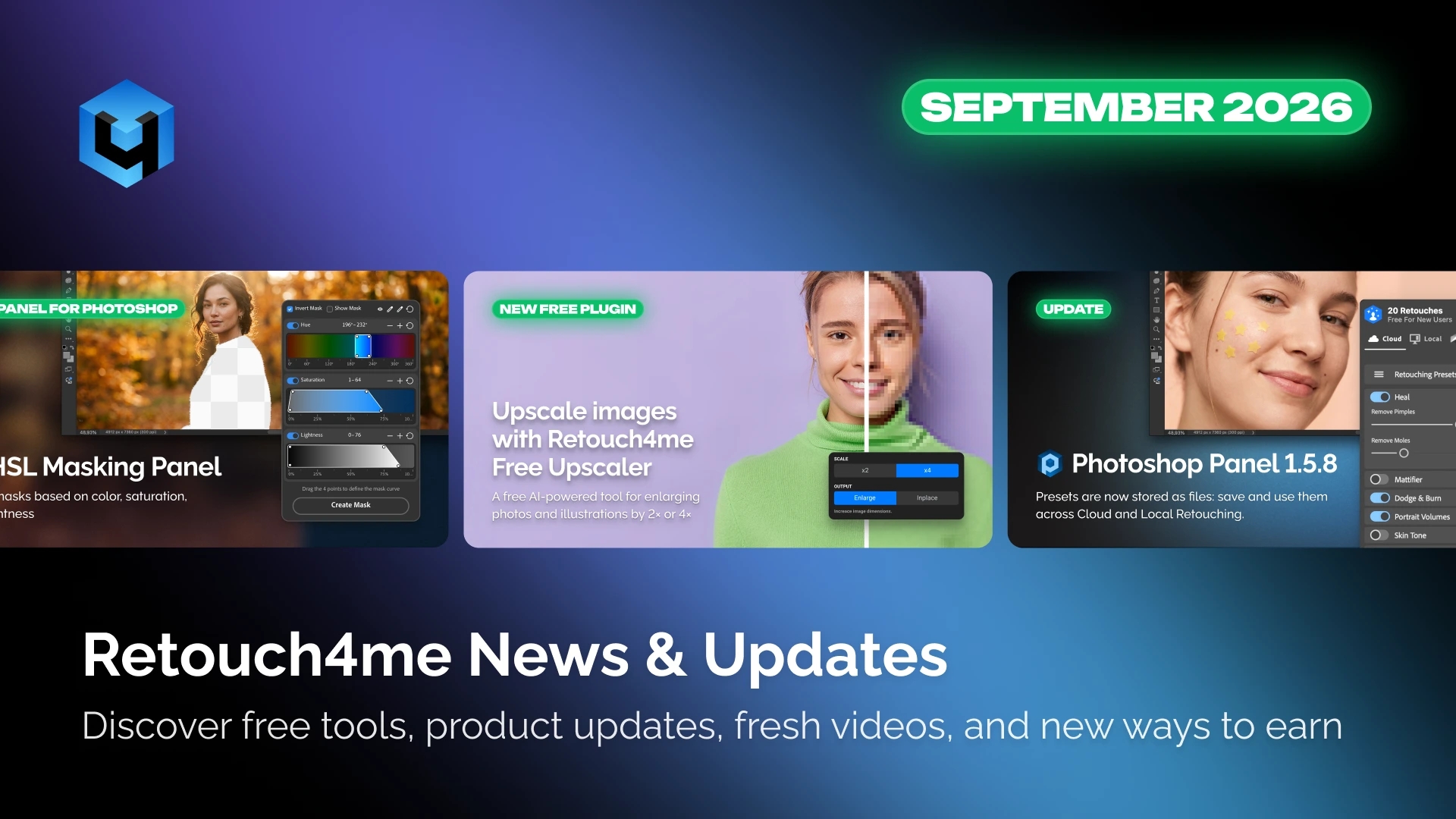
September brought new Photoshop tools, updates to Retouch4me’s photo editing and color correction software, and fresh educational content for photographers and retouchers. Here’s a look at the latest releases, product improvements, and resources to help improve your workflow.
1. HSL Masking Panel: Free Color-Based Masking for Photoshop
HSL Masking Panel is a free Adobe Photoshop panel that lets you create precise layer masks based on hue, saturation, and lightness.
Define the desired range using four curve points, refine your selection with the eyedropper when needed, and create a ready-to-use layer mask. You can then apply your preferred Photoshop adjustments to the selected areas.
Key features
- Hue, Saturation, and Lightness selection. Adjust each parameter independently or combine them for more precise selections.
- Control over transitions. Adjust mask softness to minimize visible edges between edited and unedited areas.
- Eyedropper color selection. Sample colors directly from your image and add additional shades with the “+” eyedropper.
- Quick range adjustment. Expand or narrow the selection using the “+” and “−” controls.
- Ready-to-use layer masks. Click Create Mask to generate a Photoshop layer mask for further editing.
Who is HSL Masking Panel for?
The panel is designed for photographers and retouchers who need precise control over local color adjustments, including skin, clothing, backgrounds, and other objects. It is particularly useful for fashion, beauty, and commercial photography.
HSL Masking Panel creates selections and layer masks. It does not modify the image automatically; you apply your own adjustments using Photoshop tools.
Download HSL Masking Panel for free
2. Free Upscaler: Enlarge Images by 2× or 4× for Free
Need a higher-resolution image for a large print, an illustration, or a retouching project? Free Upscaler lets you increase image resolution by 2× or 4×.
The tool is available directly in Photoshop and as a standalone application. Choose the appropriate model for your image type and upscale your photo or illustration.
Processing takes place locally on your computer, so your files are never uploaded to the cloud.
Free Upscaler integrates open-source models developed by third-party teams into a convenient image-upscaling workflow. Retouch4me brings these models together in an accessible tool for Photoshop users and other image-editing workflows.
Download Free Upscaler for free
3. Retouch4me Product Updates
Photoshop Panel 1.58: Save Presets as Files
Photoshop Panel 1.58 lets you save presets as files and create as many settings collections as you need for different projects and shooting styles.
Presets can be loaded into both cloud and local retouching sections. When you load a preset, its settings automatically adapt to the selected mode, so you don’t have to rebuild them manually when switching between modes.
Apex 1.212: Generative Photo Editing
Apex now includes Generation, a tool for modifying specific areas of a photograph using a generative model.
Brush over the area you want to change, select a model, describe the desired result, and run the generation. The result appears on a separate layer, leaving the original image untouched.
Depending on the selected model, you can use predefined prompts or enter your own text instructions.
Each generation is saved on a separate layer, making it easy to compare results, choose the best version, and continue editing. You can reuse the same mask for additional attempts while refining your prompt.
Generation and Apex’s retouching tools work independently, so you can use them in your preferred order. For a more predictable workflow, we recommend generating the desired changes first and retouching the modified area afterward.
Version 1.212 also fixes an issue that could cause an incorrect color profile when saving HEIC files as JPEGs.
Arams 1.10.3: More Options for Final Editing
Arams now offers additional tools for fine-tuning color, sharpness, and image character.
- Color Correction Curves. Gain more precise control over tone and color when basic correction isn’t enough.
- LUT Library. Apply free and paid LUTs directly in Arams without installing the Color Match plugin.
- Sharpen. Add sharpness and emphasize details during the final editing stage.
- Grain. Add grain to give images a film-like character that suits your shooting style.
Update to version 1.10.3 to access these tools.
Arams also includes subscription-based photo culling, helping you organize and select images from large shoots before editing begins.