


Ready result
A transparent PNG can go straight into product cards, catalogs, and ad creatives.


HALLOWEEN SALE — 30% off all plugins
Automatically remove the background from product photos and other objects. Get a finished PNG with a transparent background or an object mask through the REST API
Retouch4me Background Removal API automatically detects the main subject in an image and separates it from the background. Send an image through the API and get a finished cutout or an object mask for further processing.
A transparent PNG can go straight into product cards, catalogs, and ad creatives.

Get a transparent PNG or a black-and-white object mask, depending on your scenario.

A standard REST API with asynchronous processing and task status tracking.

 Background Removal API
 PNGMaskYour workflow
 Integration example
The model automatically separates a clearly visible main subject from the background. The API works for photos of products, food, clothing, accessories, furniture, props, and other objects.

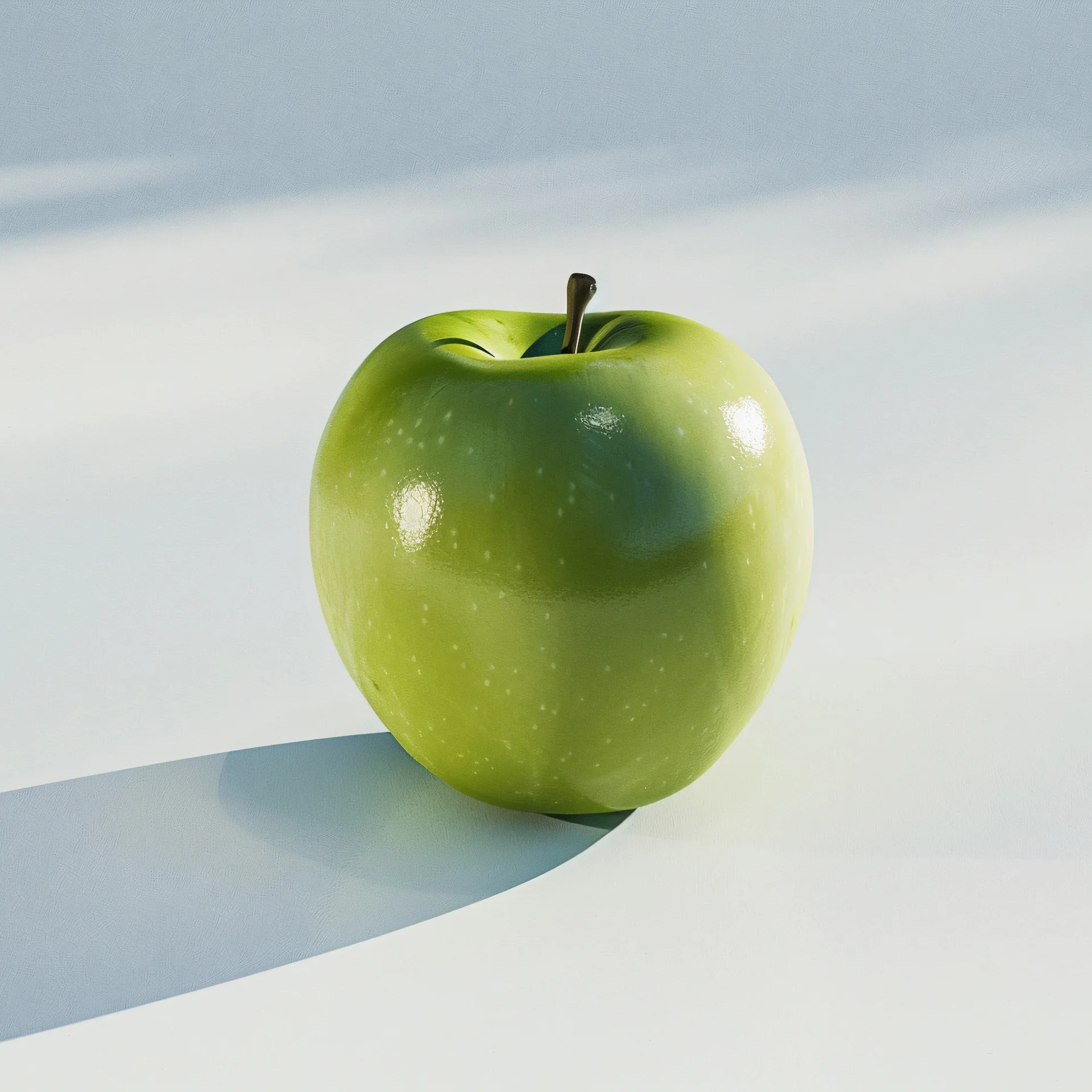
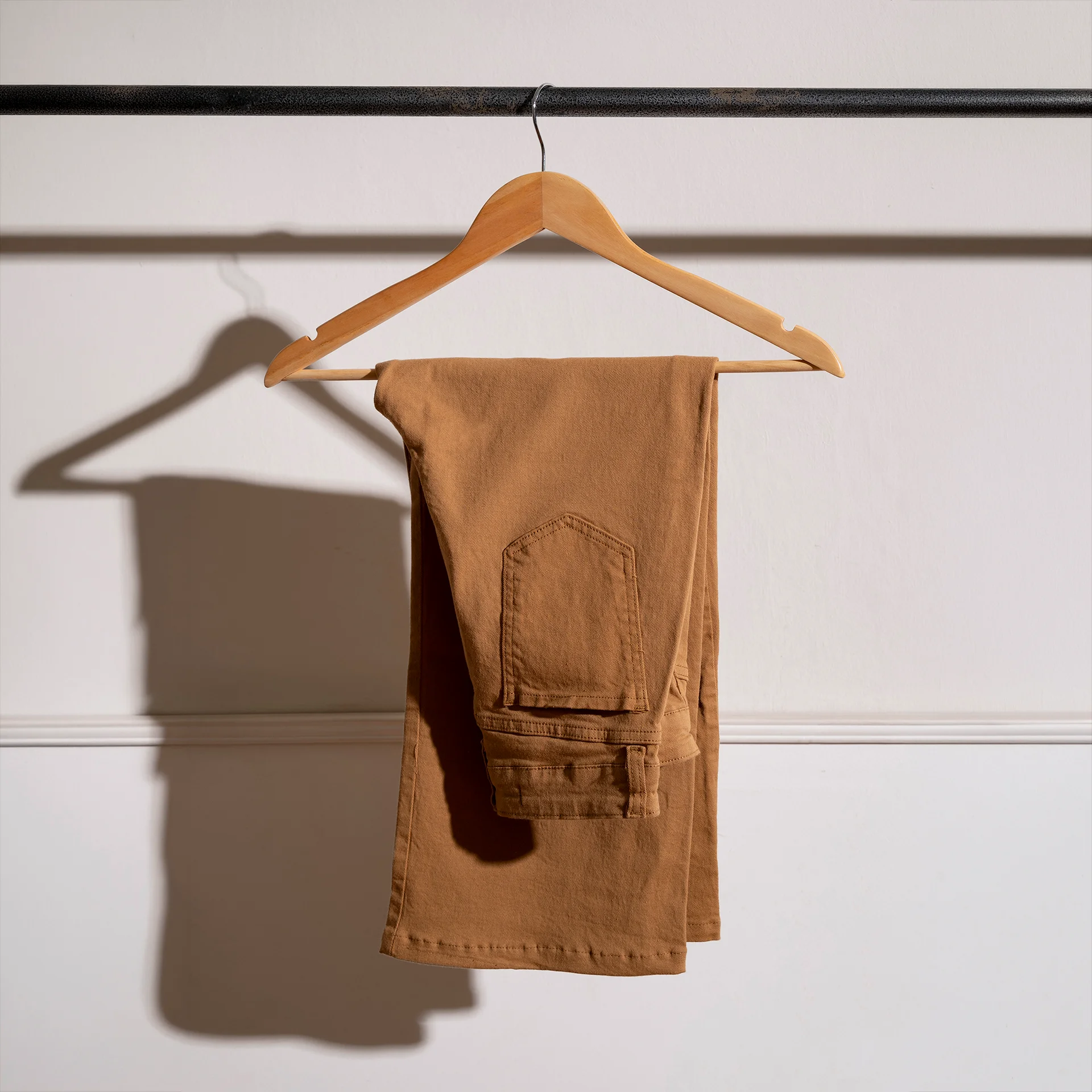



A finished cutout ready to publish
Get a PNG in RGBA with a transparent background. Place the object on white, a brand color, or any other background without extra masking.

For precise compositing and further processing
Get a separate PNG that contains only the object mask, without the color image. Each mask pixel stores a value from black to white: black is the background, white is the object, and shades of gray keep the soft edges. Use the mask for compositing, your own image processing, and automated workflows.

Automatically remove the background from product photos for cards, catalogs, and promotional materials.
 SKU
SKU
 Background removal
 Finished card
Prepare images for different marketplace requirements. Create a cutout once and reuse it with different backgrounds and templates.
 One objectSeveral templates
Add a Remove background feature to your editor without building and maintaining your own machine-learning model.

Automatically separate the subject from the background when an image is uploaded. Store the original and the mask separately, and build the versions you need when publishing.
UploadBackground removal StoragePublishing
Background Removal API works asynchronously. Your application can manage queues, priorities, retries, and the processing schedule on its own.

Each image is sent as a separate task.

After you start a task you receive its id and check the status until the result is ready.

You decide the processing order, priorities, retries, and batch handling.
 Images
 Your queuePOST/retoucher/startProcessingGET/retoucher/status/{id}GET/retoucher/getFile/{id}
 PNG
PNG Mask
MaskStart processing, check the status, and download the finished result.
Your server sendsJPGorPNGviamultipart/form-datato:POST /retoucher/start
The request includes:
Check the task stateviaGET /retoucher/status/{id}
While the image is processing, your application can show the status or the processing progress.
After the task reachescompleteddownloadthe finished filevia:GET /retoucher/getFile/{id}

Tell us about your project, and we will help you choose the best way to adopt the Retouch4me Cloud API.
The API works as a separate processing step. You decide what happens to the image before and after the background is removed.
Upload Background Removal APIPNGMaskYour processingDAMPIMCMSMarketplaceEditor
Integration example

Background Removal runs as a separate task. If you need Heal, Crop, Color Correction, or another tool after the background is removed, the next step can be started with a separate API request.

Add background removal to the site, editor, CMS, DAM, or internal system you already use.

The async model lets you set up queues, priorities, and retries yourself.

Use a transparent PNG for publishing or a mask for your own processing and compositing.

Once you have the subject without a background, reuse it on different backgrounds, templates, and ads.
Instead of cutting out every image by hand, add background removal directly to your workflow. The team can focus on the images that really need manual work.
Before integration
Image→ Manual cutout→
 Review→
 Publishing
After integration
Image→API→Cutout→ Your process→Publishing
Automate the repetitive cutout.

Use the same processing step for a large number of images.

Keep cutouts and masks for future compositions and formats.
Integrate the API and receive transparent PNGs or masks inside your own system.

