


HALLOWEEN SALE — 30% off all plugins
Frequency Separation
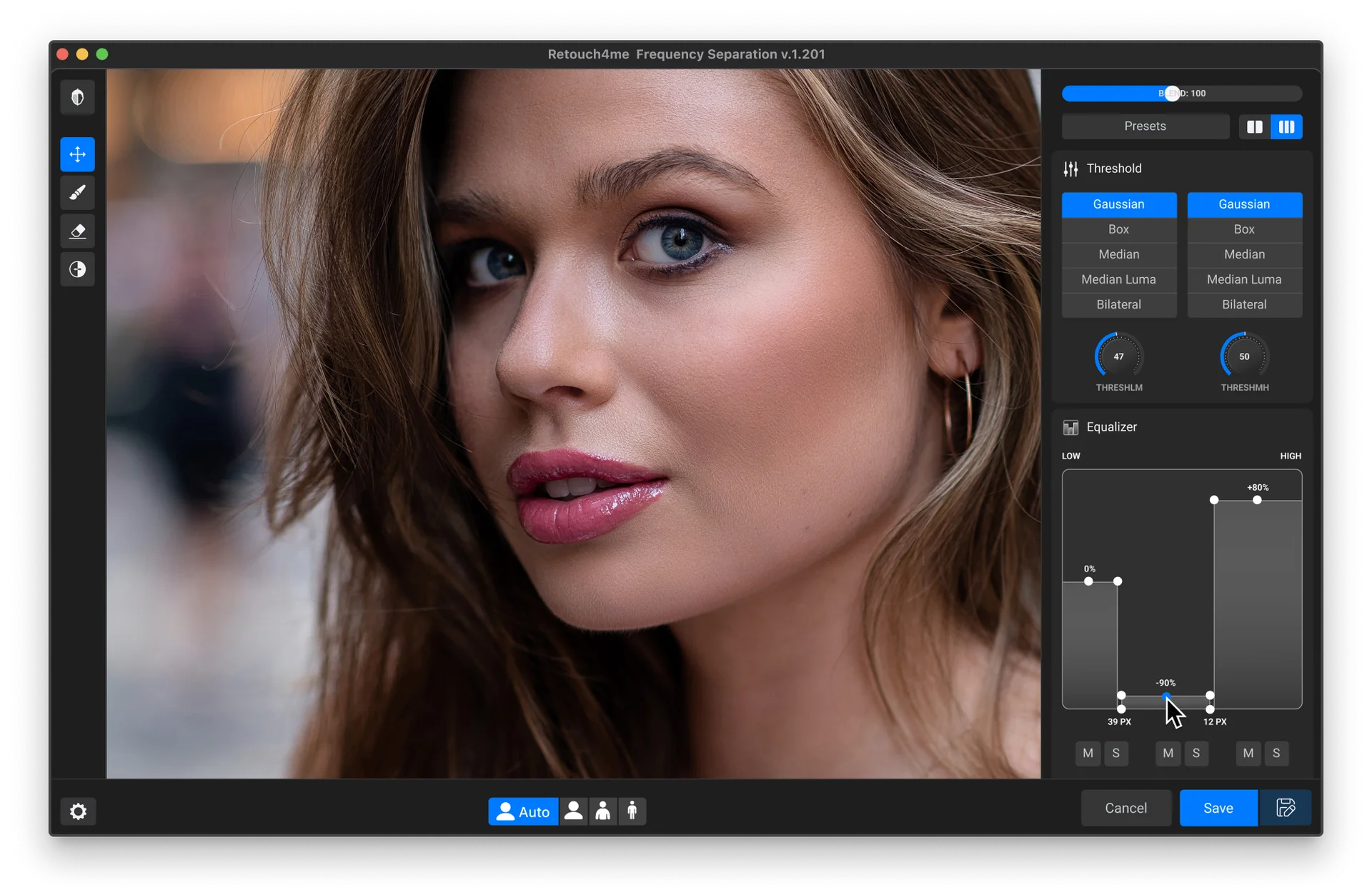
Precise Editing
Ideal for Portrait Retouching
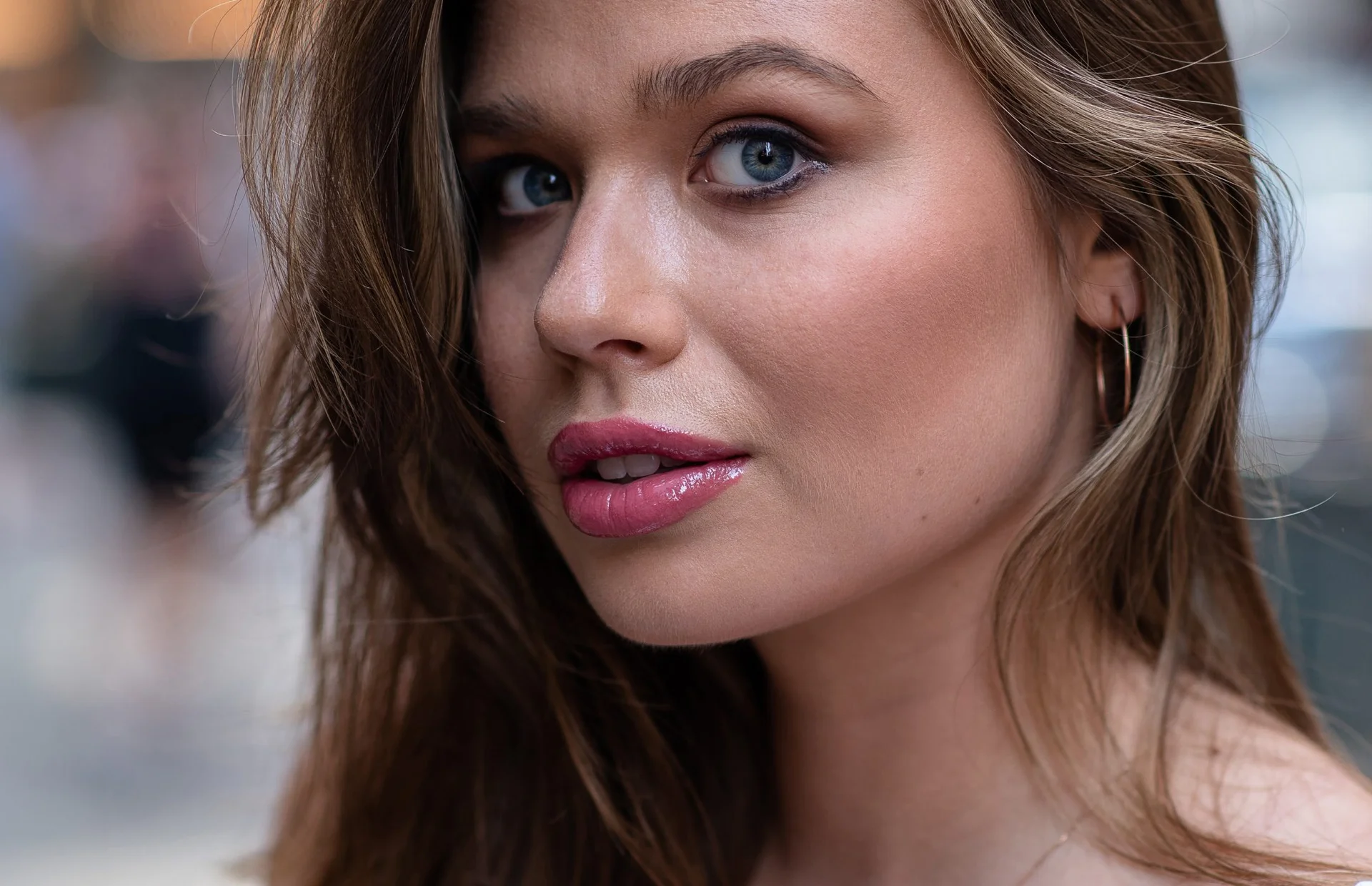
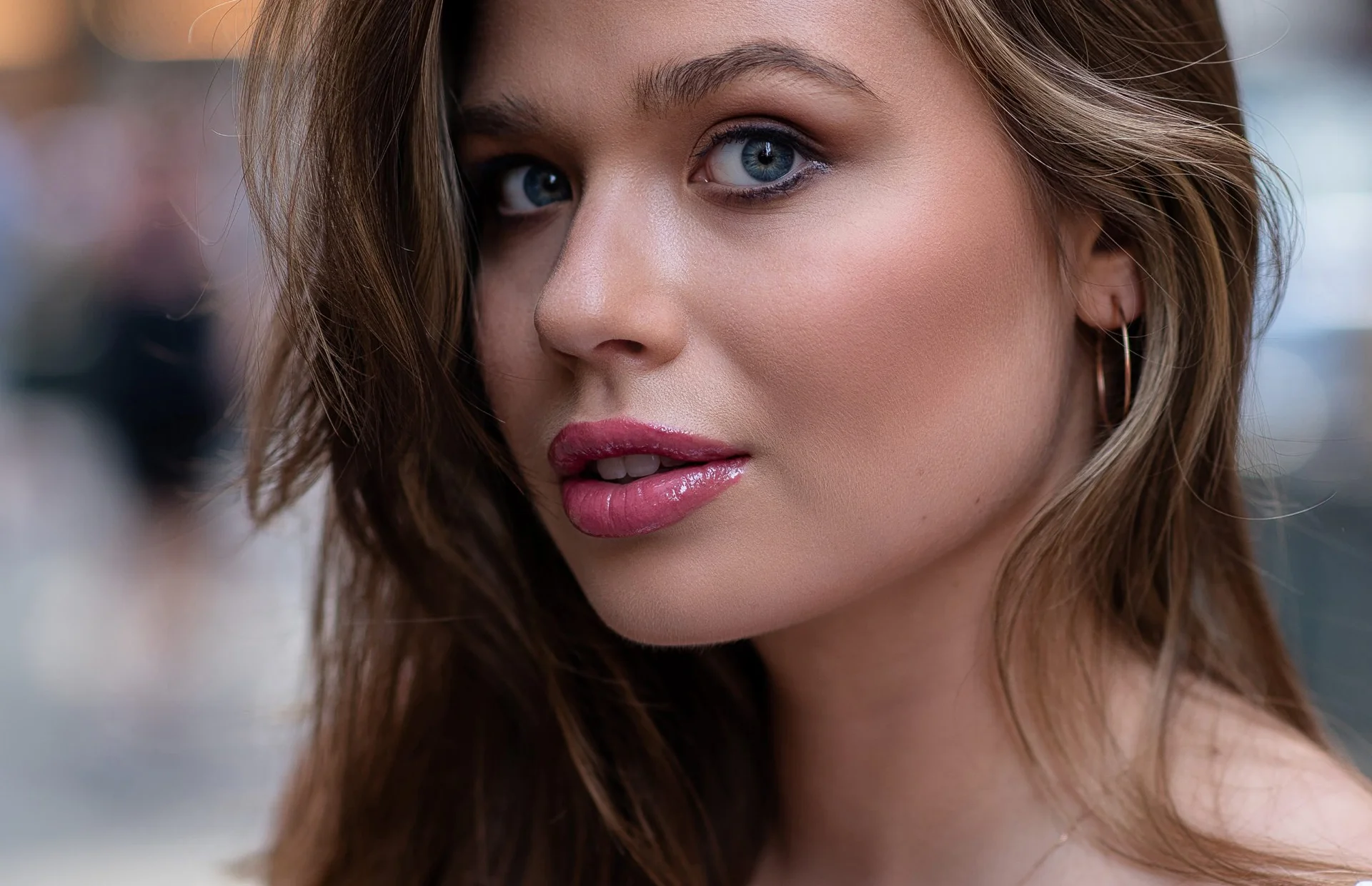
Separation Modes
Adaptive Workflow
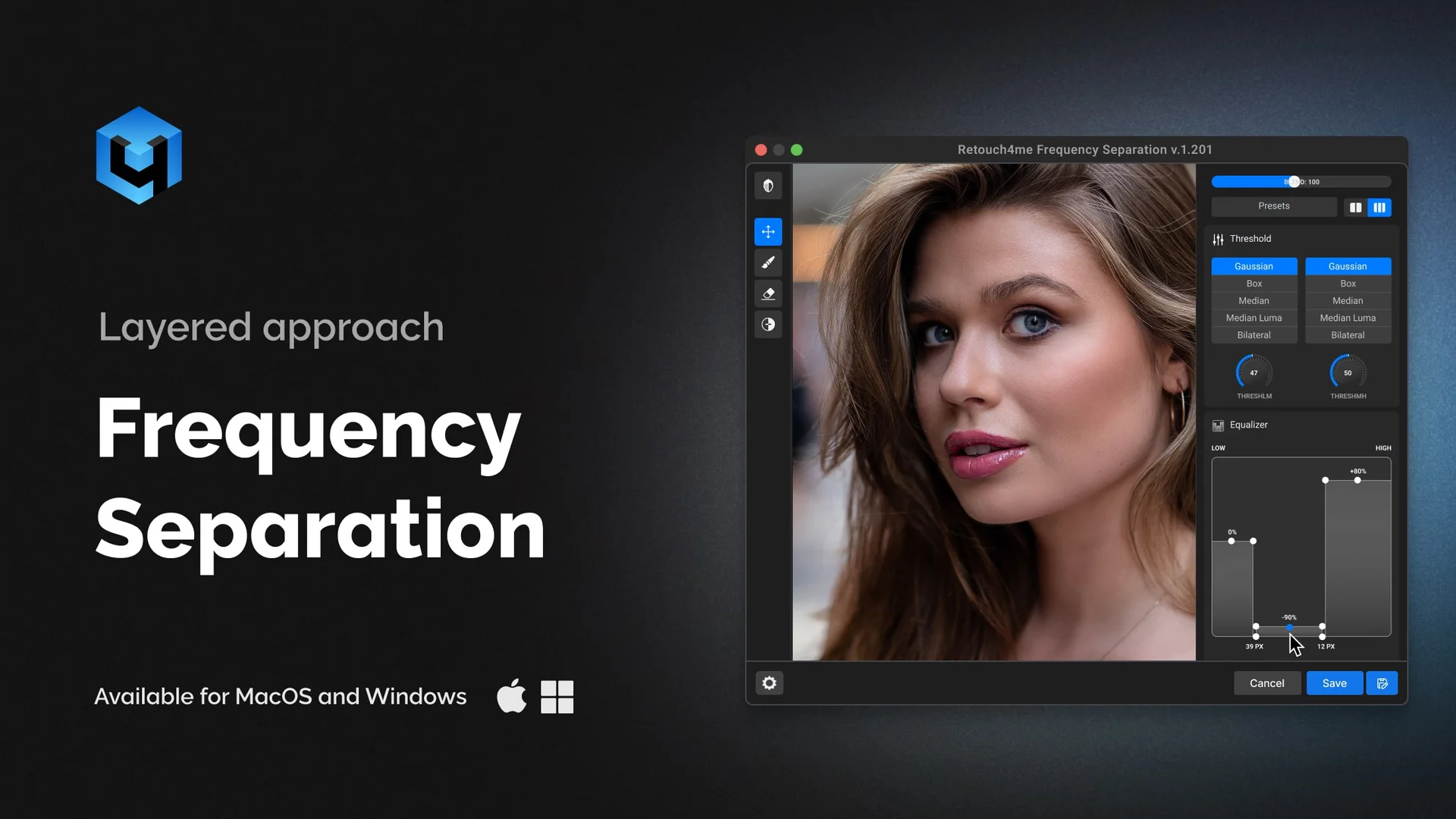
Advanced three-layer separation — High, Mid, and Low Frequency — giving you greater control over image details than the classic method.
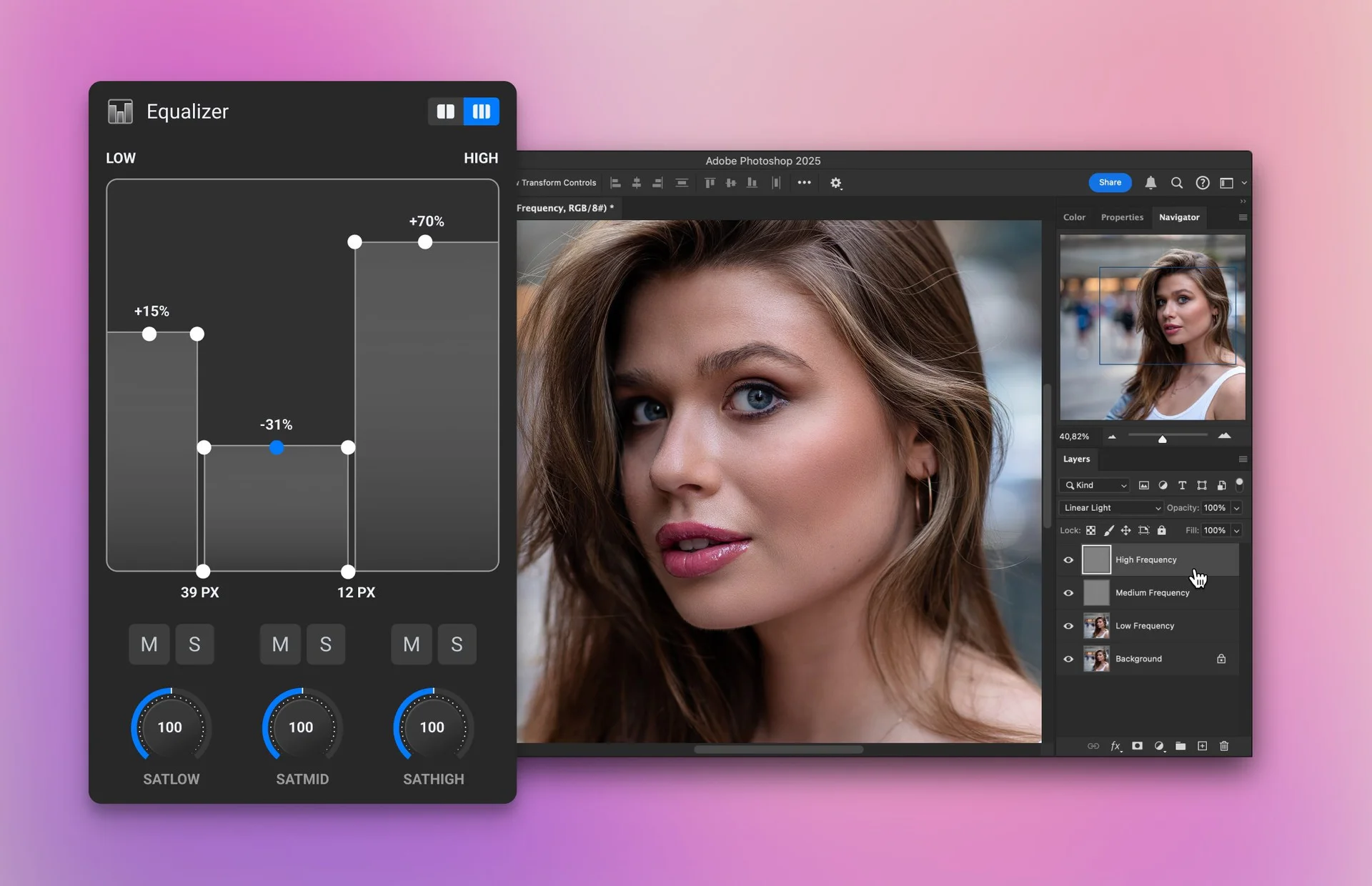
Low Frequency
This layer represents the color, light, and soft tonal transitions of the image. It’s ideal for evening out skin tone, correcting color shifts, or enhancing light & shadow without disturbing any surface details.
Medium Frequency
Layer holds mid-sized information, including wrinkles, blemishes, and transitions between skin tones and textures. It’s perfect for smoothing out uneven areas or removing distractions.
High Frequency
Contains the finest details of the image, such as skin texture, pores, fine lines, and hair. It allows you to enhance or clean up surface-level imperfections, helping to maintain a natural, realistic look.
How it works
Frequency Separation explained
Try now.
To make your photos look like never before
For Best Performance
System requirements
- • Windows 10 (x64), Windows 11
- • macOS 10.15+
- • at least 6 Gb RAM
- • 64-bit (x64) processor, 1.2 GHz or faster
- • PC: GPU with 4GB RAM or Intel CPU with OpenCL 1.1 support
- • MAC: 2015 or later, Intel, M1-M3 or newer CPU’s
FAQ