
Photos
Enlarge photos when the original resolution is not enough for publishing, printing, or further editing.

 BEFORE


Free Weekend · November 21–22: no limits on photos, no credits charged.
A free tool for enlarging photos and illustrations by 2× or 4×. Work in Photoshop or a standalone app and choose the right model for each image.
A Retouch4me account and activation are required.


Enlarge photos when the original resolution is not enough for publishing, printing, or further editing.
BEFORETry different models to find the result that fits the detail, sharpness, and softness of the image.

 BEFORE
Enlarge drawings, illustrations, and anime-style images with a dedicated model.

 BEFORE
for processing that emphasizes detail and texture

 BEFORE
for a softer result with less sharpening

 BEFORE
for everyday image enlargement

 BEFORE
for photos with noise and compression artifacts

 BEFORE
for drawings, illustrations, and anime-style images

 BEFORE
for relatively clean images that need minimal restoration

 BEFORE
for photos where restoring detail is the priority

 BEFORE
Mode 1
Enlarge the image by 2× or 4×. In Photoshop the result is placed on a new layer so you can keep working with the document.
Source
1024 × 1024

Result ×2
2048 × 2048

Mode 2
Process the image while keeping its final dimensions. This mode lets you try detail restoration without increasing the final resolution.
Source
1024 × 1024

Result
1024 × 1024

Use Free Upscaler as an Adobe Photoshop plugin or run it on its own. Processing happens locally on your computer, so photos do not need to be uploaded to the cloud.
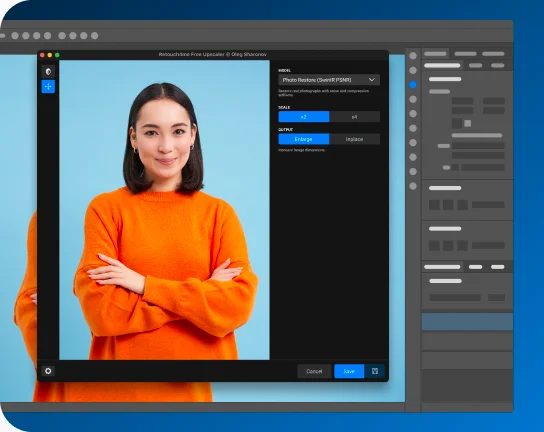
Retouch4me Free Upscaler brings together open-source models created by third-party research teams.
We integrated them into our own tool to make upscaling easier for Photoshop users and the standalone app.
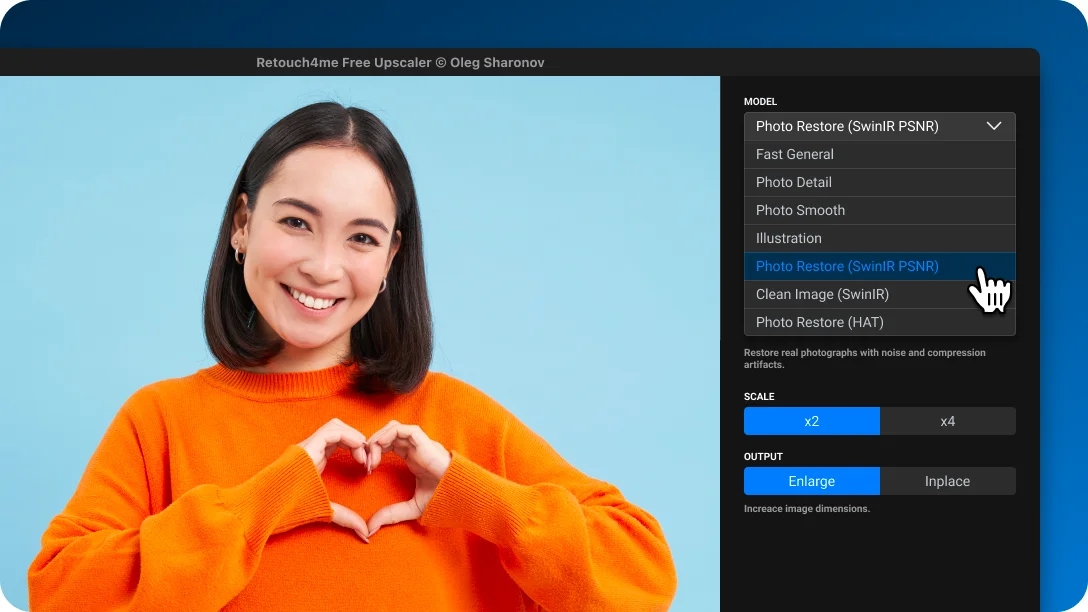
The models were not developed or trained by Retouch4me. The result depends on the selected model and the source image.

Enlarge photos and illustrations by 2× or 4×, choose the right models, and process images locally on your computer.
A Retouch4me account and activation are required.